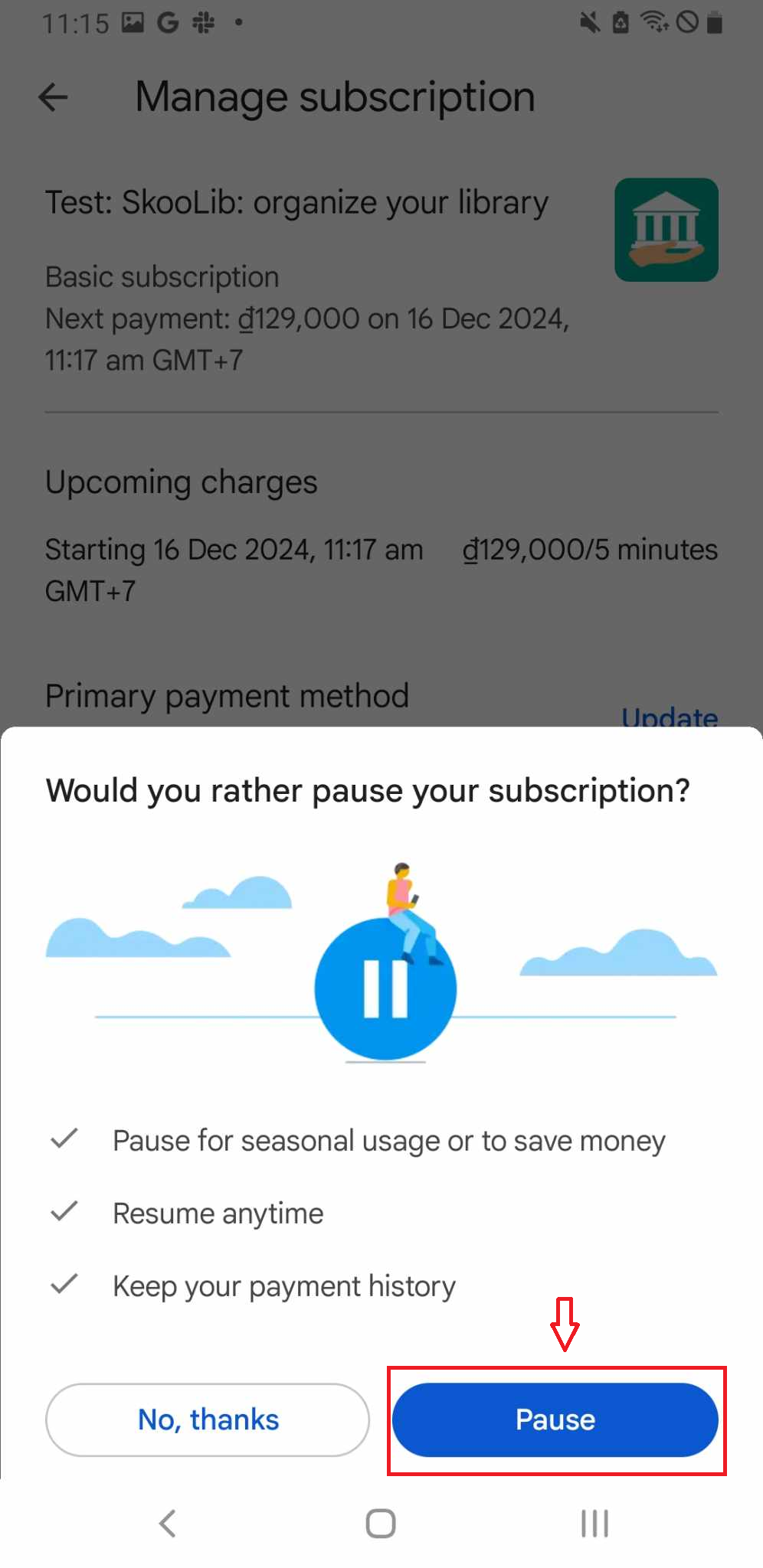
Pause subcription
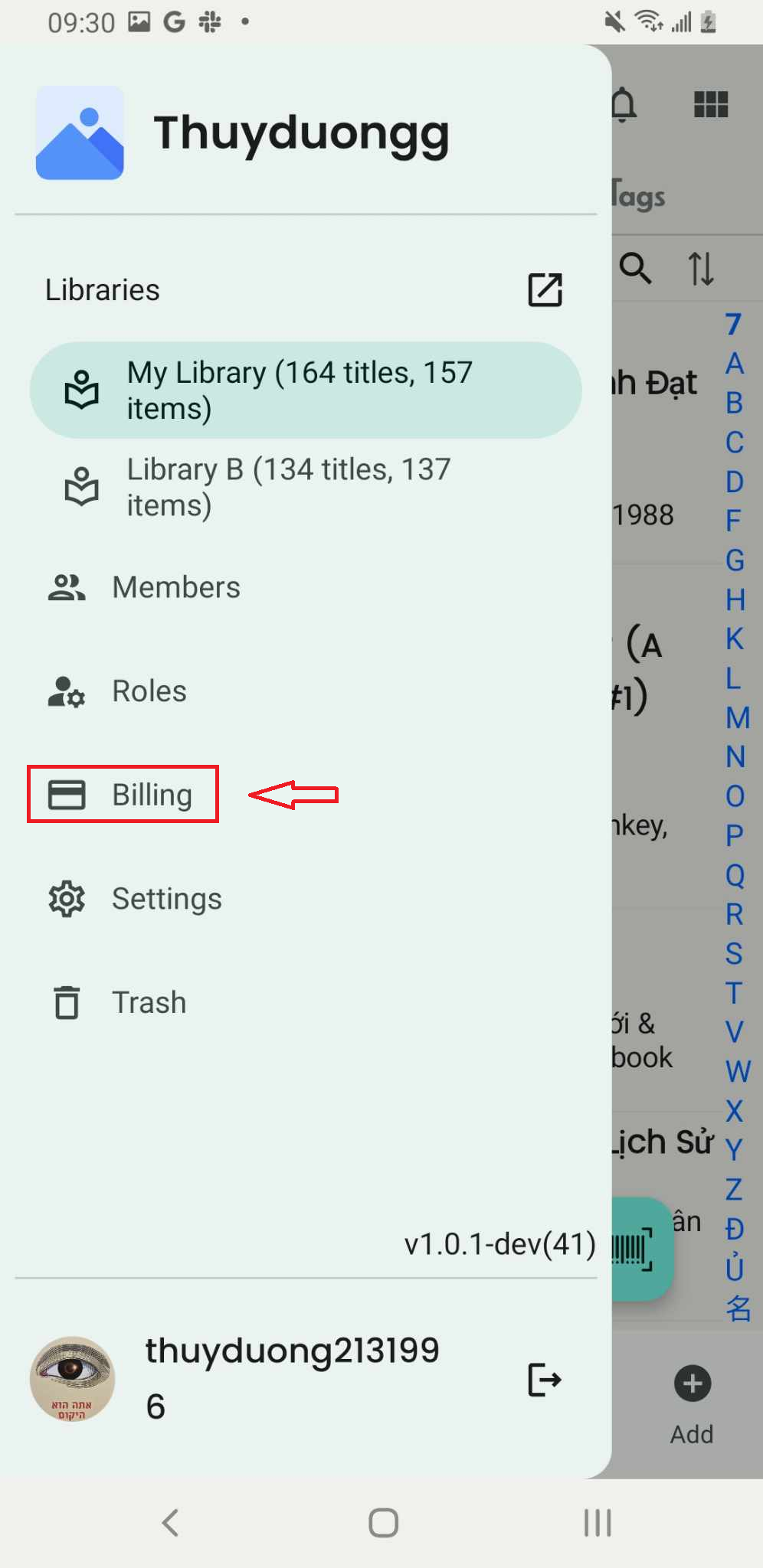
Step 1: Press “Billing” in the side menu
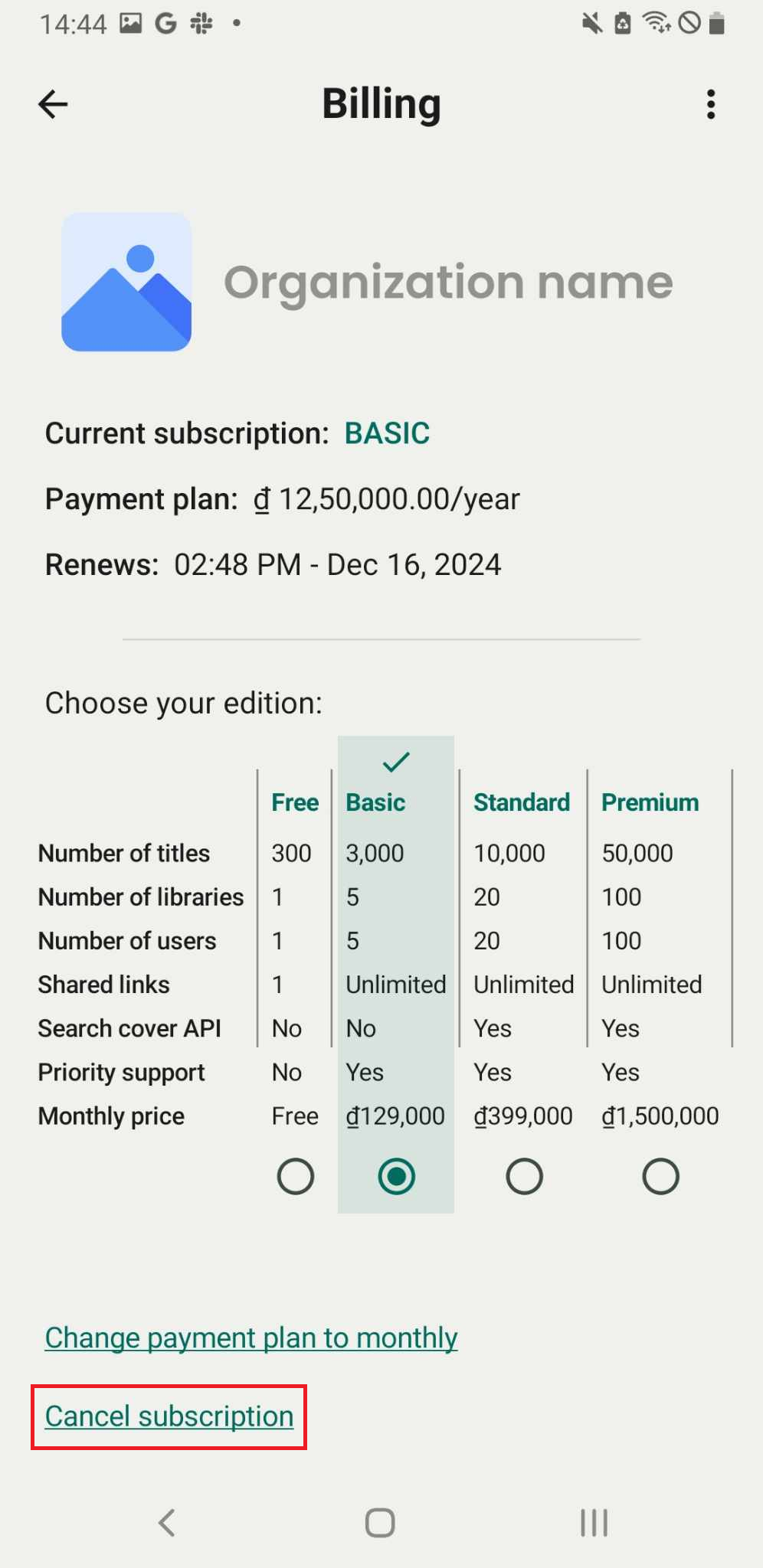
Step 2: Press “Cancel subscription”
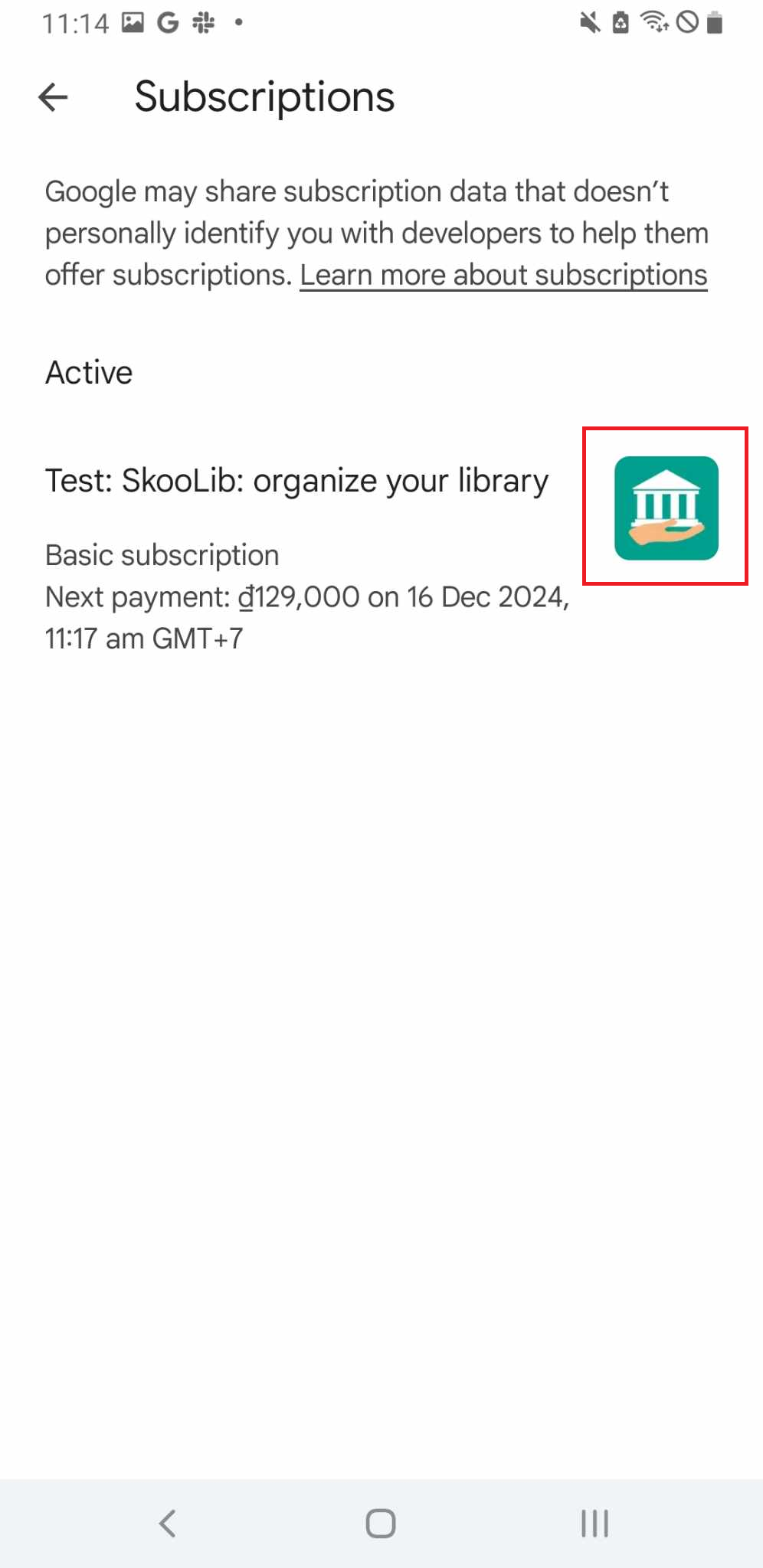
Step 3: Press the icon of Skoolib
Step 4: Set pause length
- Ater 1 month (5 minutes - Test)
- After 2 months (10 minutes - Test)
- After 3 months (15 minutes - Test)