
Remover a member
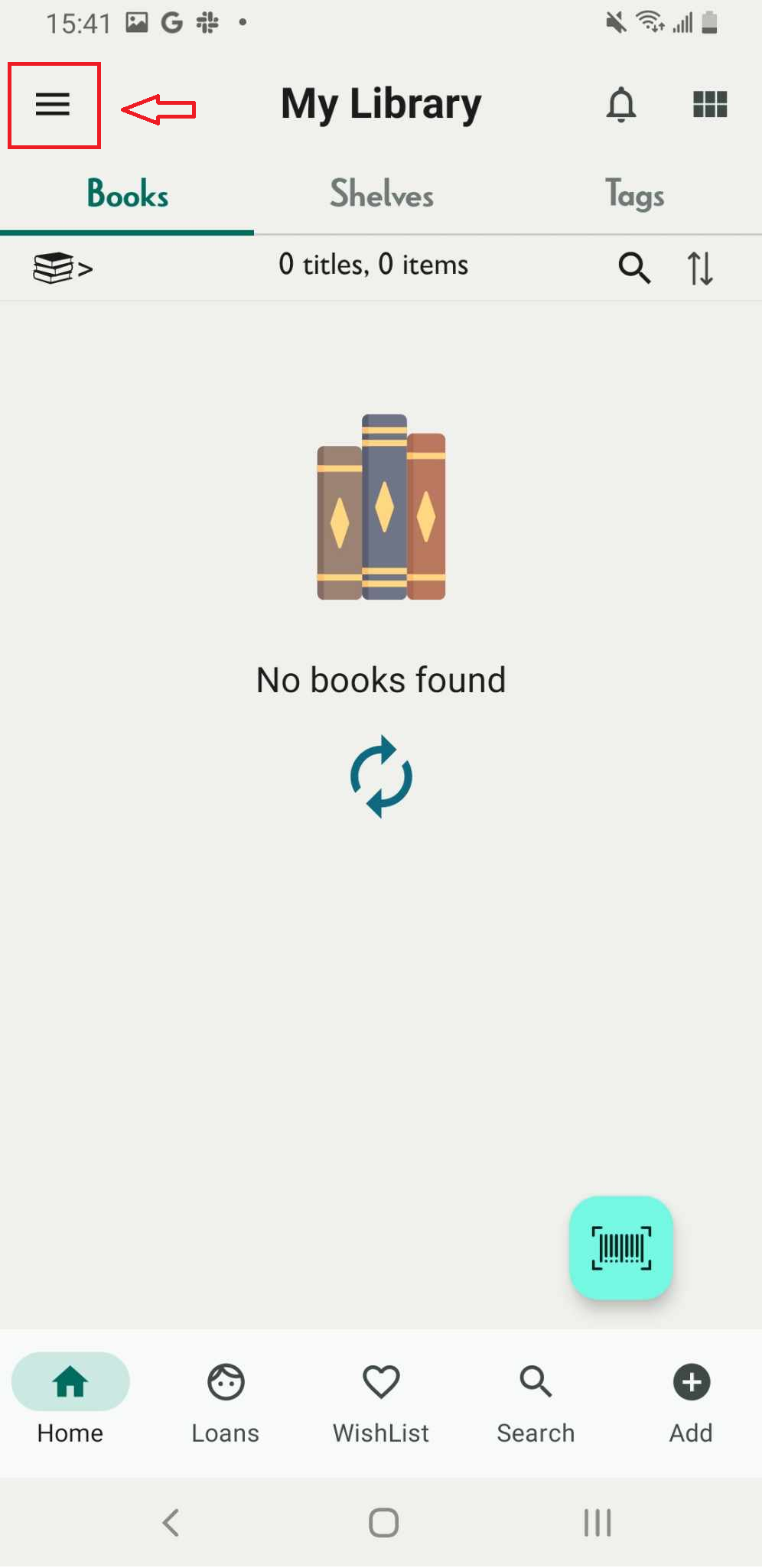
Step 1: Tap on the three-line icon
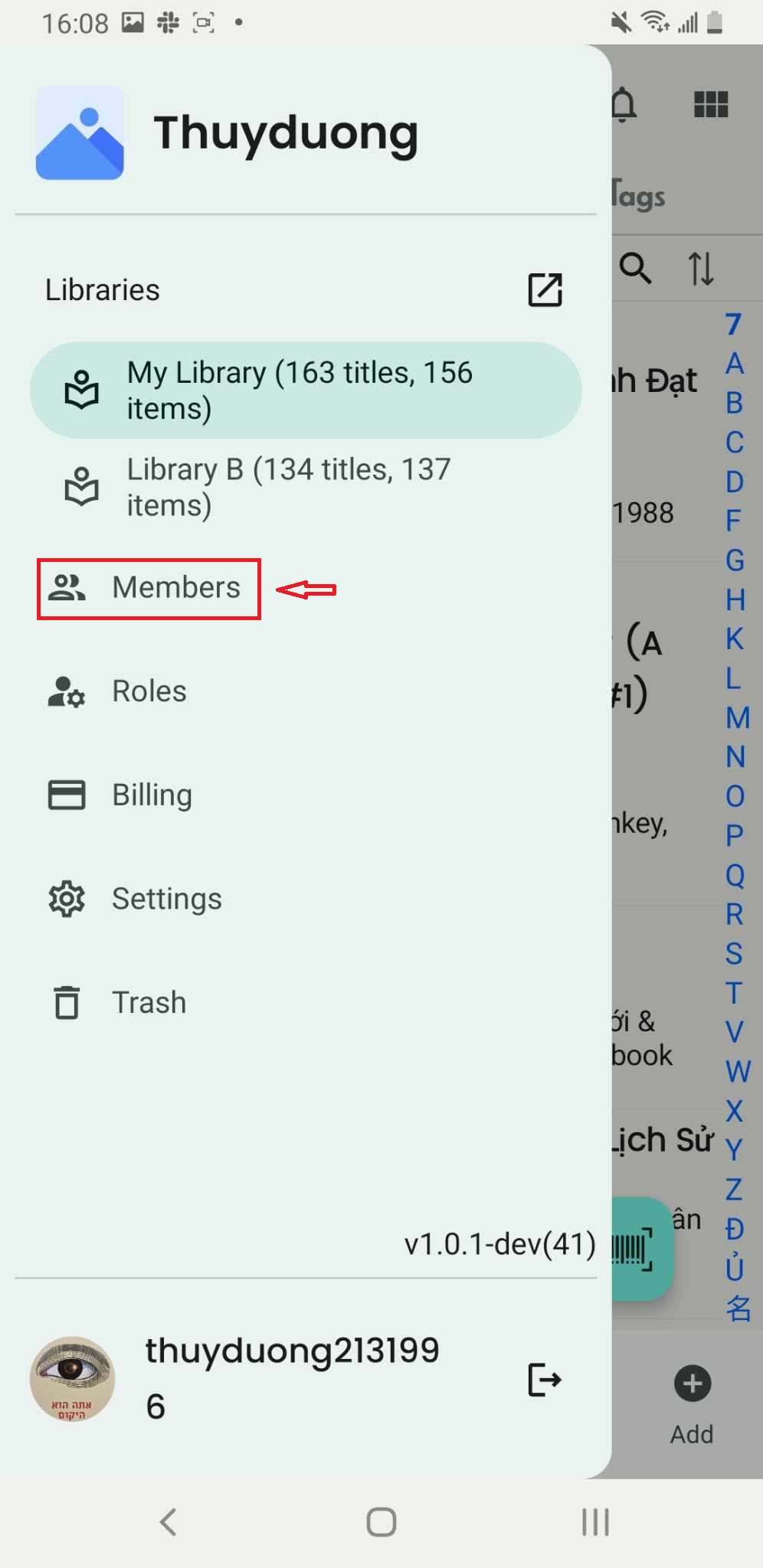
Step 2: Access Members
Step 3: The list of members in the library is displayed on the screen.
Step 4: The member’s profile appears on the screen. Tap the three-dot icon.
- Remove user
- Remove
Chat with Skoolib
Answers come from the Help Center guides.