Generate a new image
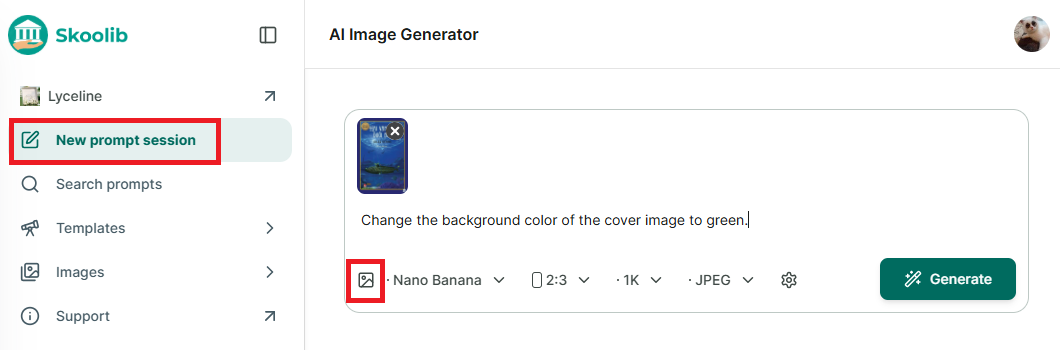
Step 1: Go to “Image Generator” → in the new window, upload the cover image and enter the content you want to edit.
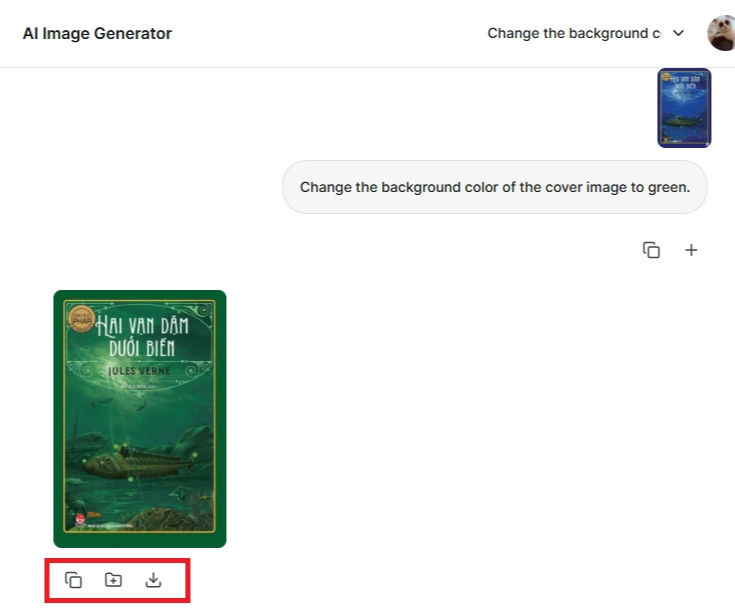
Step 2: The new cover image will appear, with three options: Copy image, Add to collection, and Download.
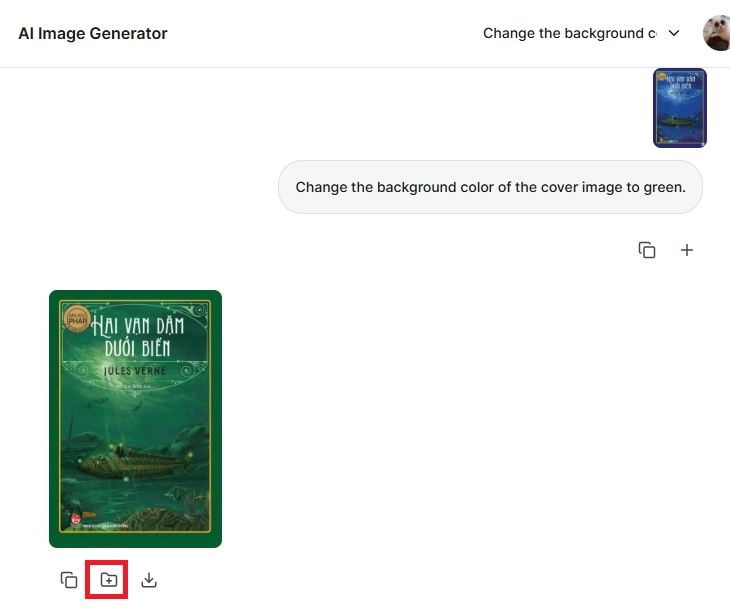
Step 3: Select “Add to collection.” If you don’t have a collection yet, choose “New collection.”
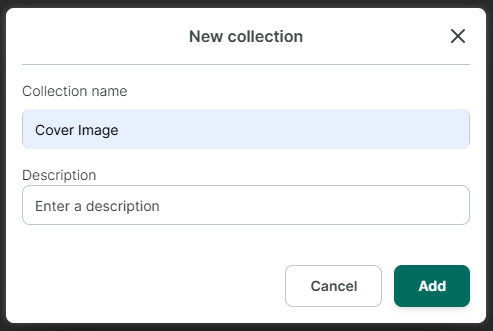
Step 4: Enter the collection name and description → Add.
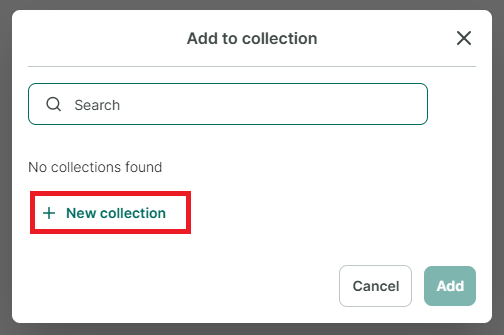
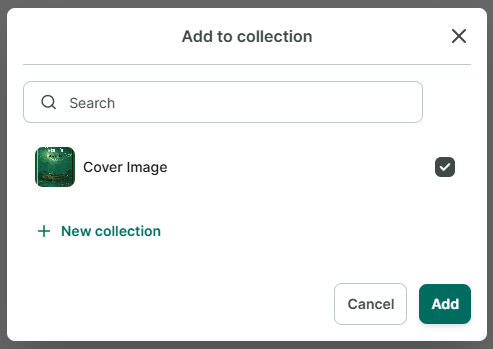
Step 5: After the collection is created, select it and add the image to the collection.
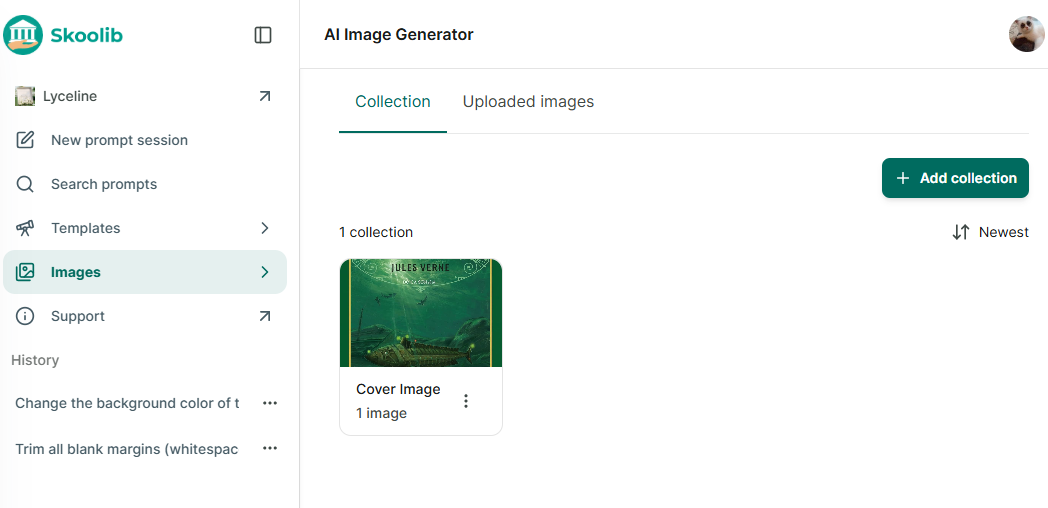
Step 6: Once added, the image will appear in the Images section.
Step 7: Click on a collection to view its images.
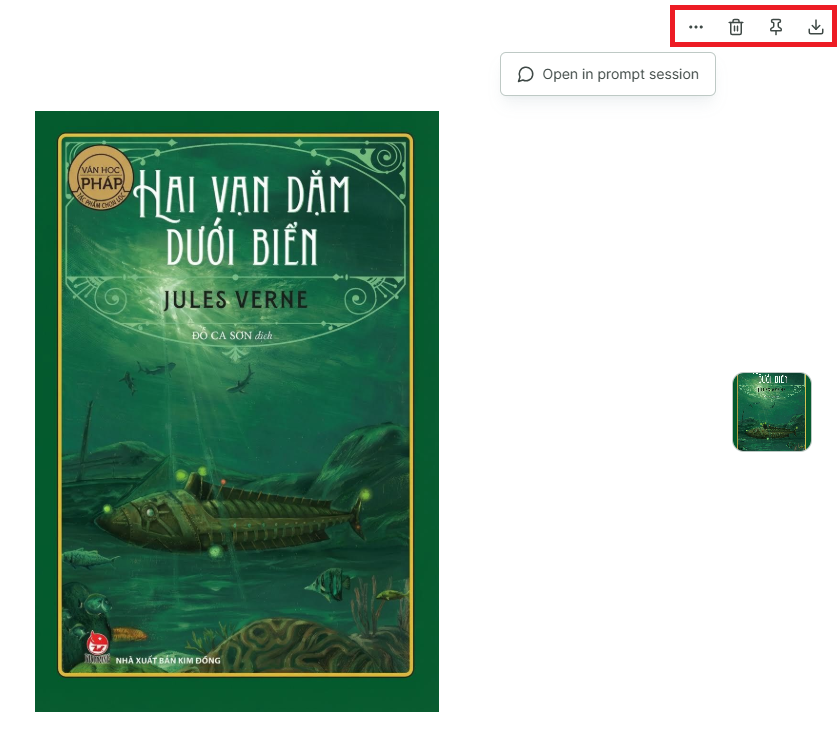
Step 8: Click on an image to see more options:
- Tap the three-dot button → Open in chat
- Tap the trash icon → Delete
- Tap the pin icon → Pin image
- Download the image