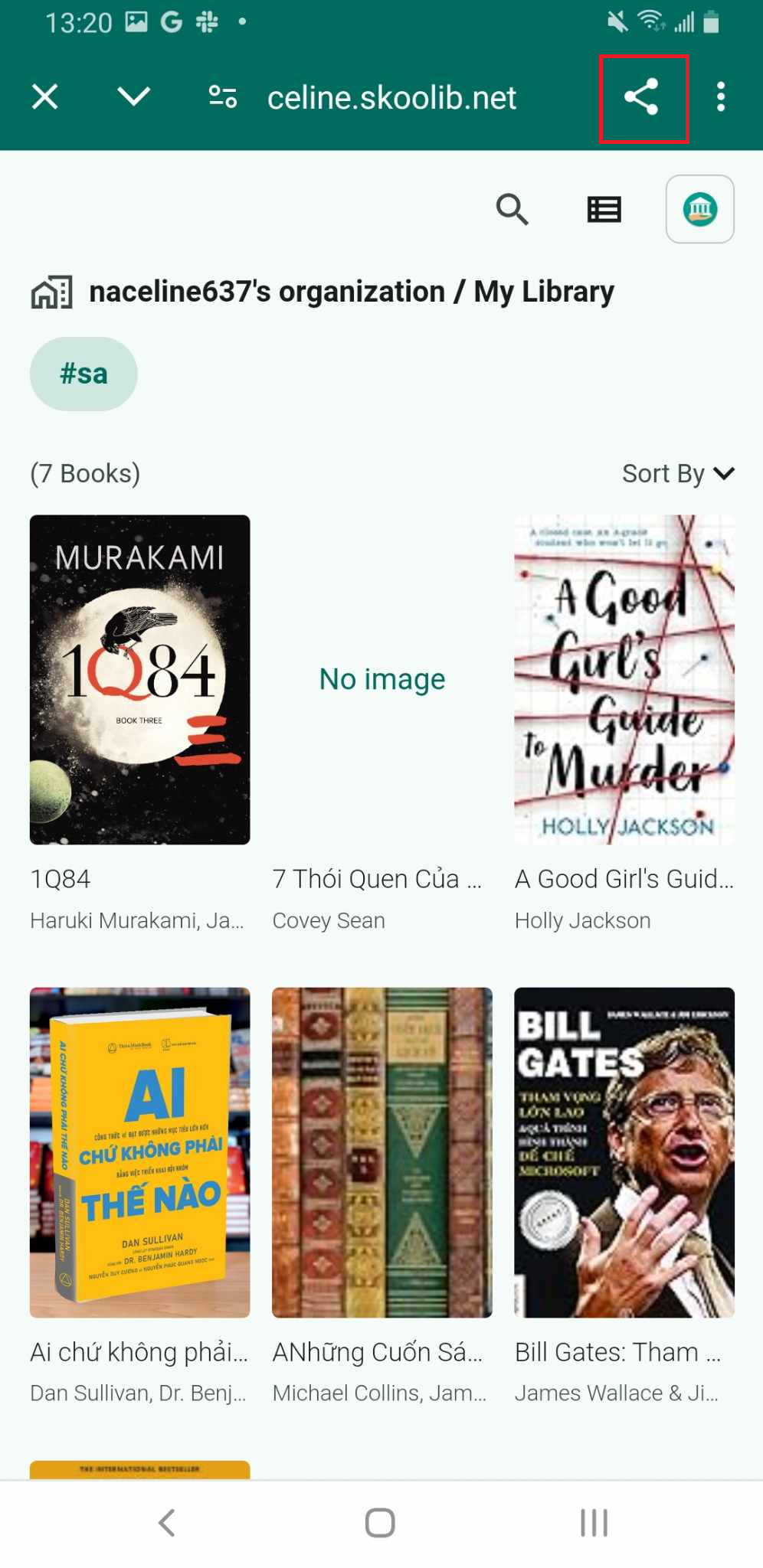
Share a tag link
Step 1: Select the Library contains the tg name you want to share.
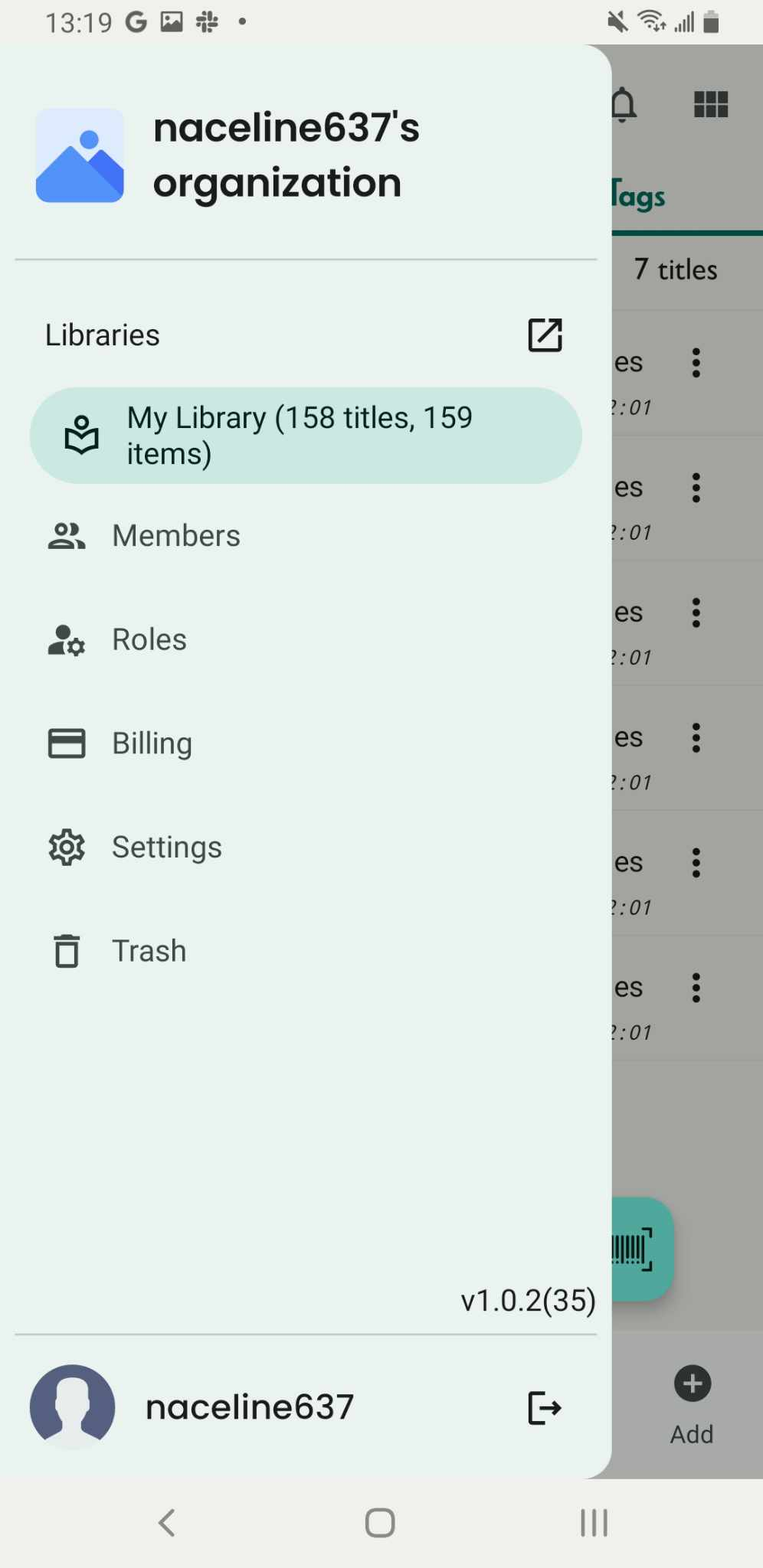
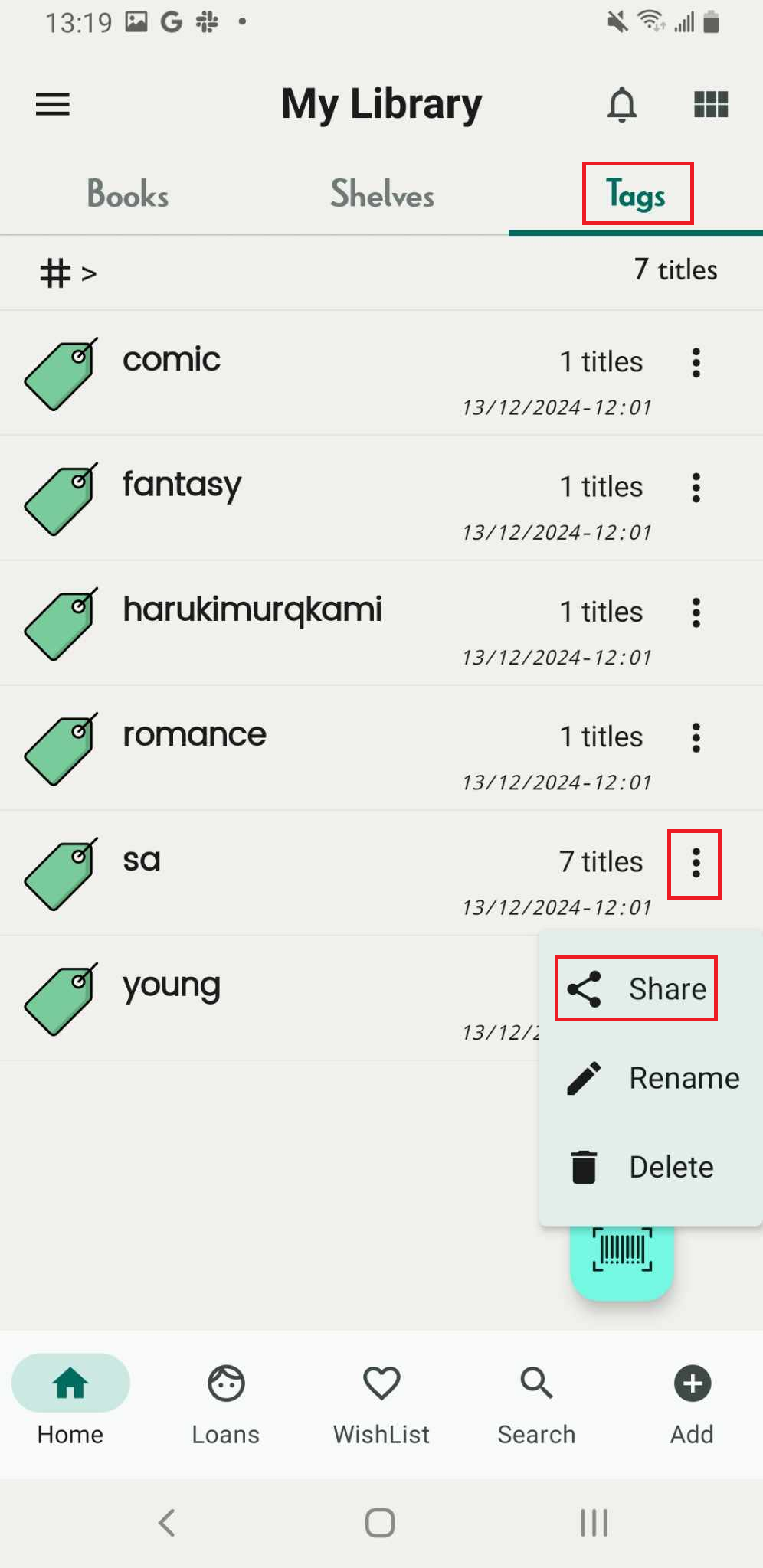
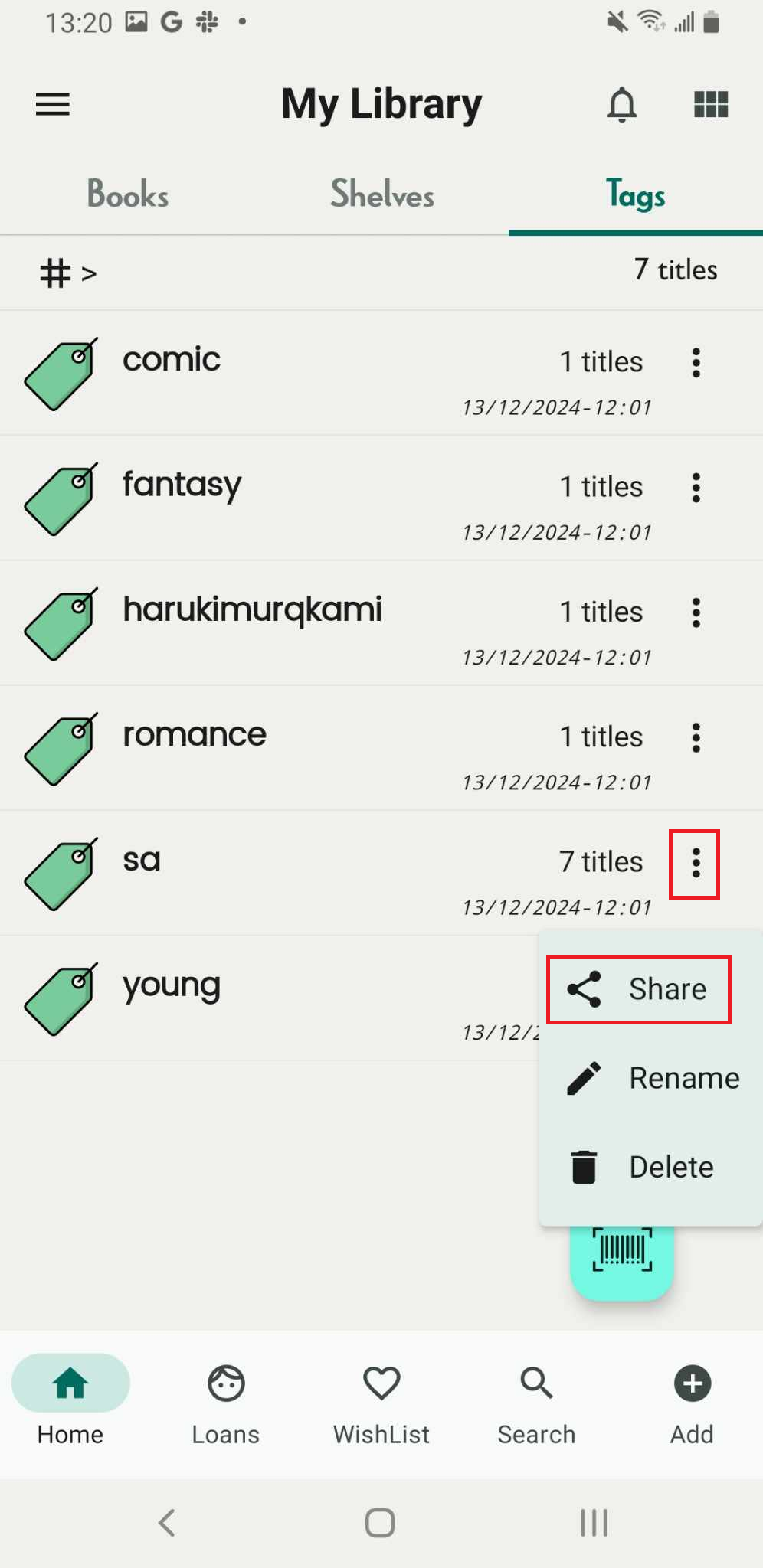
Step 2: Access the Tags Tab and all tag are shown up. Access the three-dot icon beside the name of the tag.
There are 3 options
- Share
- Rename
- Delete
Tap on “Share”
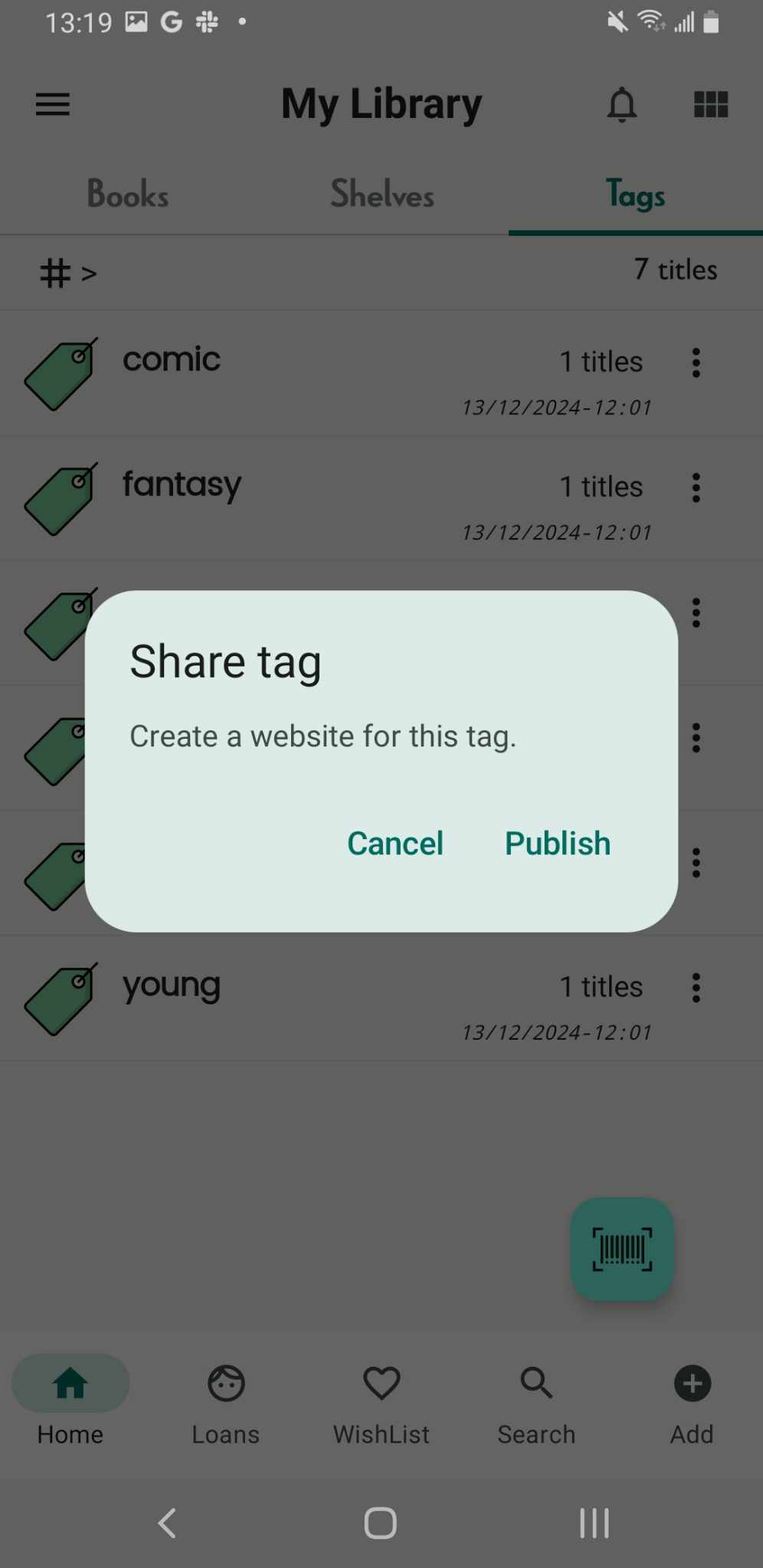
Step 3: Publish to web: Create website for this tag
- Cancel
- Publish
Tap on “publish”
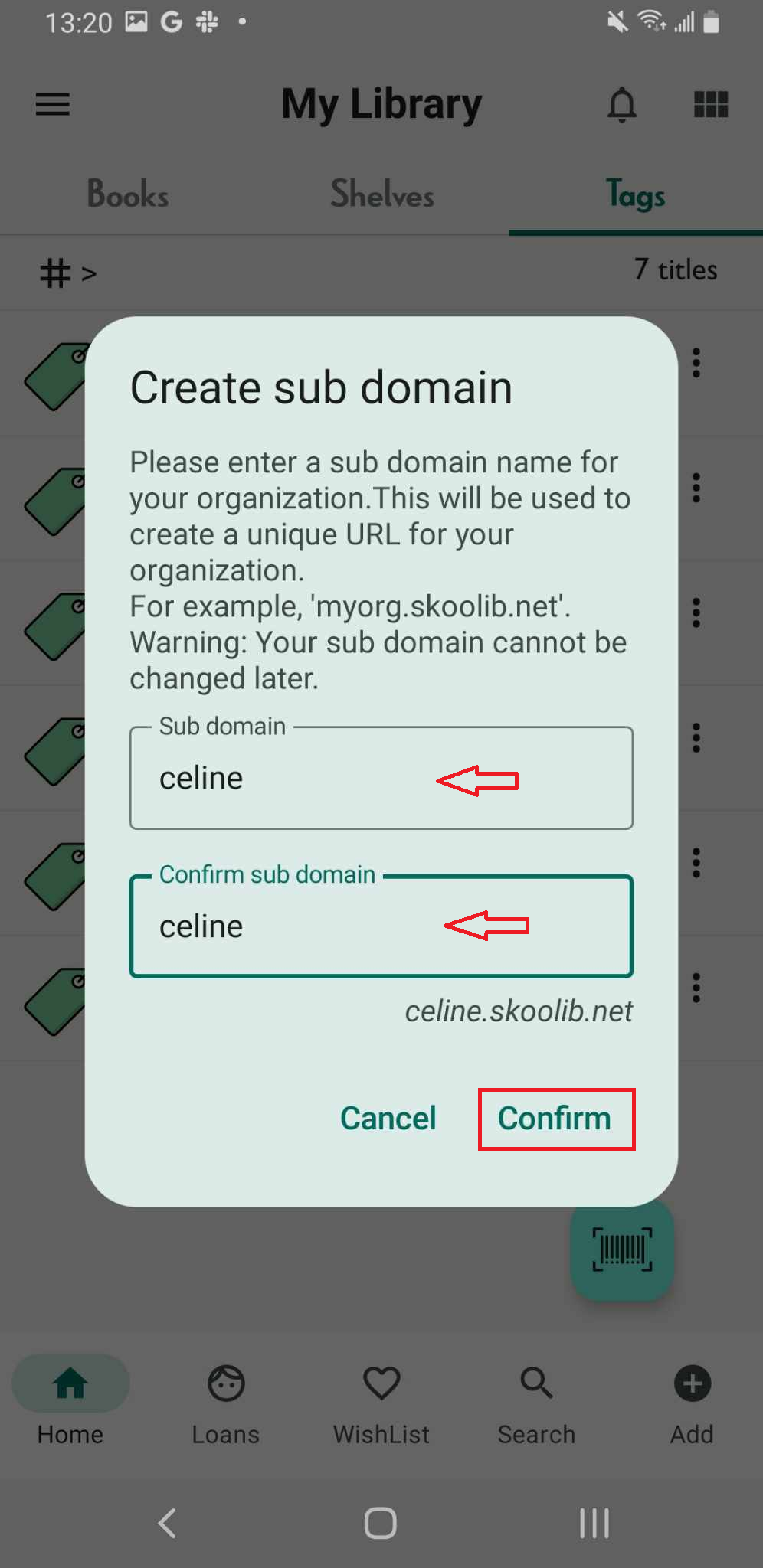
Step 4: Create sub domain for the organization with .skoolib.org. Enter the sub domain name
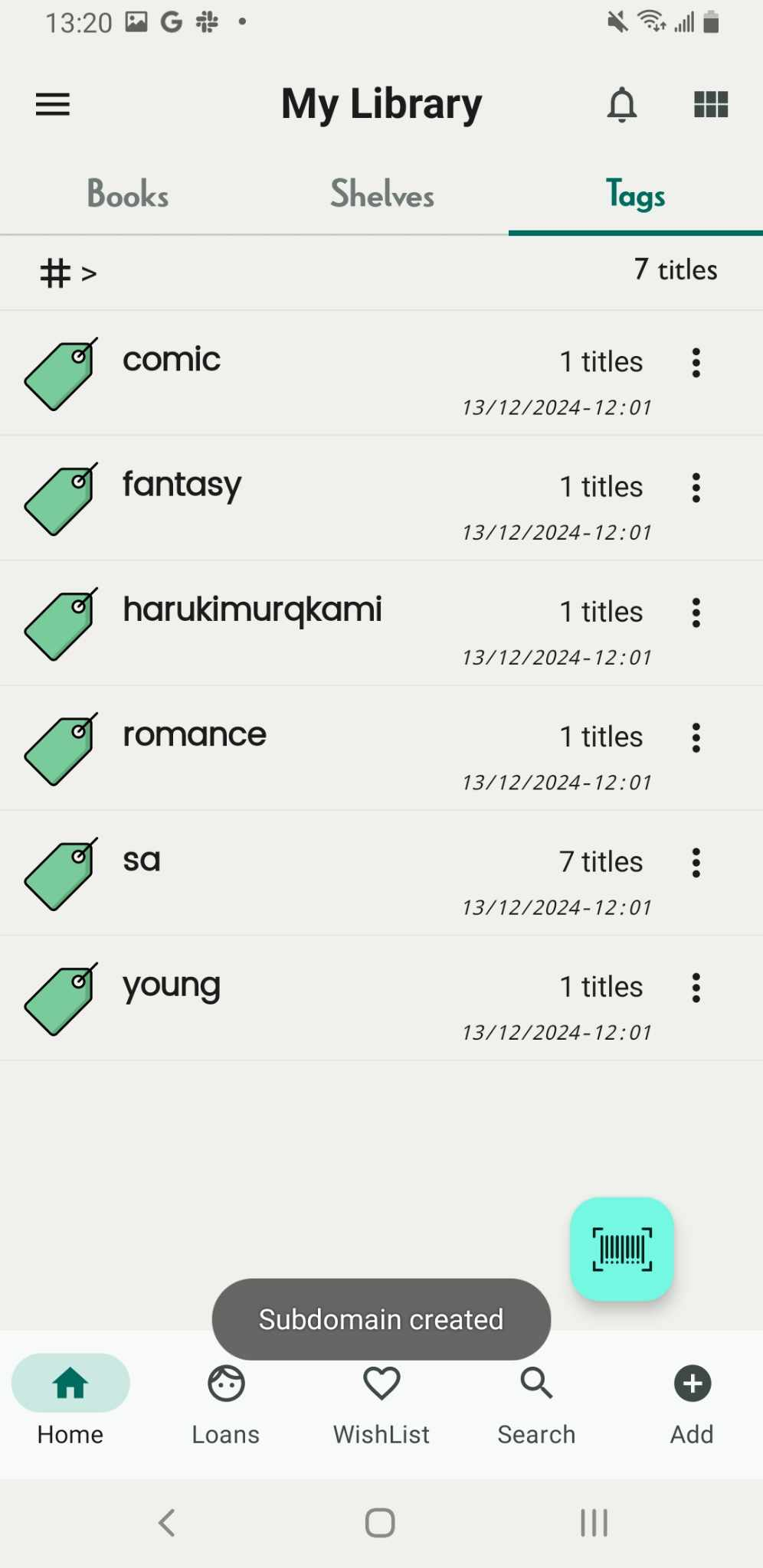
Then press “Confirm”. It shows the message “Subdomain created”
Step 5: Tap on tags tab again. Tap on the three-line icon beside the name of the tag
There are 3 options
- Share
- Rename
- Delete
Tap on “Share”, It shows the link of book with tag you choose
Step 6: Tap on the share icon. User can share link with others