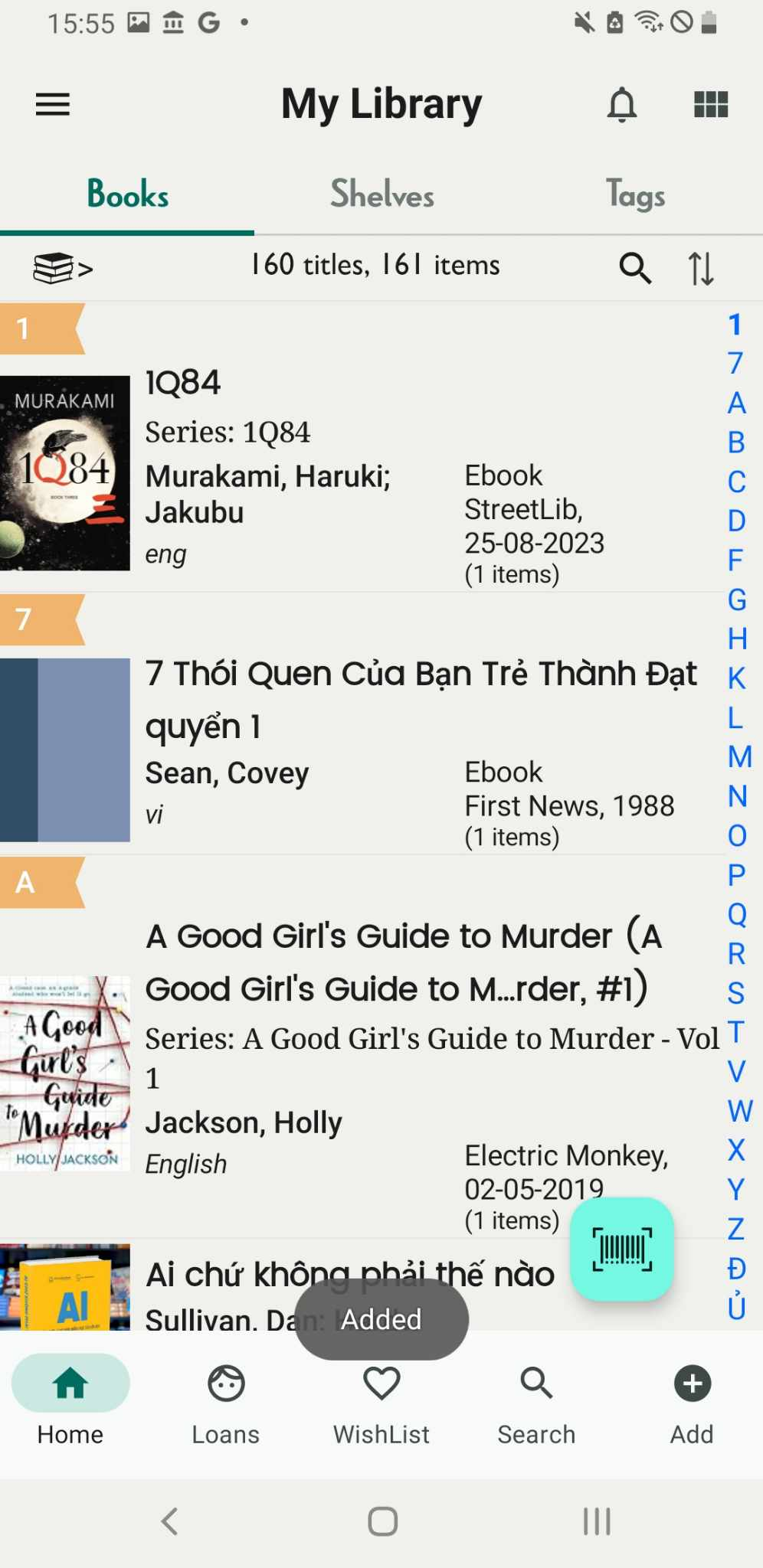
Add book by manual
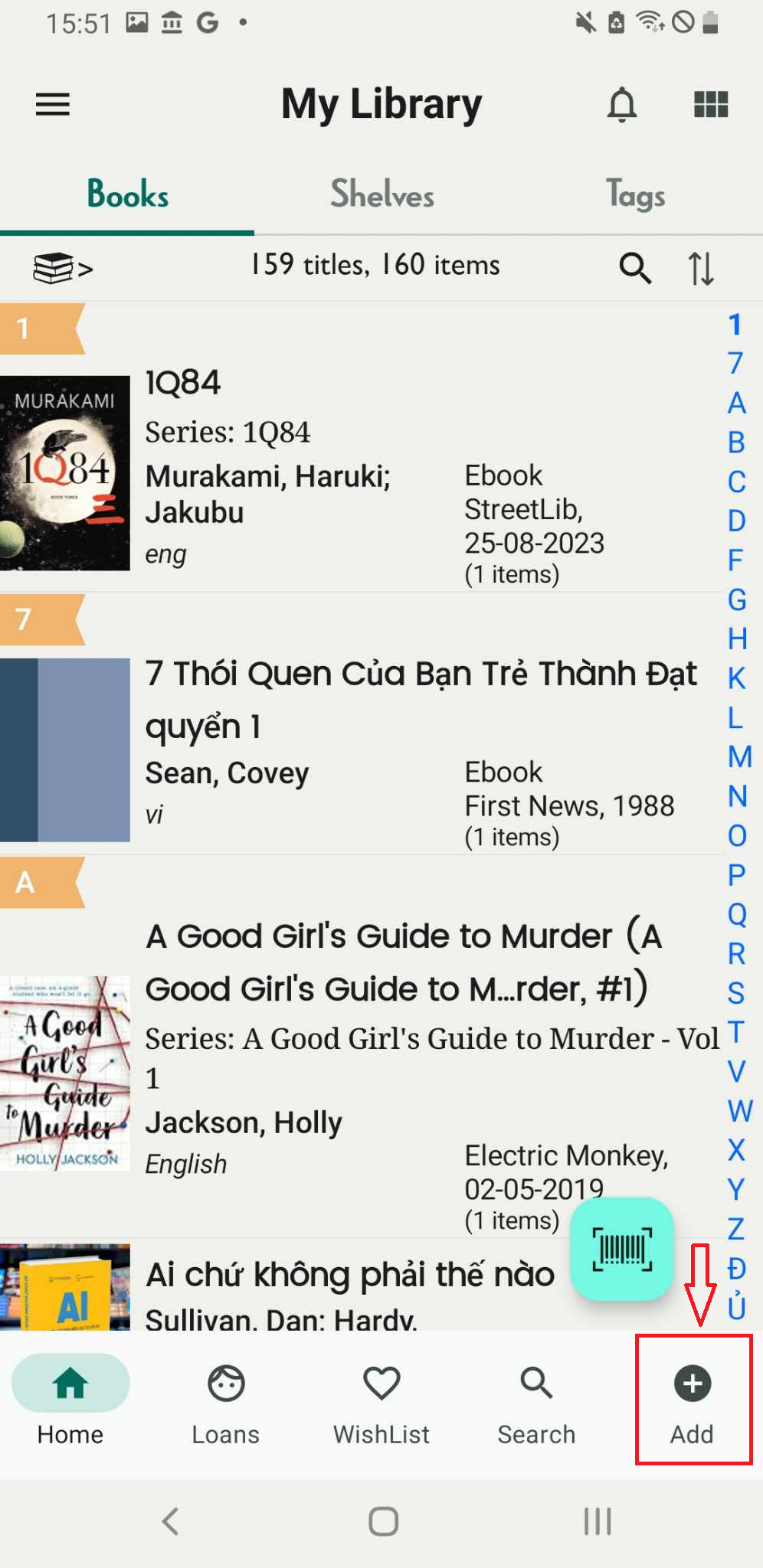
Step 1: Click on the “Add” button, represented by the plus icon.
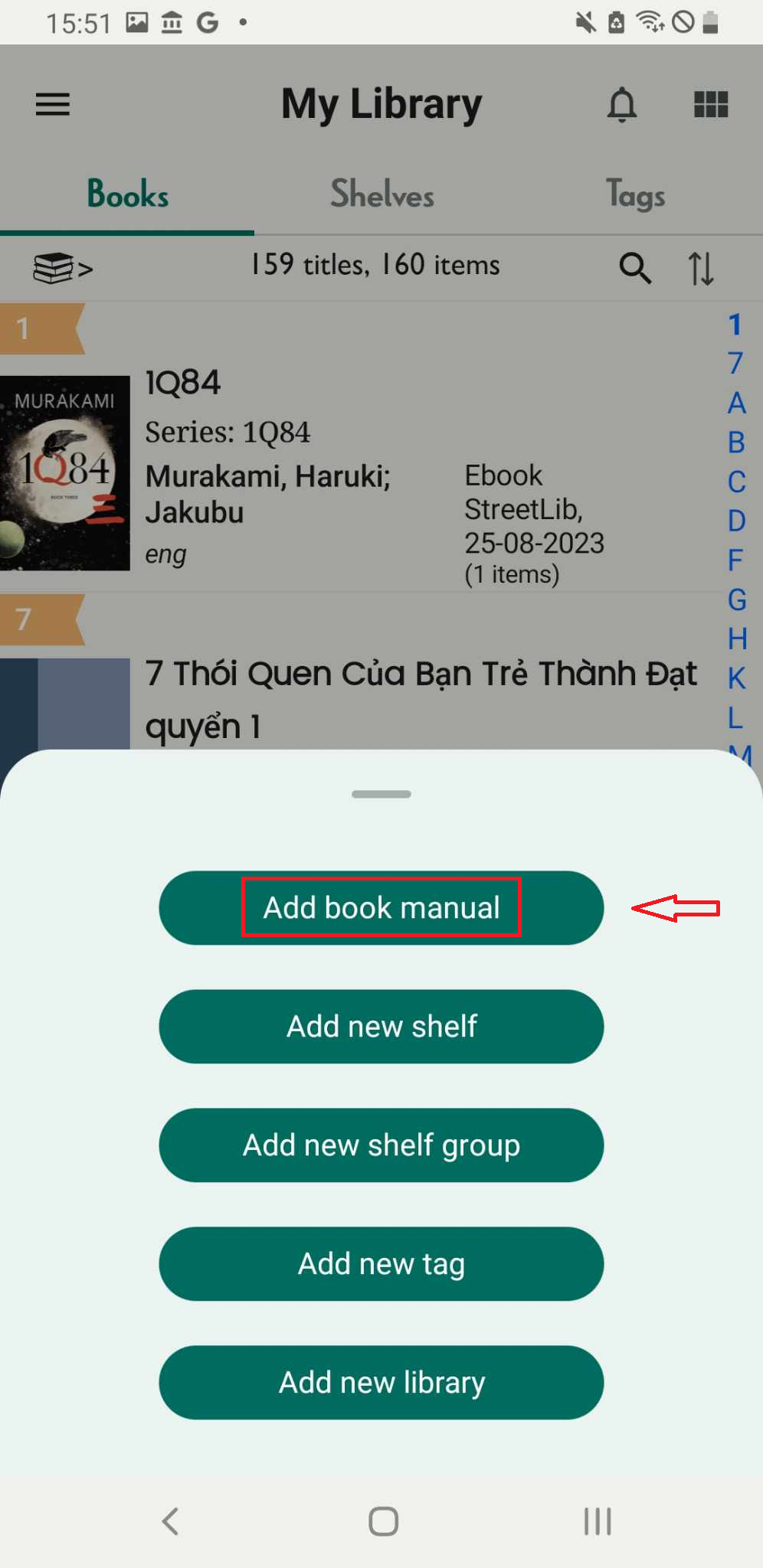
Step 2: Press “Add book manually.
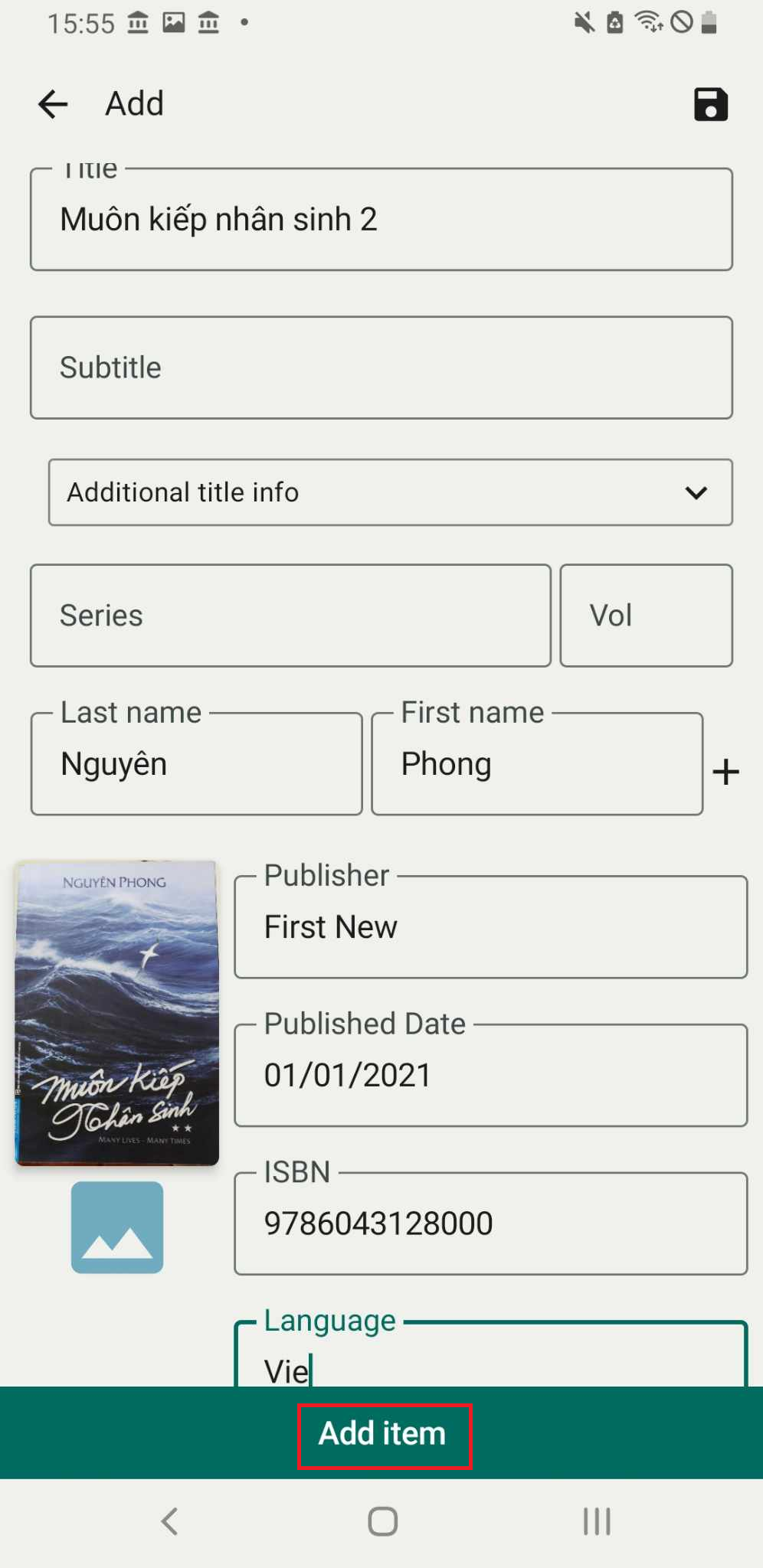
Step 3: Enter the book’s information, then press “Add Item.”
Step 4: Enter quantity and Select shelf
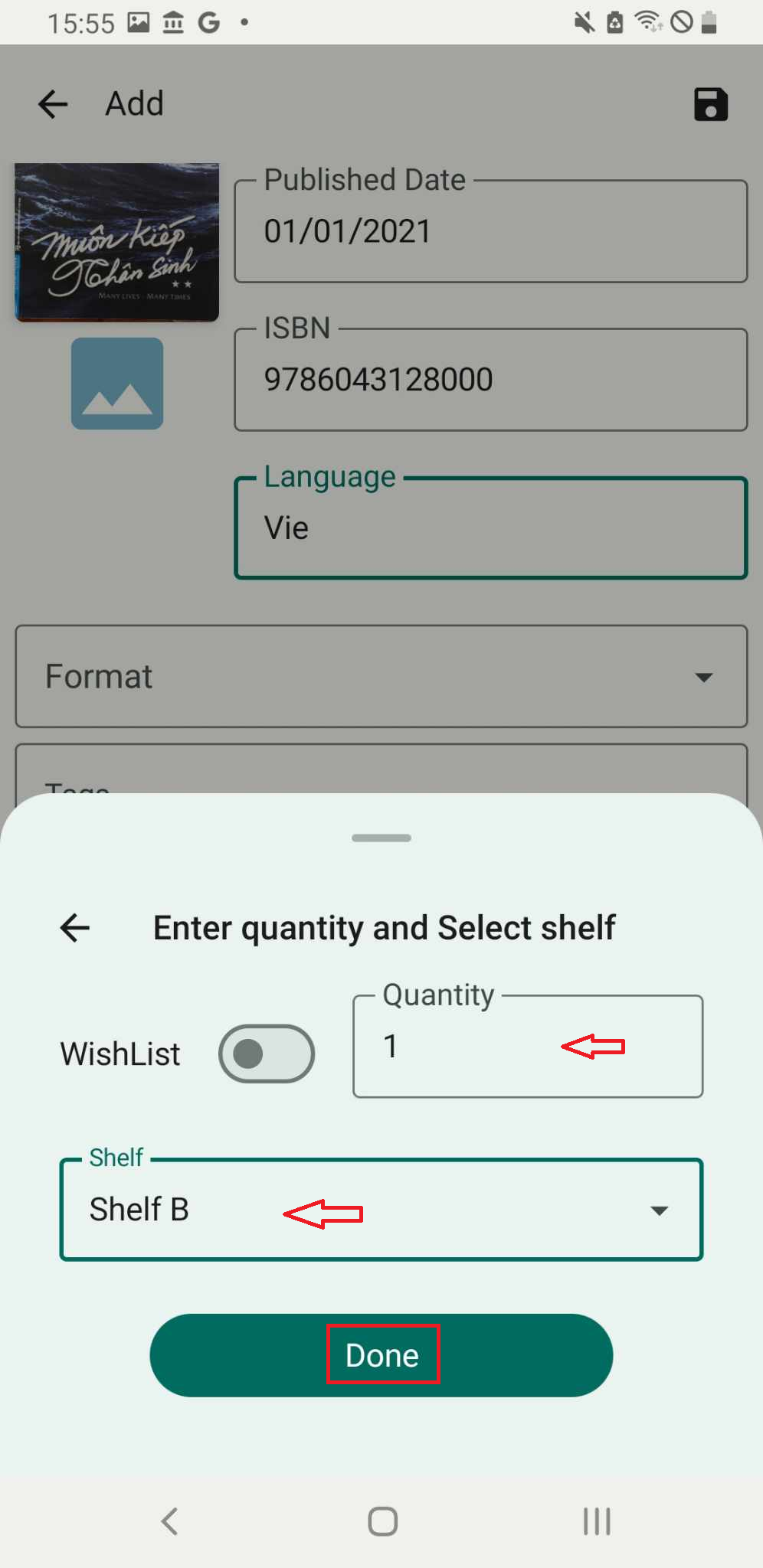
Step 5: Press “Done.” The screen will show “Added.” If the item does not appear on the shelf, please reload.