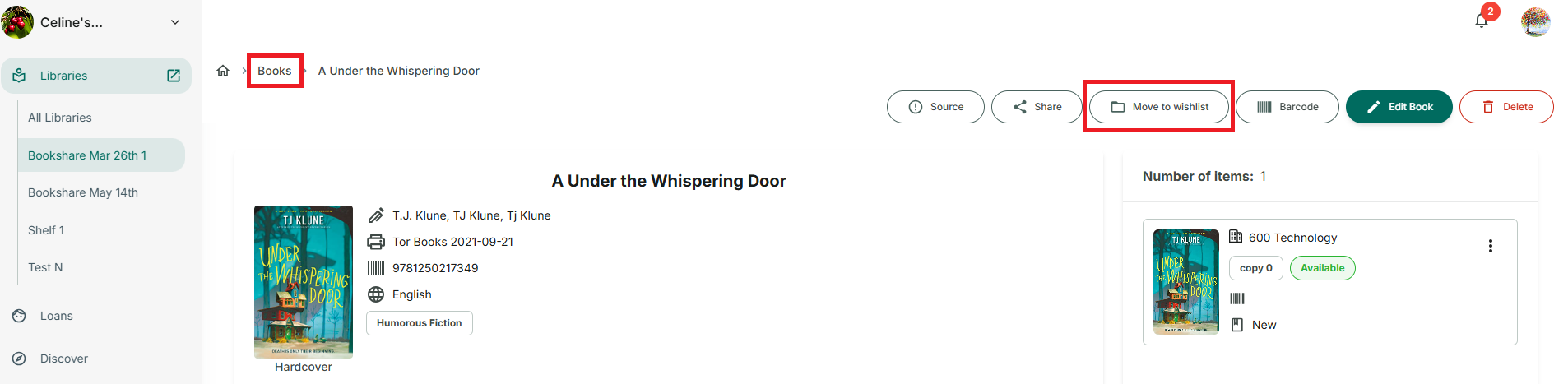
Move title from library to wishlist and vice versa.
Step 1: Access Books tab and tap on a book you want to move to Wishlist
Step 2: Tap on “Move to wishlist” button
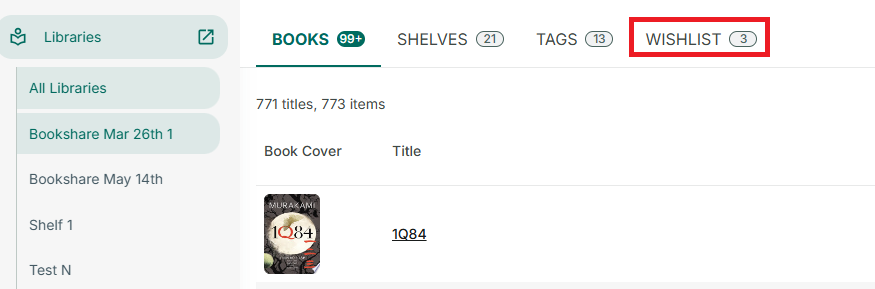
- Vice versa:
Step 3: Select a library and go to “Wishlist”
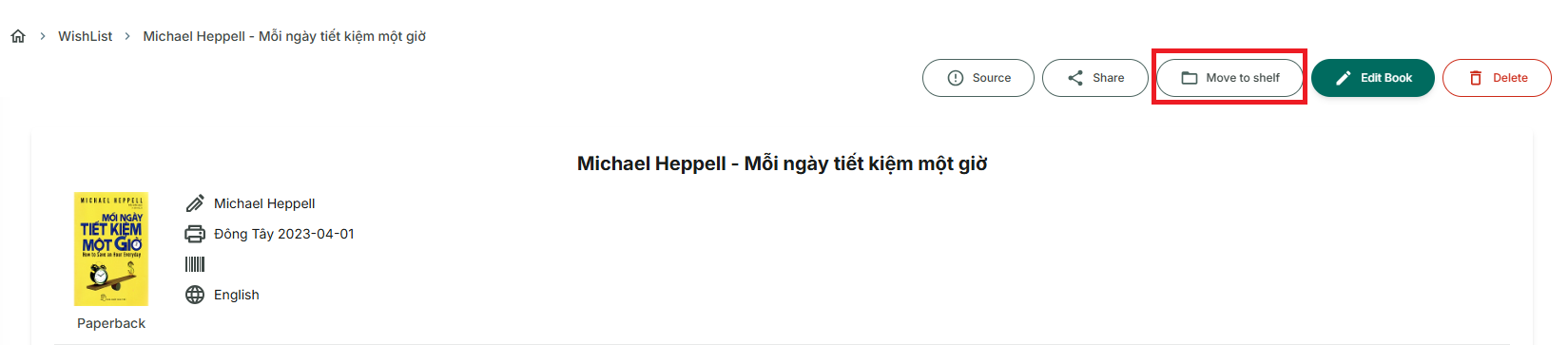
Step 4: Select a title and tap on “move to shelf” button
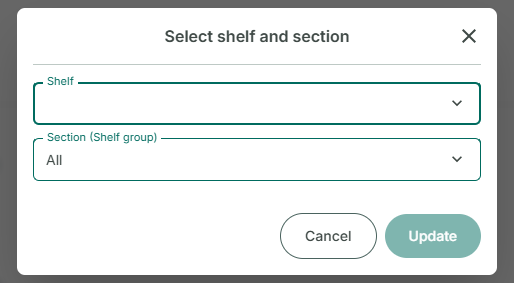
Step 5: Select shelf and section and press “Update”