
Add book by Z39.50
Step 1: Select the library where you want to add books. (If you are a new user, the list will be empty)
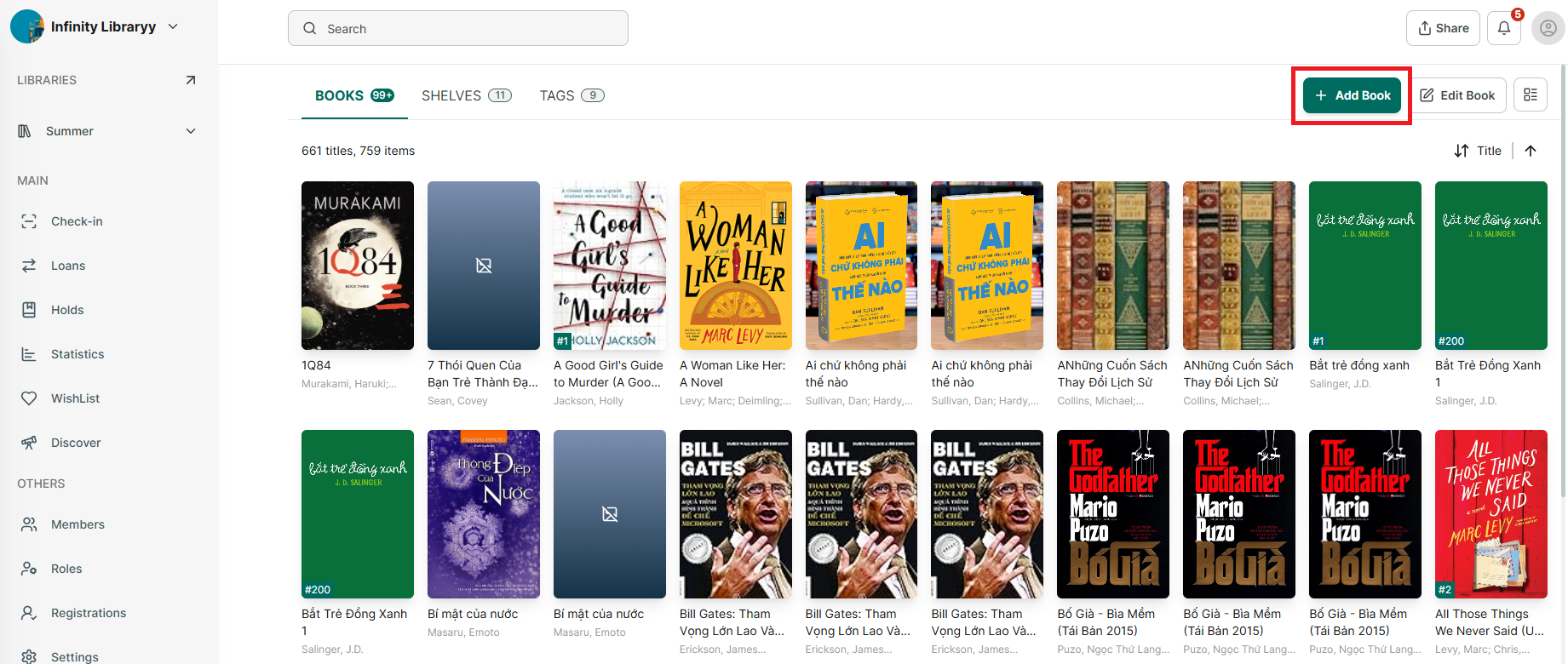
Step 2: Tap the “+ Add book” button at the top right corner of the screen
Step 3: Select “Z39.50”
Step 4: Choose the library source you want to search from
- Select **AND**: search by _title + author + ISBN_- Select **OR**: search by _title or author or ISBN_