Search feature
Search Online
Step 1: Access the Search Online icon
Step 2: The screen displays the search bar. Enter the title, ISBN, or author of the book you want to search for.
Step 3: The screen displays a list of titles related to the book title entered.
Step 4: Open the book details to review its information, source, and sharing options.
Tap “ADD” to include the book in your library.
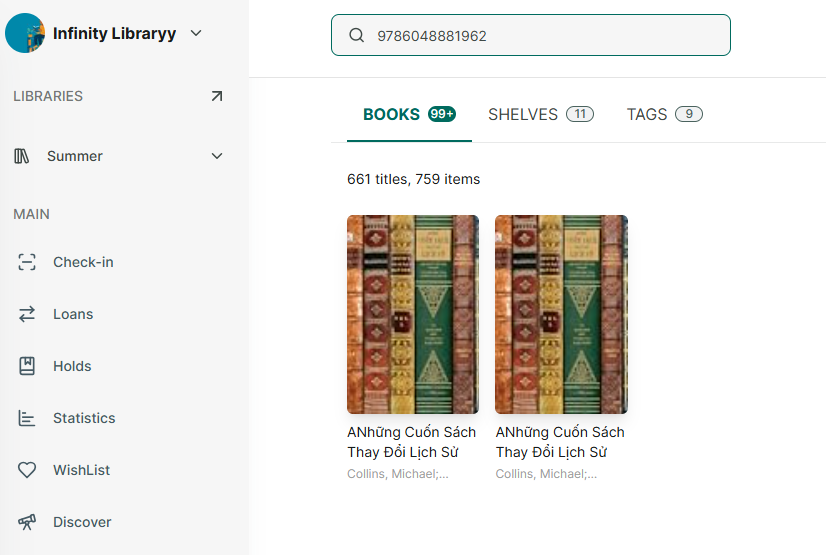
Search for existing book
Step 5: Open the app and tap on the library where you want to search for a book.
Step 6: Tap on Search field
Step 7: Enter the name of title or author or ISBN to search
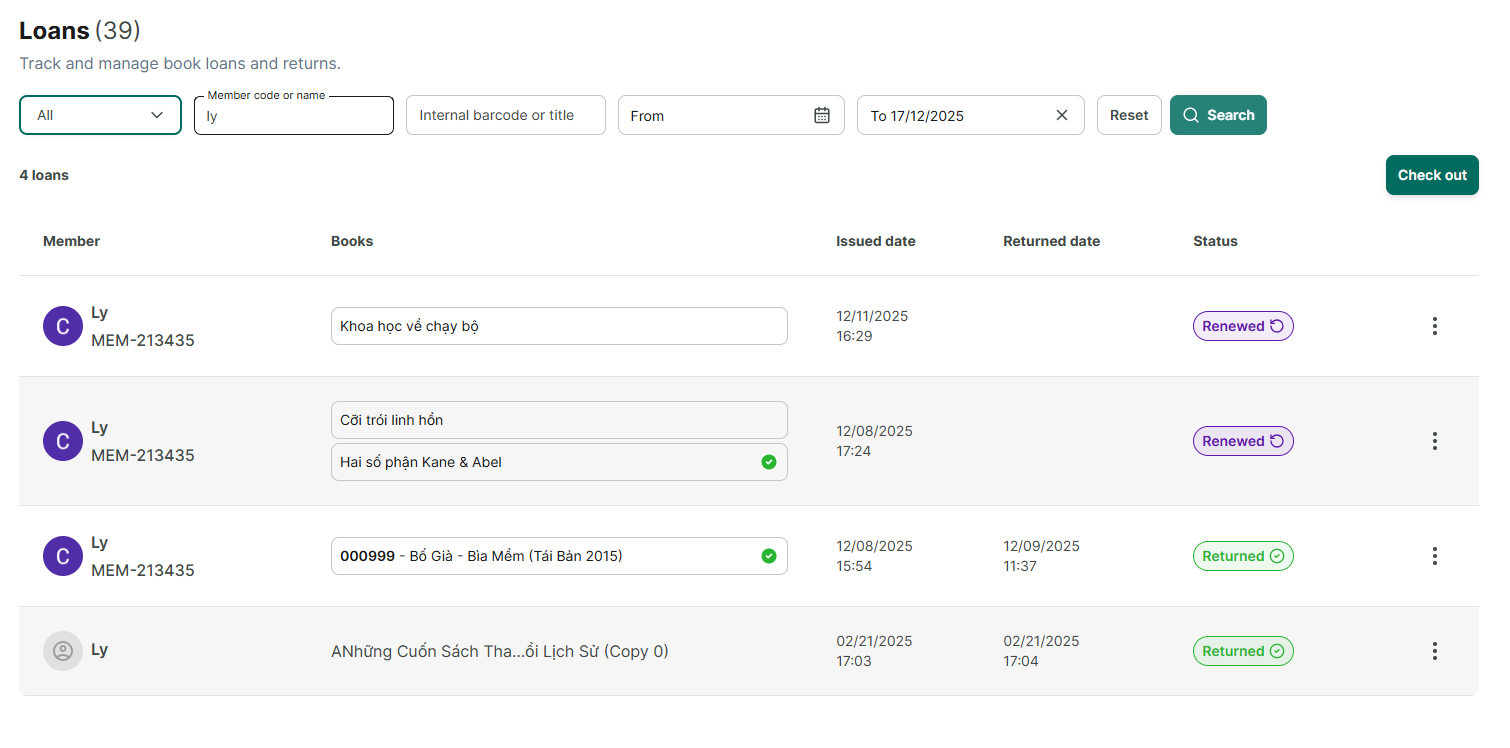
Search for existing loan
Step 8: Go to loans section
Step 9: Enter username, member code or internal barcode, title to search

Step 10: It displays all relevant results
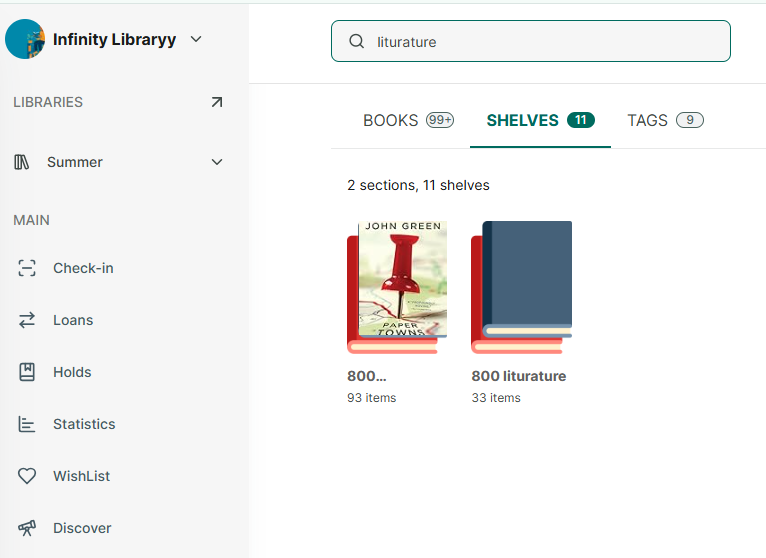
Search for existing shelf/section
Step 11: Go to Shelves section
Step 12: Tap on search icon
Step 13: Enter name or section name