Export a library
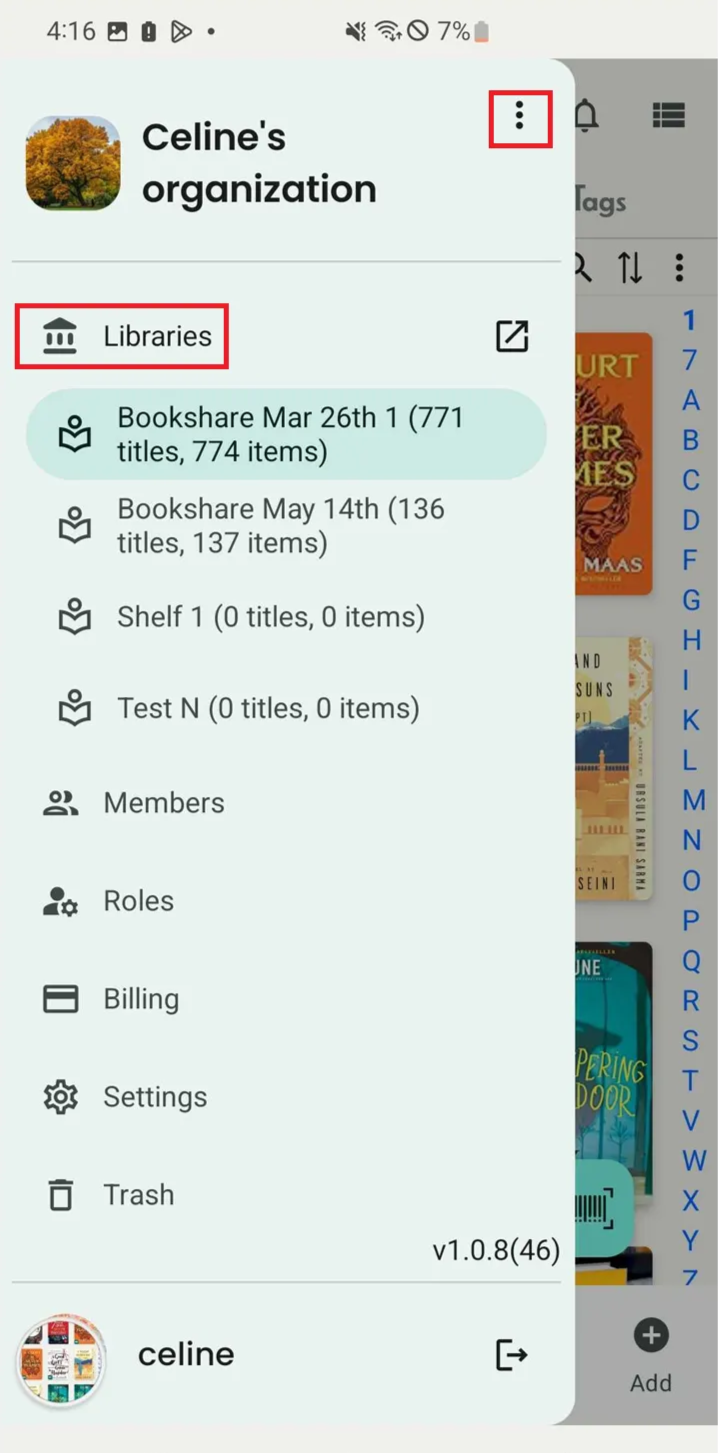
Step 1: Tap the three-dot icon to open the side menu.
Step 2: Tap “Library” to view all libraries and their information.
Step 3: Tap the three-dot icon next to each library to show more options.
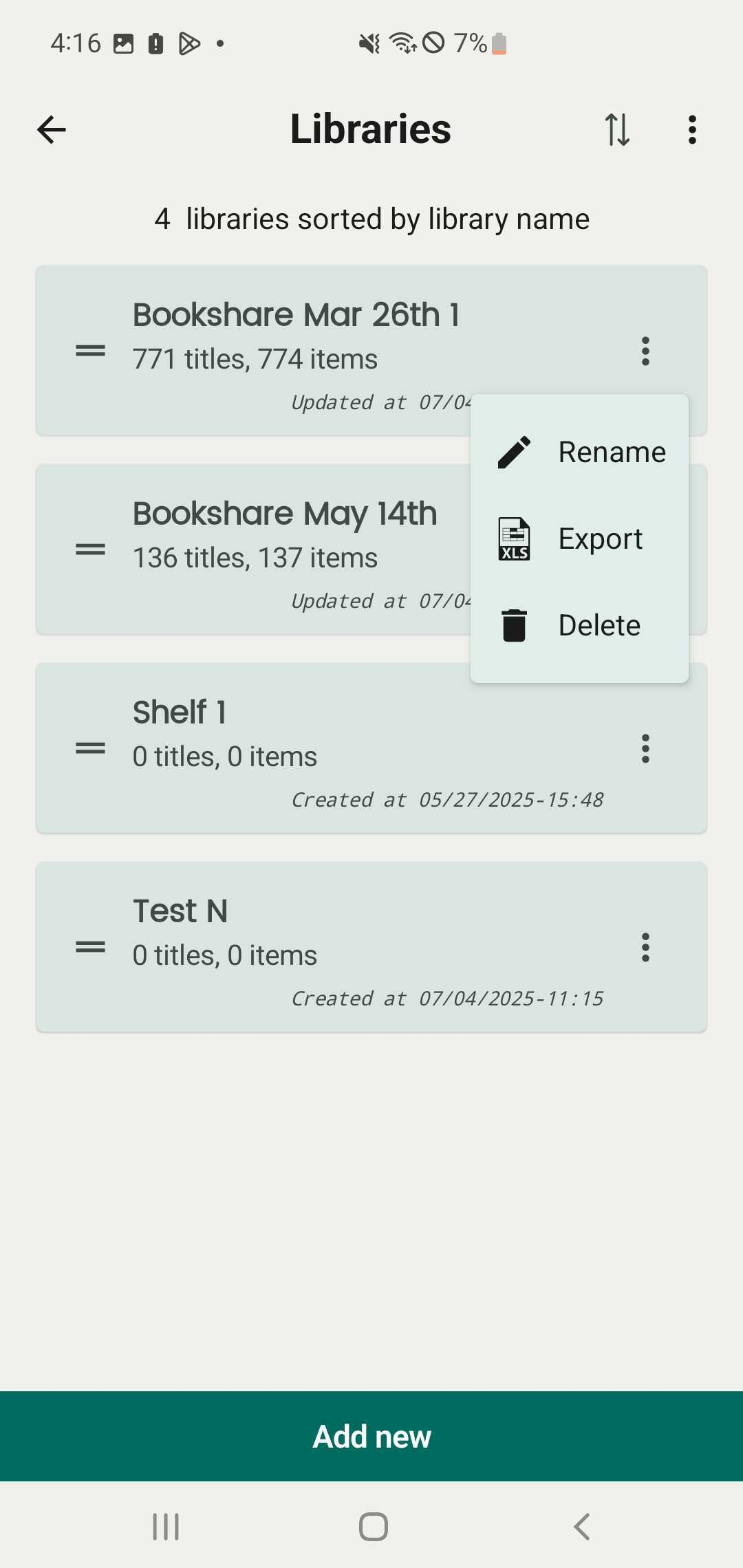
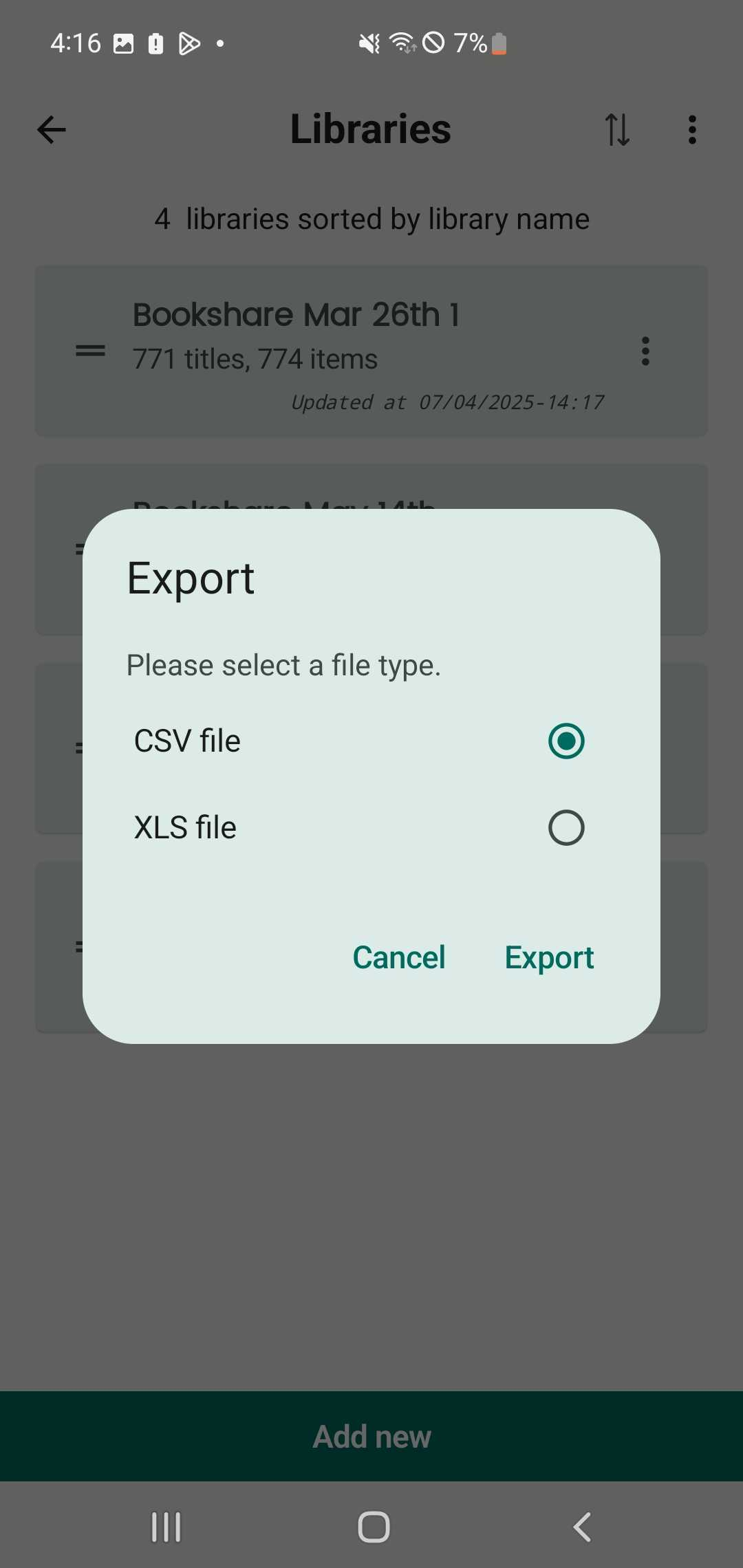
Step 4: Tap “Export”, then choose a file type:
- **CSV file**- **XLS file**Step 5: Press “Export”.
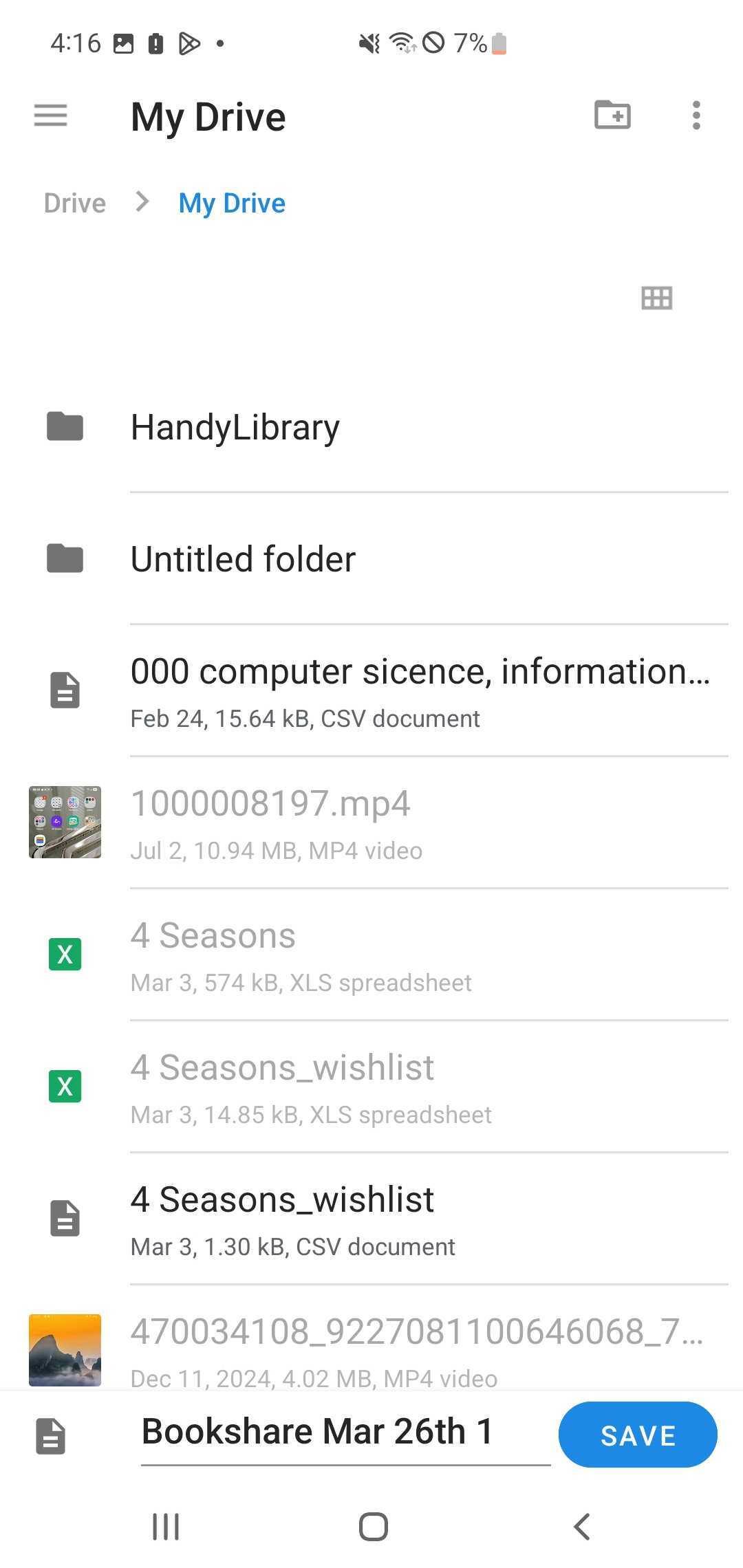
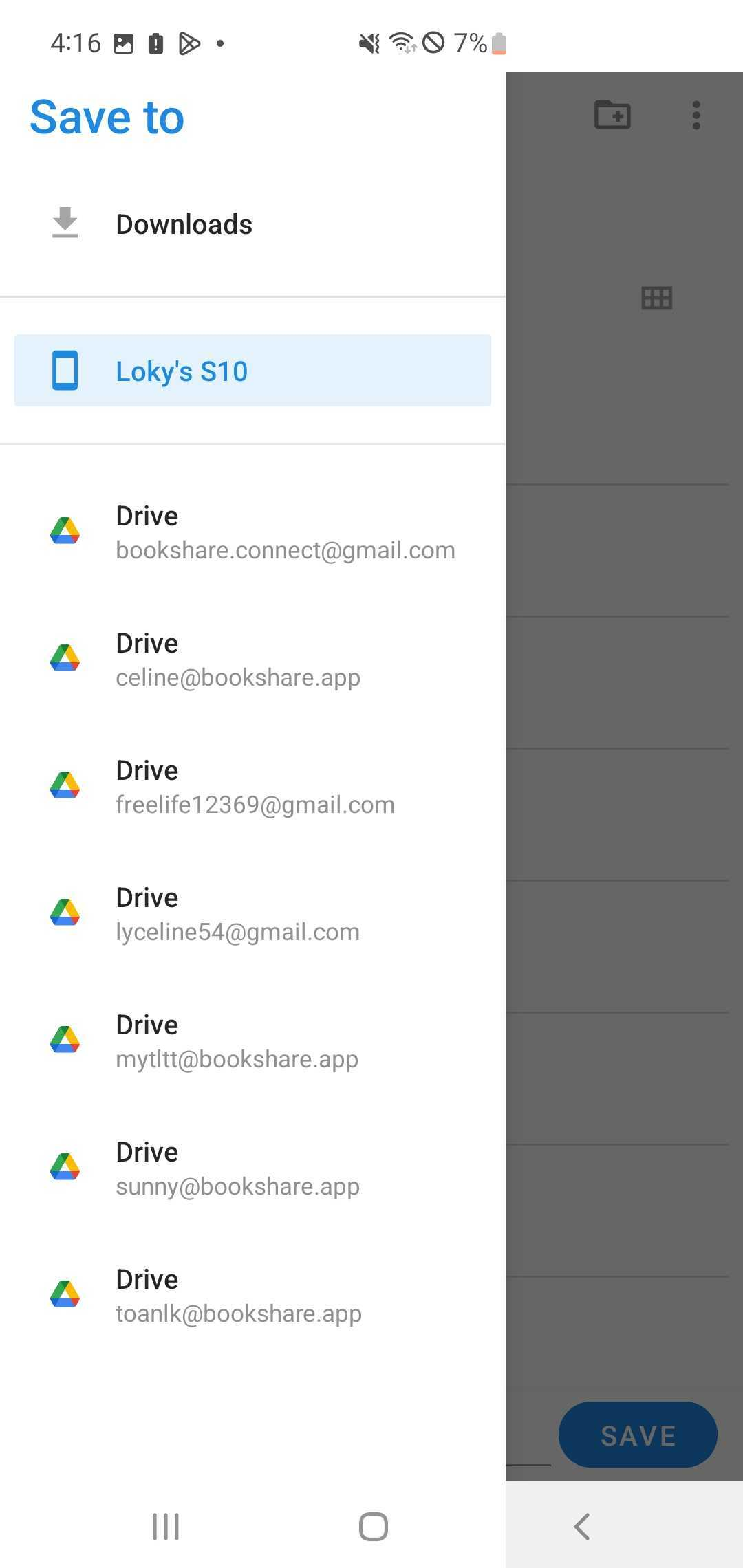
You can save the file to your Drive or device storage.