
Share an organization link
Step 1: Access to “Libraries” section at the side menu → It displays all library of organization
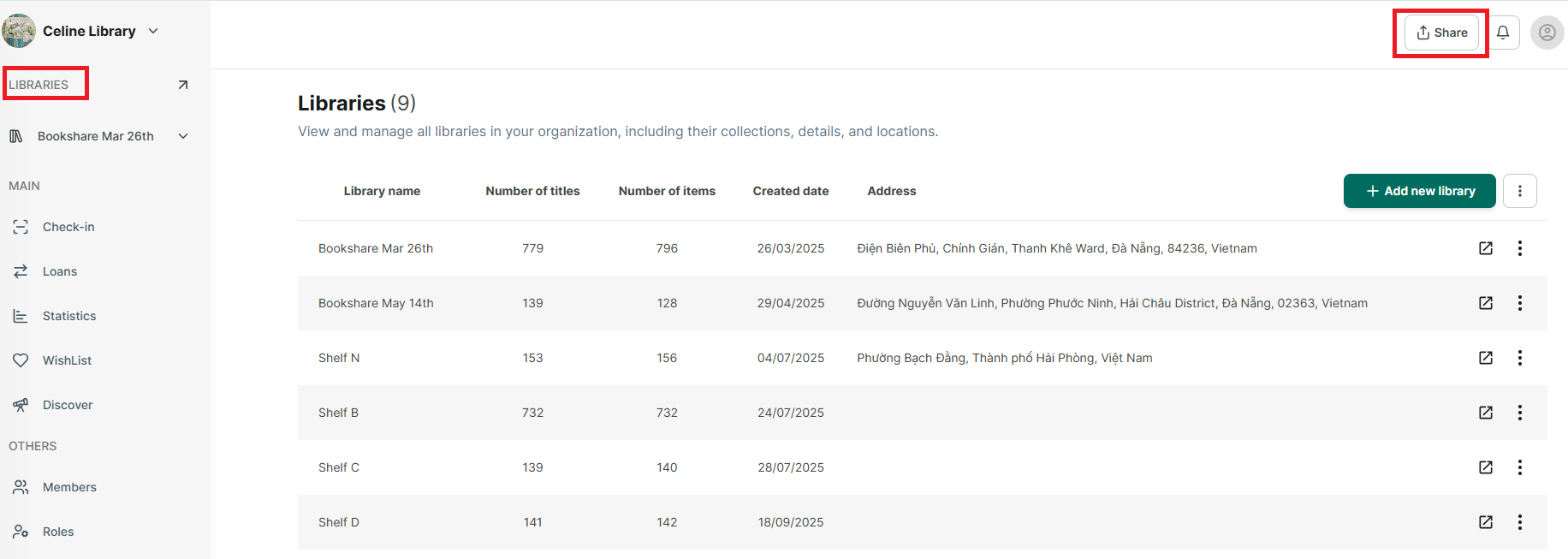
Step 2: Tap on “Share” button at the right top of conner.
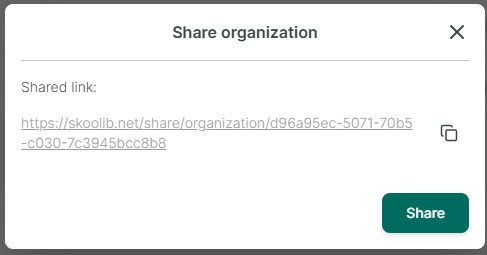
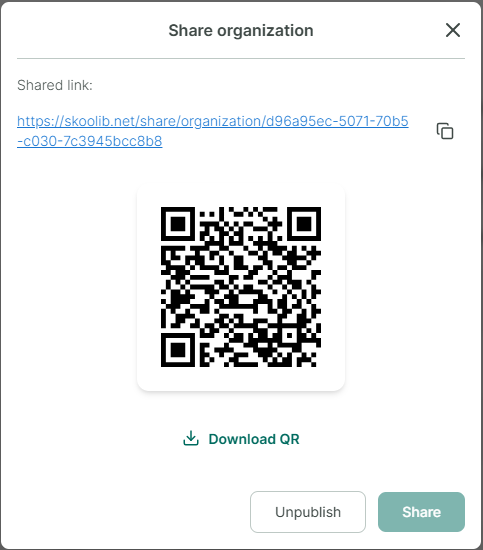
Step 3: Tap on “Share” button
Chat with Skoolib
Answers come from the Help Center guides.