Manage User
Add new member
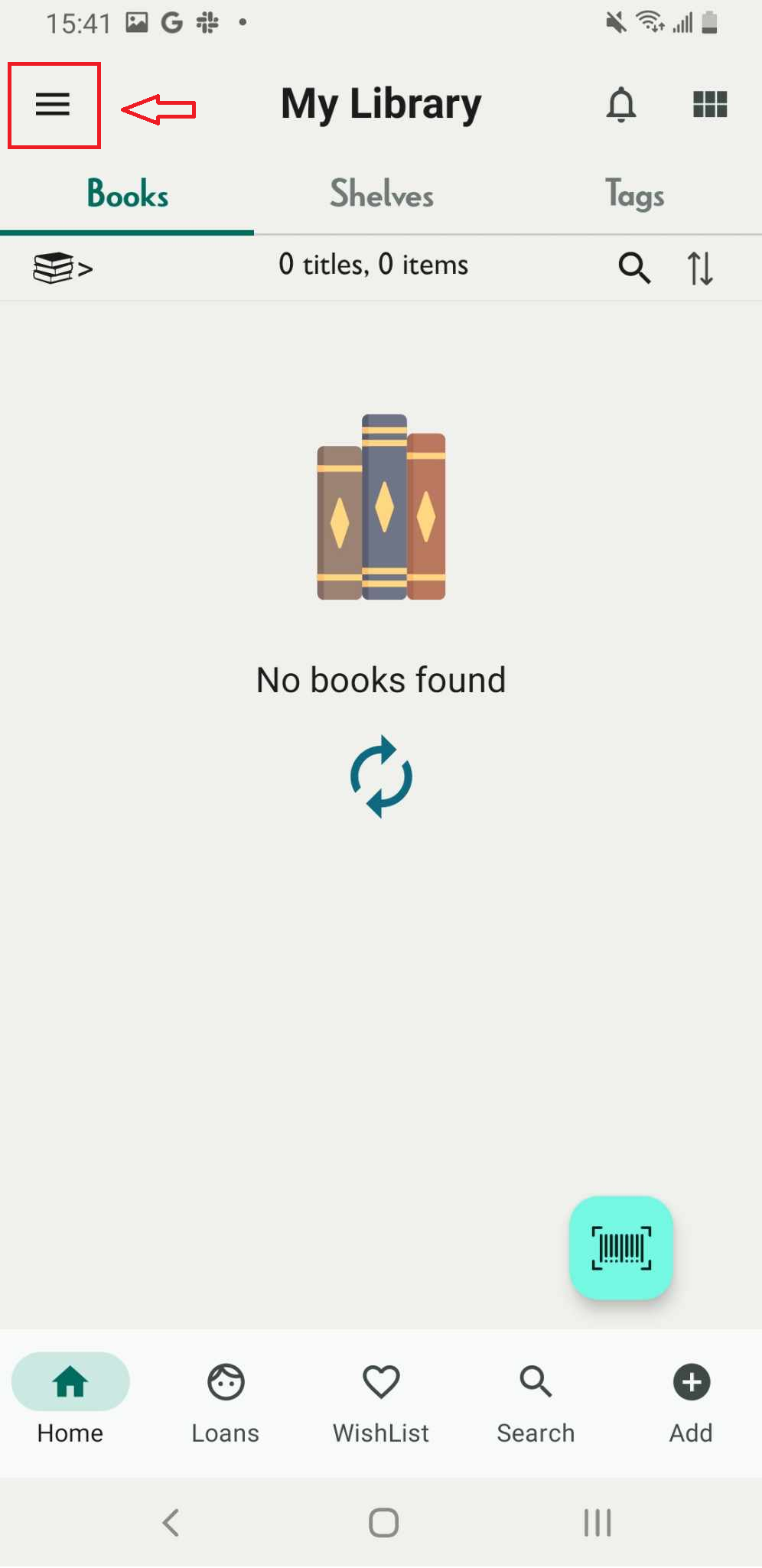
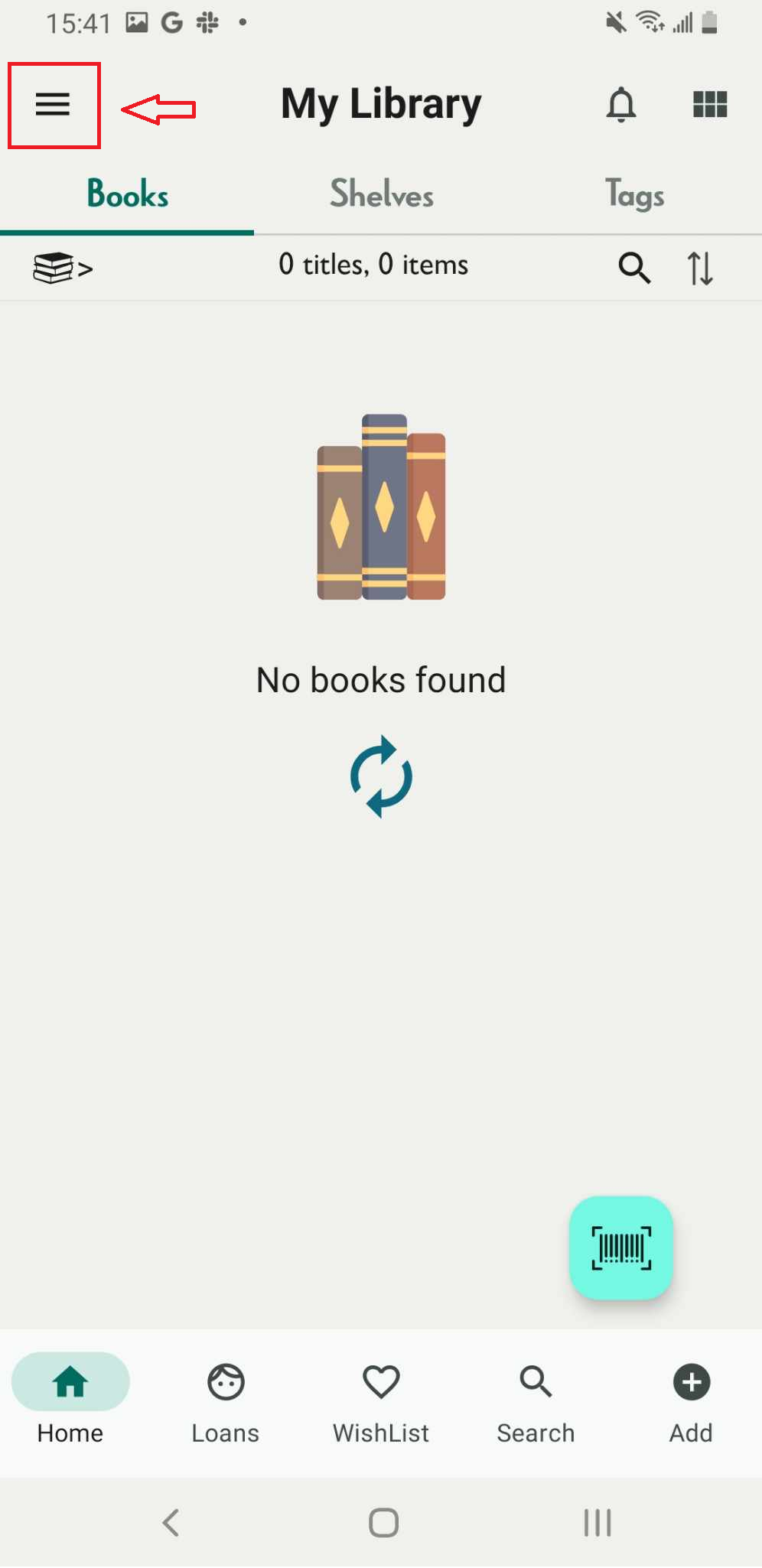
Step 1: Tap the three-line icon
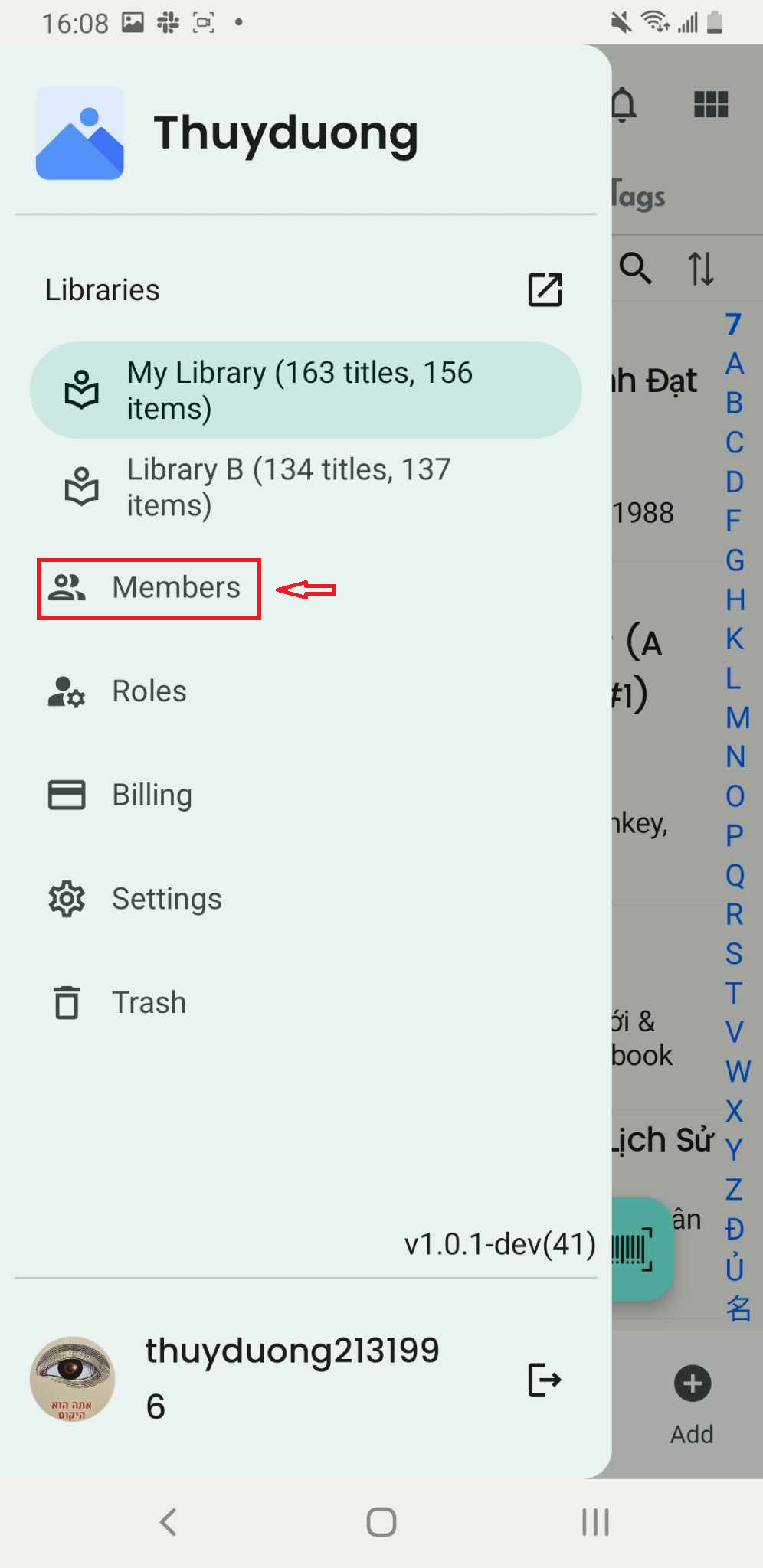
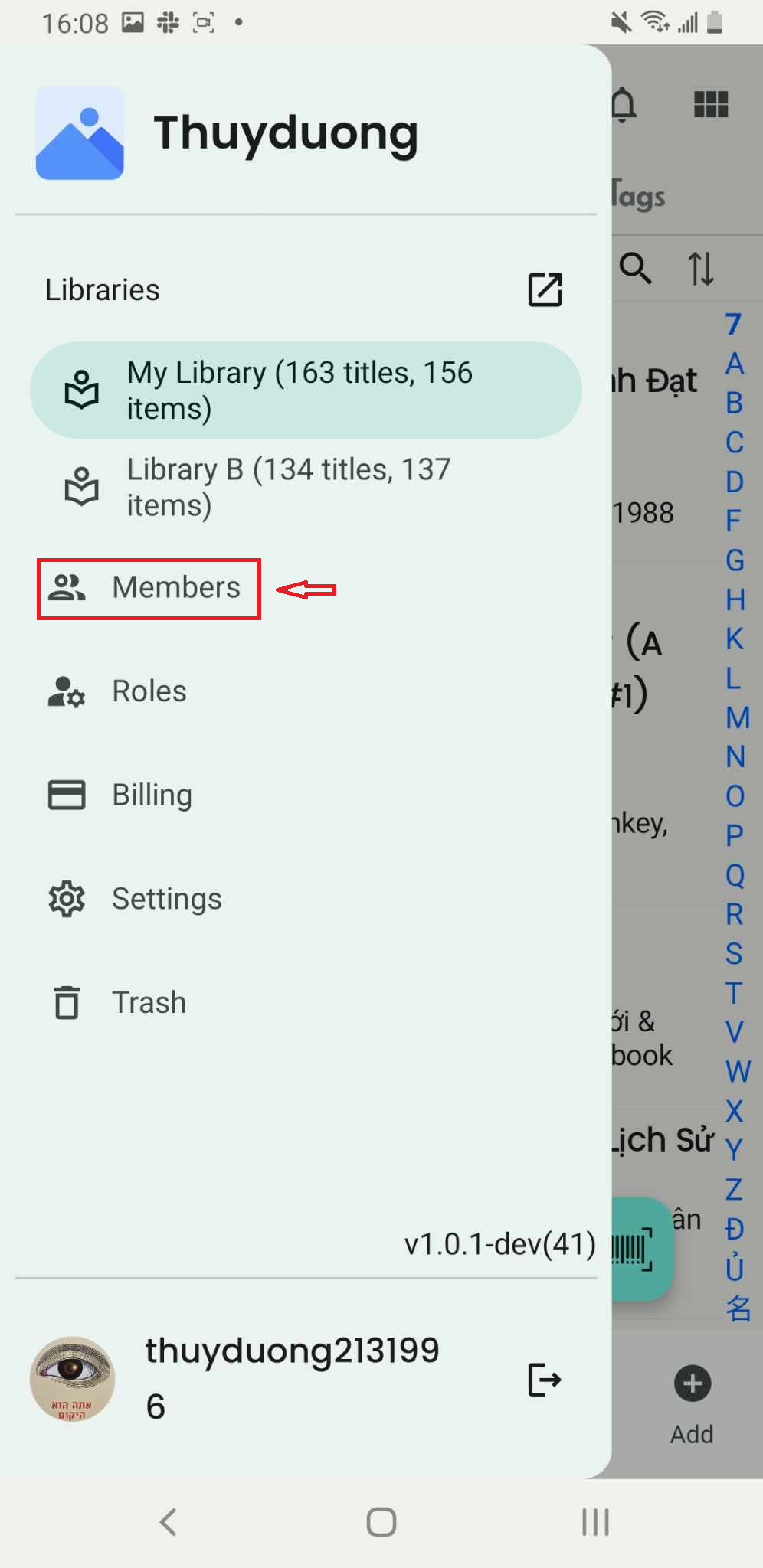
Step 2: Select “Members”.
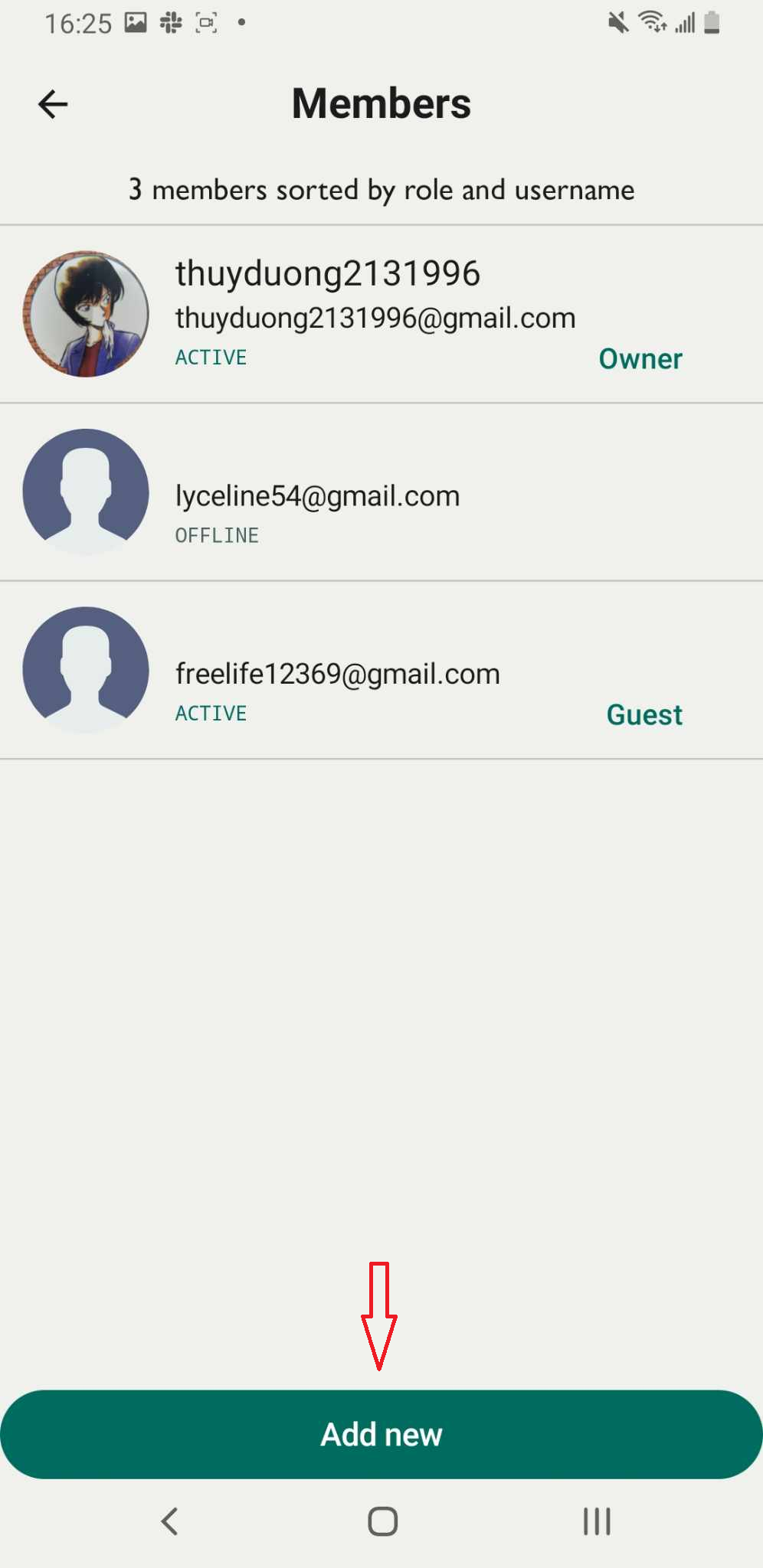
Step 3: The list of members in the library is displayed on the screen. Tap “Add New” to add a new member.
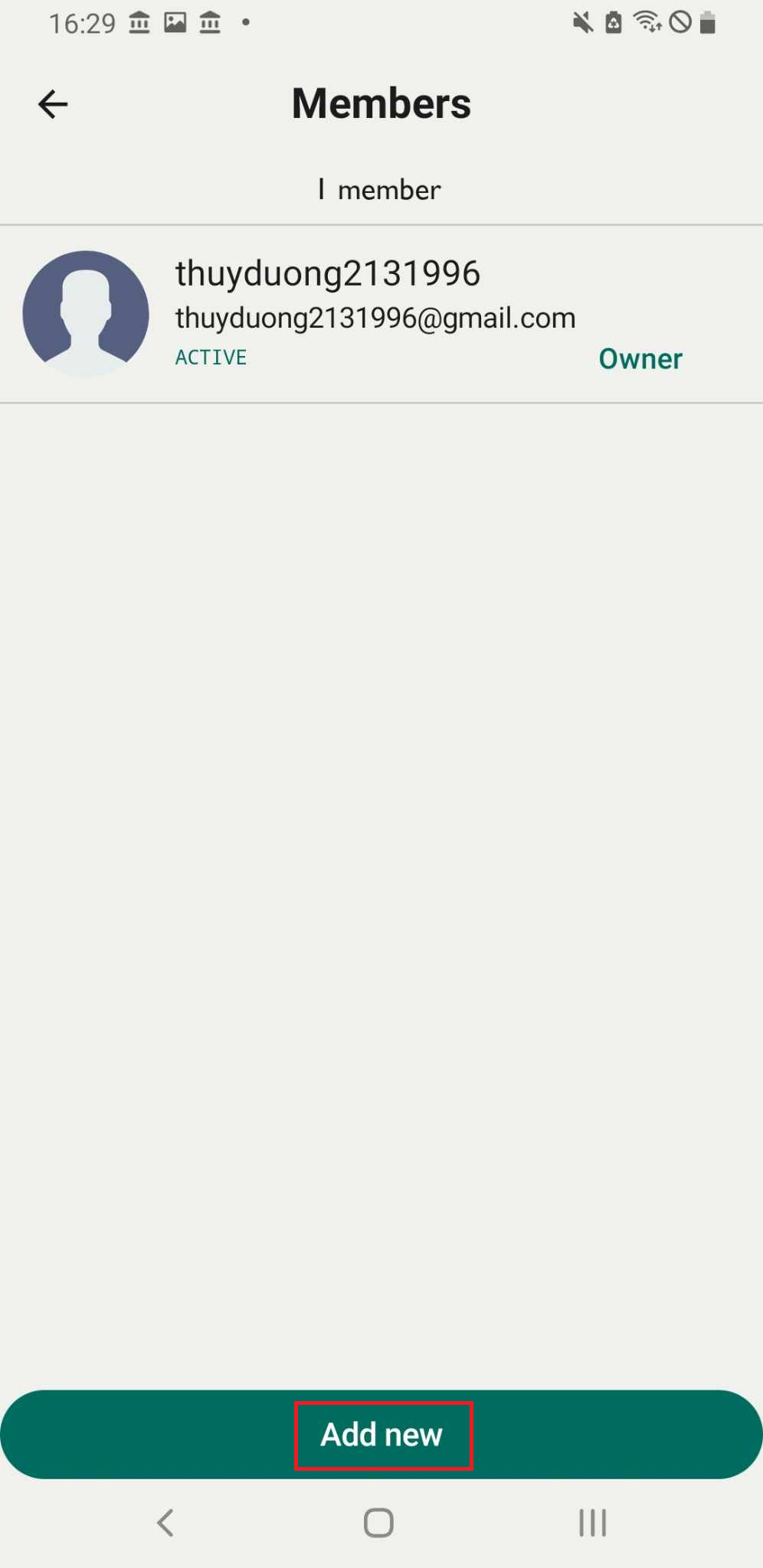
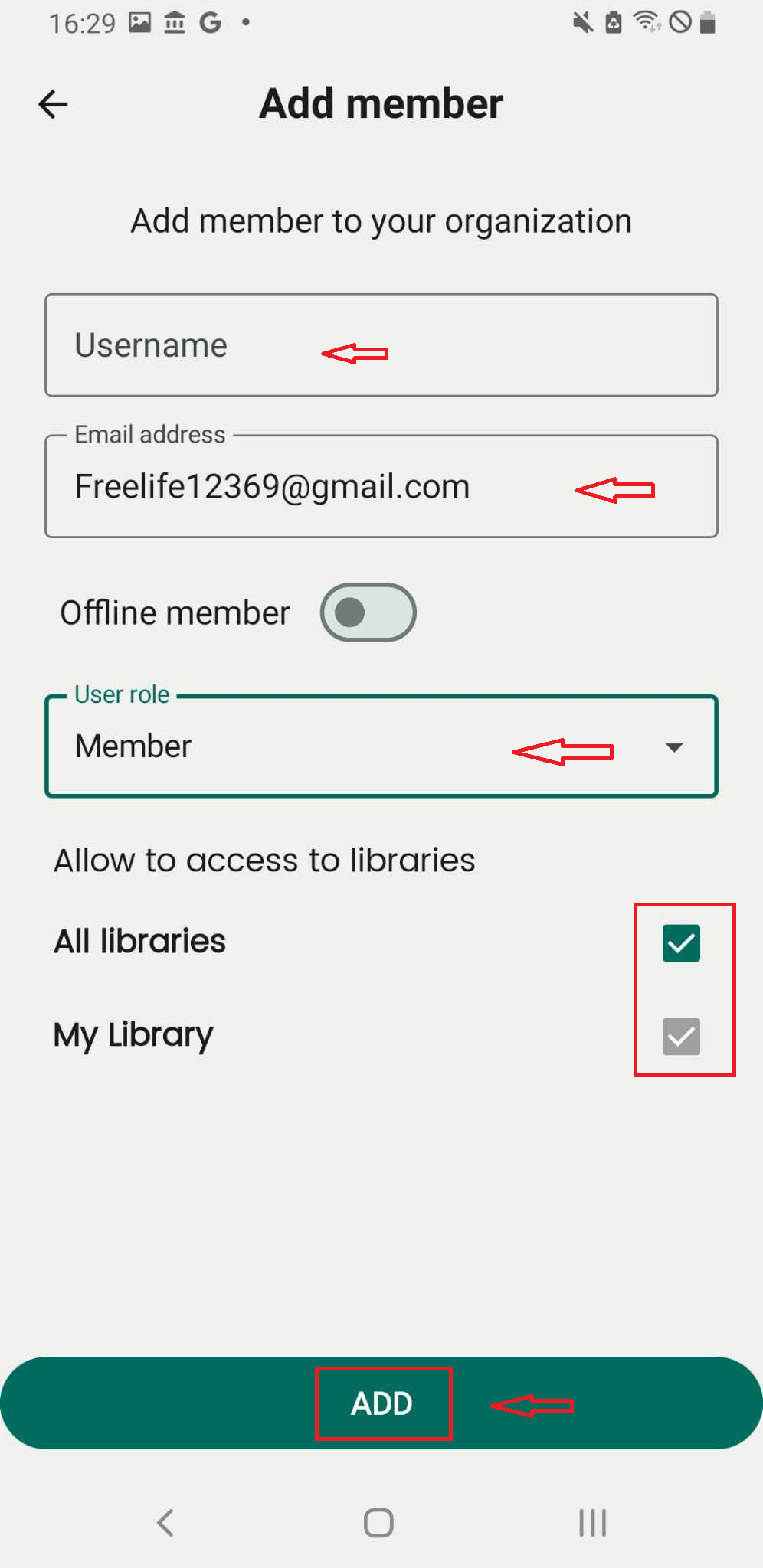
Step 4: Enter the email address, select the user role, and grant access to libraries. Tap “ADD” to confirm.
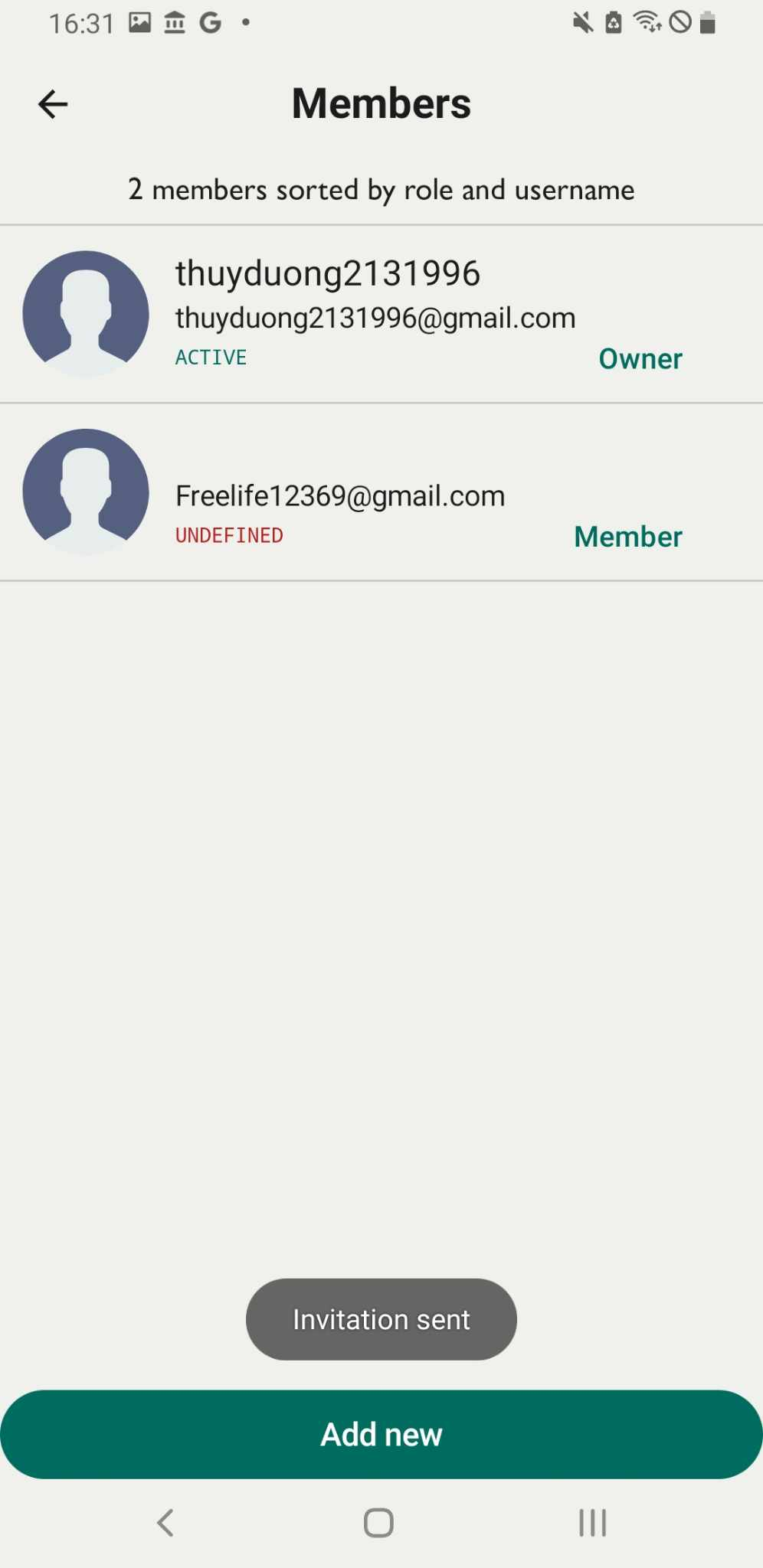
Step 5: The message “Invitation sent” is displayed, but “undefined” appears under the member’s email.
The invitation has been successfully sent to the new user.
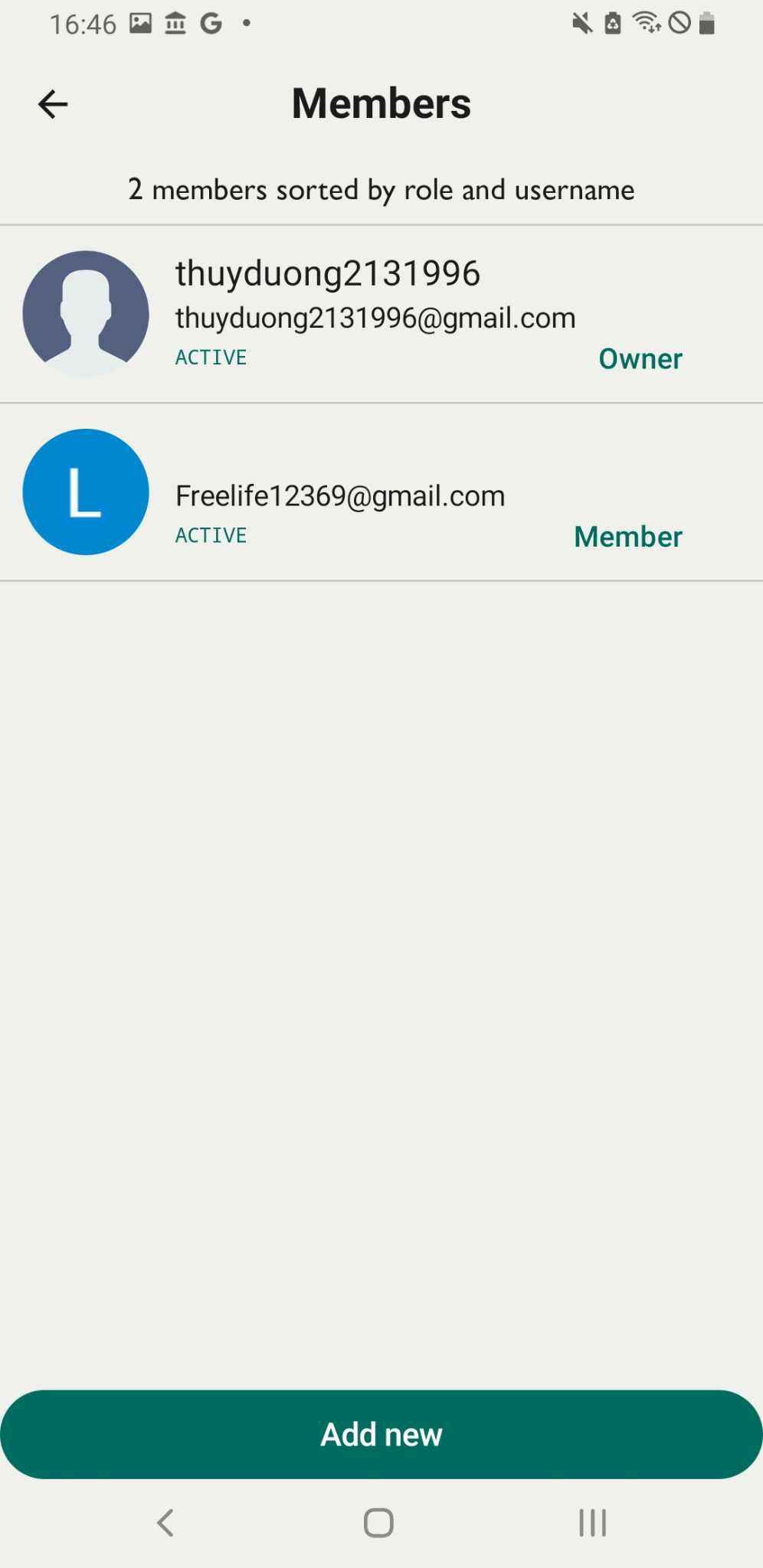
Step 6: The new user receives an email containing a link to accept the invitation. The new user click to the link and “invited sucess”, The screen show new member’s email is active
Add new offline member
Step 7: Tap the three-line icon
Step 8: Select “Members”
Step 9: Tap “Add new”
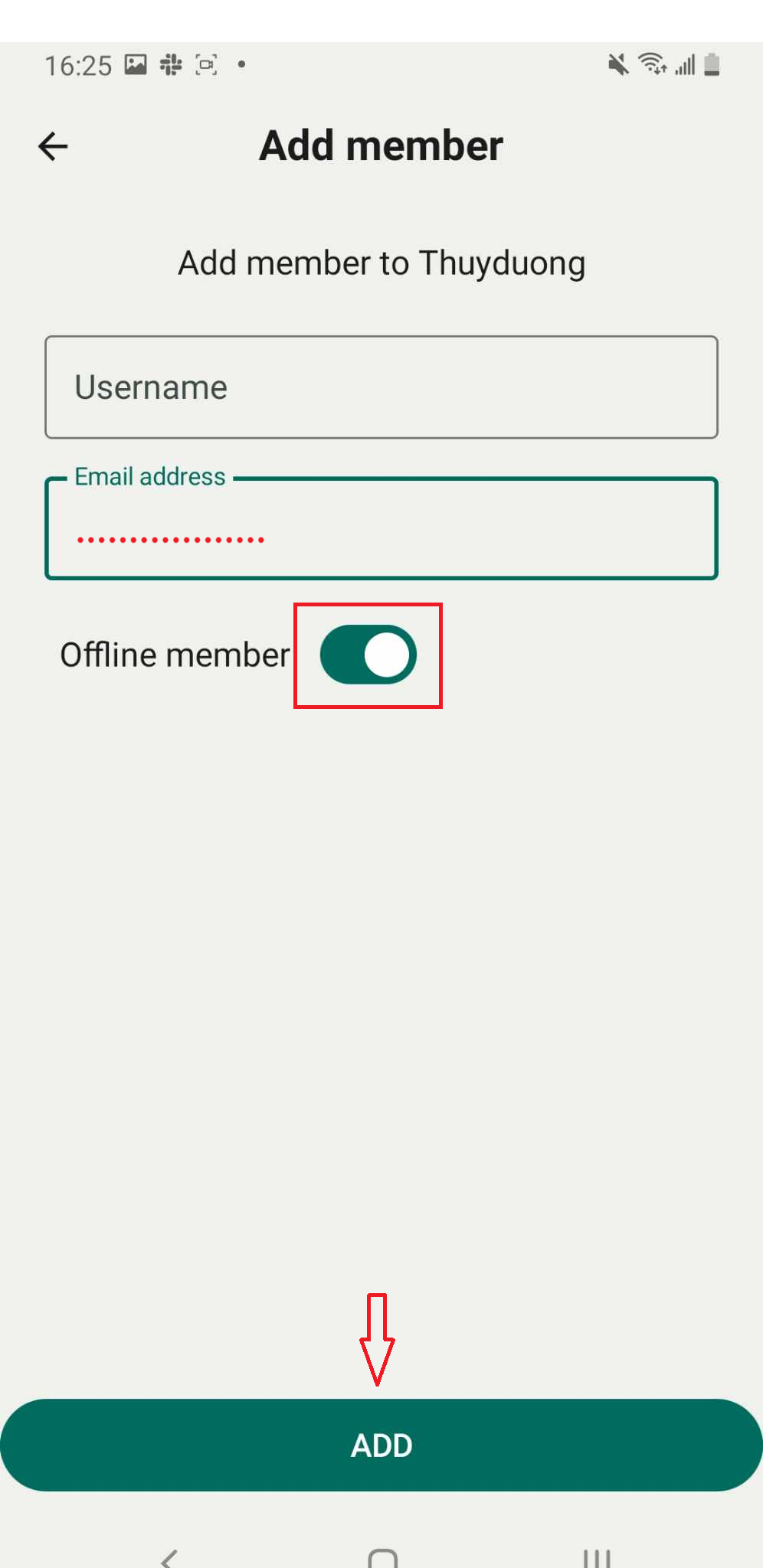
Step 10: Enter the user’s information. Slide the toolbar to select “Offline Member.”
Press “Add”.
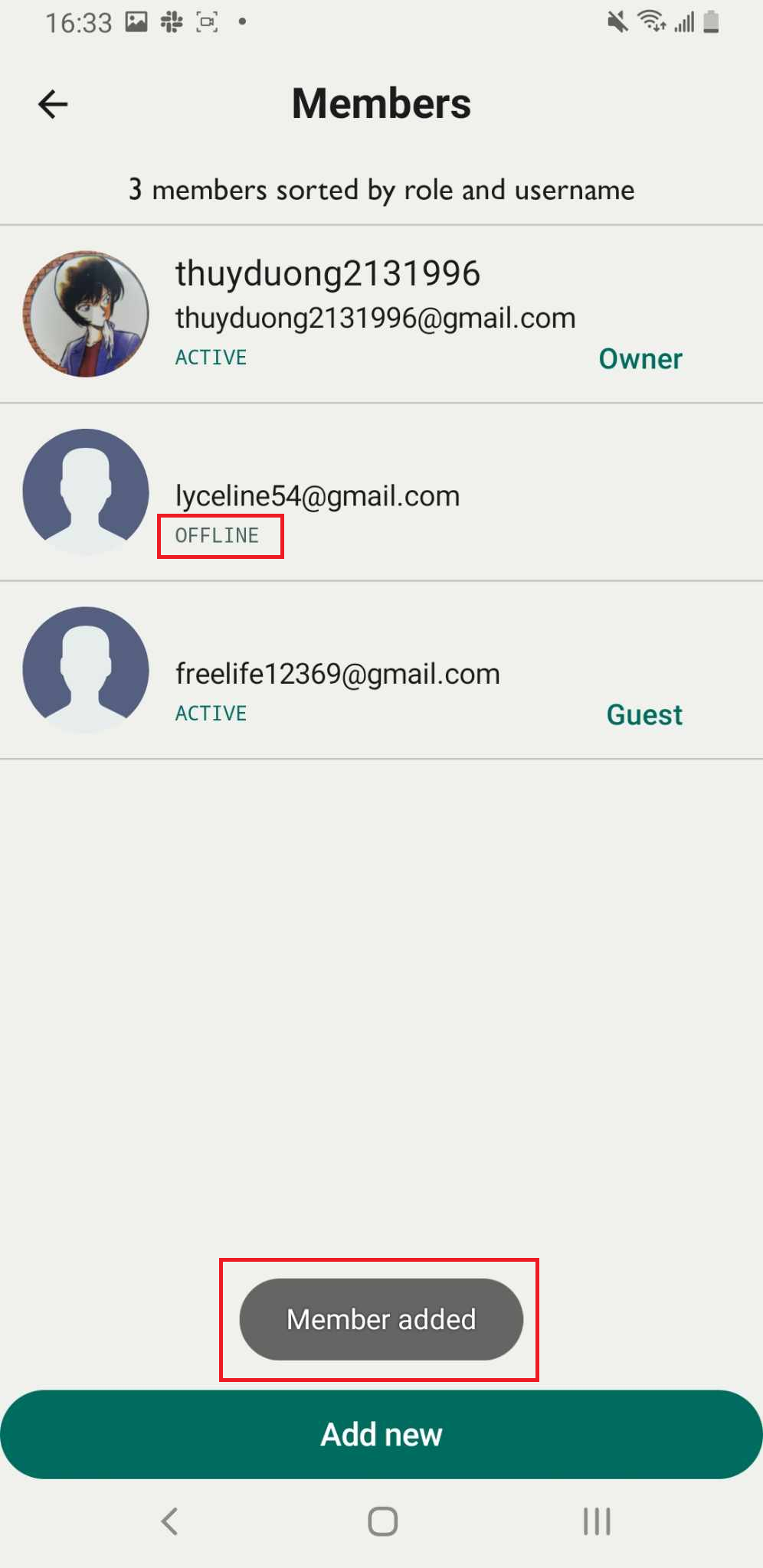
Step 11: The screen shows “Member added”
Remover a member
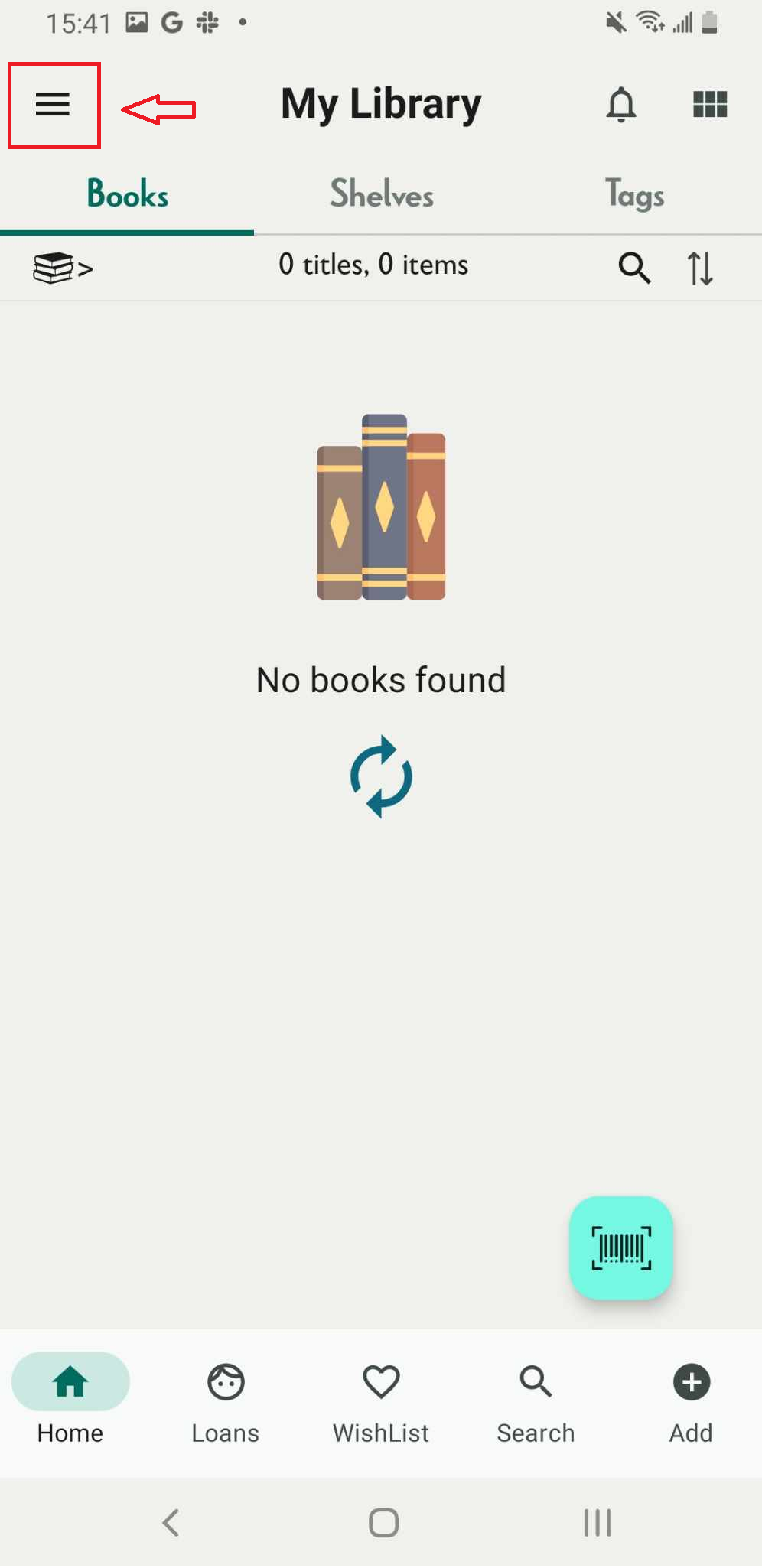
Step 12: Tap on the three-line icon
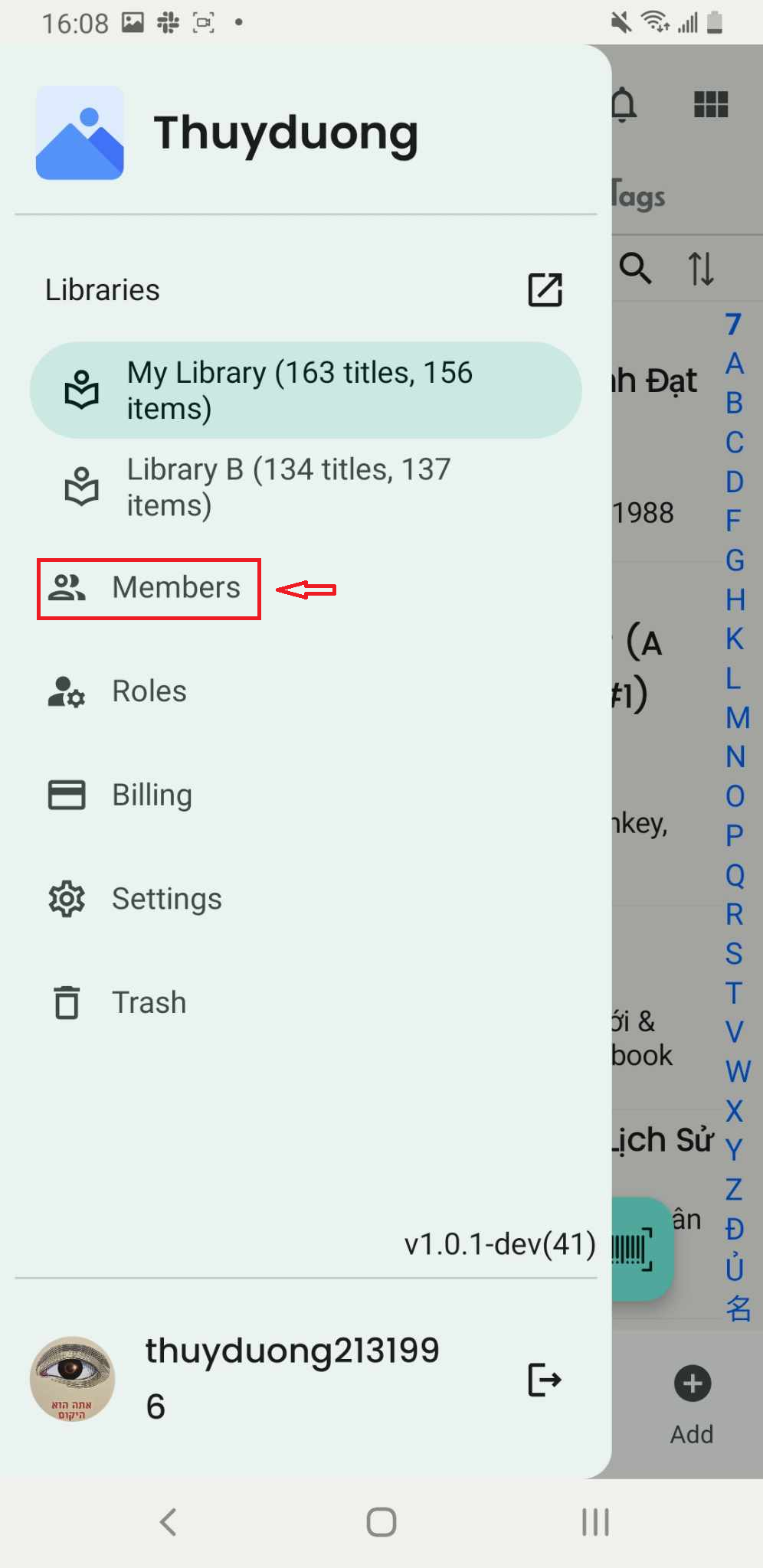
Step 13: Access Members
Step 14: The list of members in the library is displayed on the screen.
Step 15: The member’s profile appears on the screen. Tap the three-dot icon.
- Remove user
- Remove
Step 16: The screen displays “Remove.” The member is then deleted from the member list.
Edit profile of member
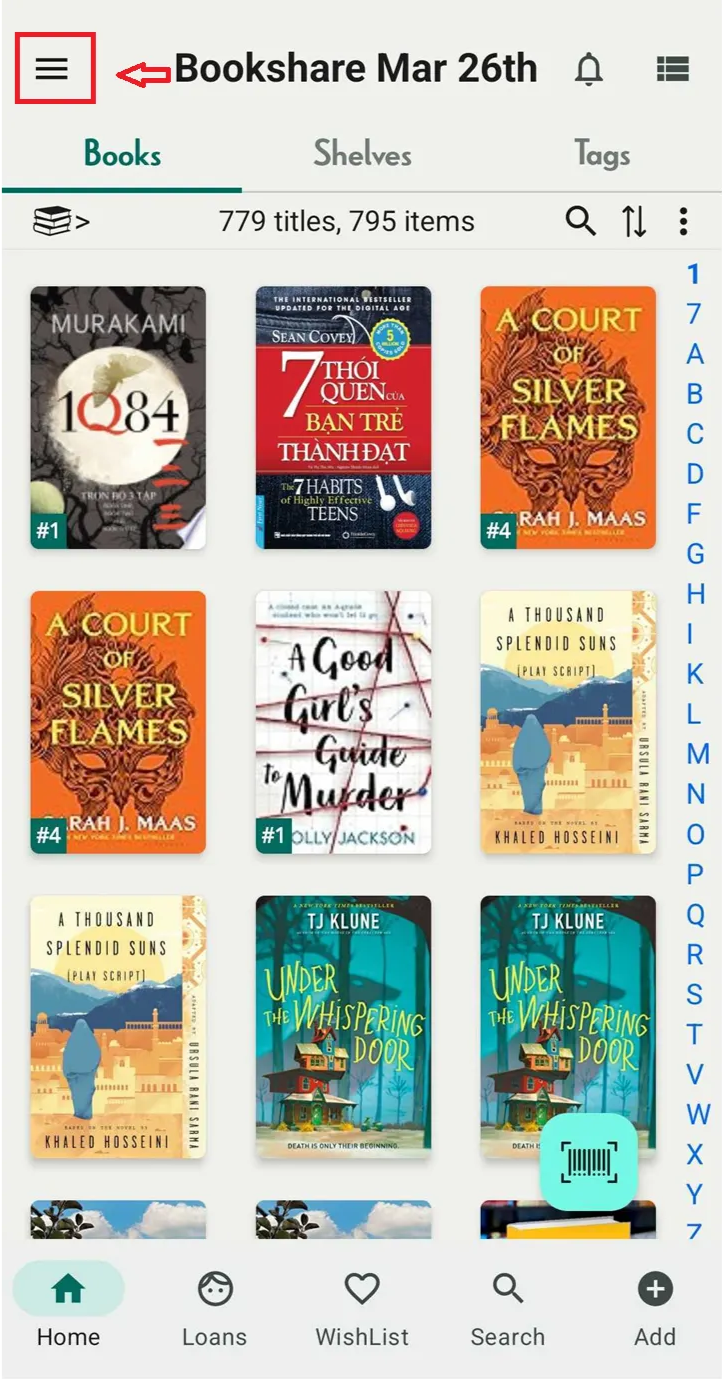
Step 17: Tap on the three-line icon
Step 18: Press “Member”
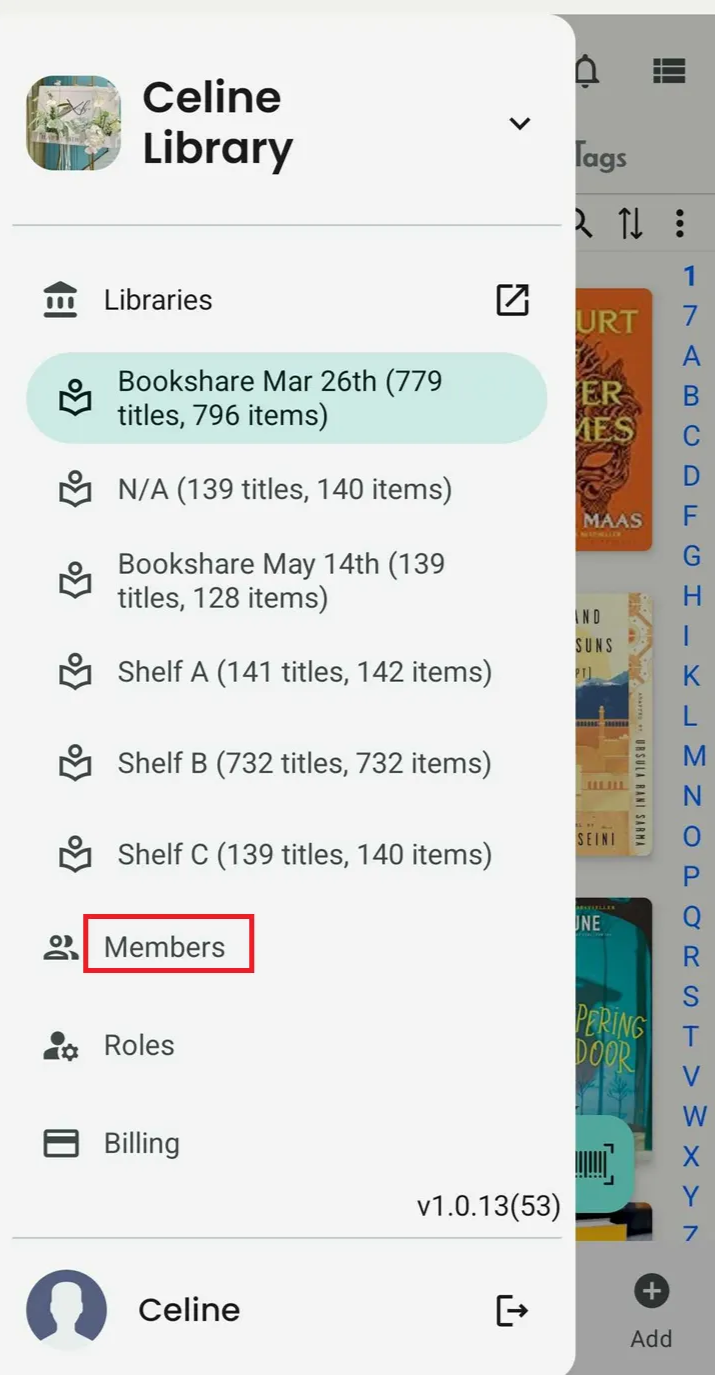
Step 19: Choose one of the members on the list
Step 20: The screen displays the member’s information. Press the “Edit Profile” button.
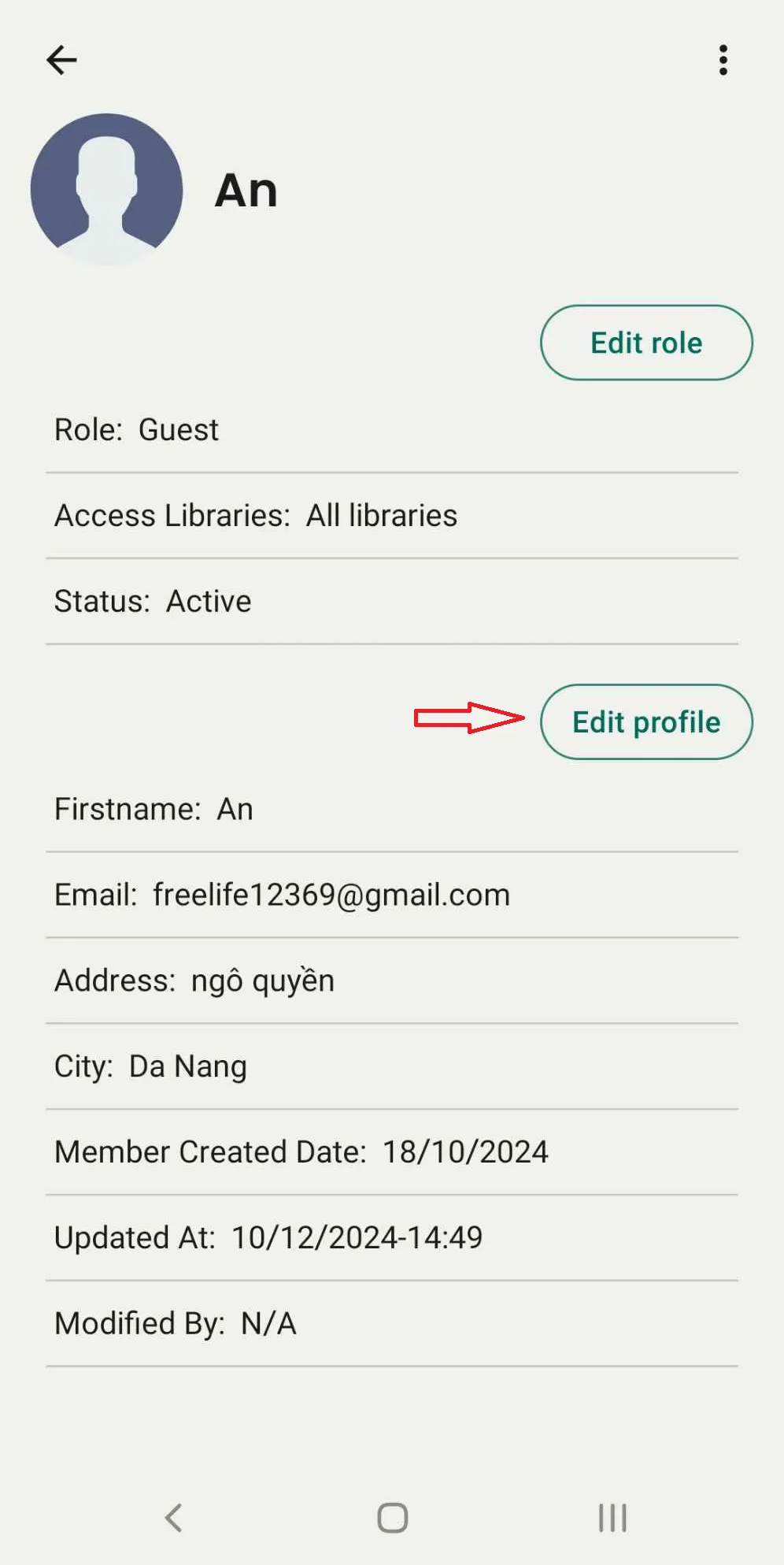
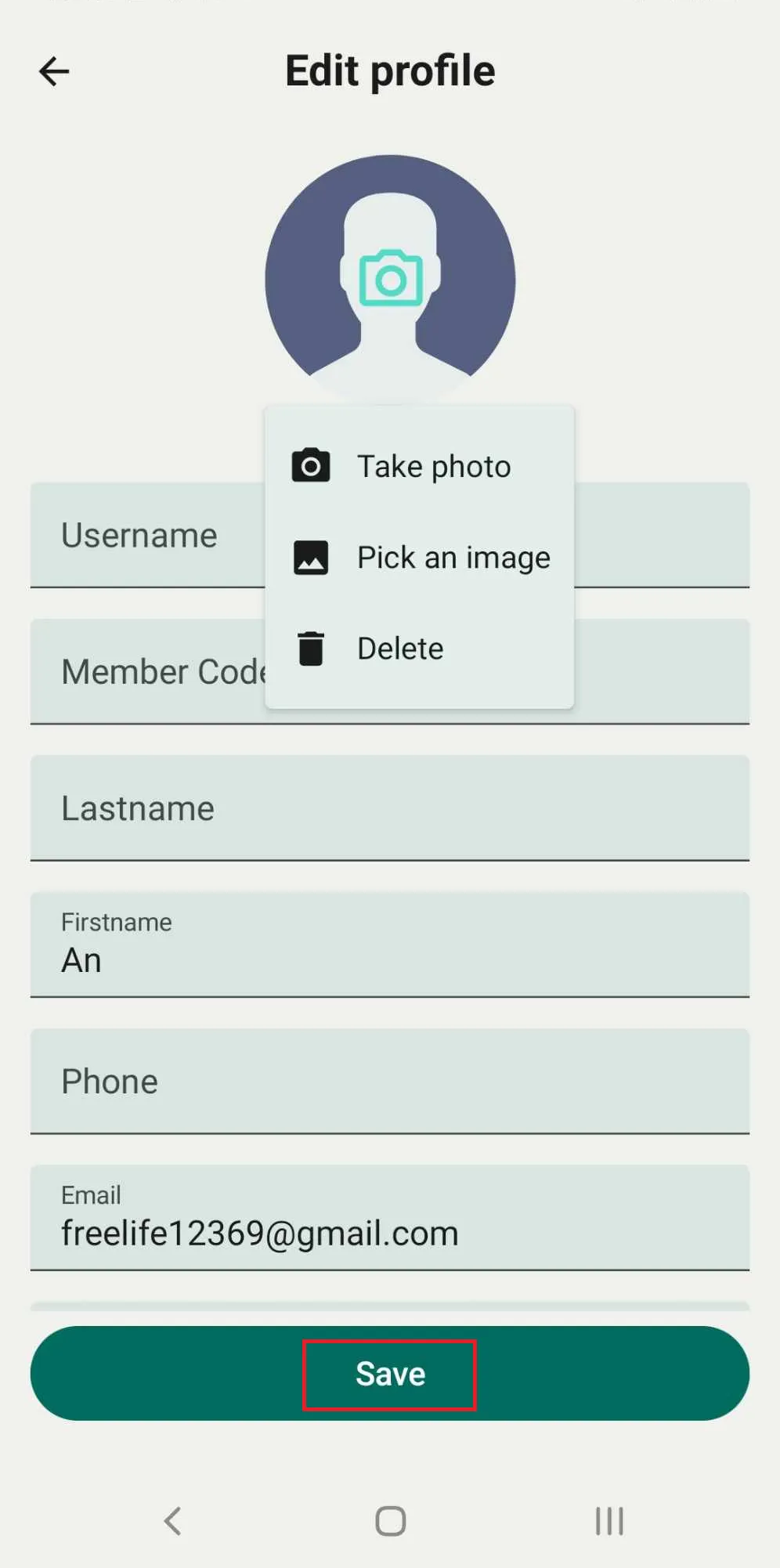
Step 21: Update the username, last name, first name, date of birth, email, address, city, and member code. Upload or change the member’s picture.
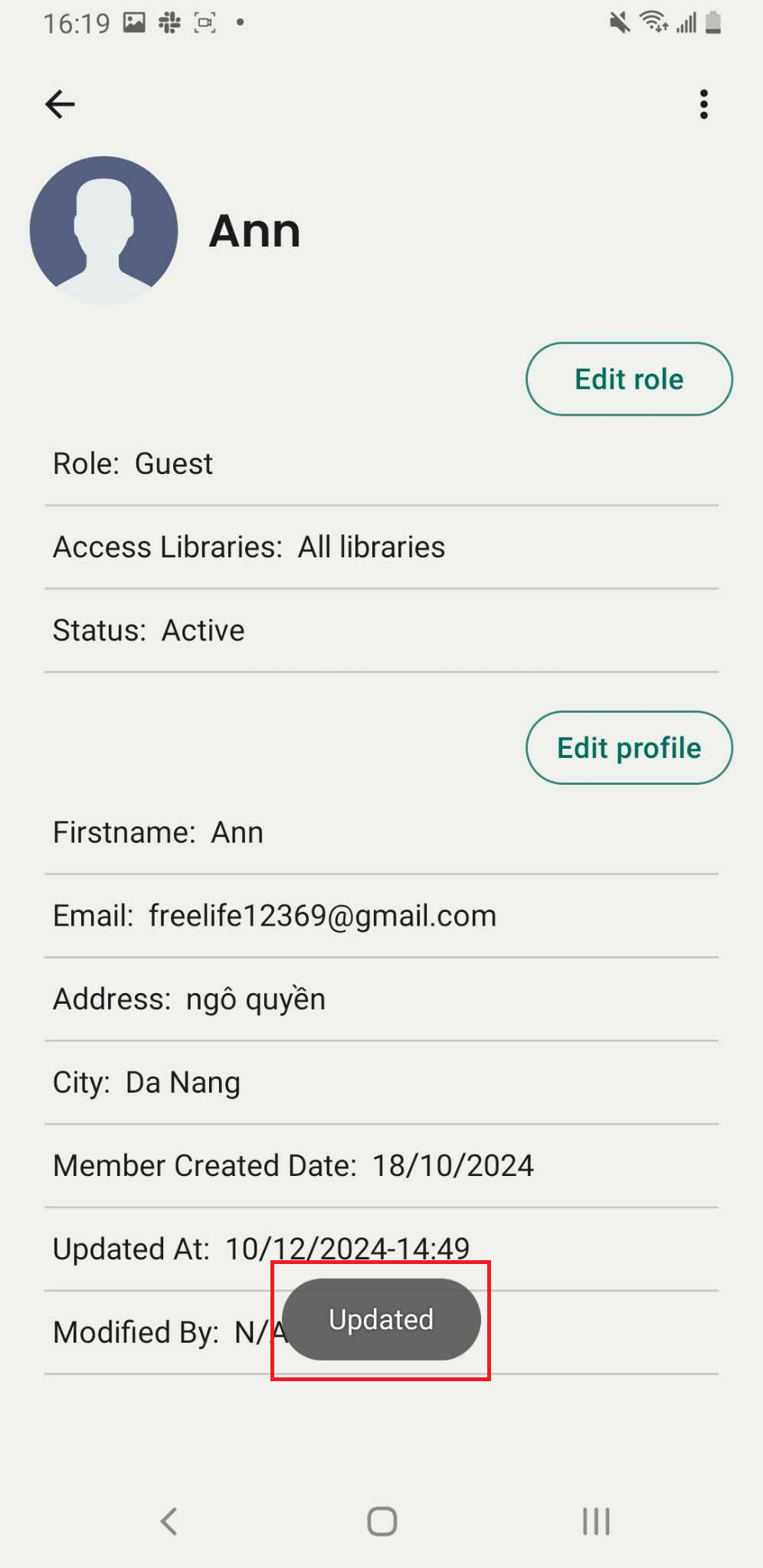
Press SAVE to apply the changes.
Edit role of member
Step 22: Tap on the three-line icon
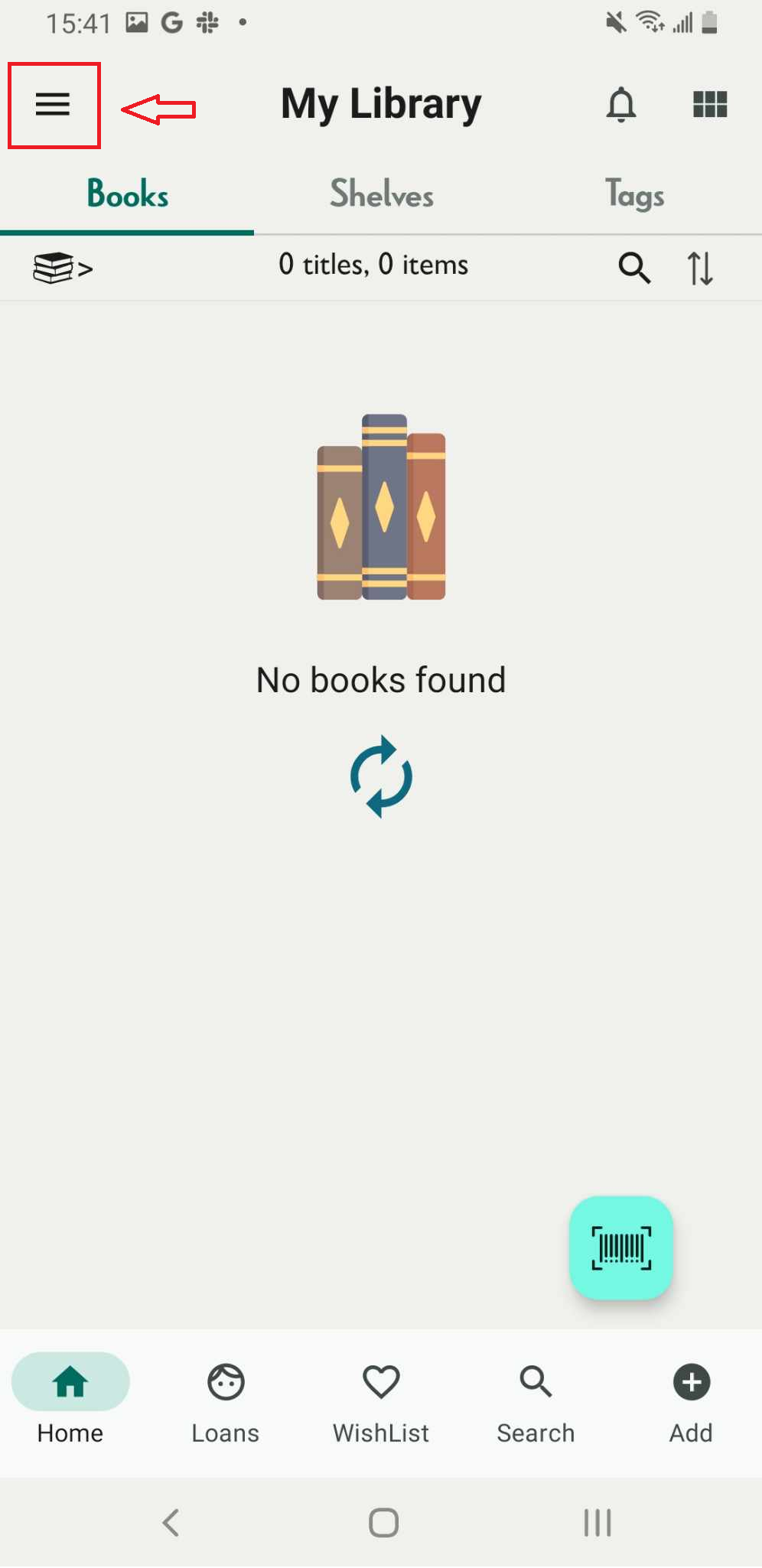
Step 23: Press Member
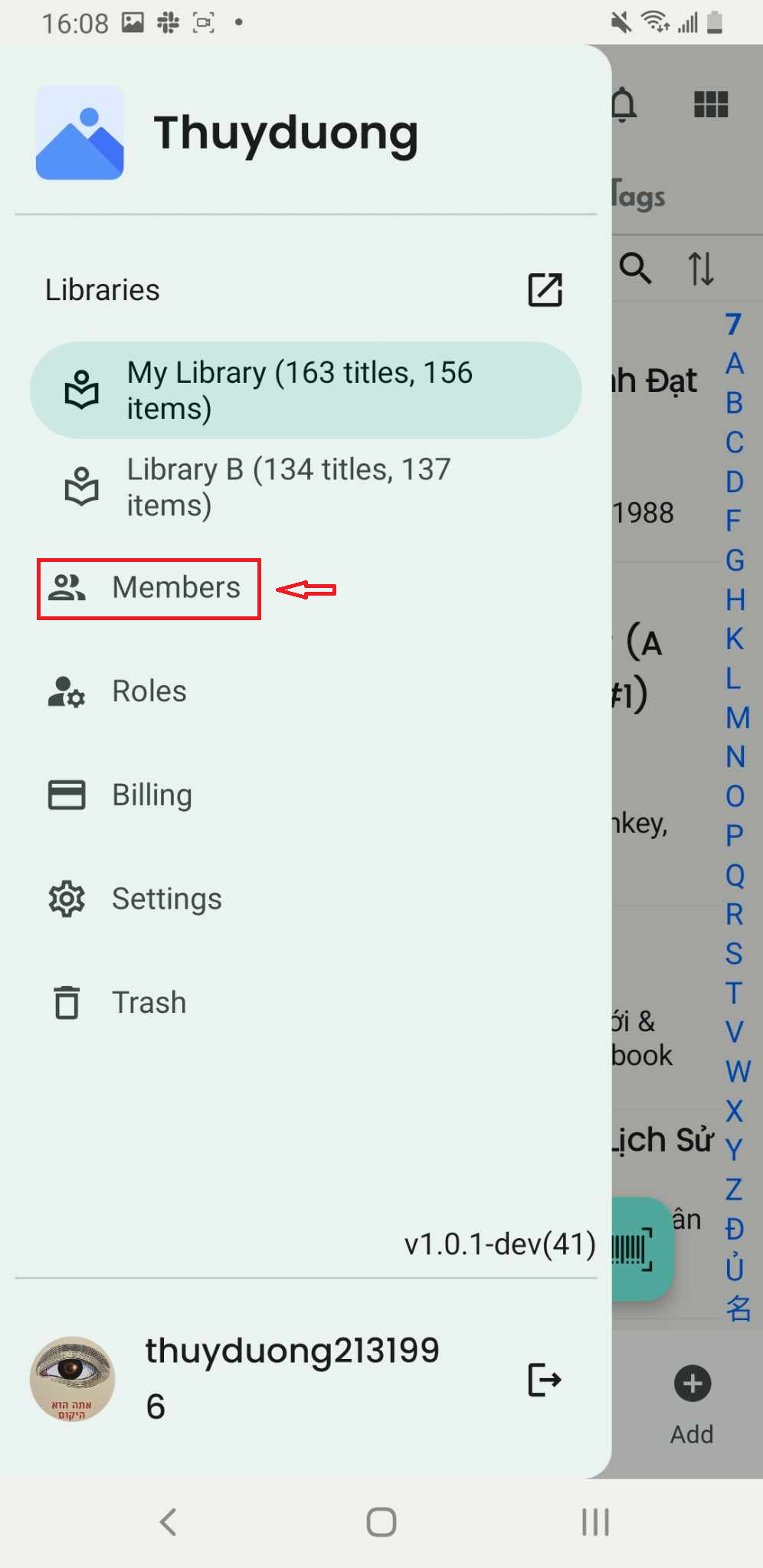
Step 24: Select a member from the list. The screen will display the member’s information.
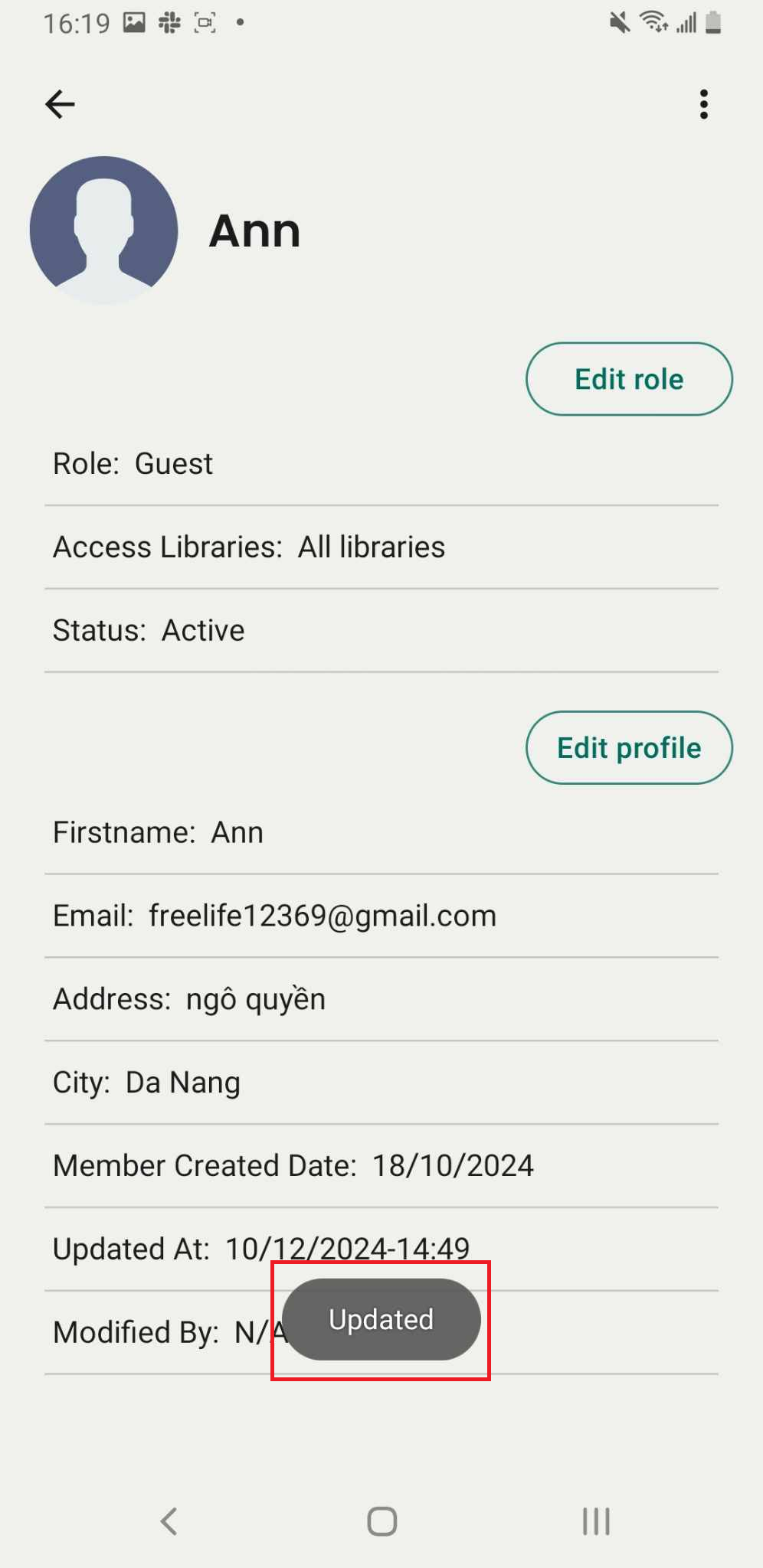
Press the Edit Role button to modify their role.
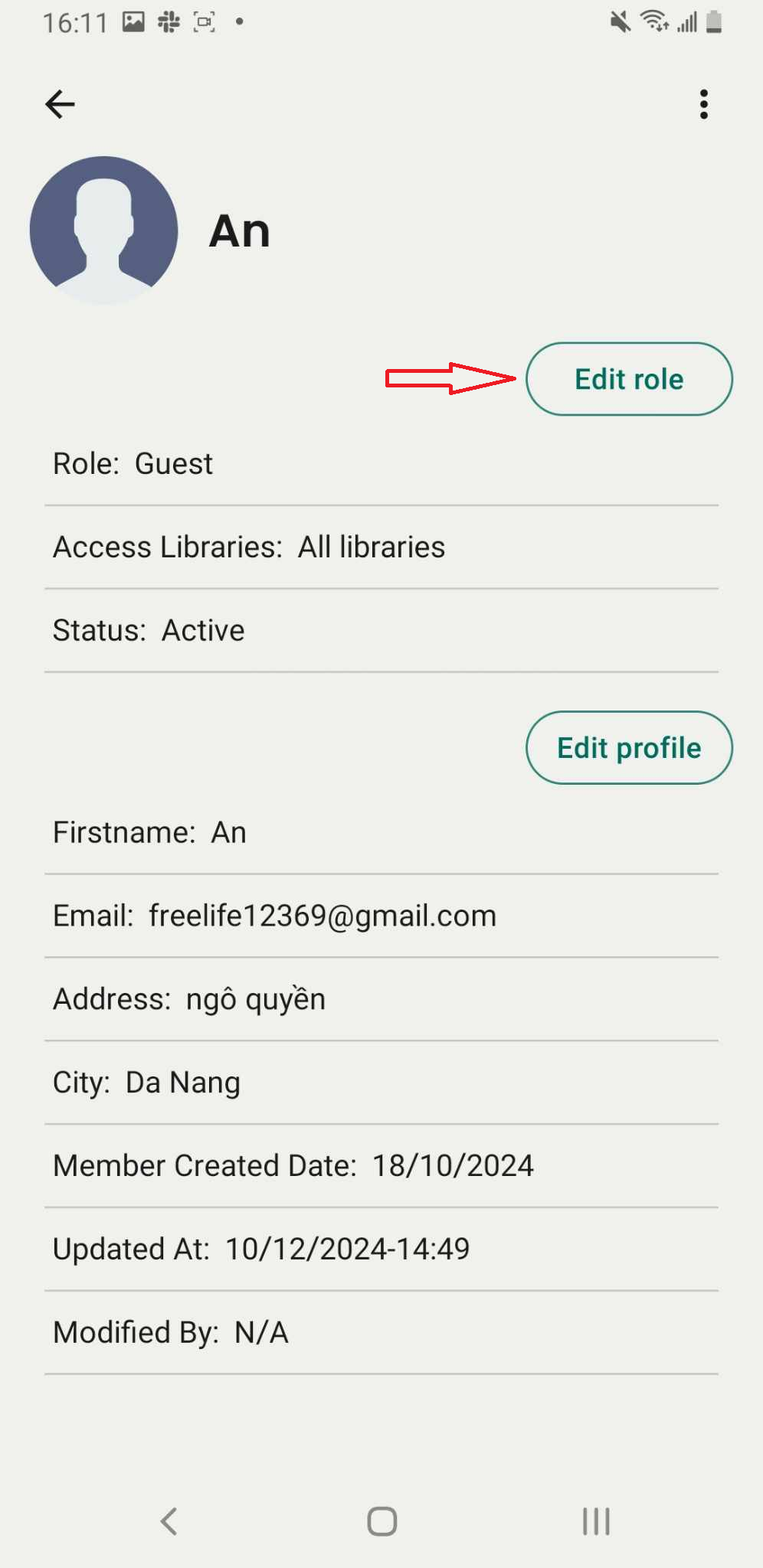
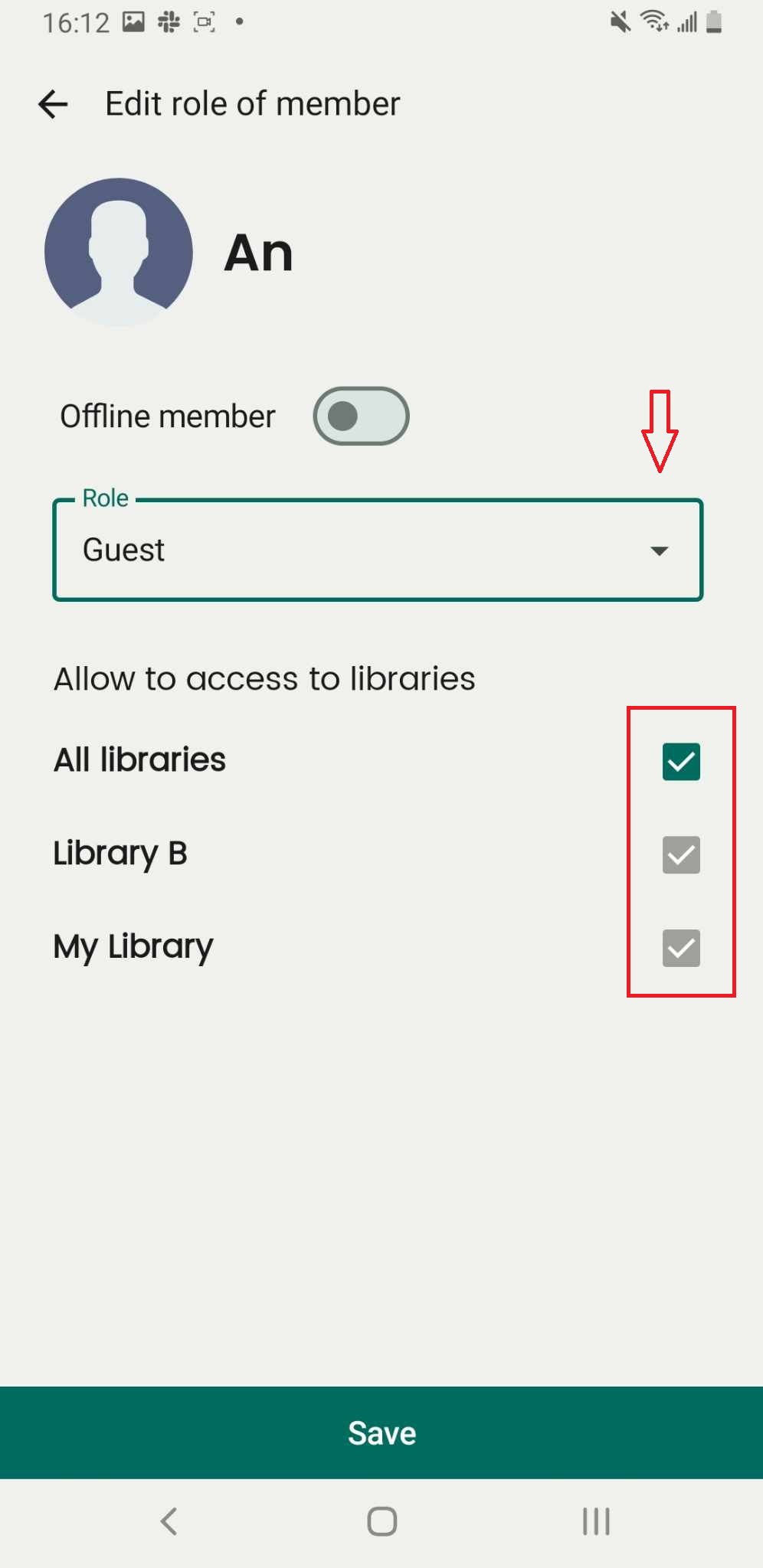
Step 25: Change role or allow member to access to libraries