Role
Add manual role
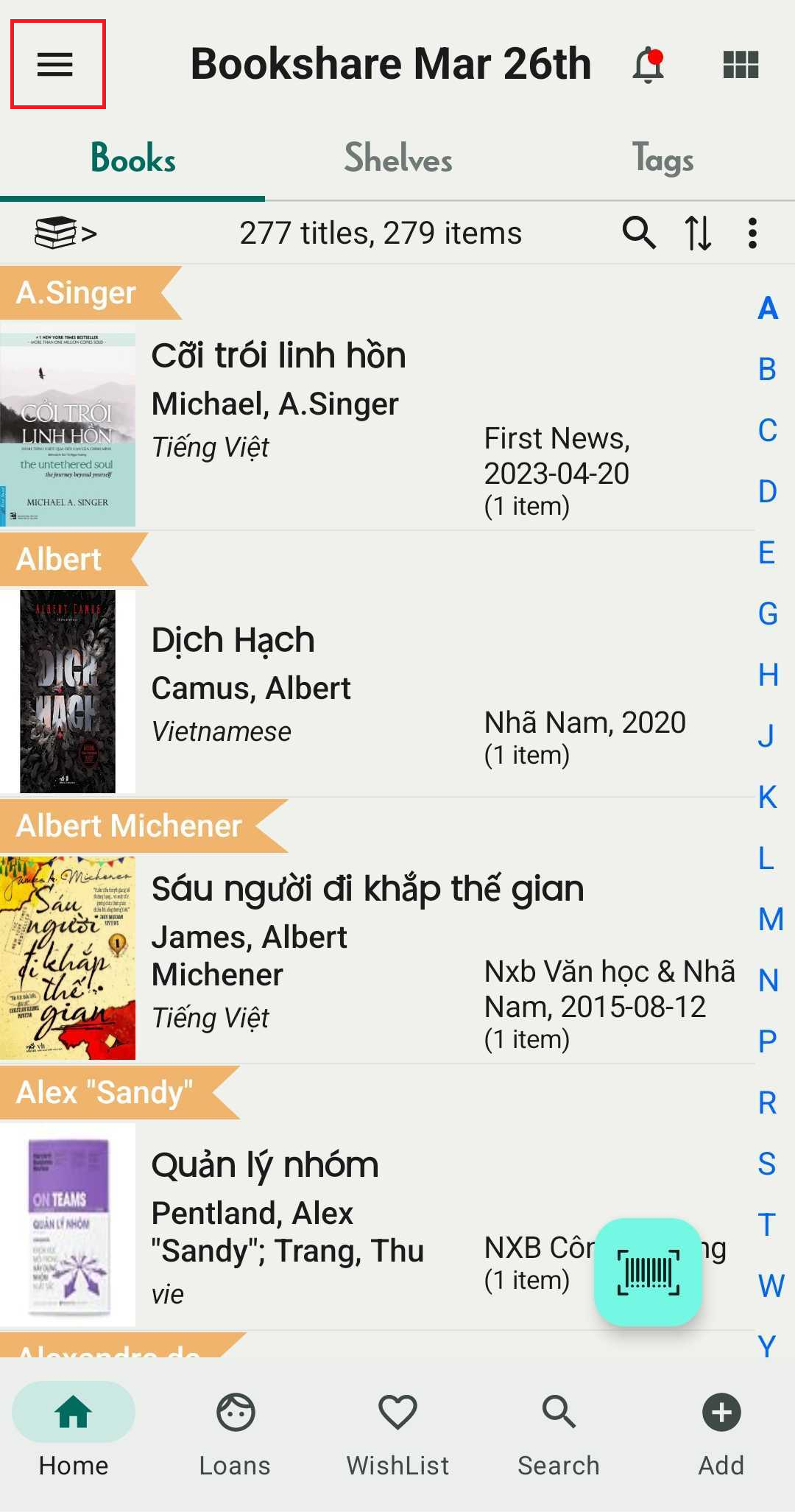
Step 1: Tap on the three-line icon. The list of selections displays on the screen
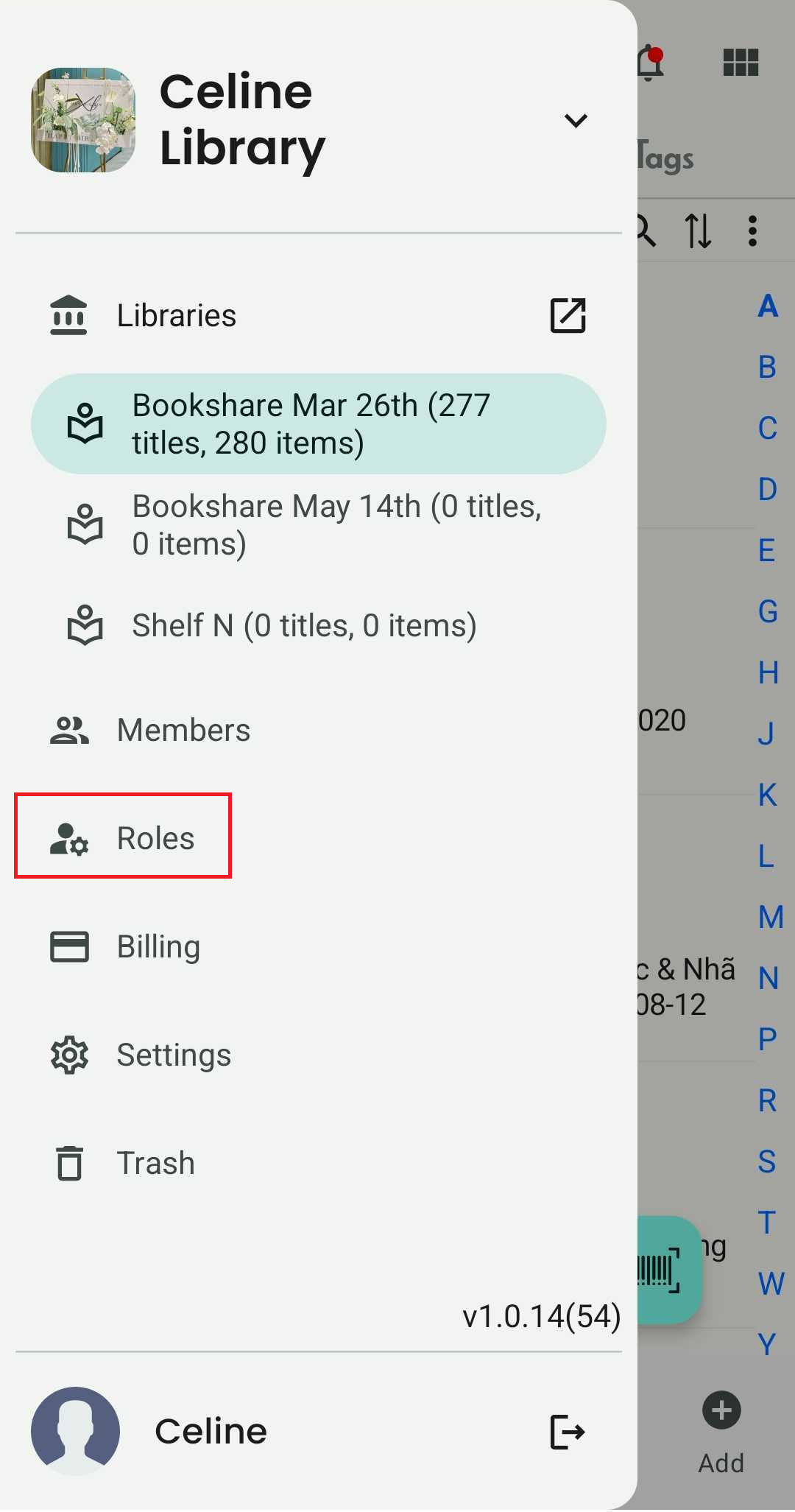
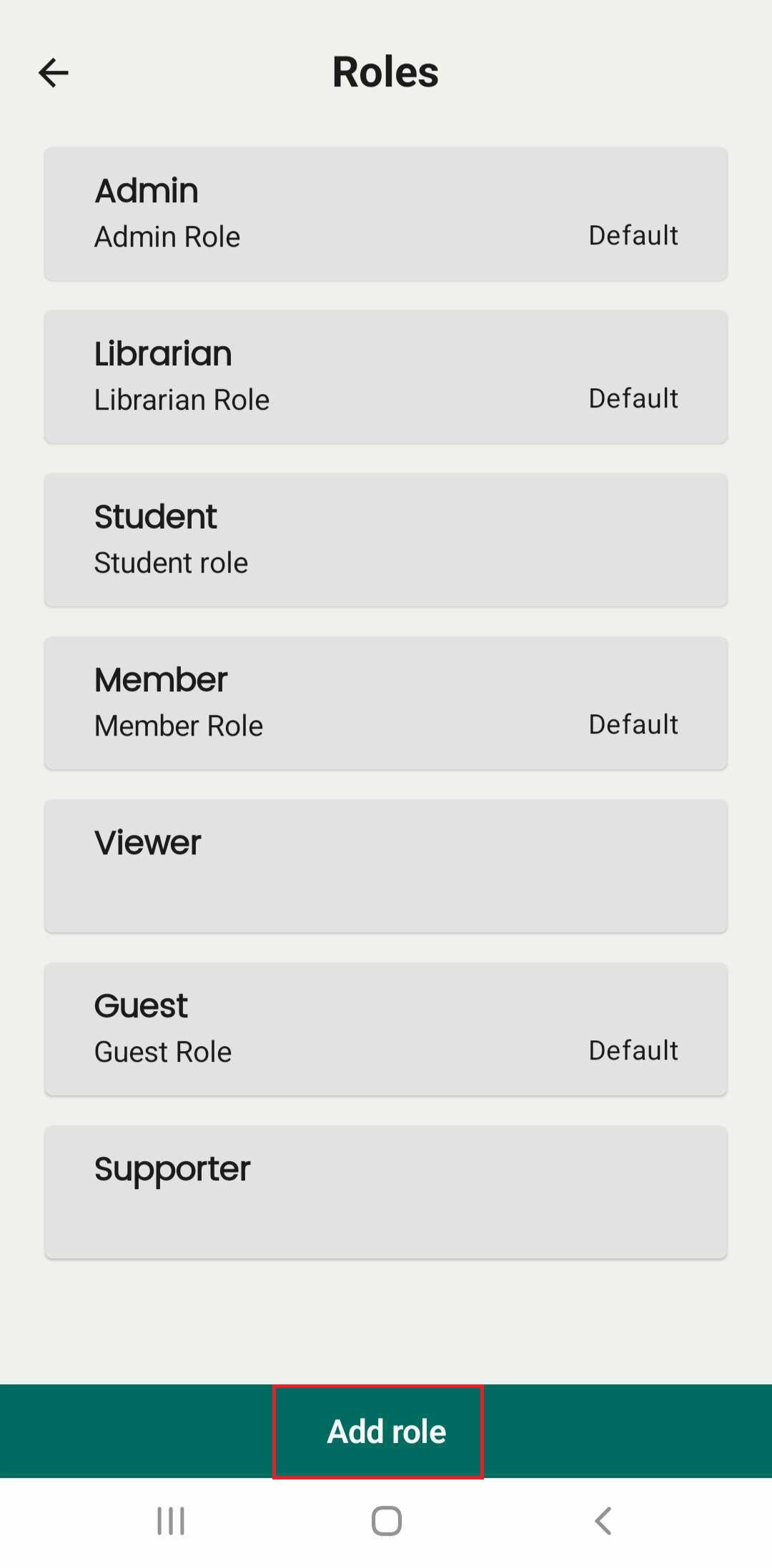
Step 2: Select Roles, The list of roles in the library. Press Add Role,
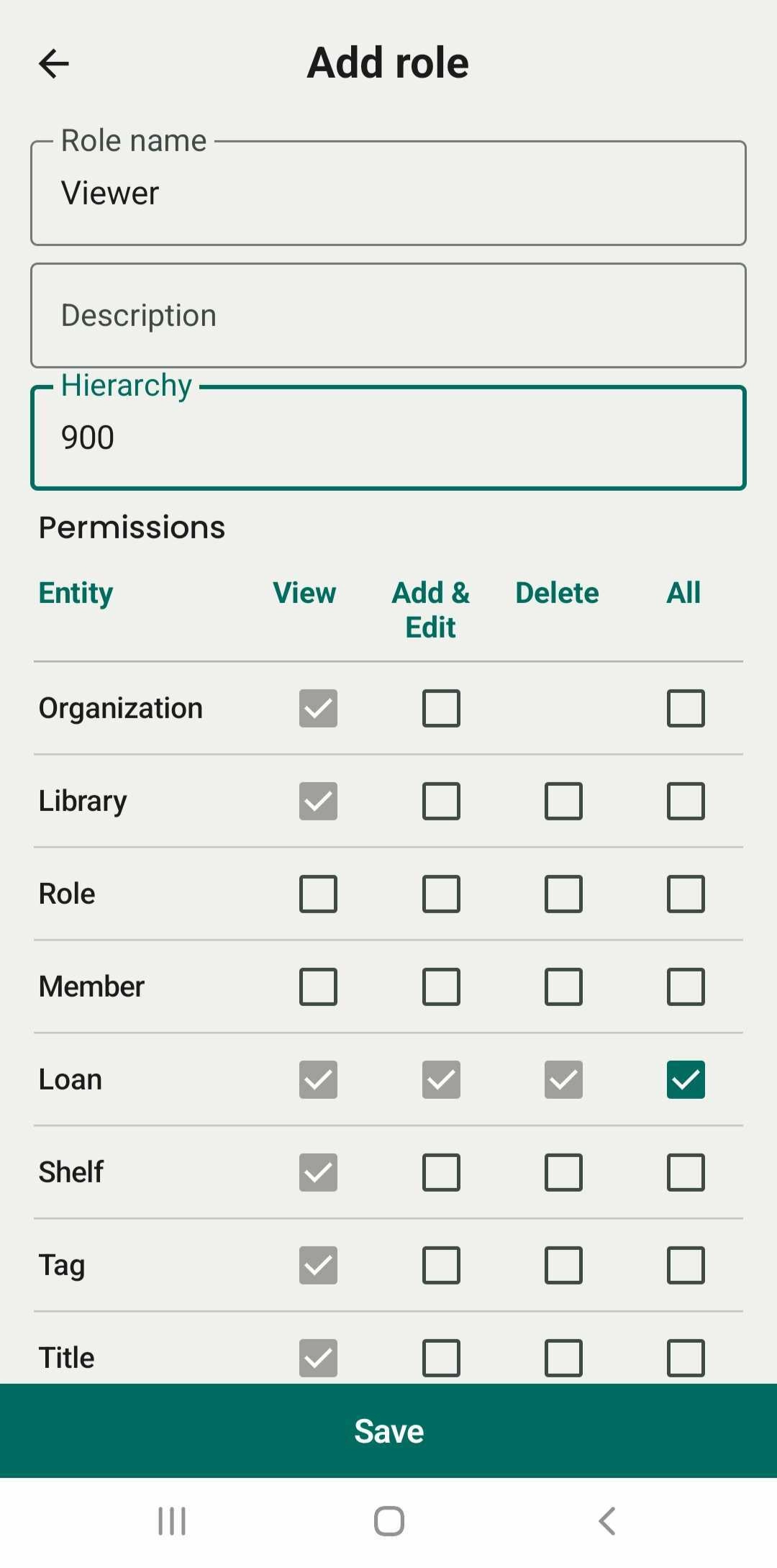
Step 3: The add role page is shown up
Role name, Description, Hierarchy, Update permissions . Choose some selections based on the user’s preference.
Step 4: Press SAVE, Role updated