Accept/Reject a registration
[Member screen]
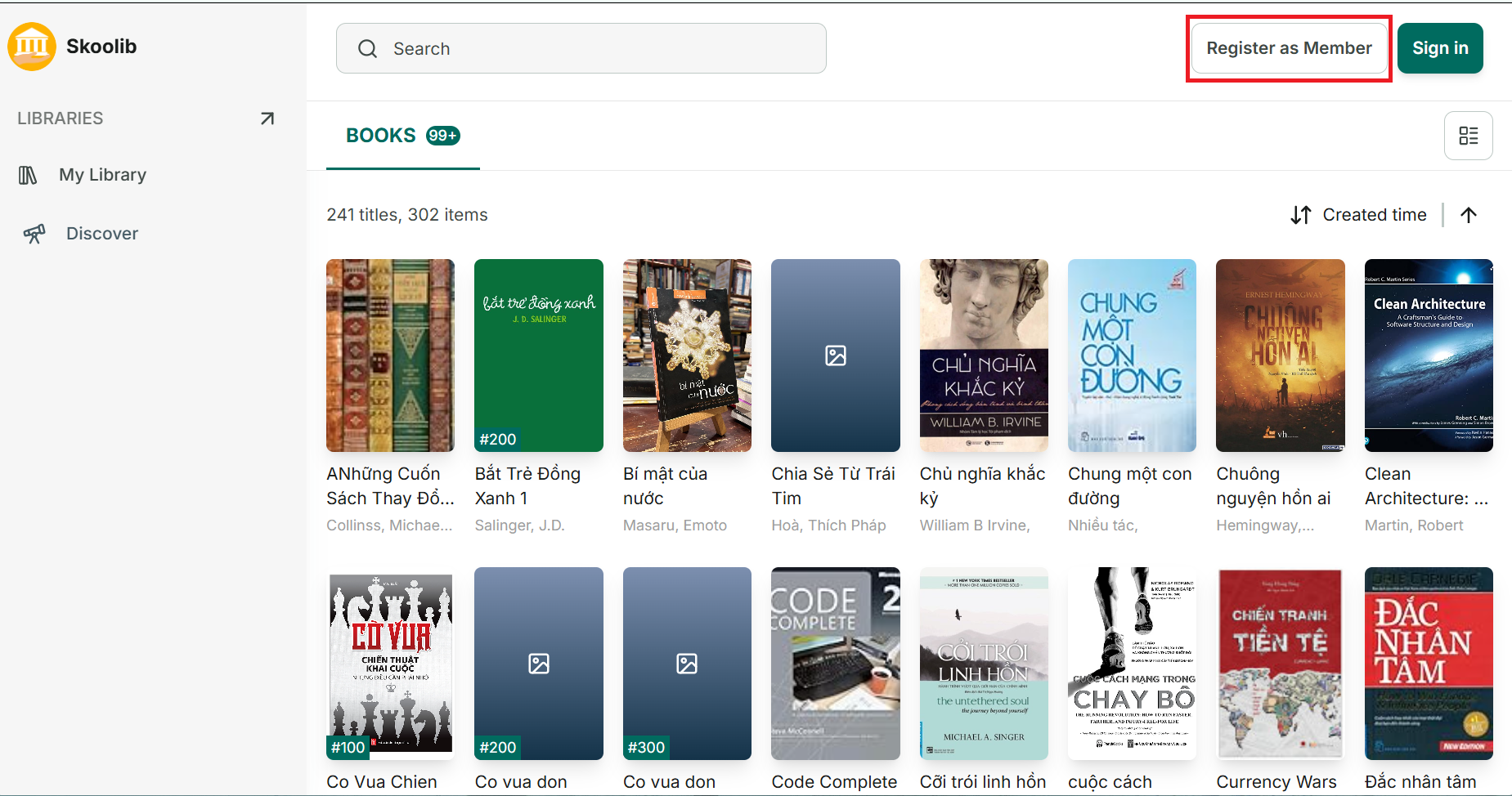
Members can register to join the library via the share link.
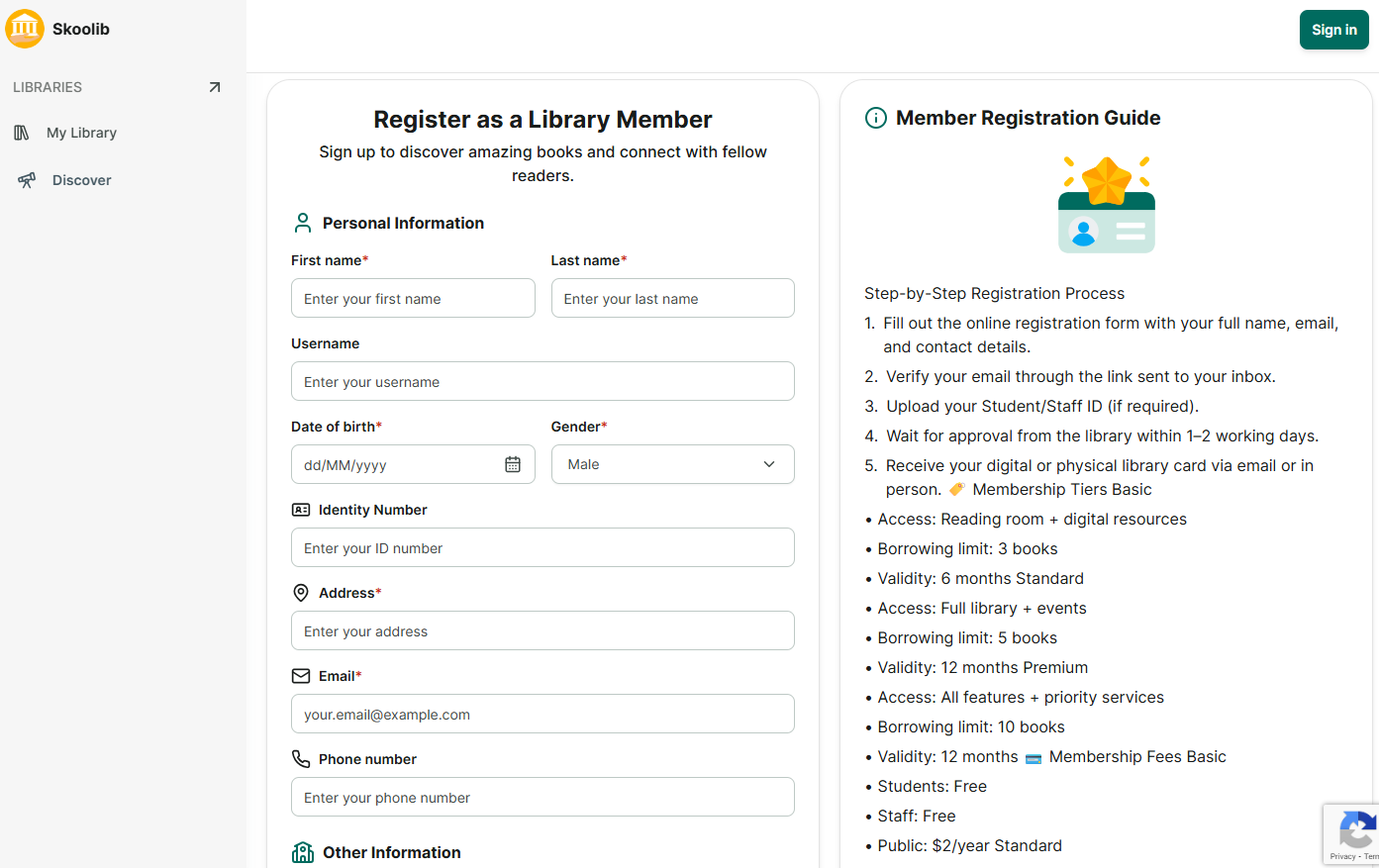
Members need to complete the registration form to join the library. And refer to the Member Registration Guide if available.
Their registration request will be sent to the ‘Registration’ section.
[Admin/librarian screen]
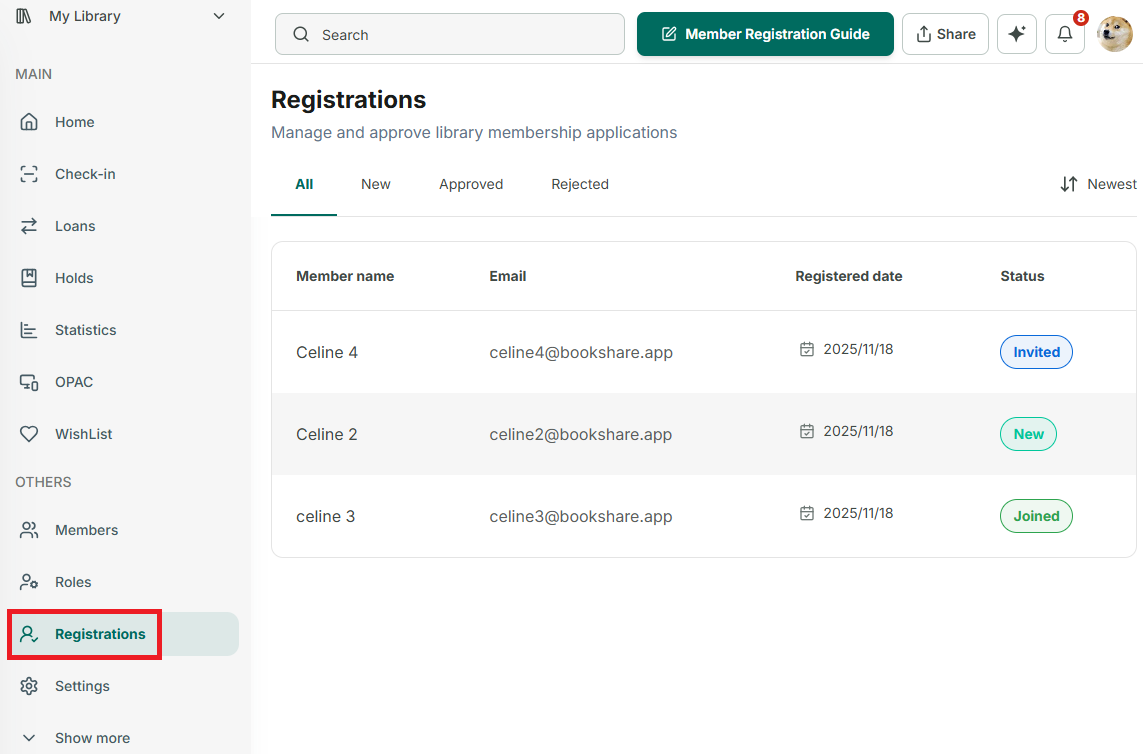
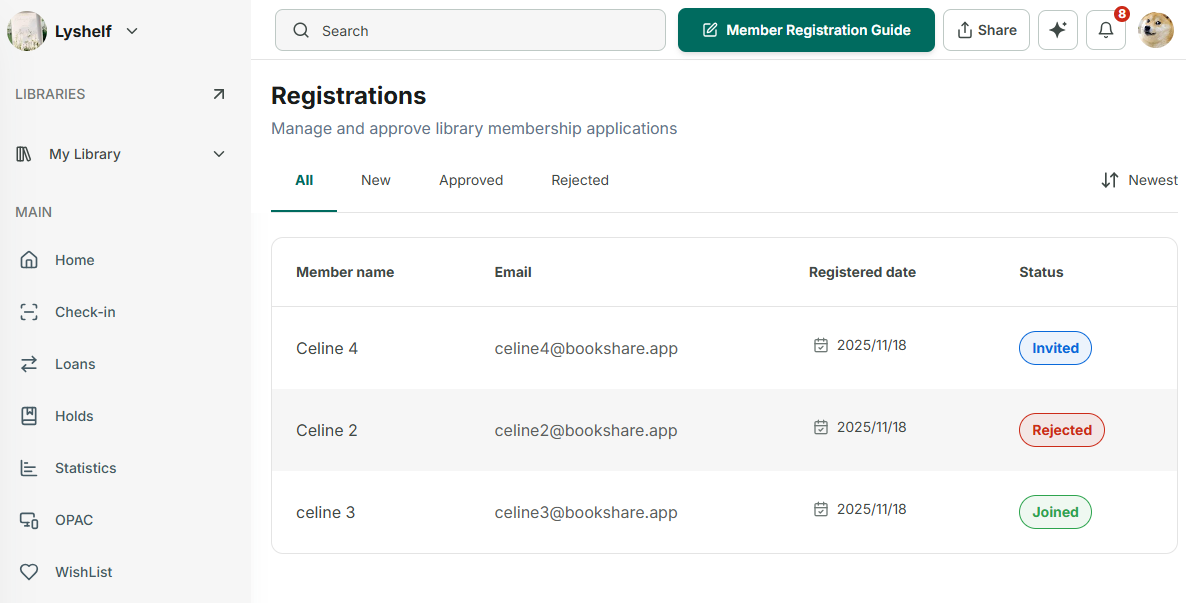
Step 1: Their requests will appear in the “Registrations” section
Step 2: Tap on a New Status Registration
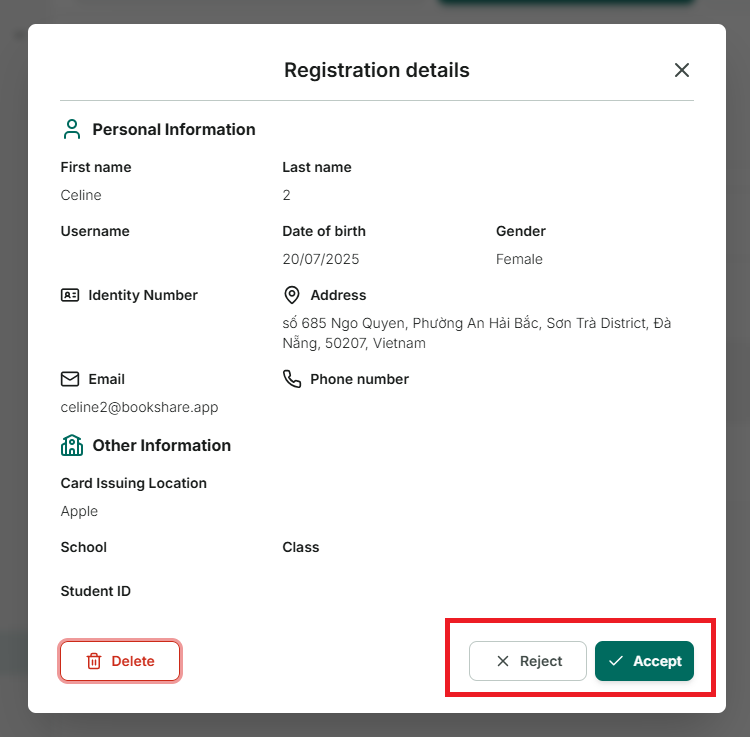
Step 3: Tap on “Accept” to approved or “Reject” this member.
Step 4: If the registration is approved, they need to be assigned a role before being added to the organization. (change to “invited” staus.)
- If a member already has a Skoolib account, after **accepting**, they will receive an email invitation. (change to “Join” status)- If a member does not already have a Skoolib account, **after accepting**, they will receive an email with an initial password to log in to Skoolib and access the organization. (change to “Join” status)Step 5: If the registration is rejected, the status will change to “Rejected”