Skip to content

Barcode Settings

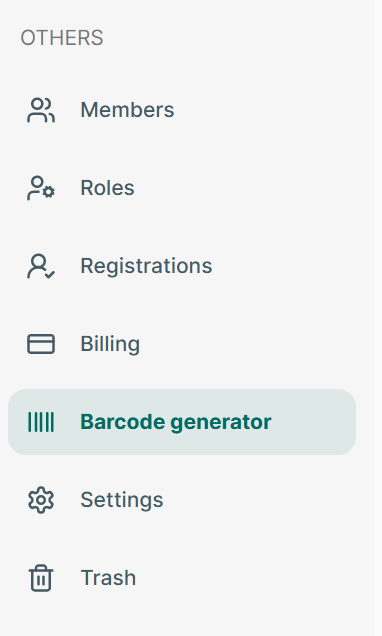
Step 1: Open app and go to Barcode generate section

image.png

Step 2: Tap on “Setting” icon

image.png

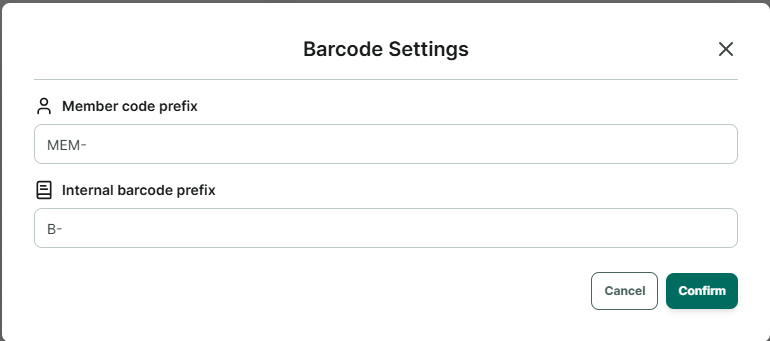
Step 3: Enter prefix of member barcode and internal barcode

image.png

Step 4: Press Confirm to save

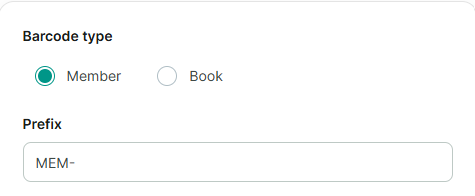
image.png

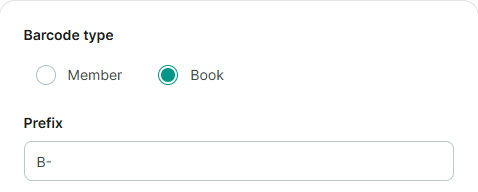
image.png