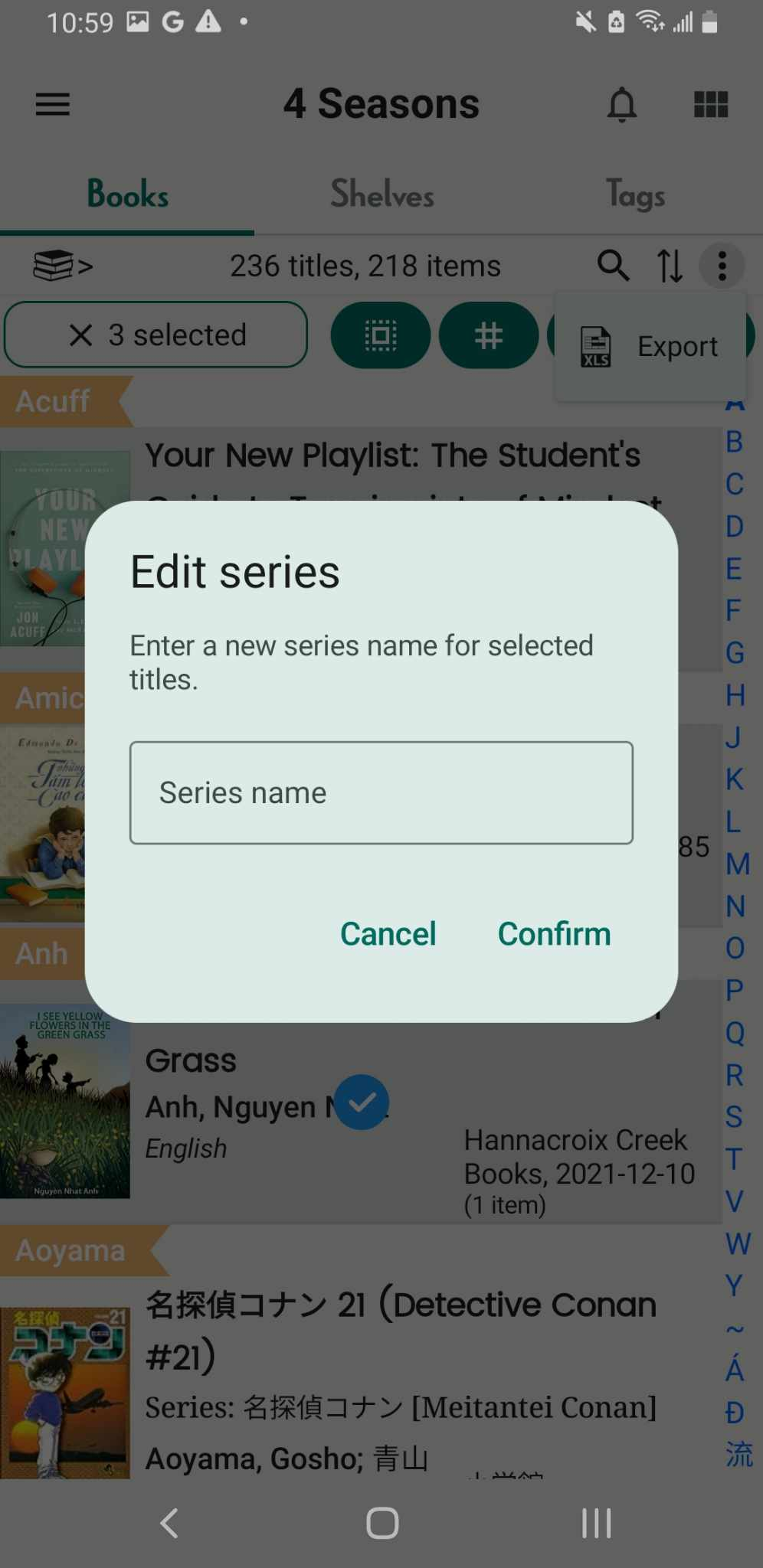
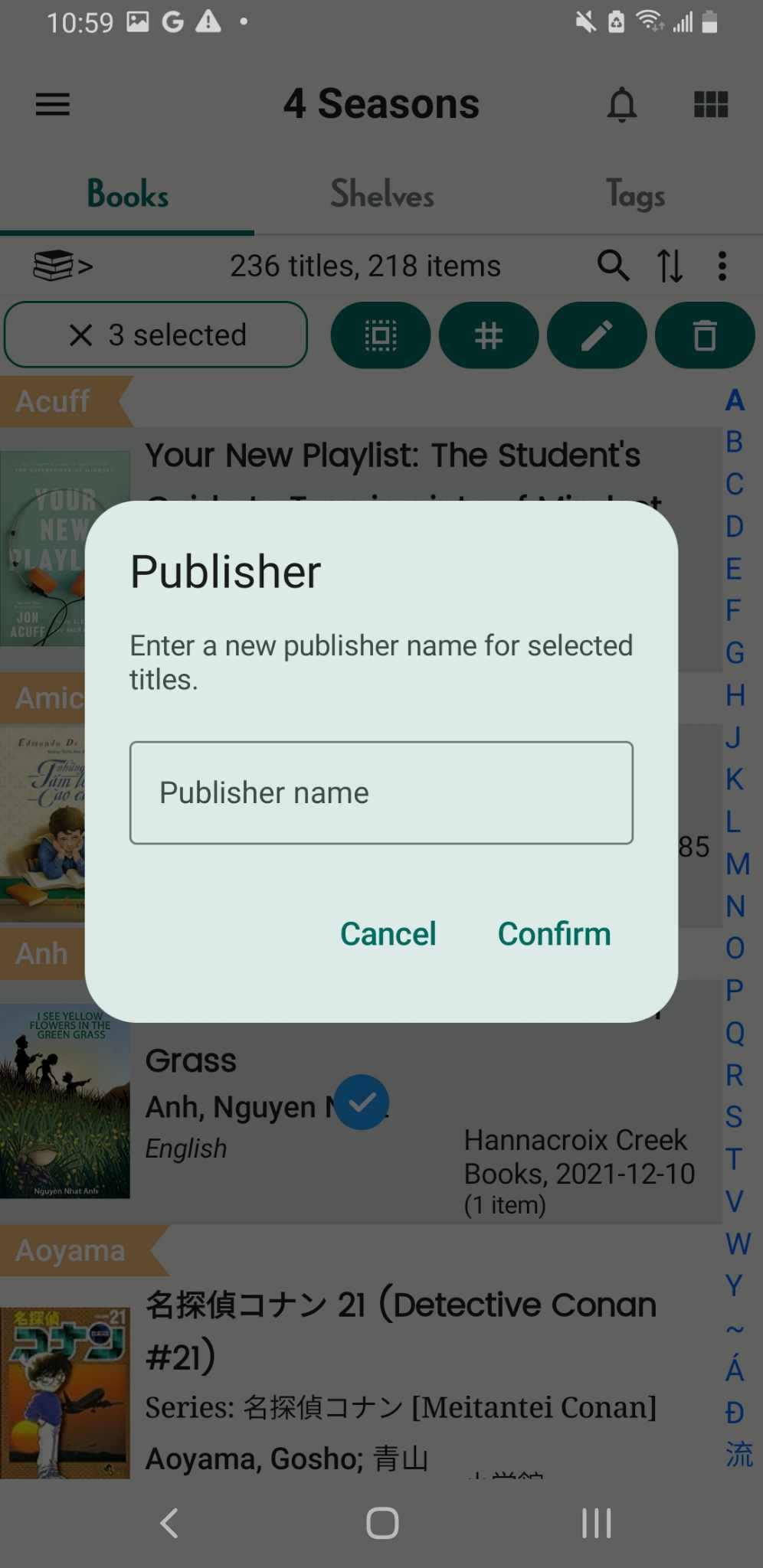
Batch edit details of book - series/publisher
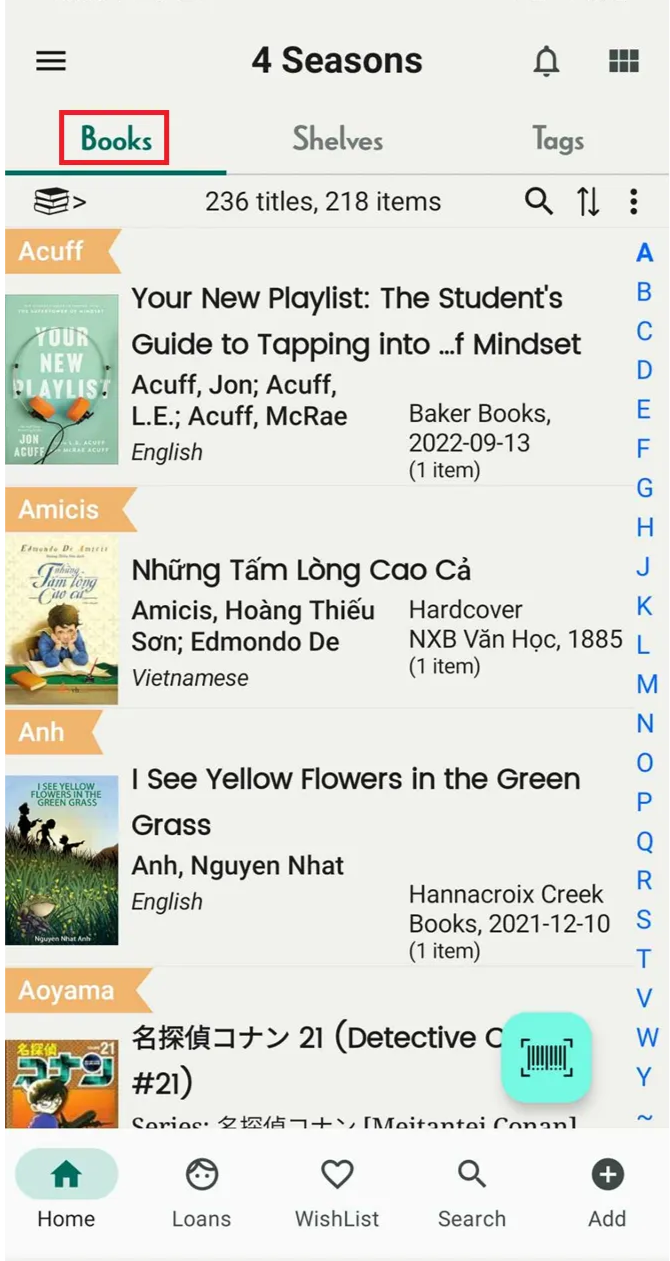
Step 1: Open app and go to books tab
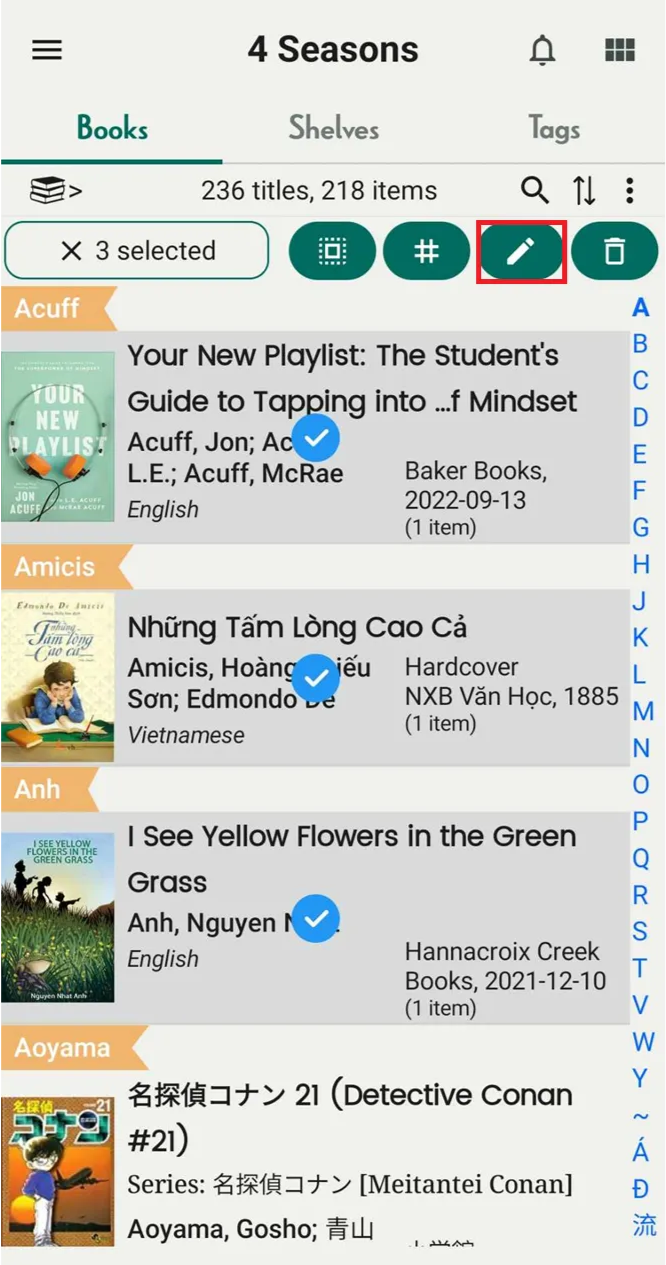
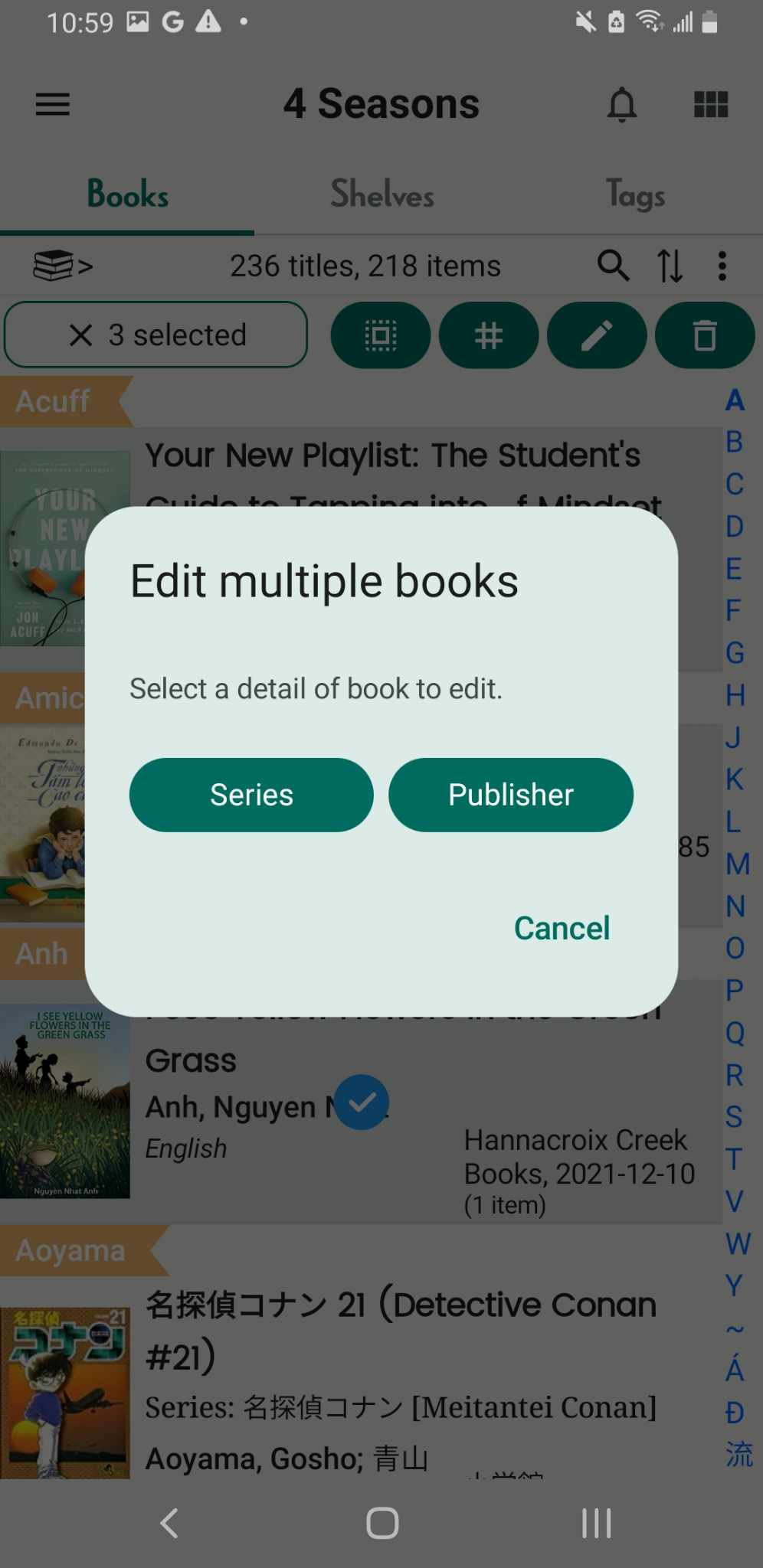
Step 2: Long-press any book to activate multi-selection, then select additional books. Tap on pencil icon
Step 3: You can select Series or Publisher to edit
Step 4: Enter Series or Oublish and press Confirm