Set item cover as shelf cover
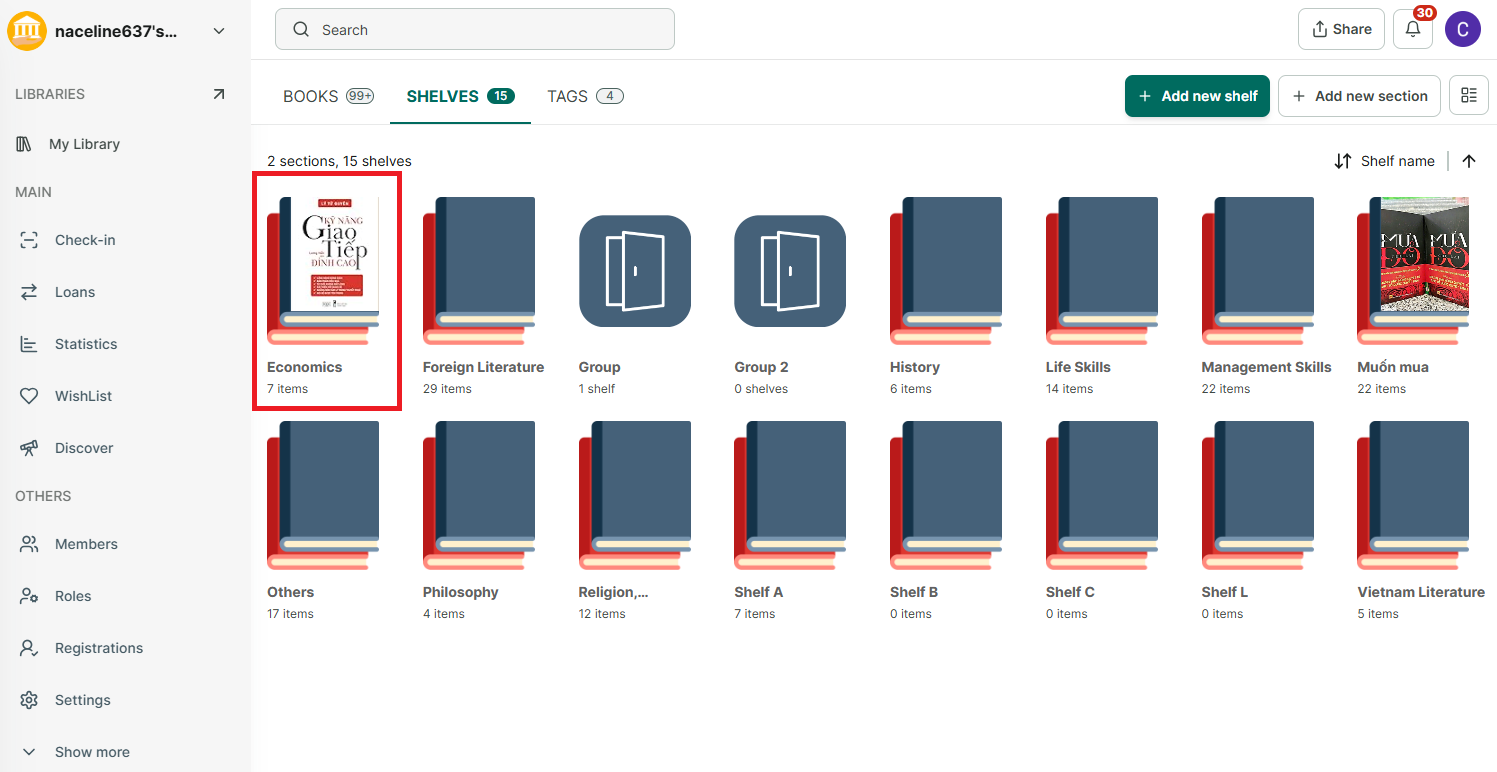
Step 1: Go to the Shelves tab and open a shelf (either directly or within a group shelf).
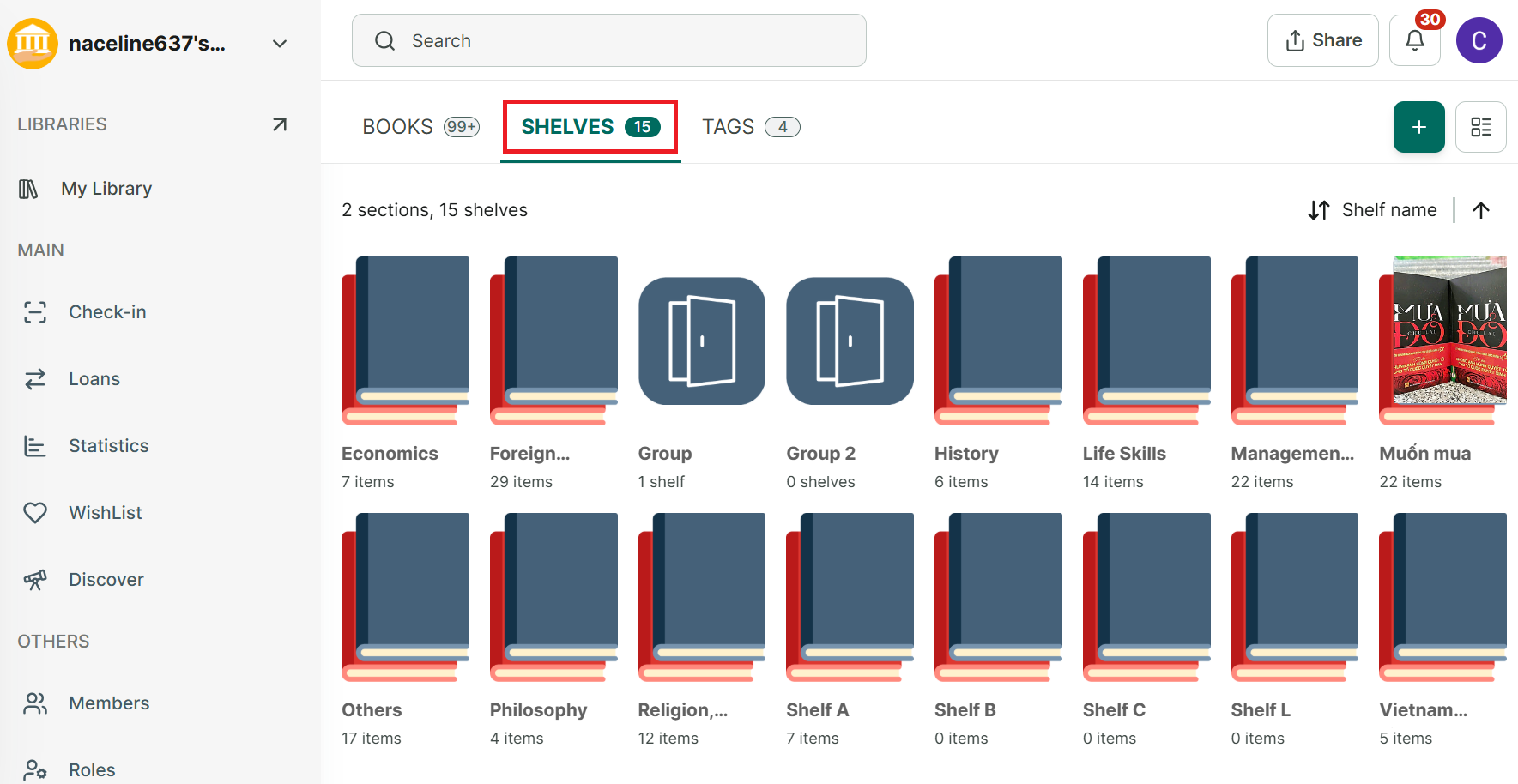
Step 2: Tap the book you want to use as the cover, then tap “Set item cover as shelf cover” in the top-right corner.
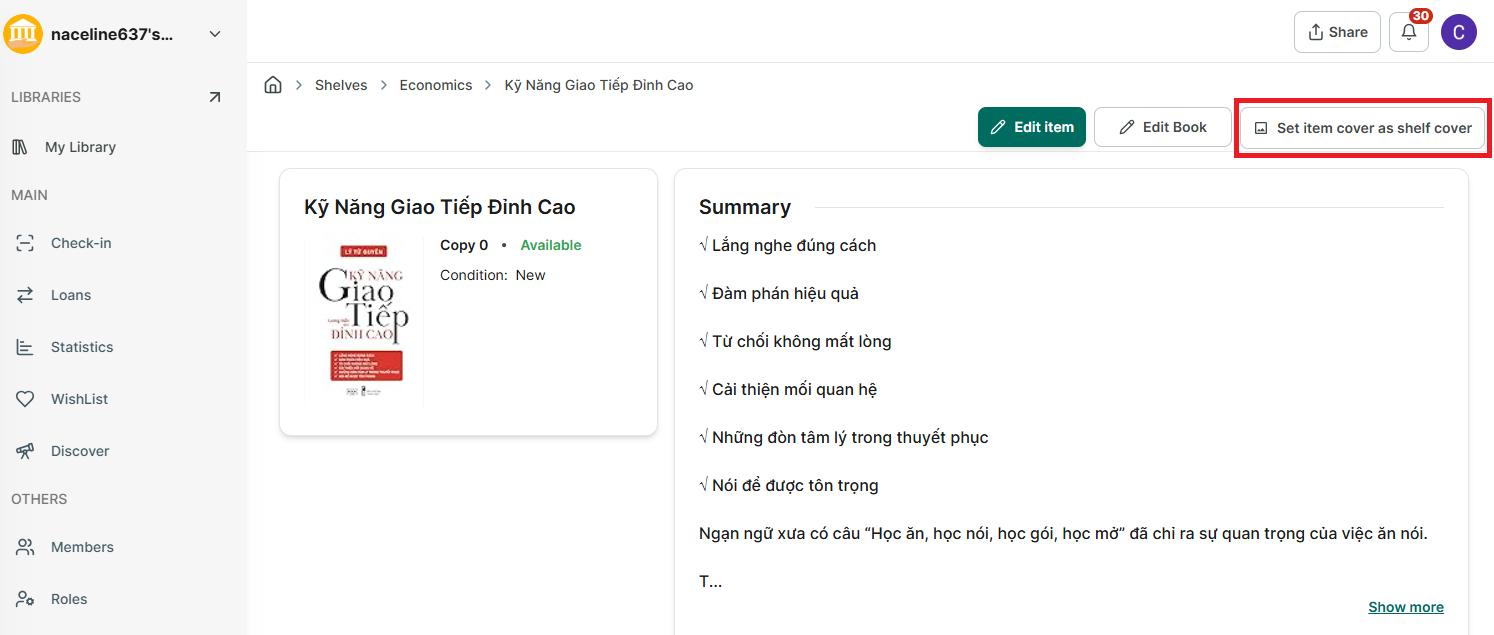
Step 3: The shelf cover will be updated.