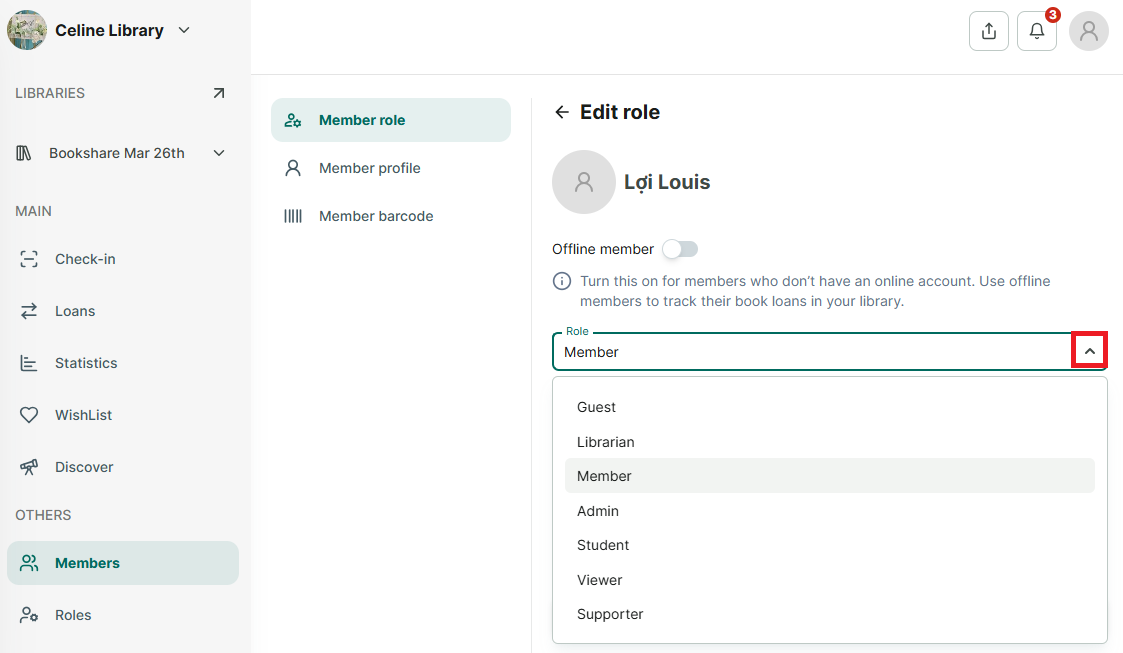
Edit role of member
Step 1: To edit a member’s profile, go to the “Member” section from the side menu.
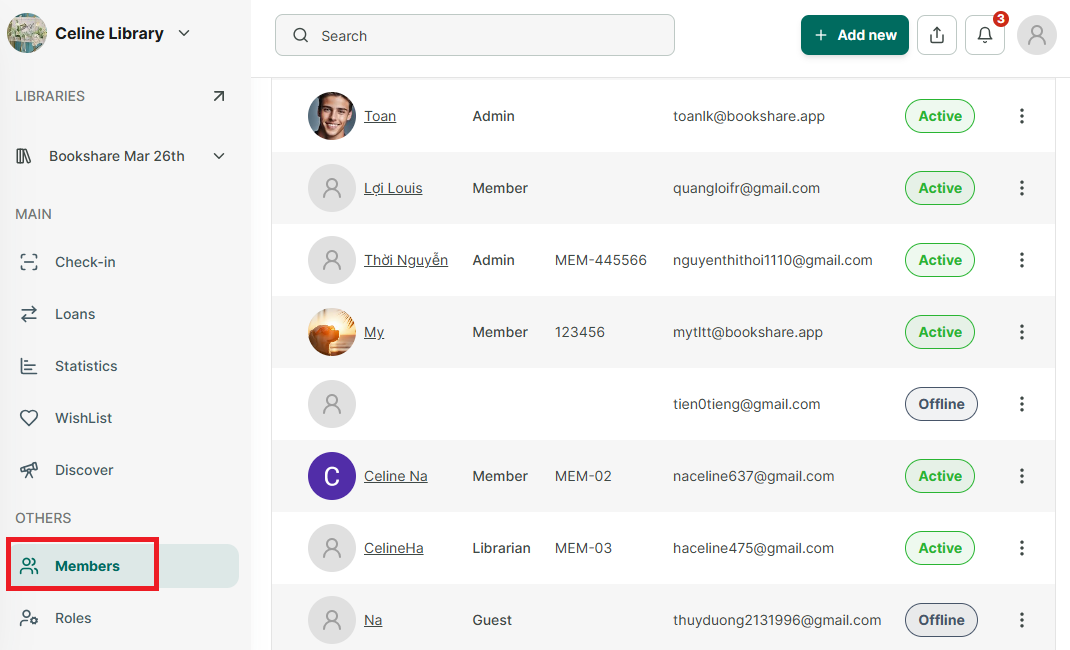
Step 2: You will see a list of all members. Select the member whose profile you want to edit.
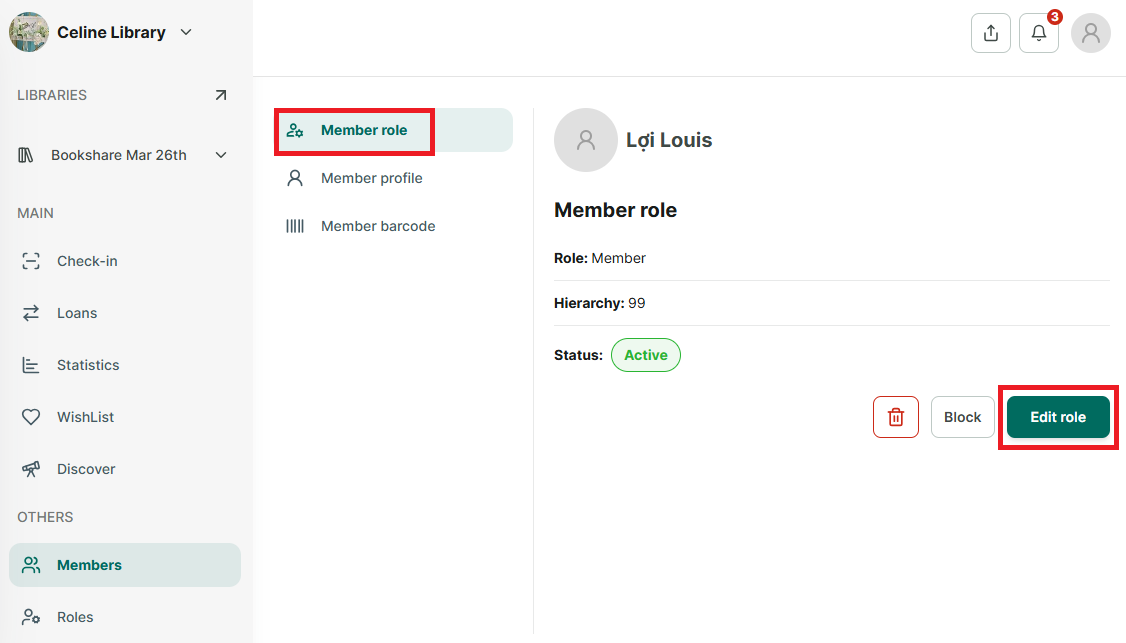
Step 3: Select “Member role”
click the “Edit role” button.