
Add book by scan barcode
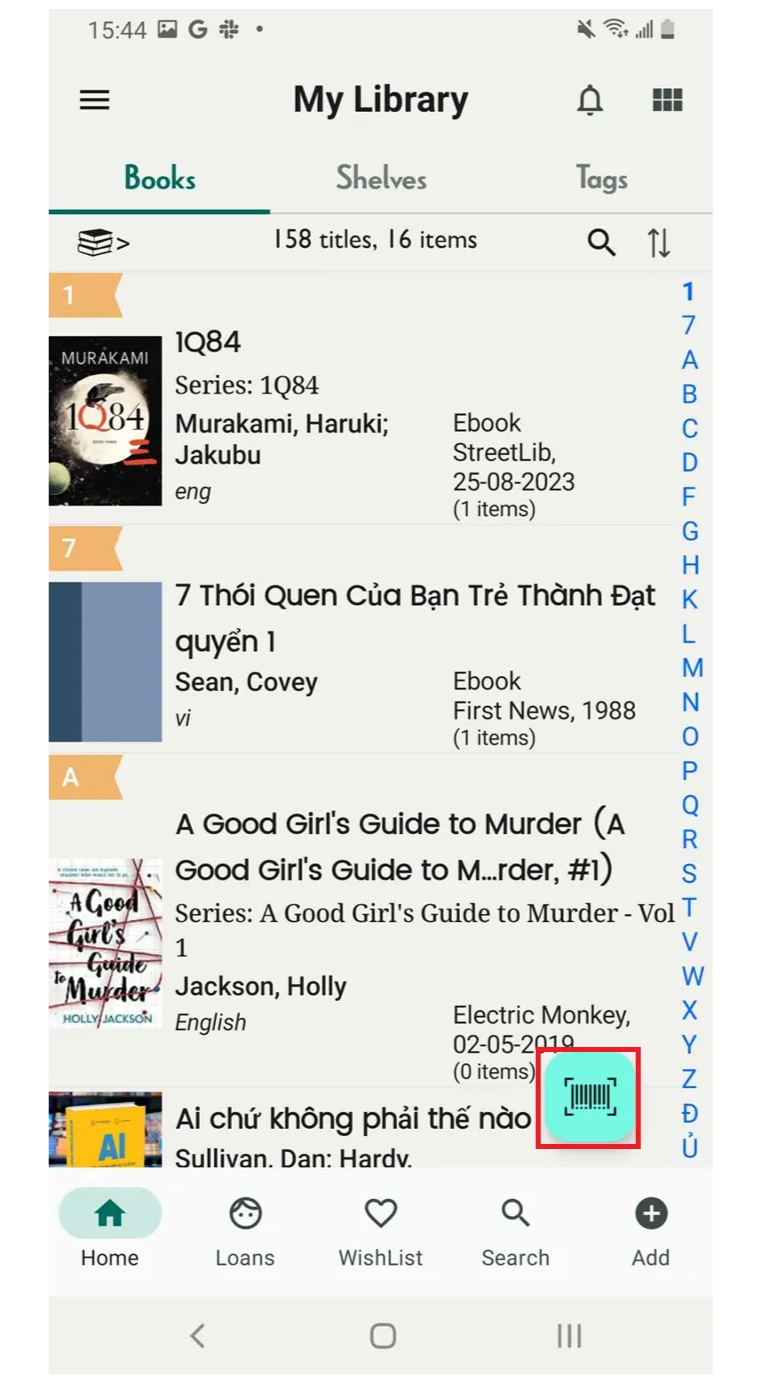
Step 1: On the main screen, tap the barcode icon.
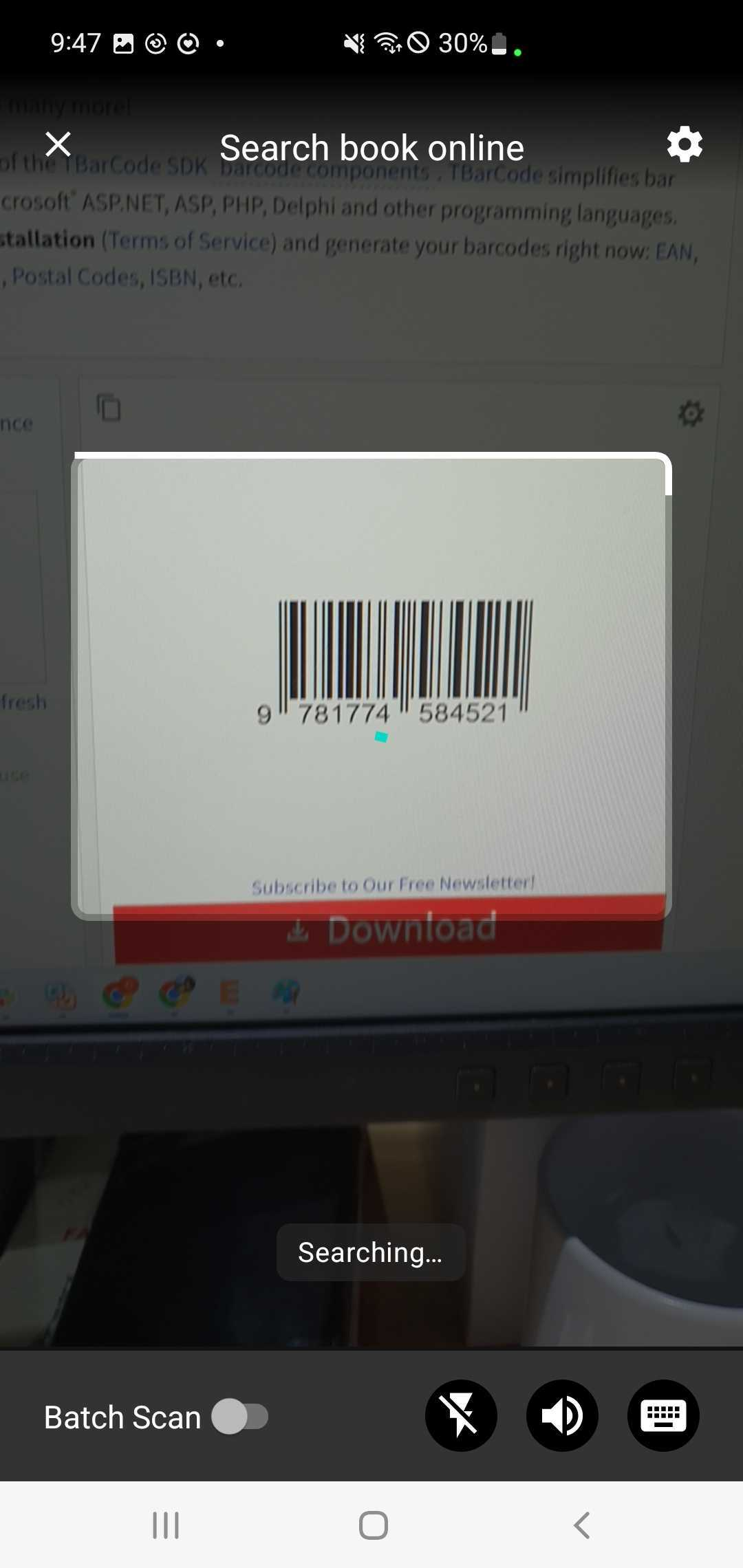
Step 2: Scan the ISBN of the book. It will display the book’s details.
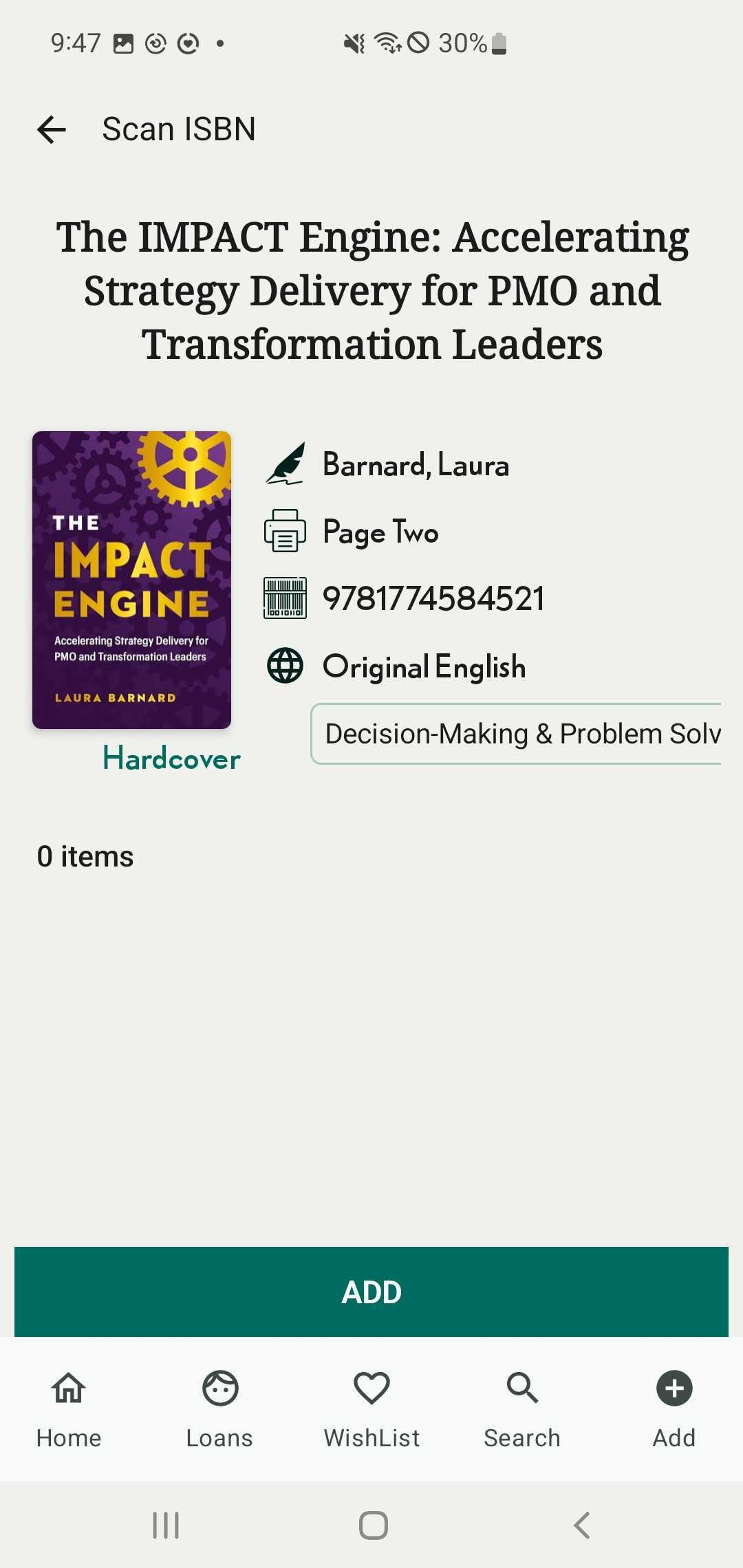
Step 3: Press “Add”
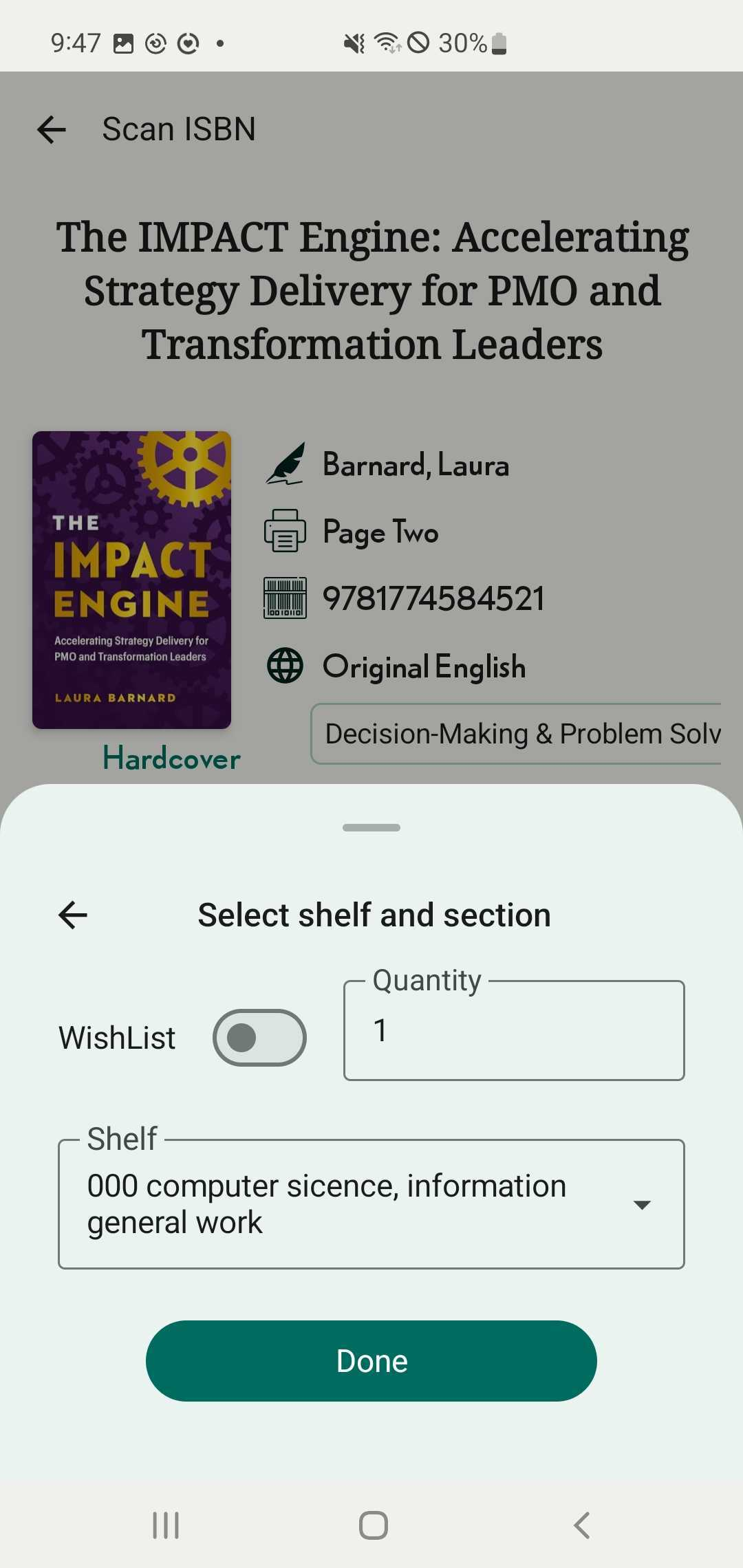
Step 4: Enter the quantity, Select shelf and shelf group. Press Done
Chat with Skoolib
Answers come from the Help Center guides.