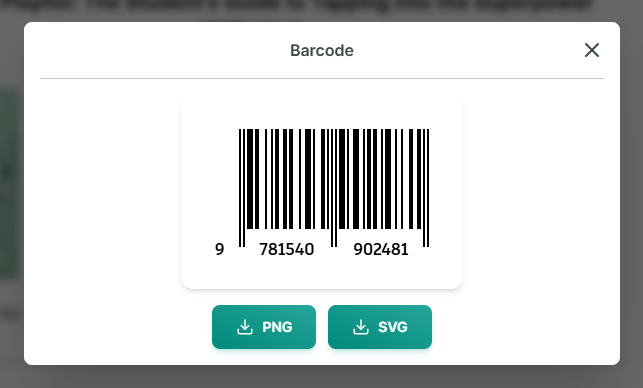
Barcode
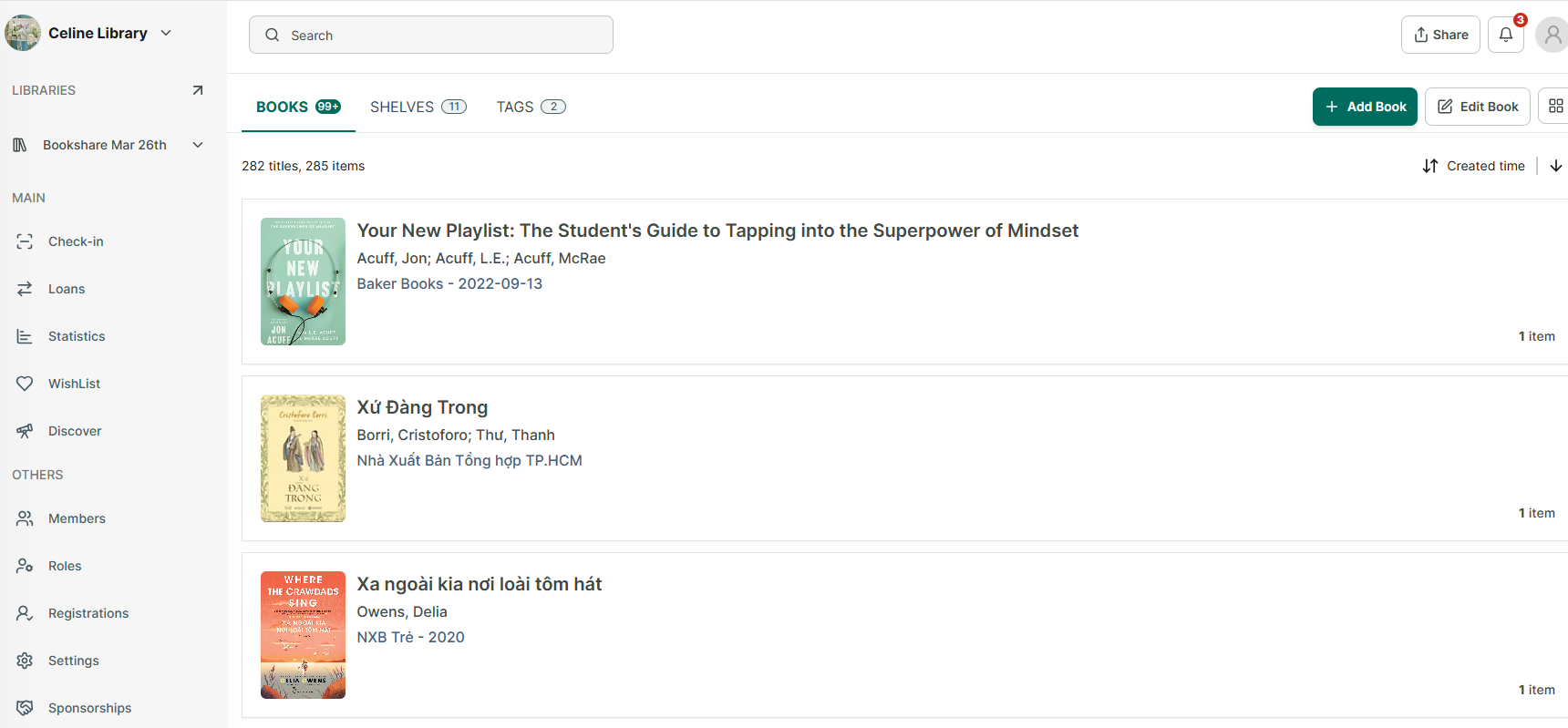
Step 1: After adding books, all books will appear in the Books tab.
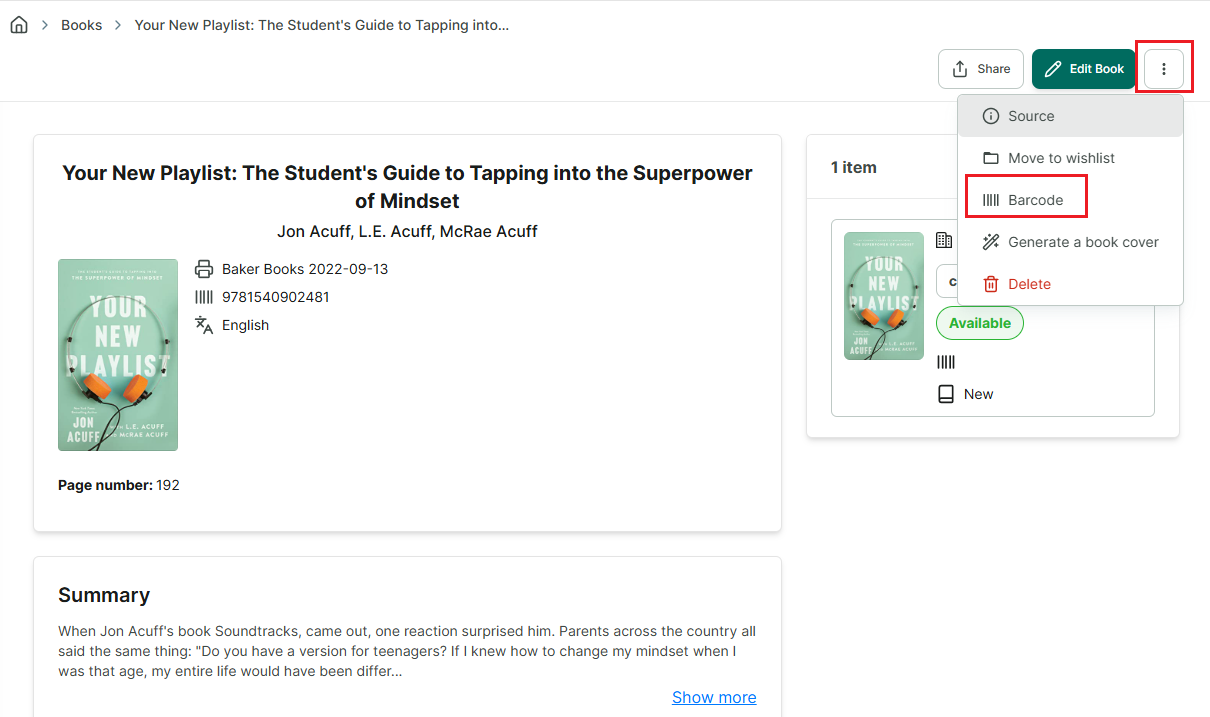
Step 2: Tap on a book to view its details → tap the three-dot button in the top corner of the screen to see more options → select Barcode.
Step 3: The barcode is generated automatically, and you can download it if needed. Please note that a barcode can only be generated if the book information contains an ISBN number.