Export a list of book.
Step 1: Open app and go to Books tab
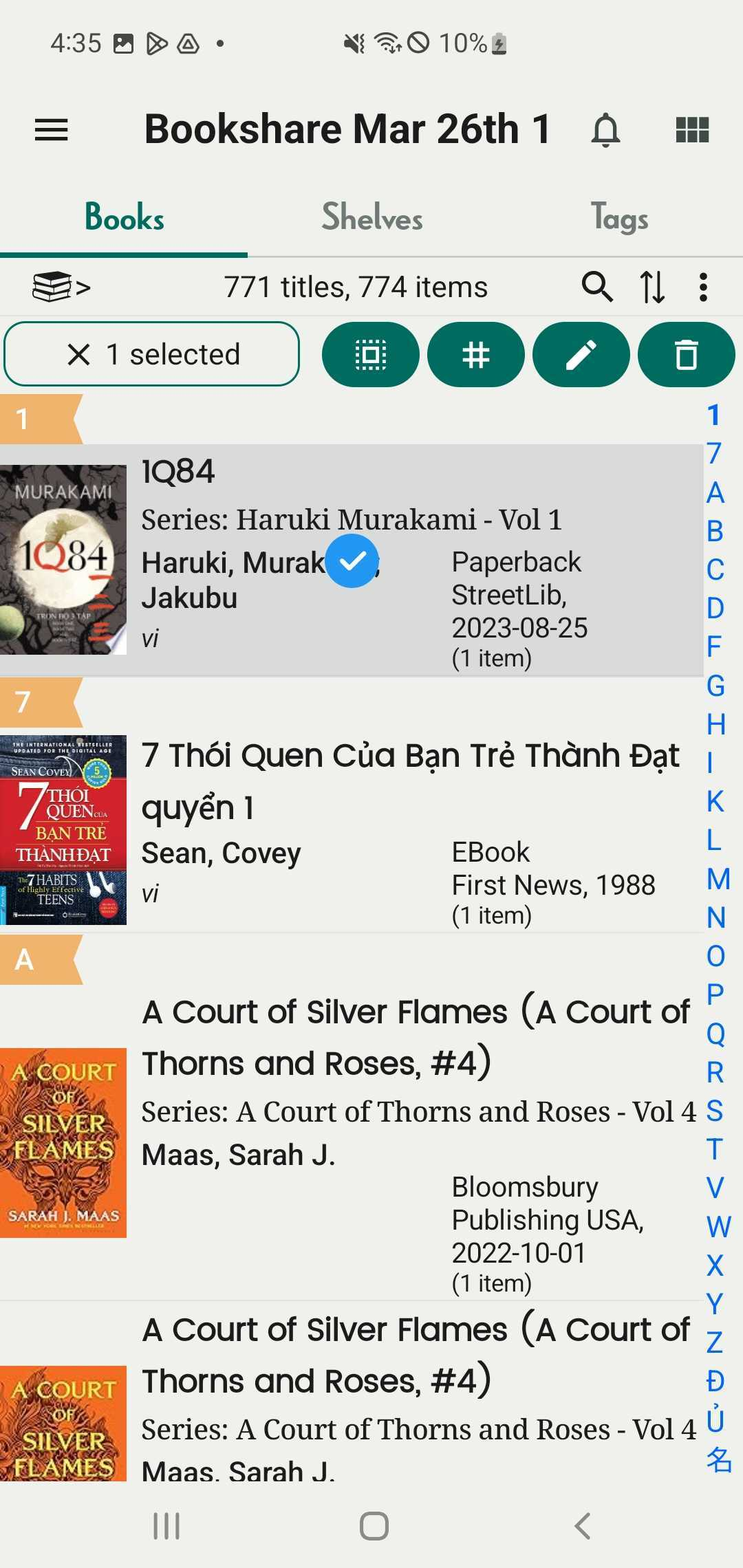
Step 2: Long press a book you want to export
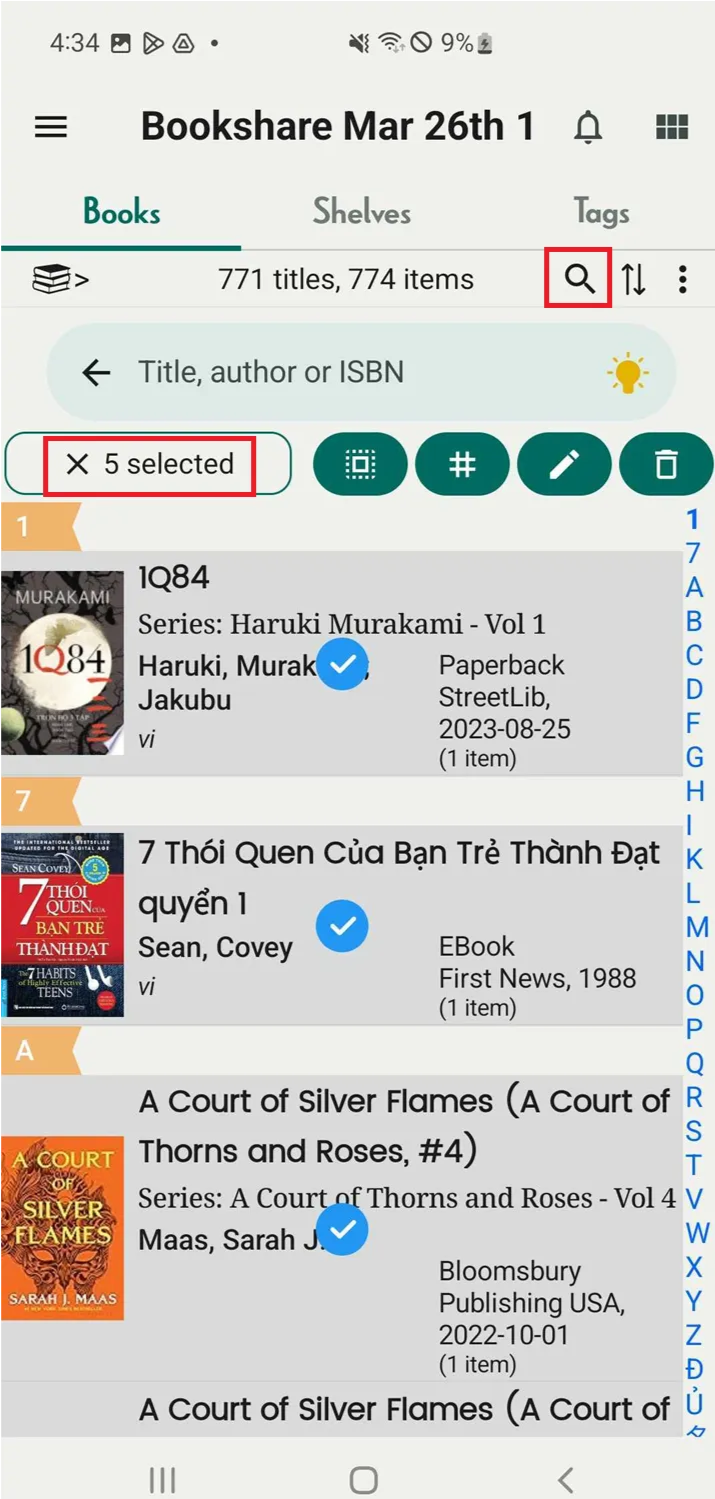
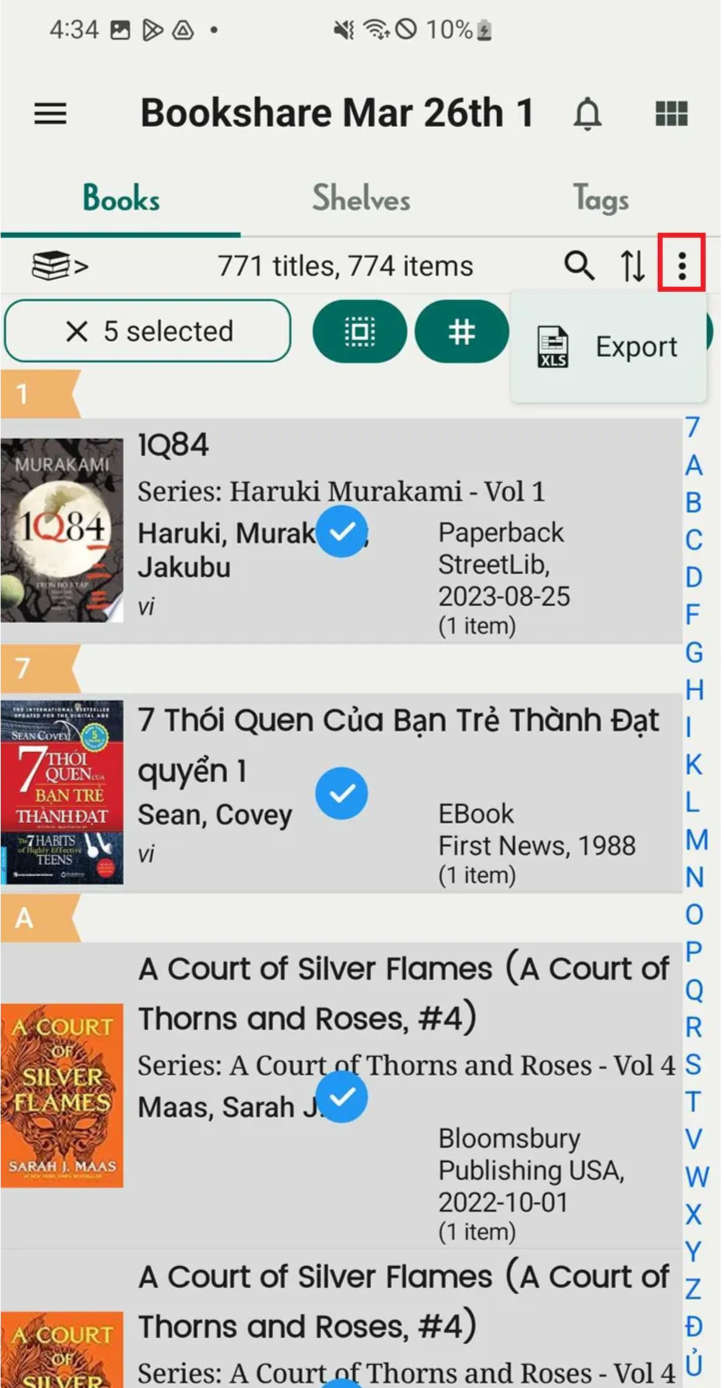
Step 3: Select more books if needed. You can tap the search icon to find books directly. The number of selected books will appear.
Step 4: Once done, tap the three-dot icon next to the two-arrow icon.
Step 5: Tap “Export”.
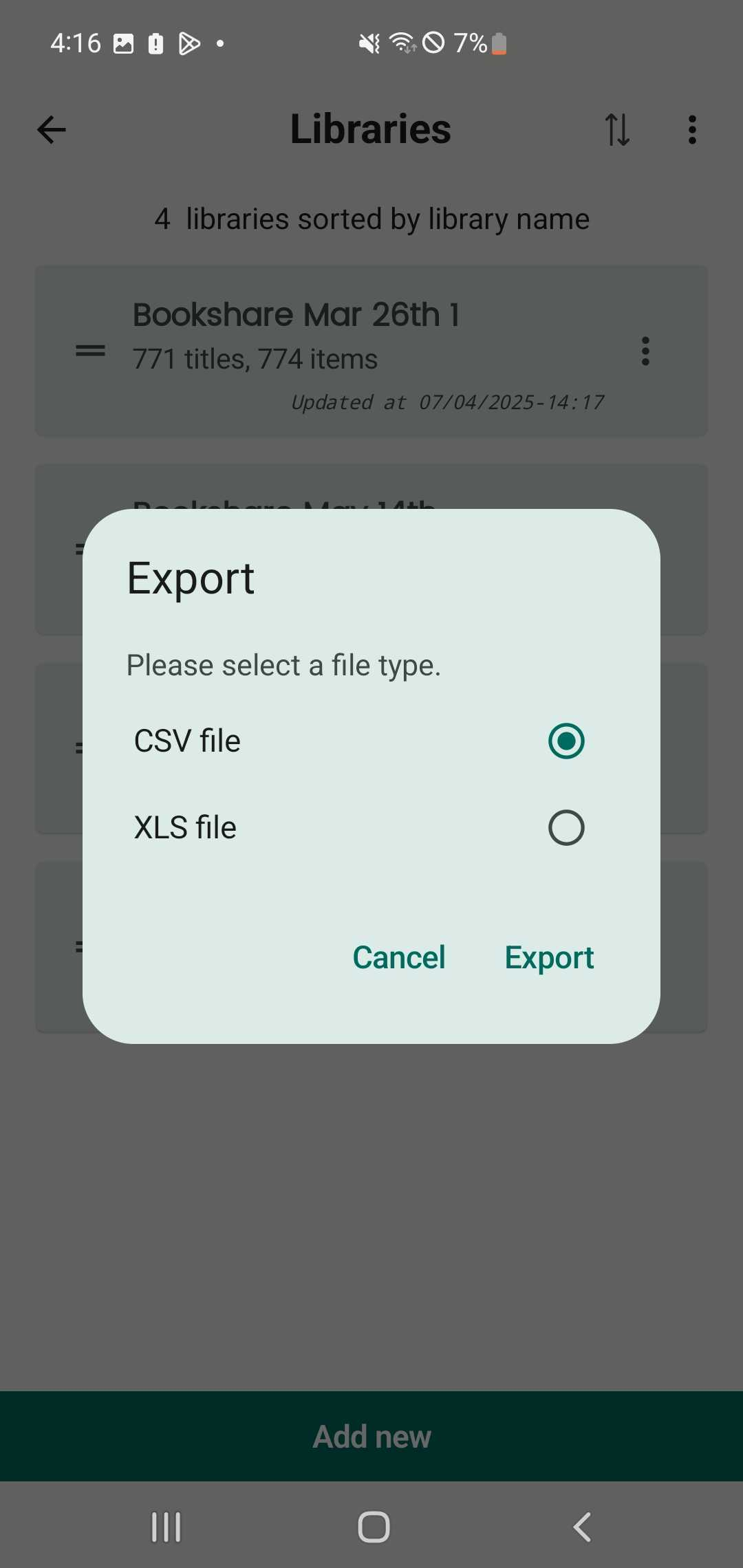
Step 6: Select a file type:
- CSV file
- XLS file
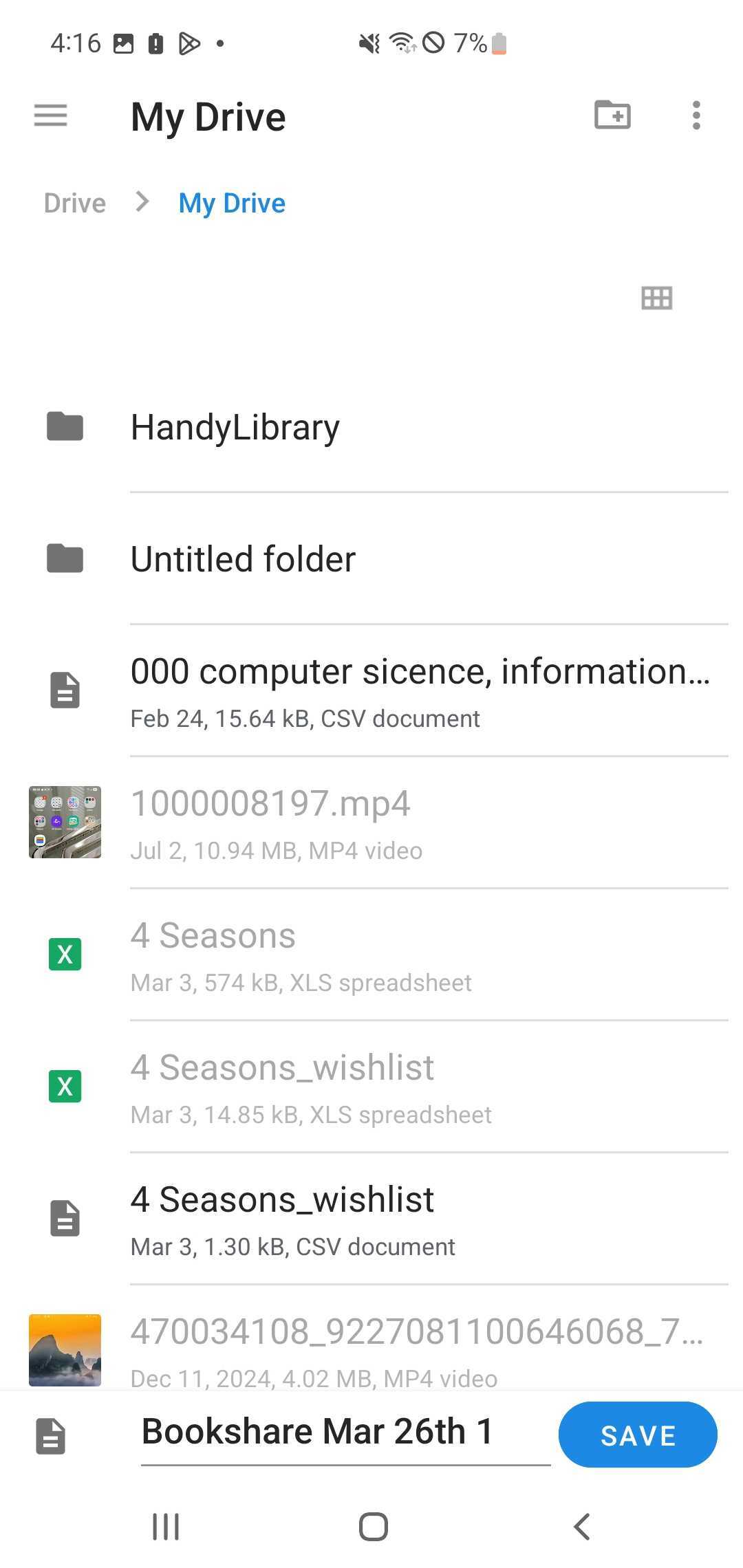
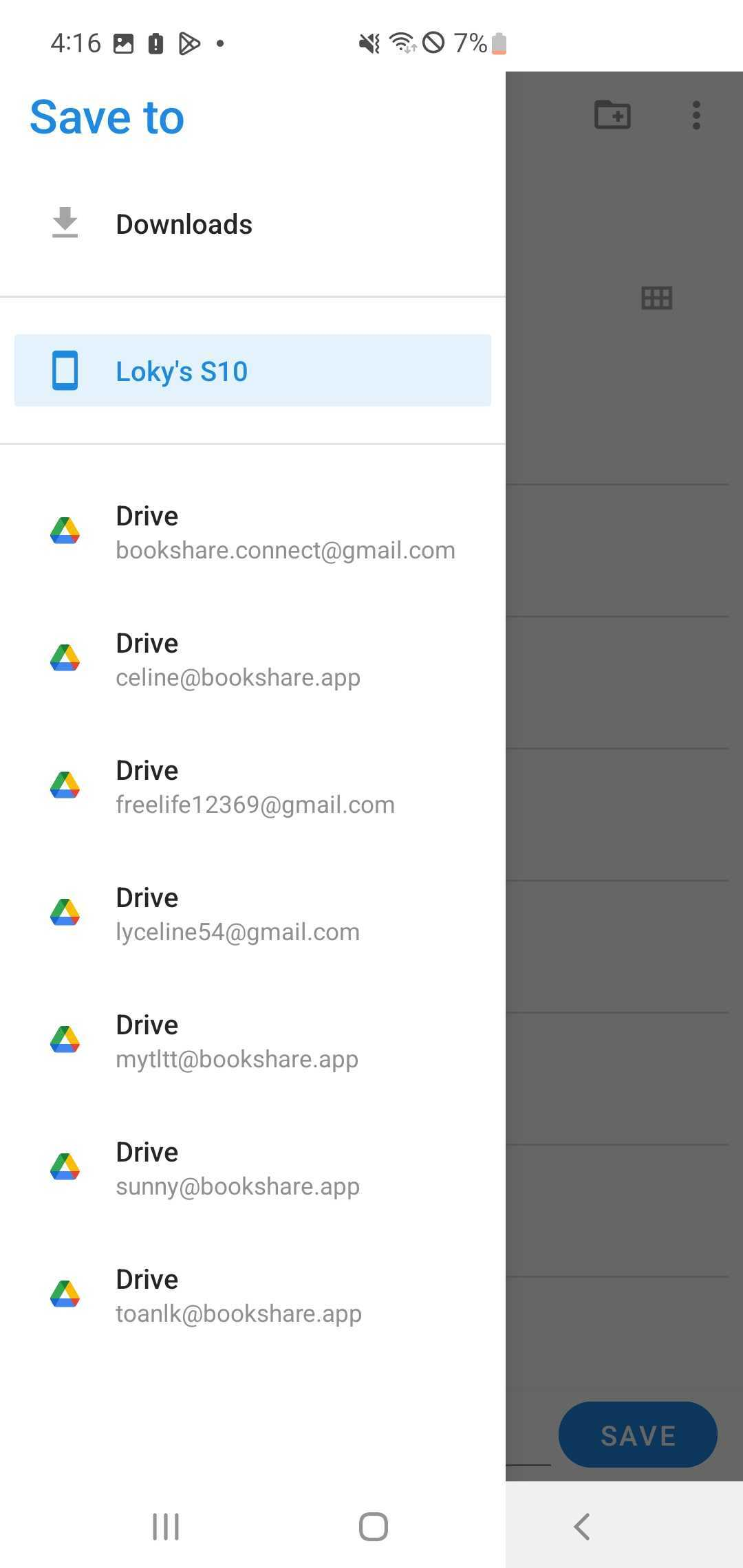
Step 7: You can save the file to your Drive or device storage.