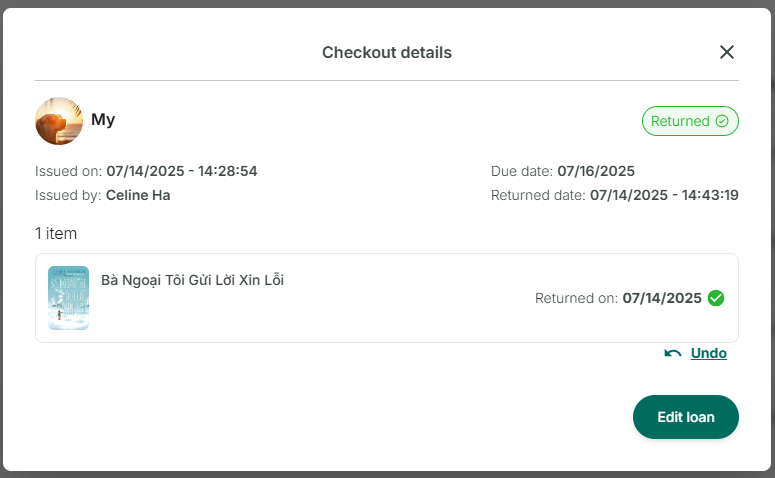
Return the loan
Step 1: Access the Loans section at the side menu
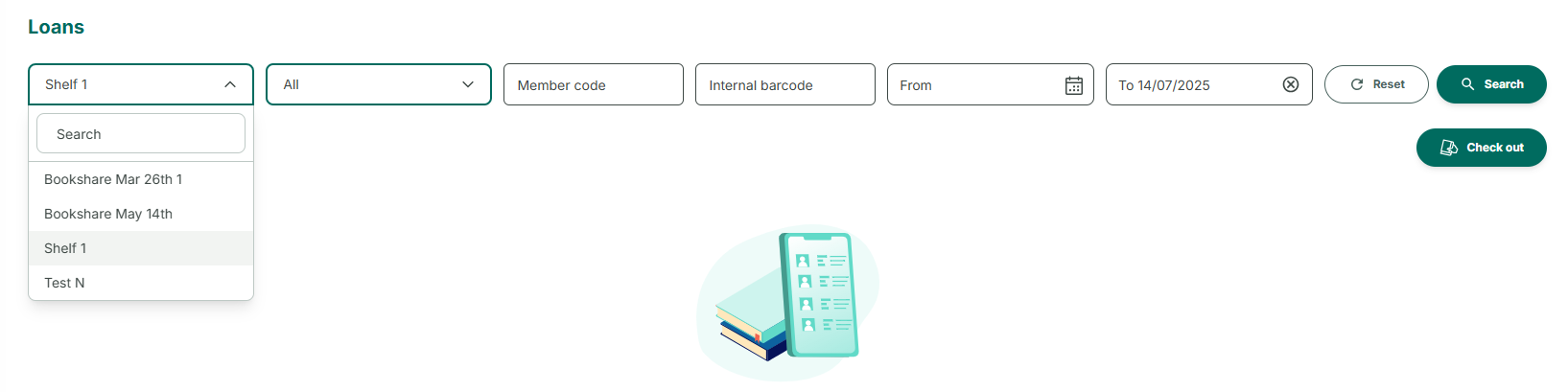
Step 2: Search loan from a library
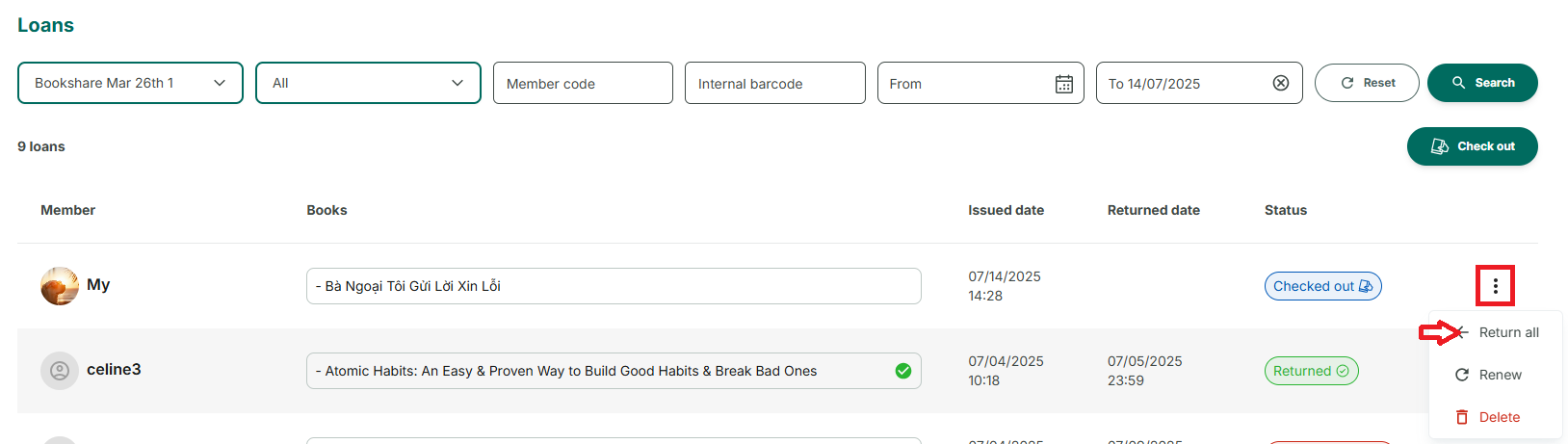
Step 3: Tap on a loan to show checkout details
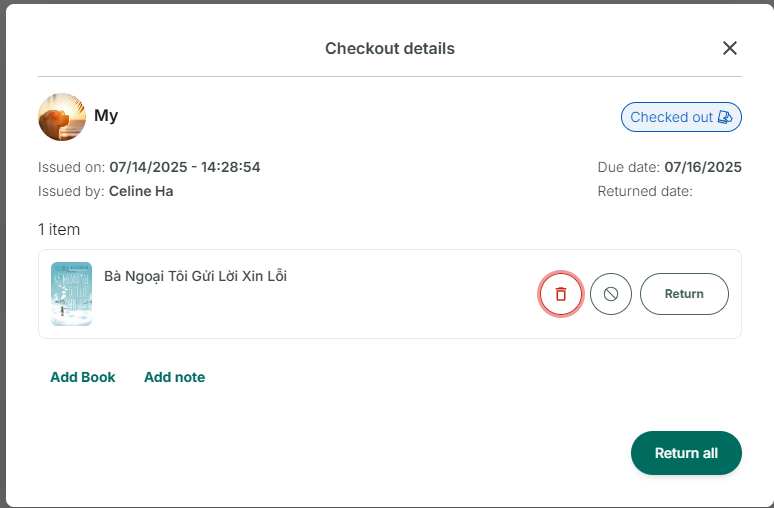
Step 4: Tap on “Return” or “Return all”. The status change to “Returned”. You can “undo” the action immediately afterward, but only once.