Add book by search online
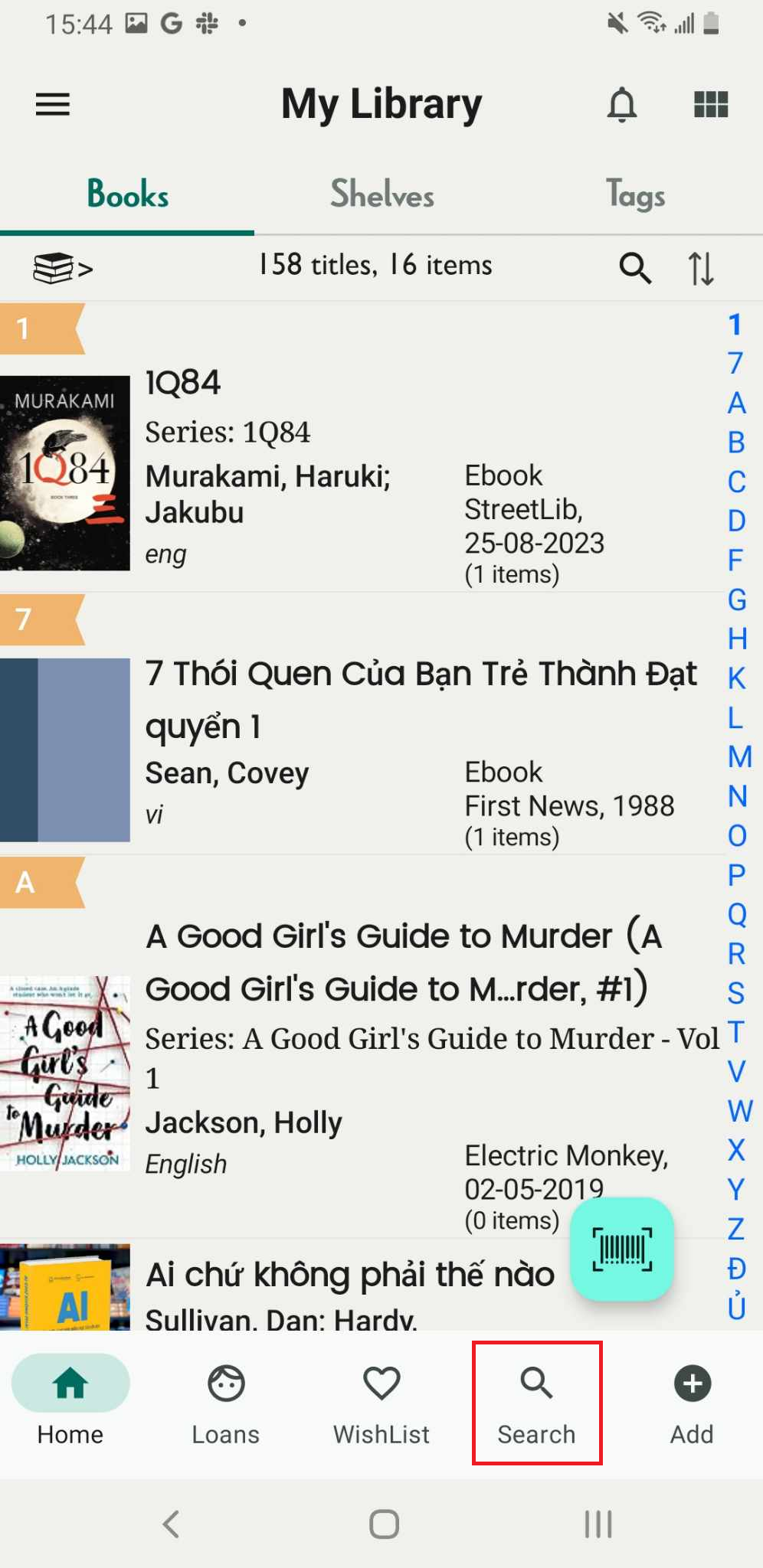
Step 1: Access the Search Online icon
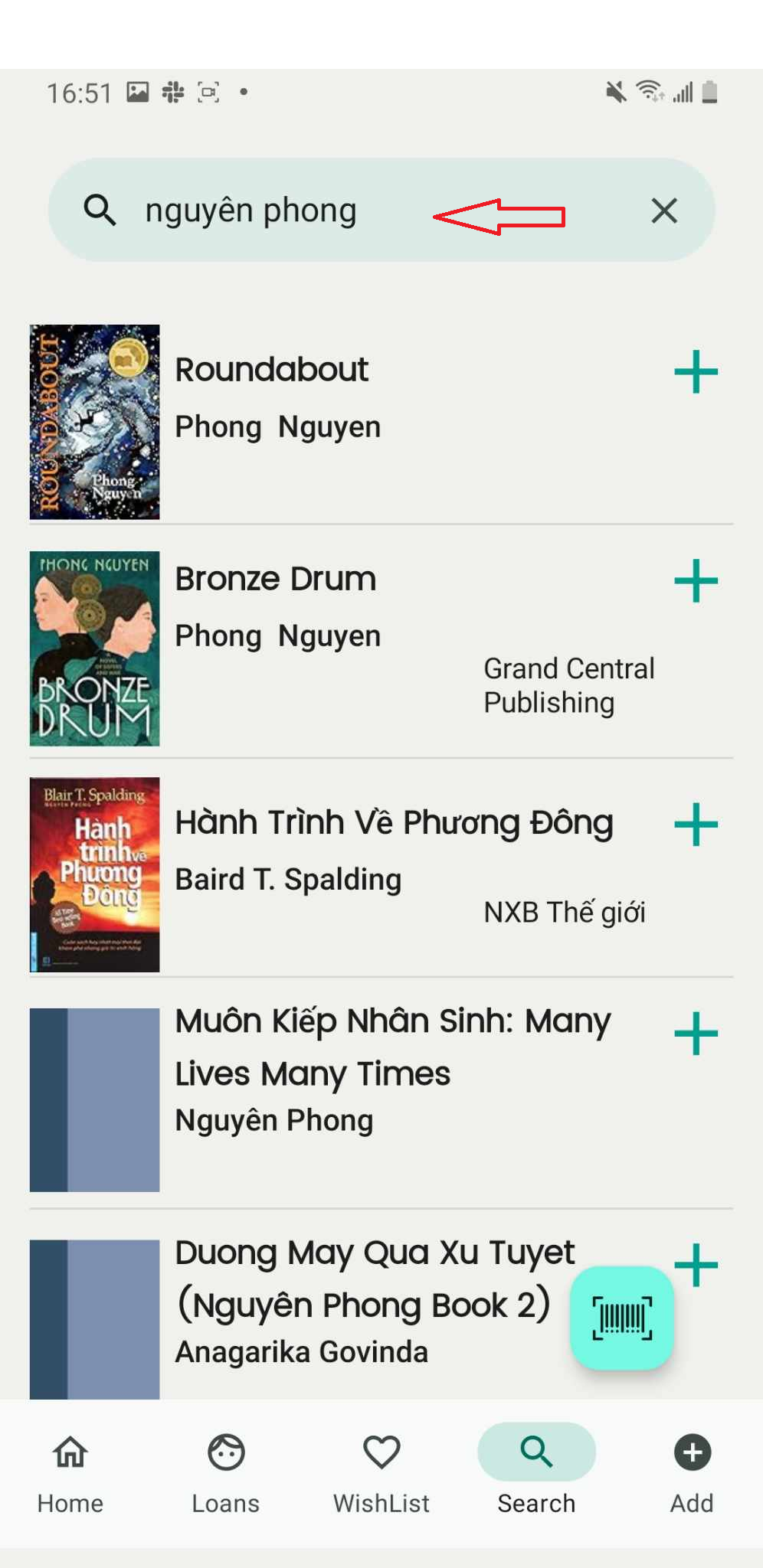
Step 2: Enter the book’s title, author, or ISBN to search.
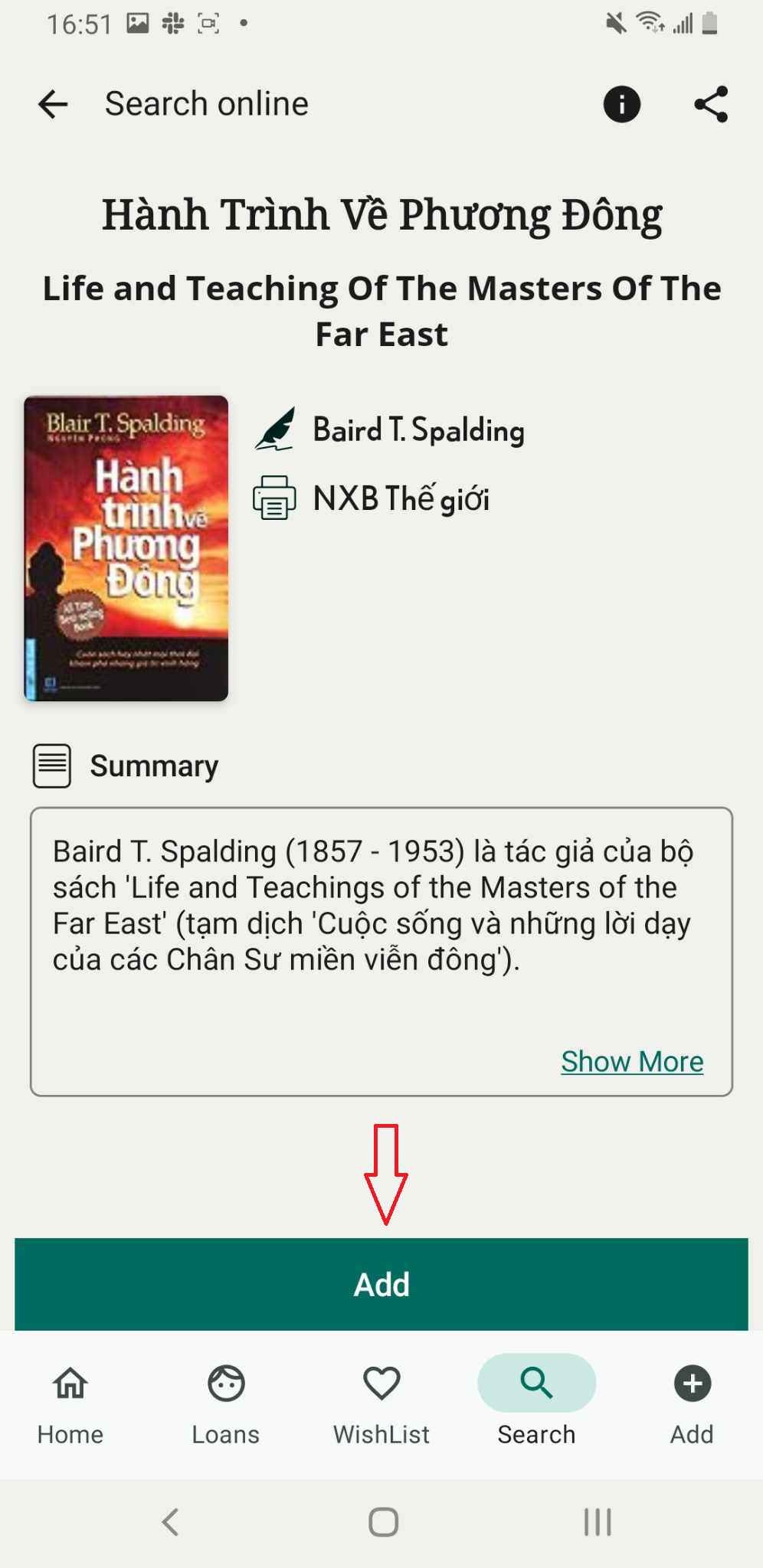
Step 3: Access the book to view its details and press “ADD.”
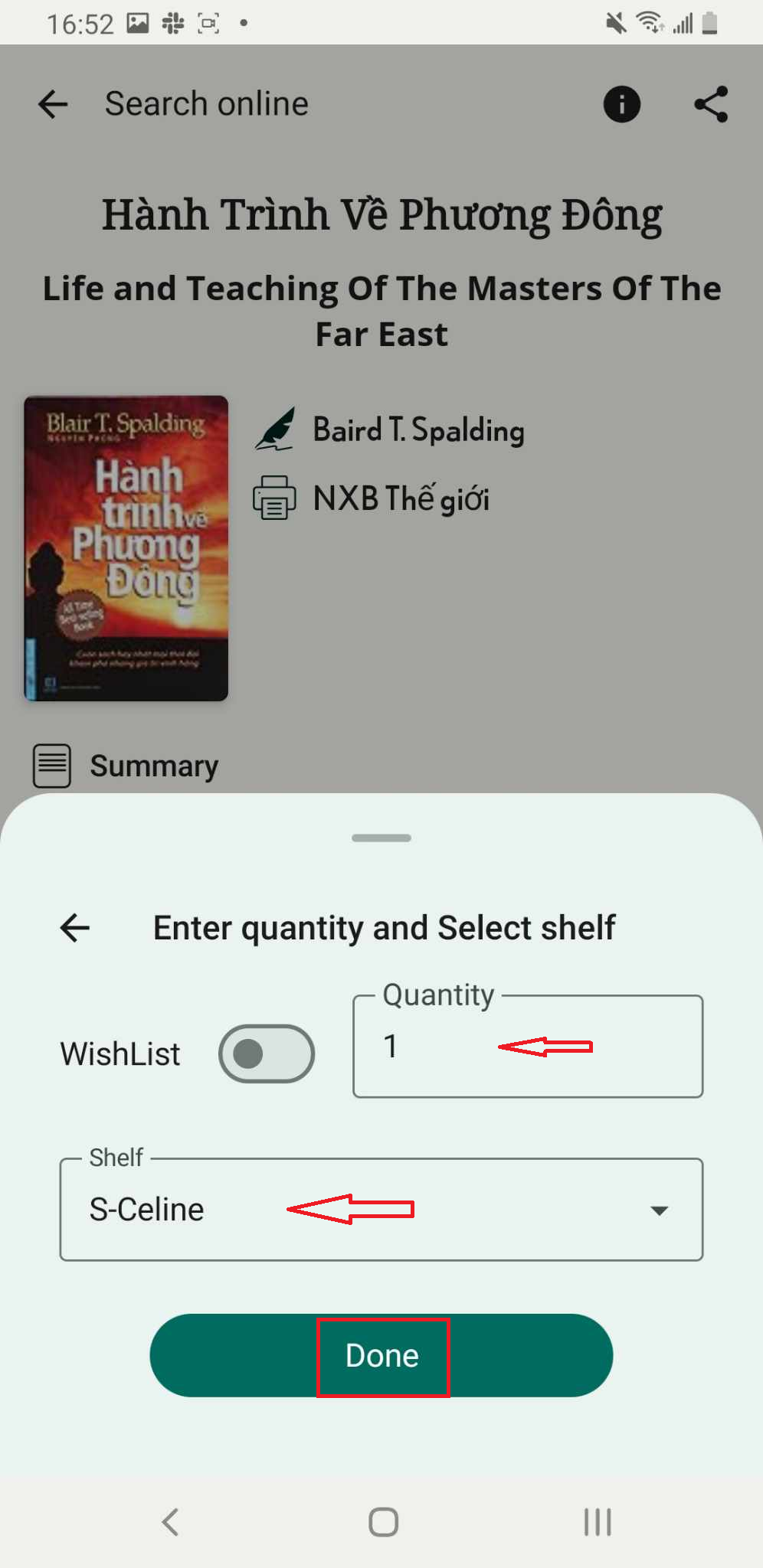
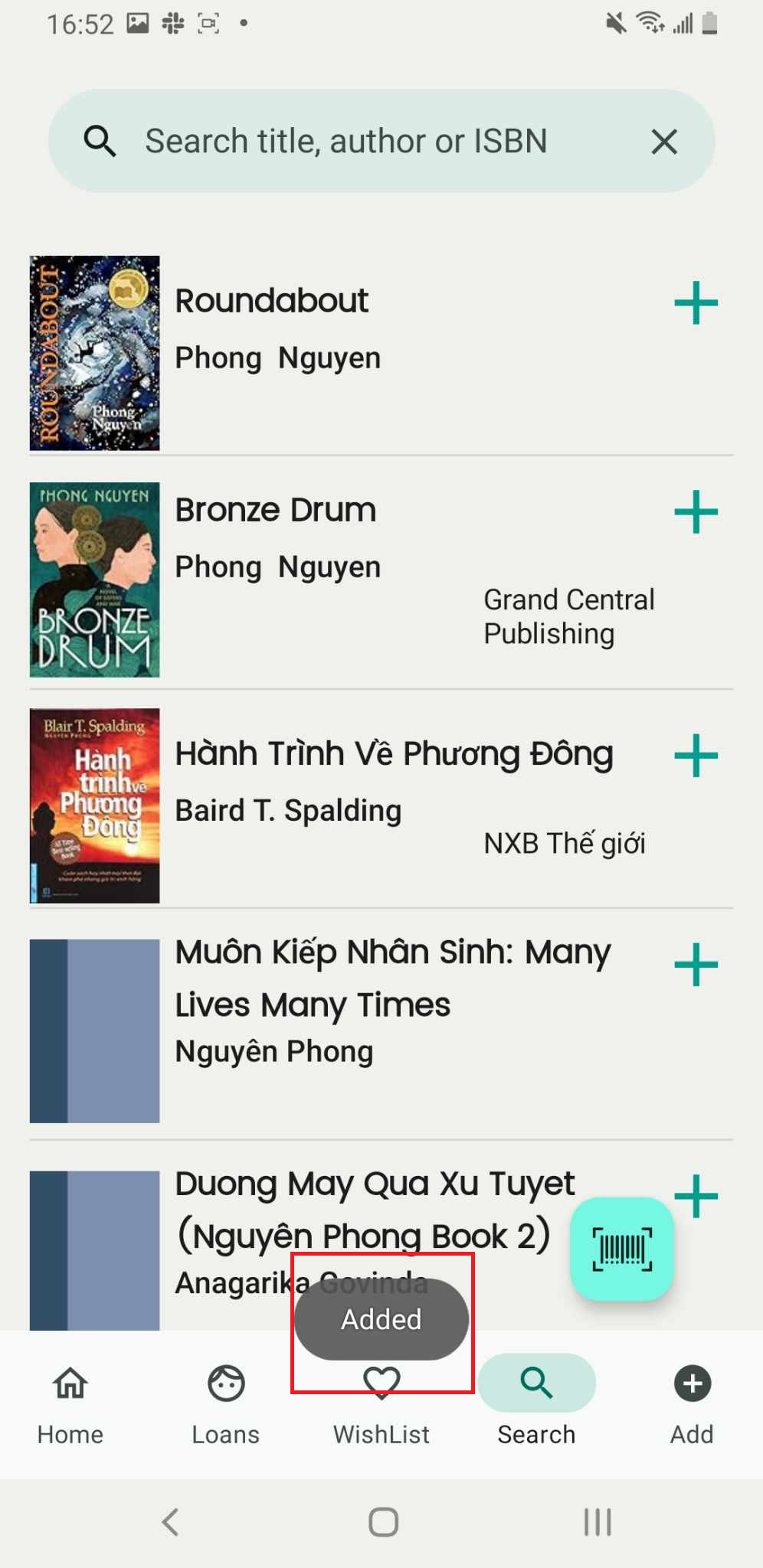
Step 4: Add the book, enter the quantity, select a shelf, and press “Done.”