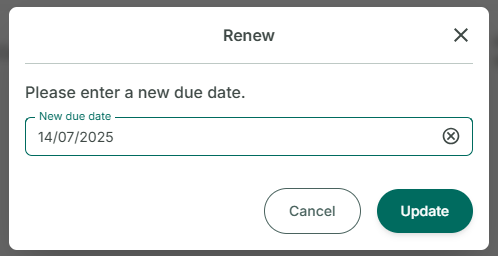
Renew the loan
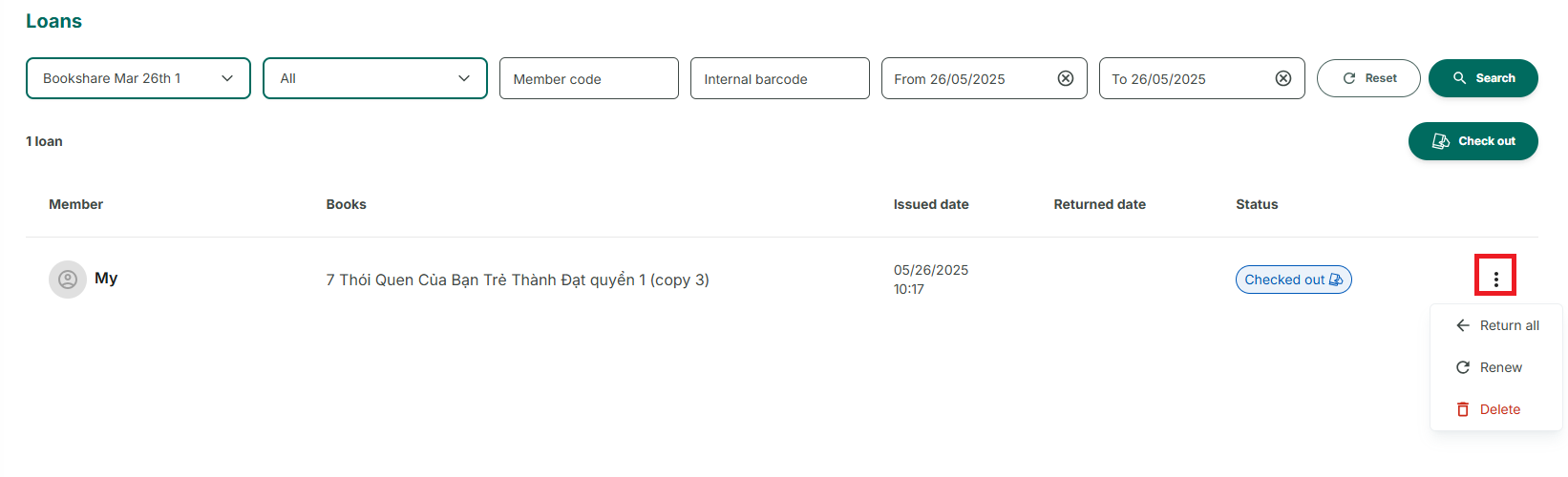
Step 1: Access the Loans section at the side menu
Step 2: Press the three-dot icon in each loan. Three options:
- Return
- Renew
- Delete
Step 3: Choose Renew, Please enter a new due day. Tap on the calendar icon, select a new due date, and press OK to confirm.