Image Generator
Generate a new image
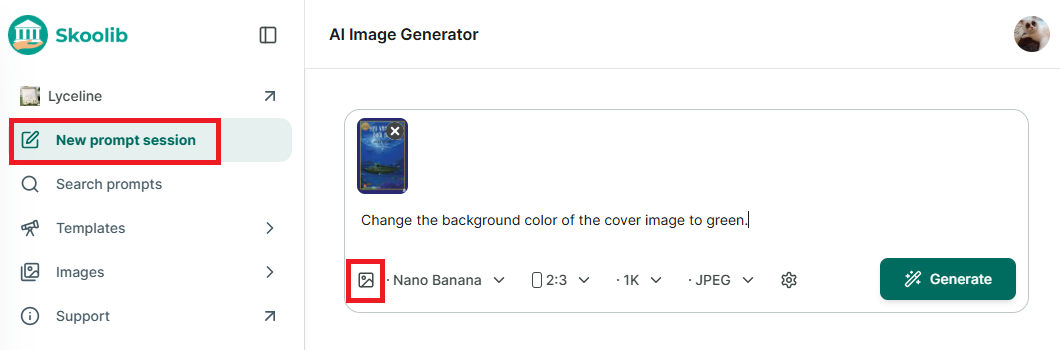
Step 1: Go to “Image Generator” → in the new window, upload the cover image and enter the content you want to edit.
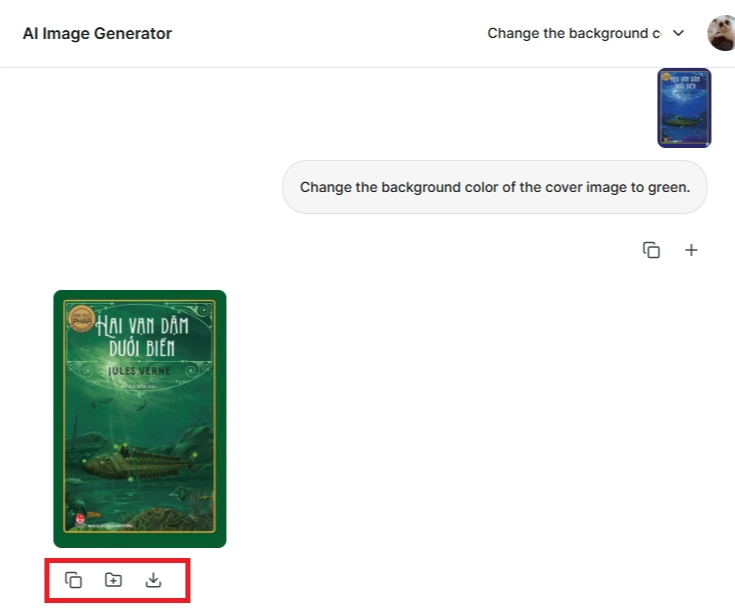
Step 2: The new cover image will appear, with three options: Copy image, Add to collection, and Download.
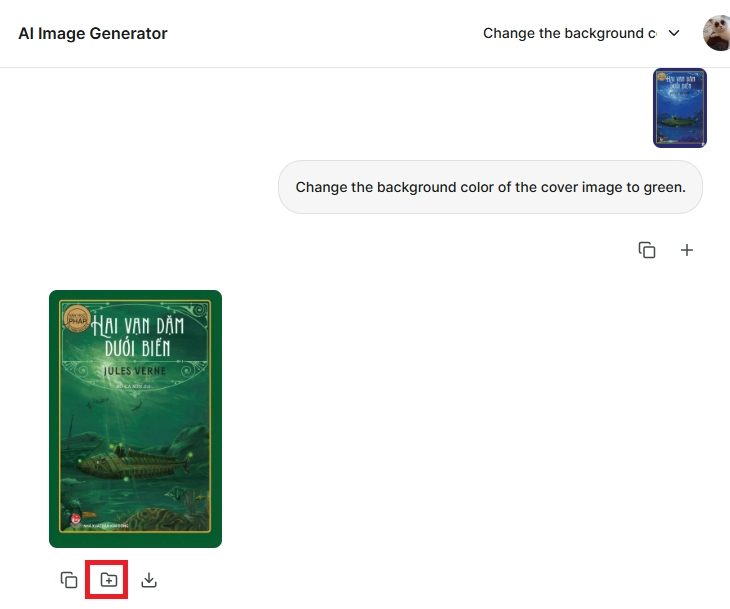
Step 3: Select “Add to collection.” If you don’t have a collection yet, choose “New collection.”
Step 4: Enter the collection name and description → Add.
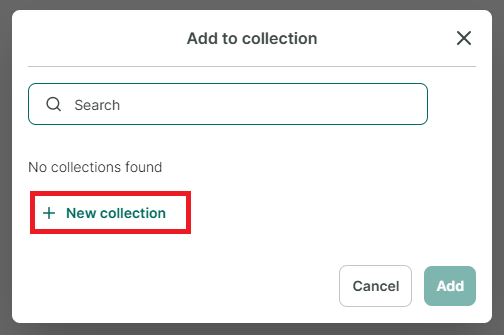
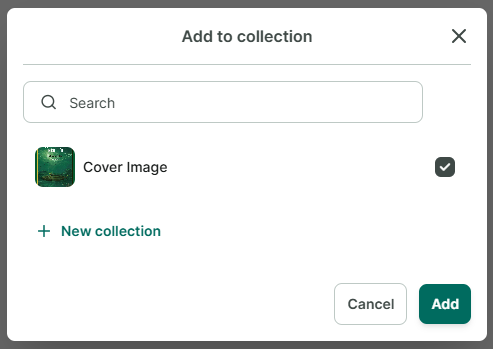
Step 5: After the collection is created, select it and add the image to the collection.
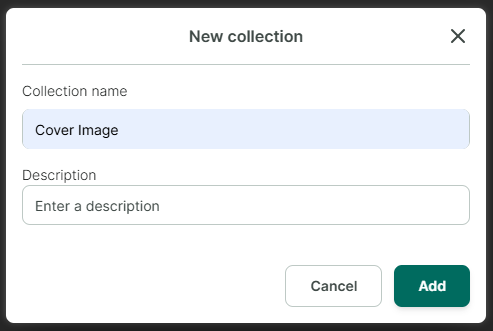
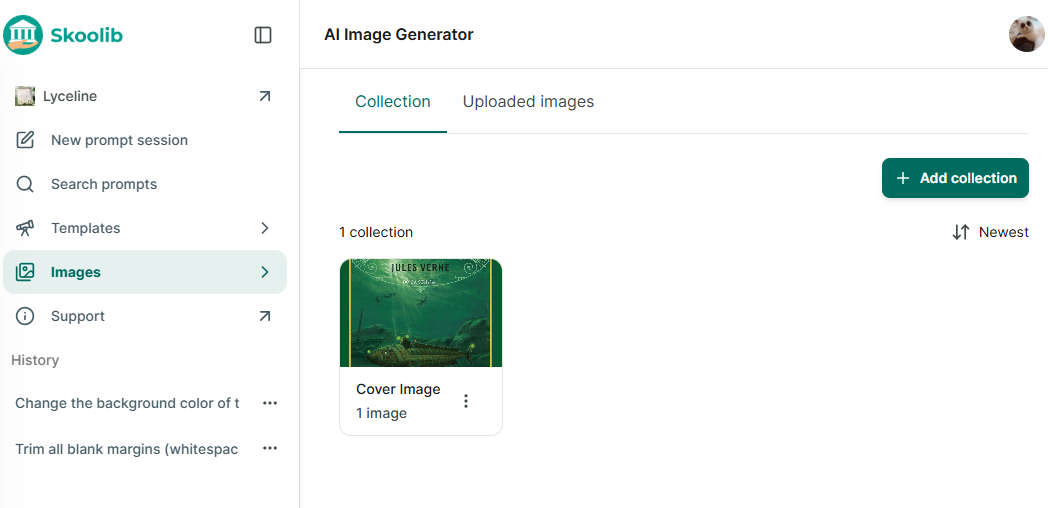
Step 6: Once added, the image will appear in the Images section.
Step 7: Click on a collection to view its images.
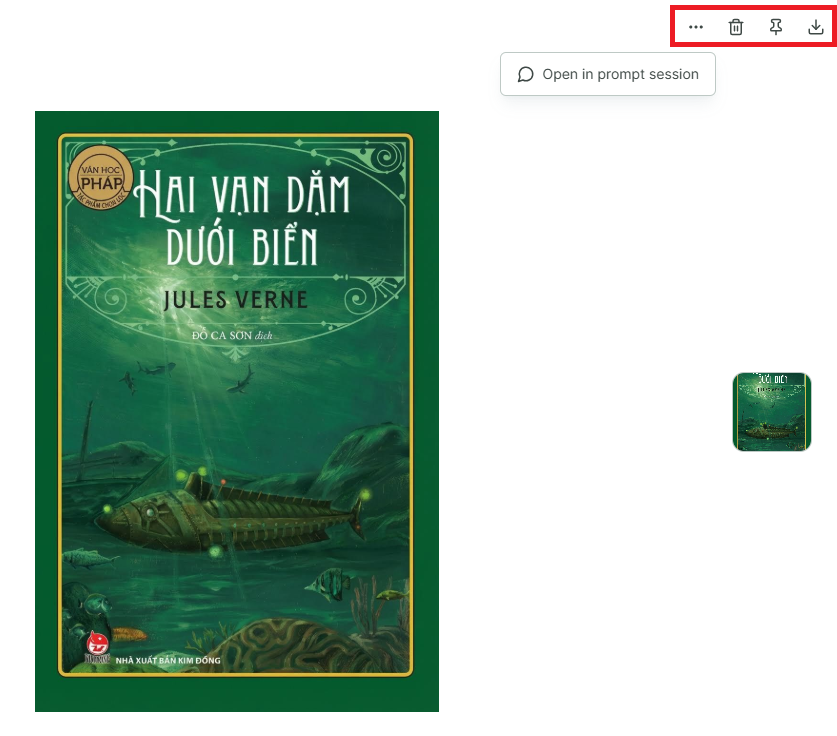
Step 8: Click on an image to see more options:
- Tap the three-dot button → Open in chat
- Tap the trash icon → Delete
- Tap the pin icon → Pin image
- Download the image
Generate a image by using Template
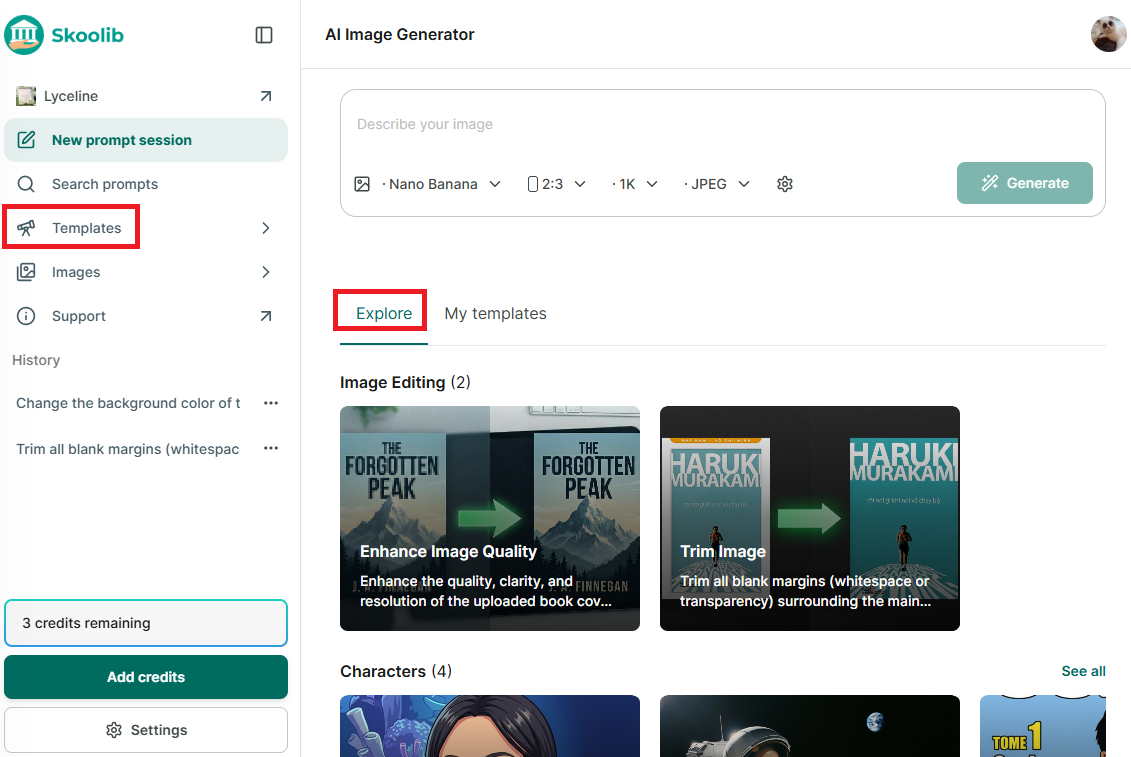
Step 9: Go to “Image Generator” → in the new window, select templates under “Explore” or “Template” in the side menu to view available templates.
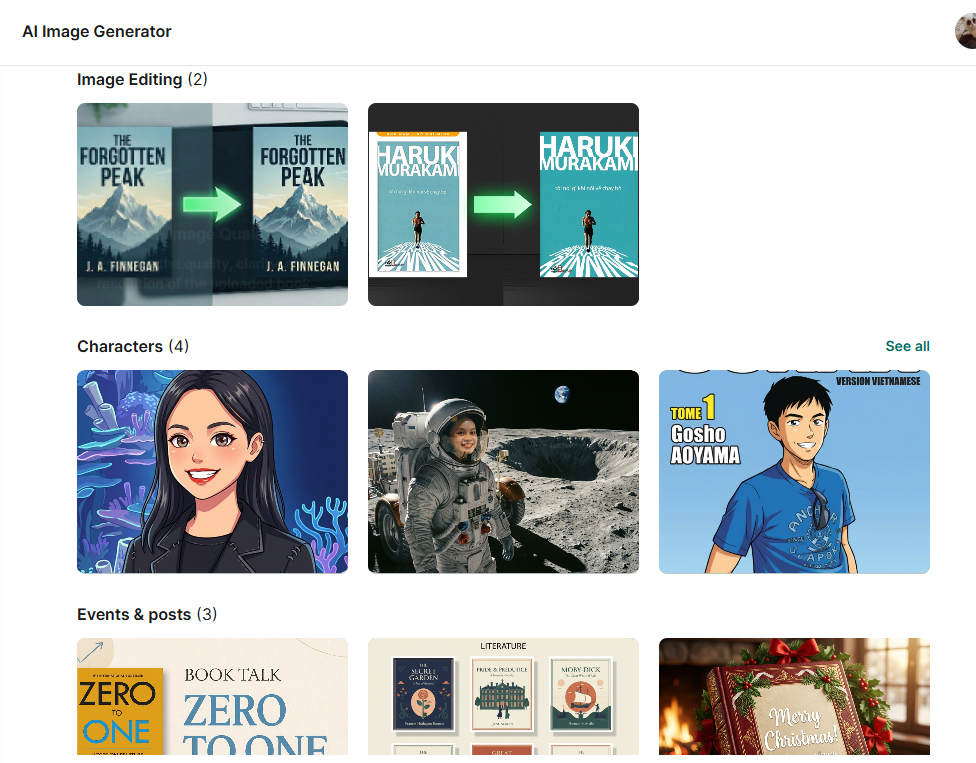
Step 10: Each editing template comes with instructions. Upload images as required (1 or 2 images). The image generation content is pre-filled, and you can edit it to better suit your needs. Upload the image(s) you want to edit → click Generate Image.
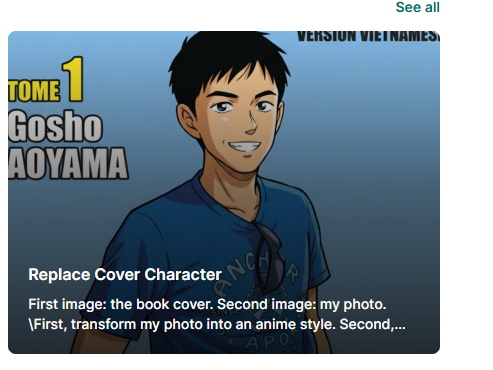
Step 11: For the template “Replace character on cover image,” you need to upload 2 images.
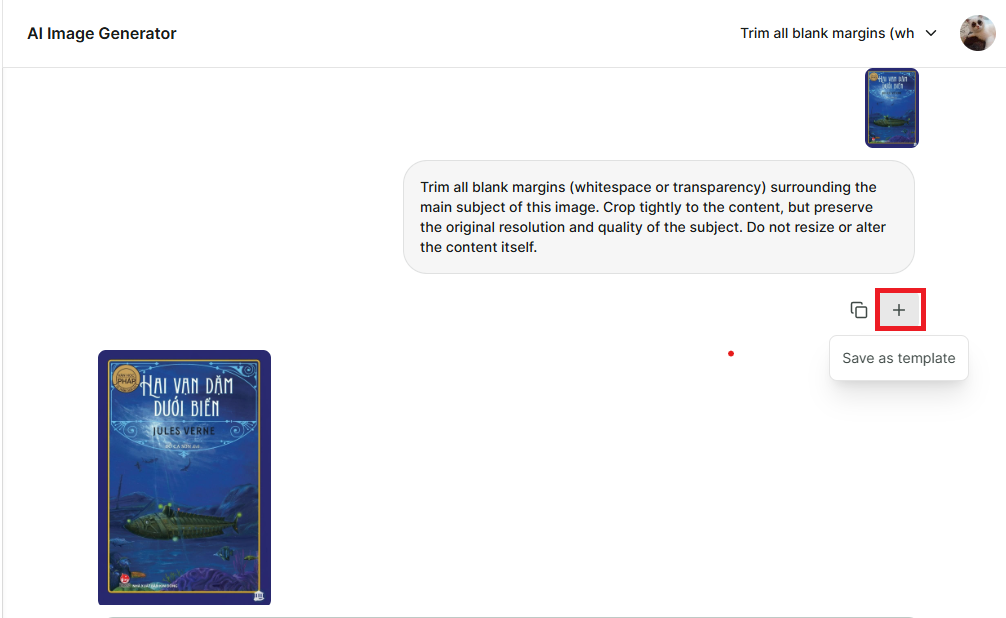
Step 12: After generating the image, you can save the template to use for future images. Templates will be saved in Template → My Templates.
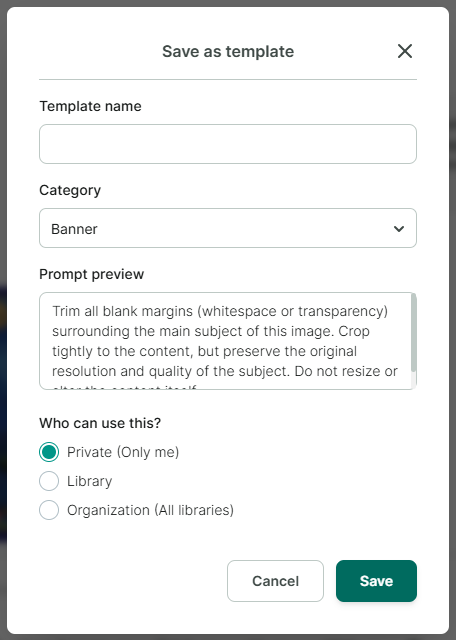
Step 13: Enter and select the information you want to save for the template.
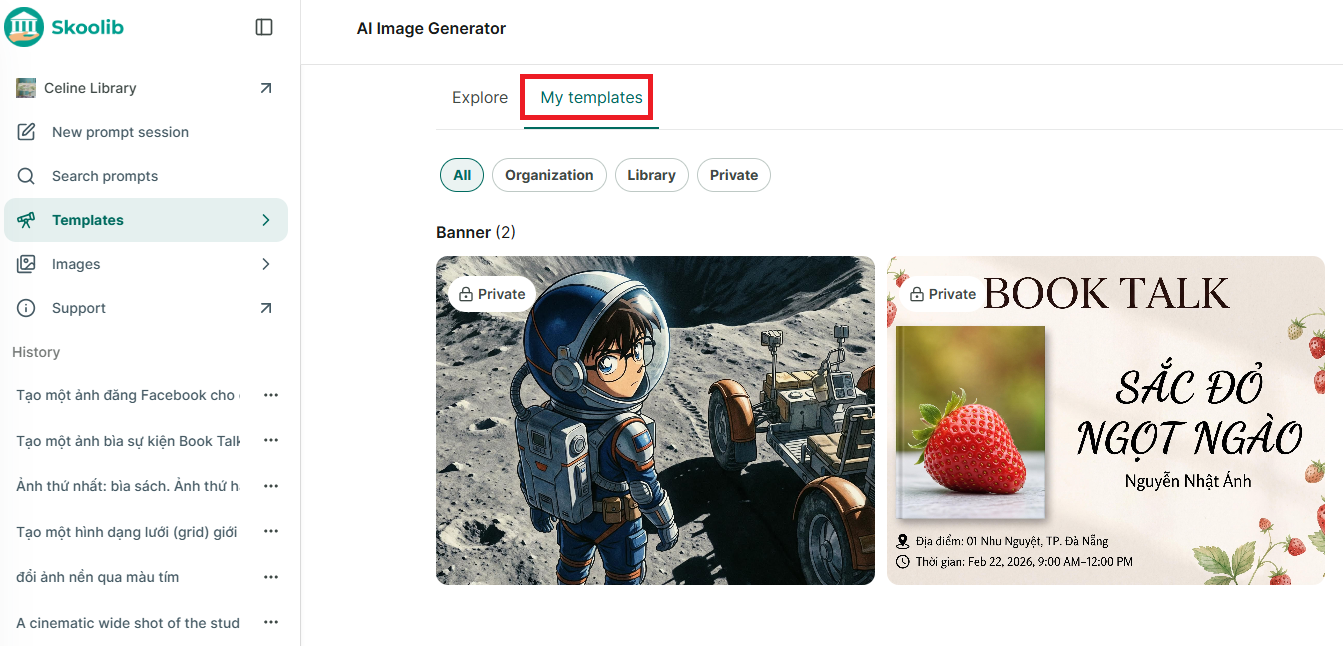
Step 14: Review your saved templates in Templates → My Templates.
Edit input image
Step 15: Go to “Images” → click “Input images” to display all uploaded images.
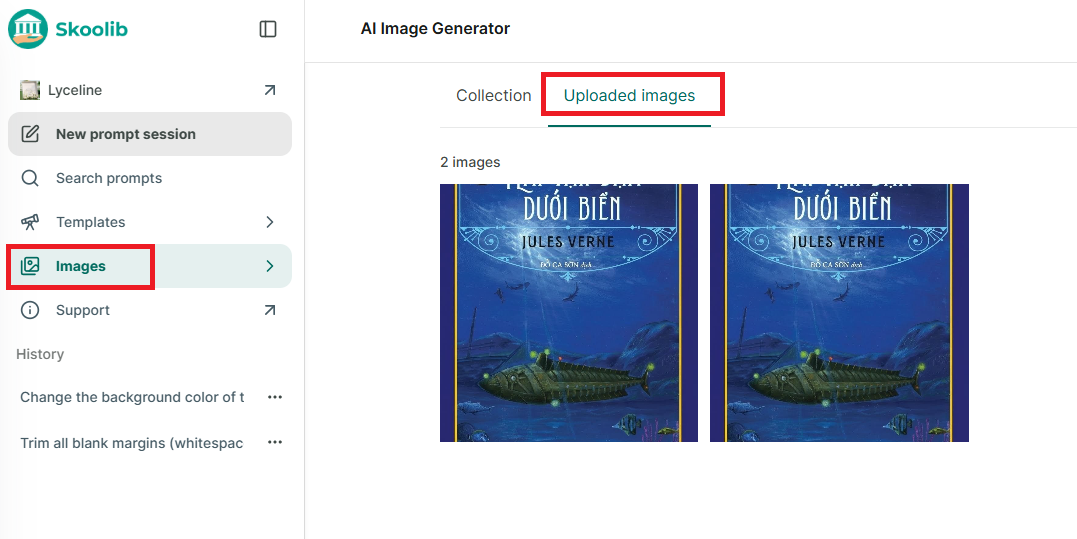
Step 16: Click on an image to continue editing, delete it, or download it.
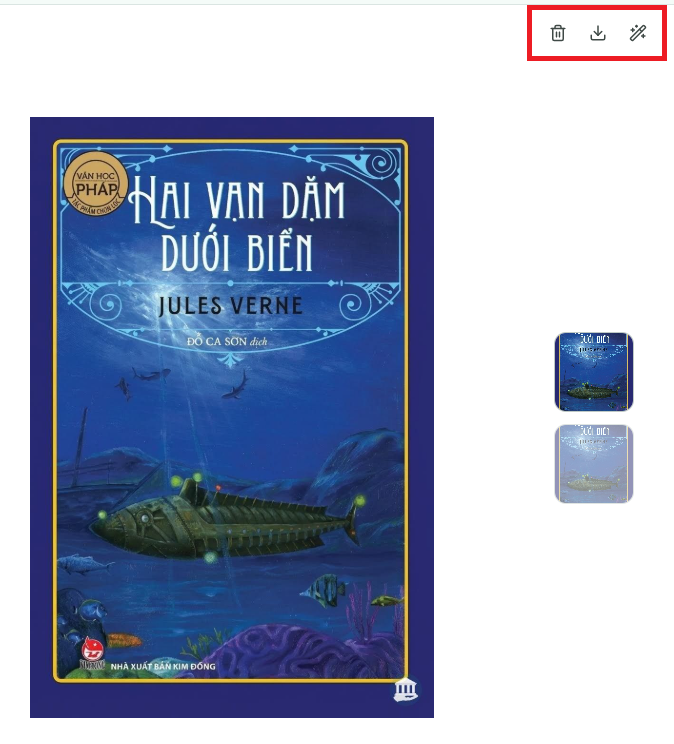
Action in collection
Step 17: Go to “Images” section
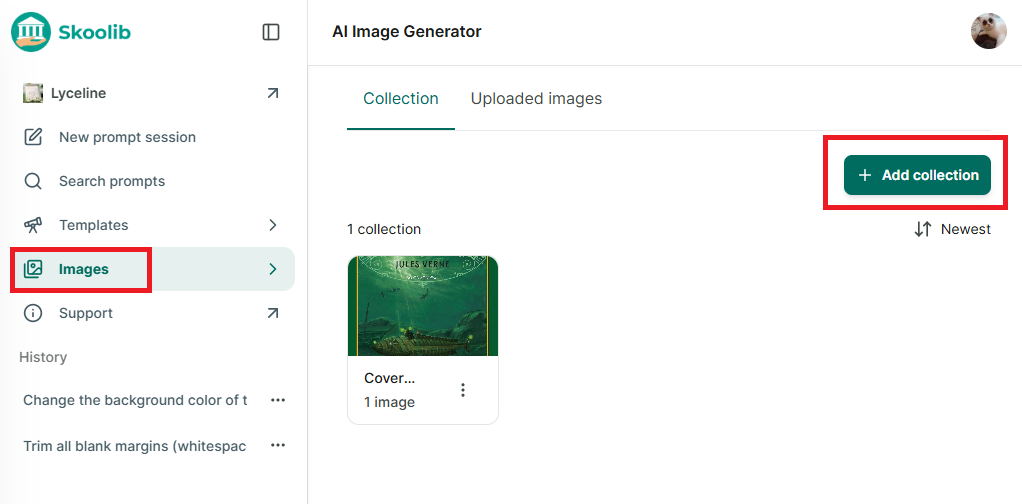
Step 18: Press “Add collection”
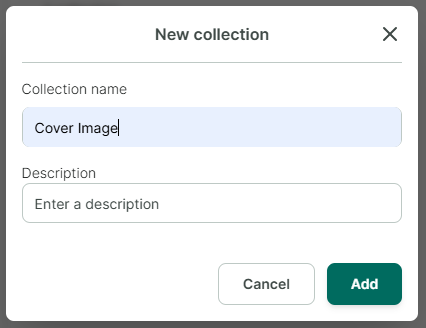
Step 19: Enter collection name and description → press Add
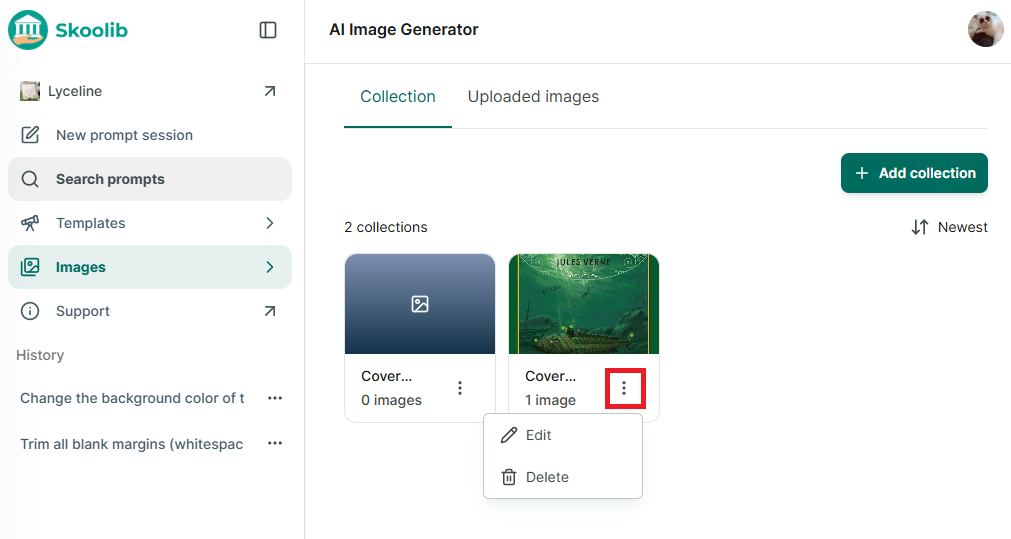
Step 20: You can edit collection or delete
Search prompts
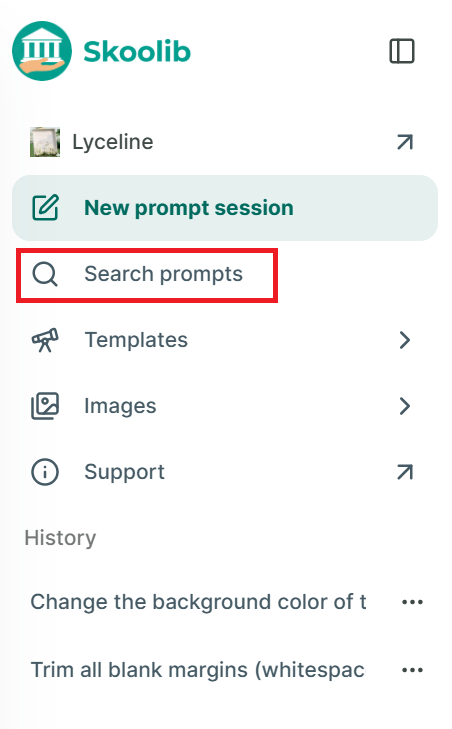
Step 21: Access the Image Generator section from the side menu.
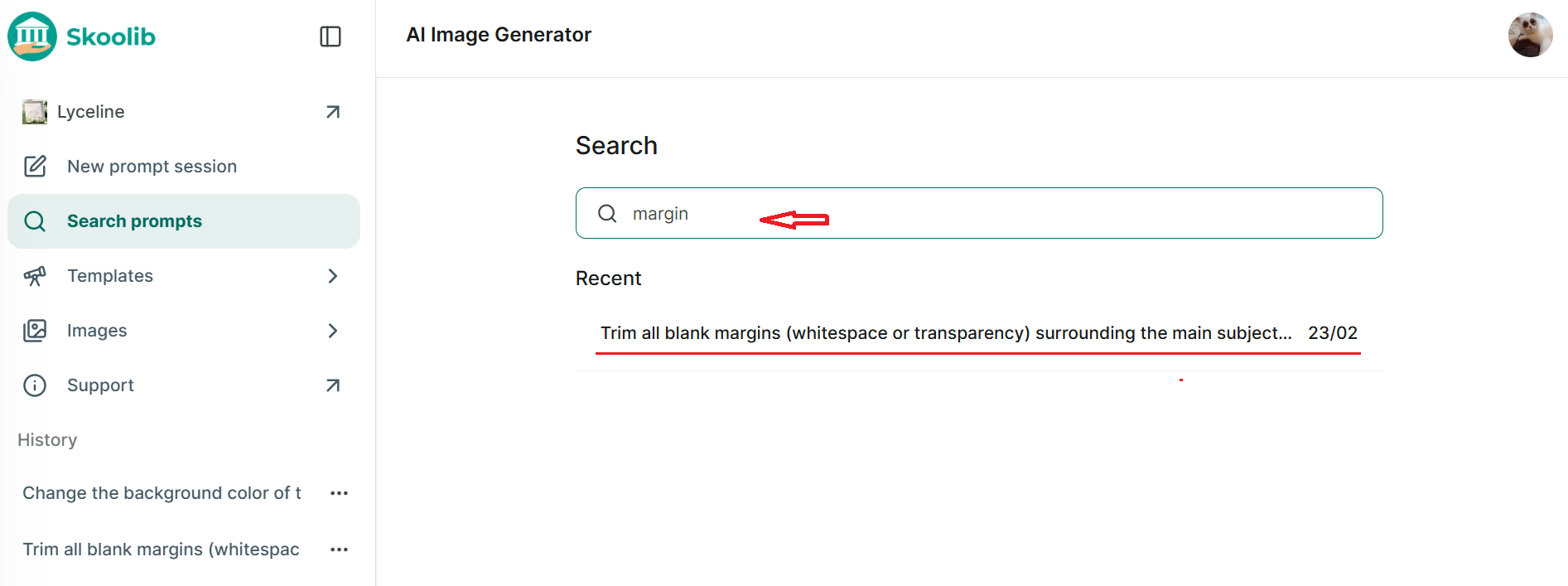
Step 22: Tap on Search prompts.
Step 23: Enter the content you want to search for.