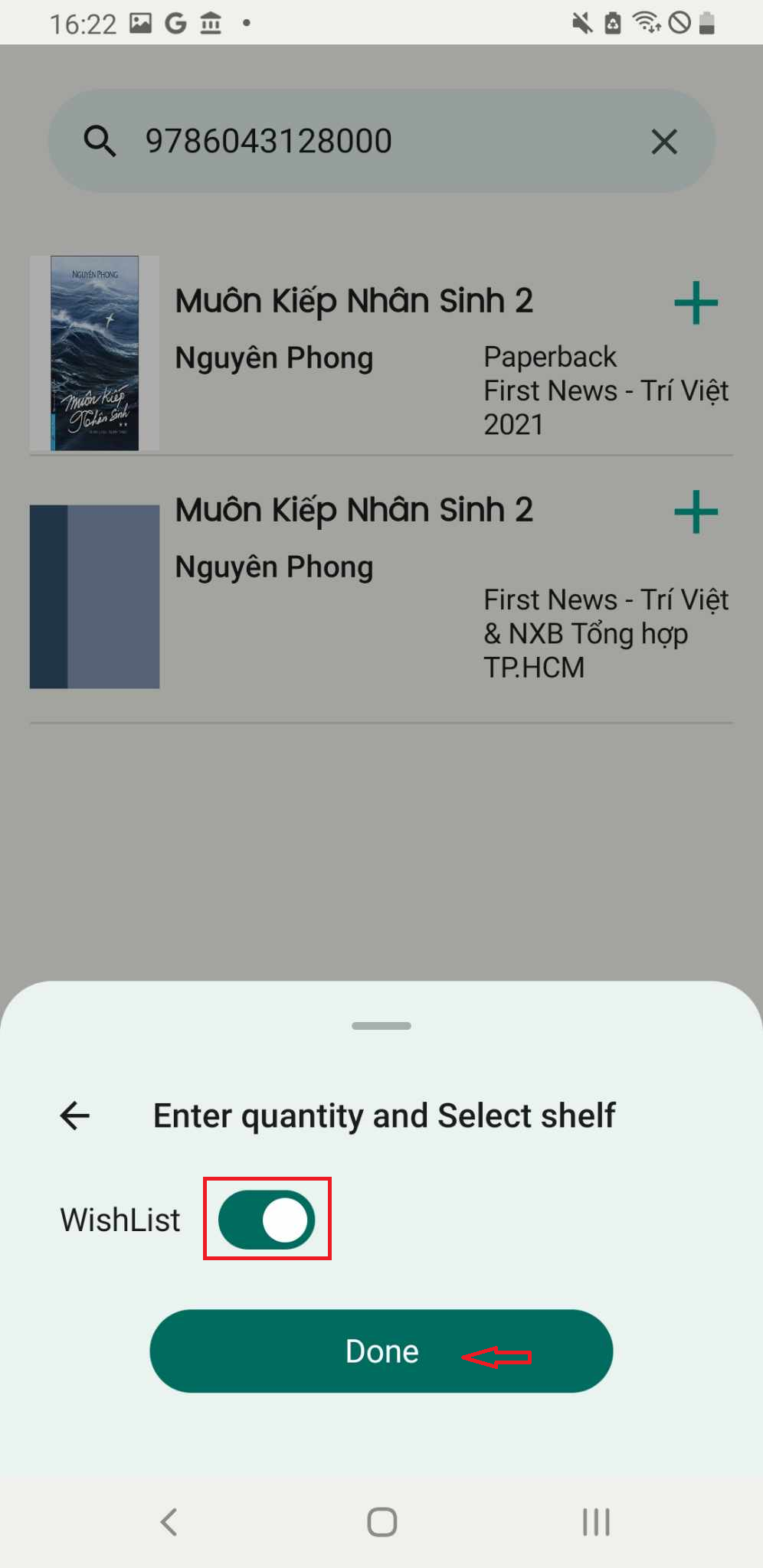
Add book to wishlist by add manual
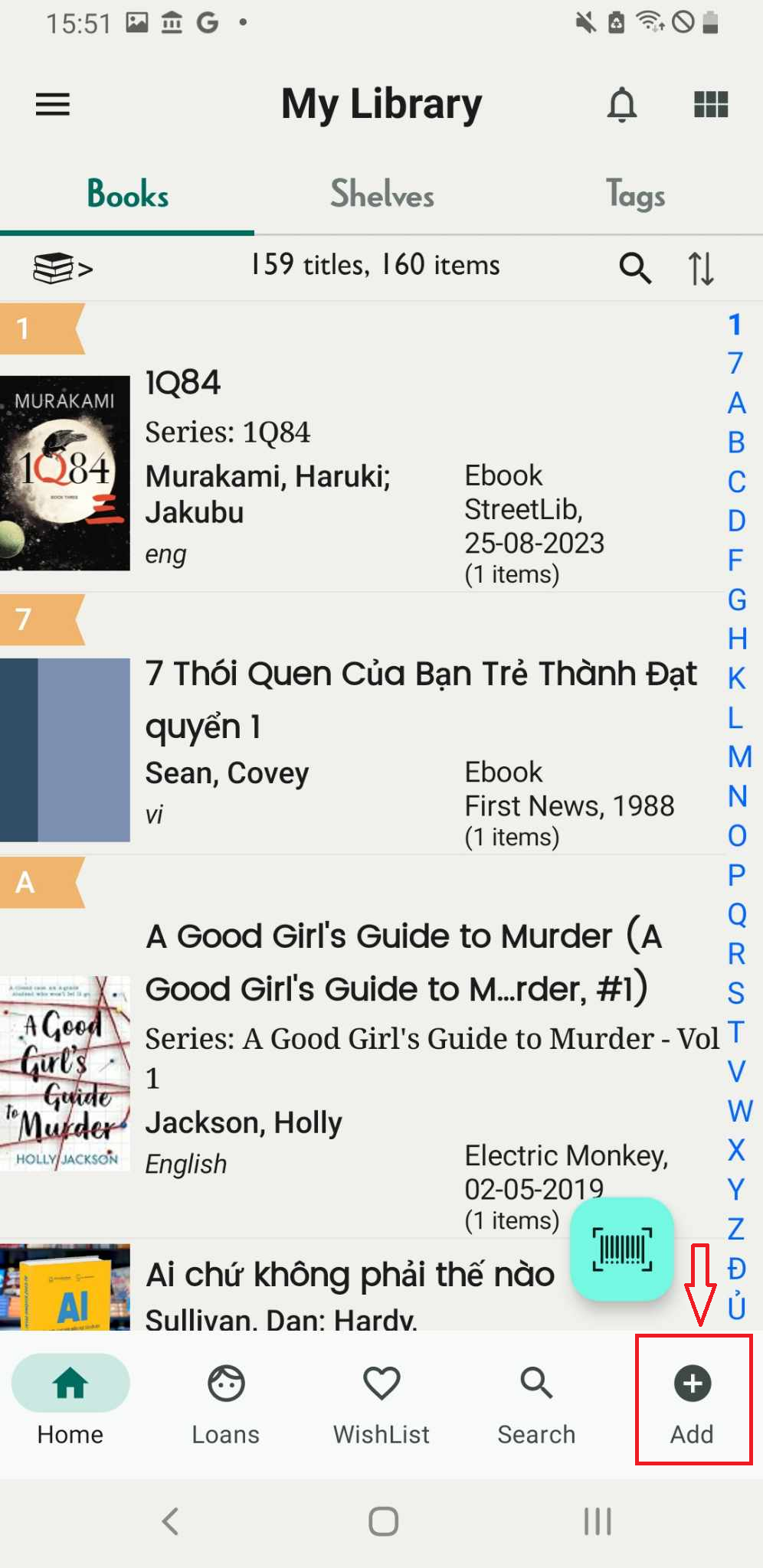
Step 1: Press the plus icon located on the right side of the screen.
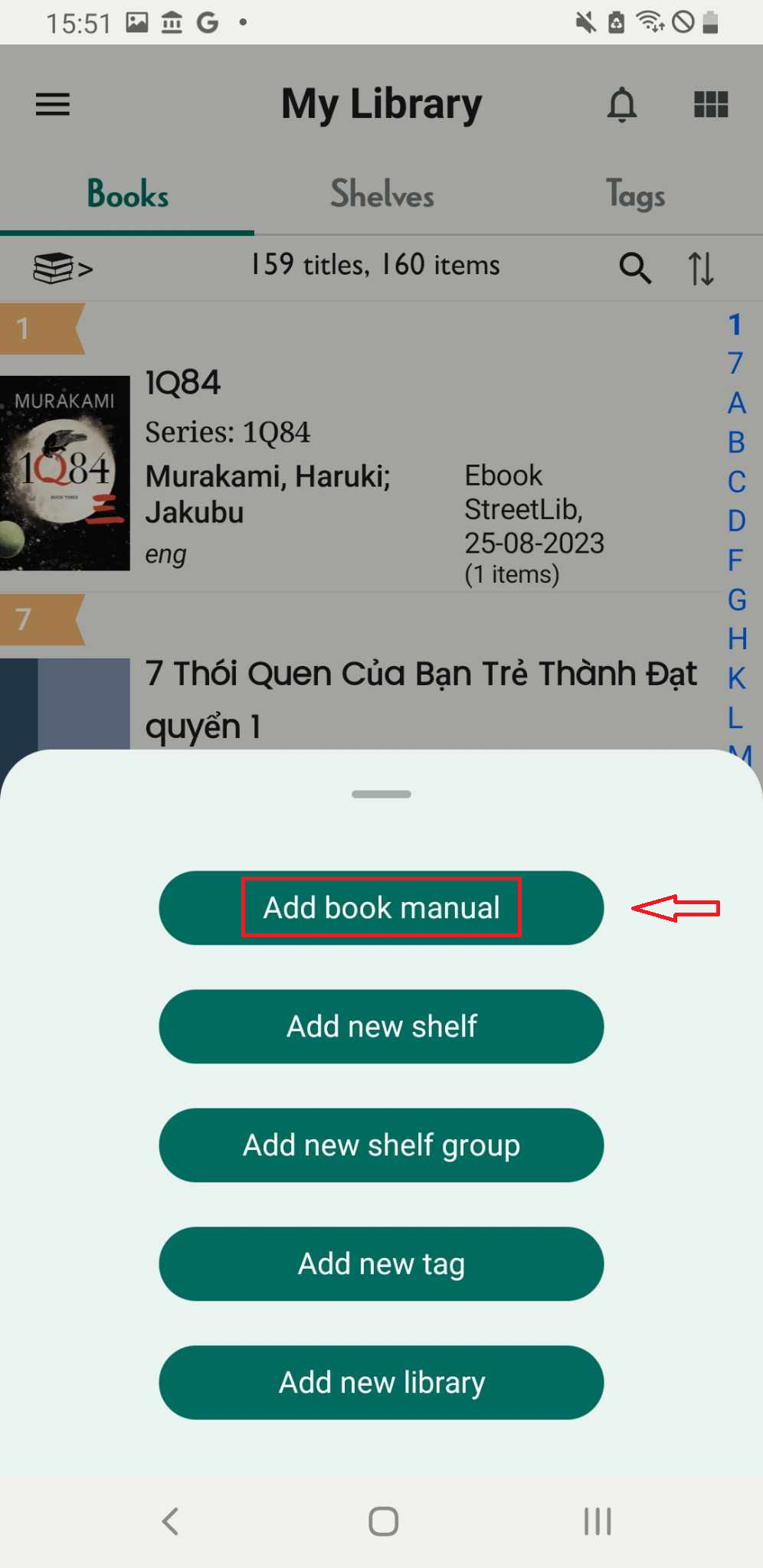
Step 2: Press “Add book manual”
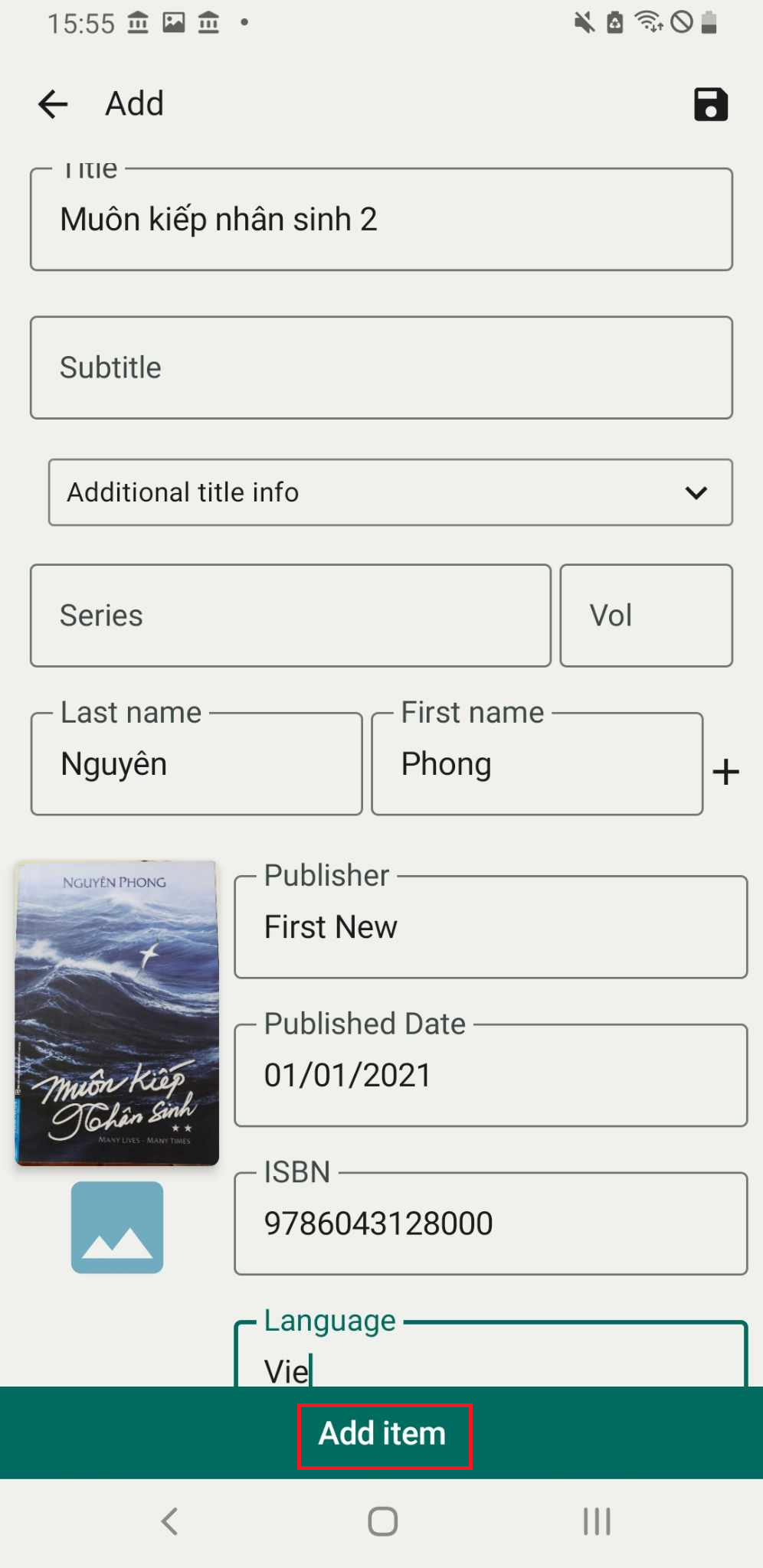
Step 3: Enter the book’s information into each field. Press “Add.”
Step 4: Slide the toolbar to select the wishlist. Press Done