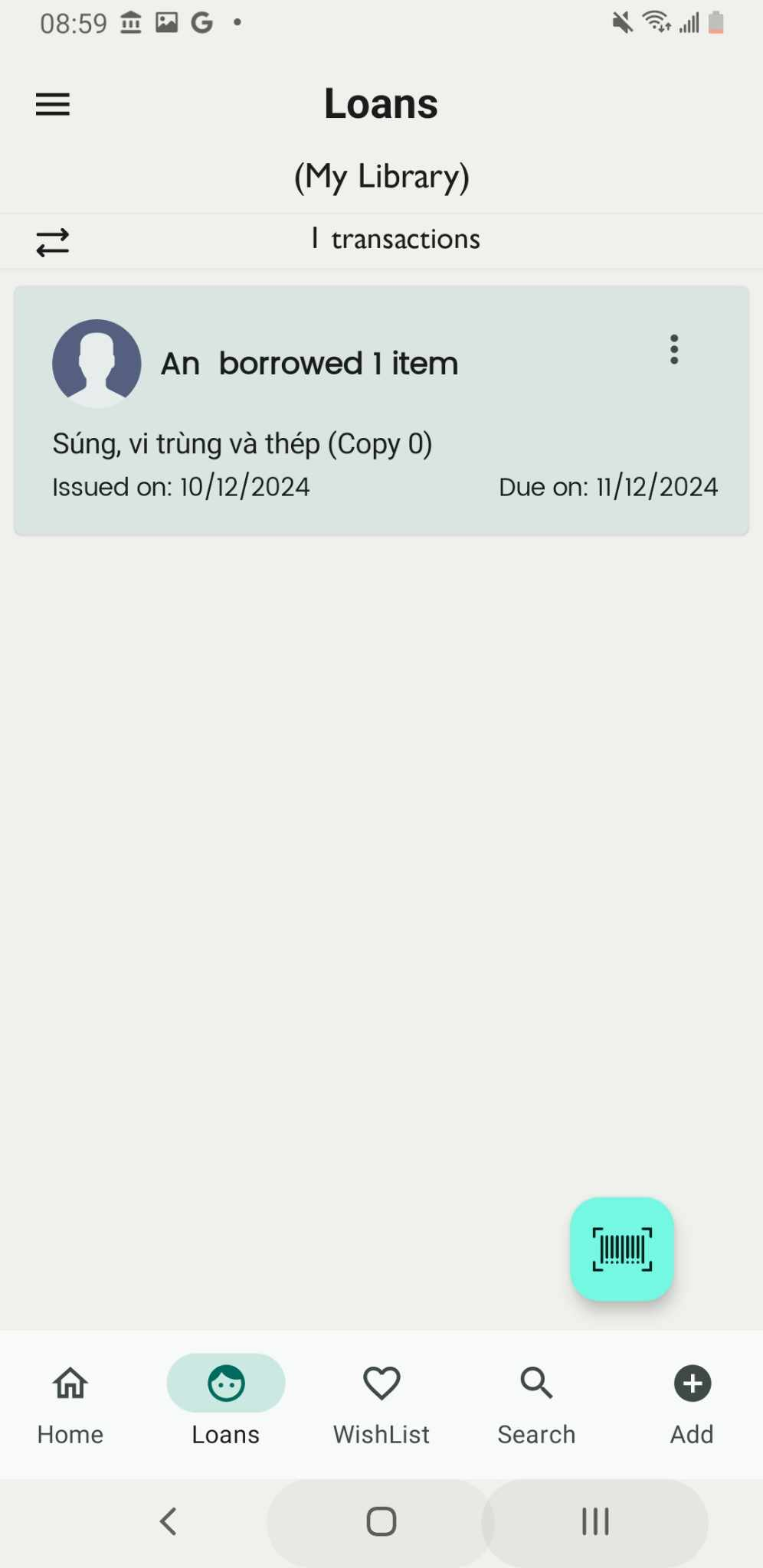
Enter barcode for lending a book
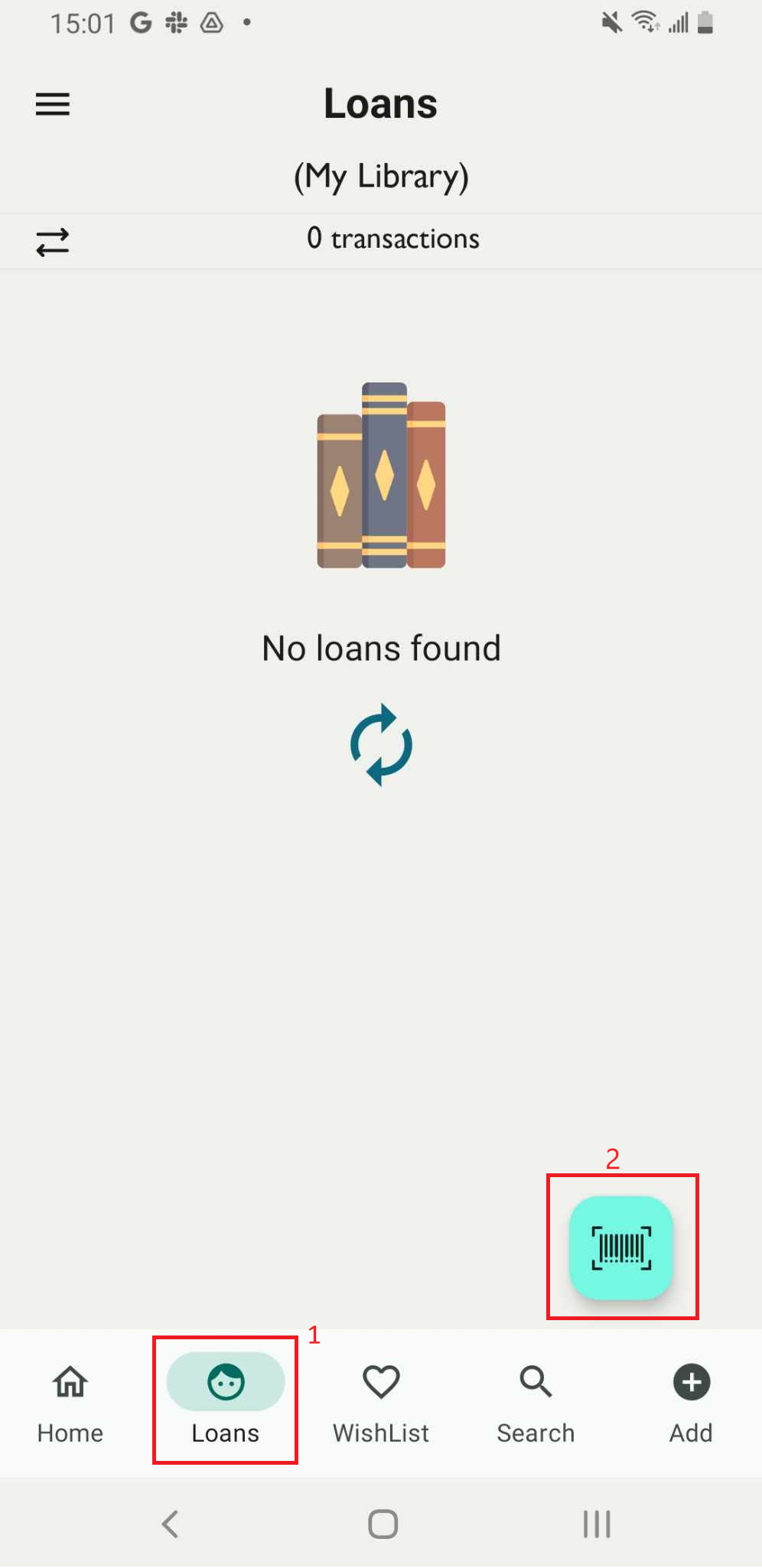
Step 1: Go to the Loan field on the main screen and tap on the barcode icon.
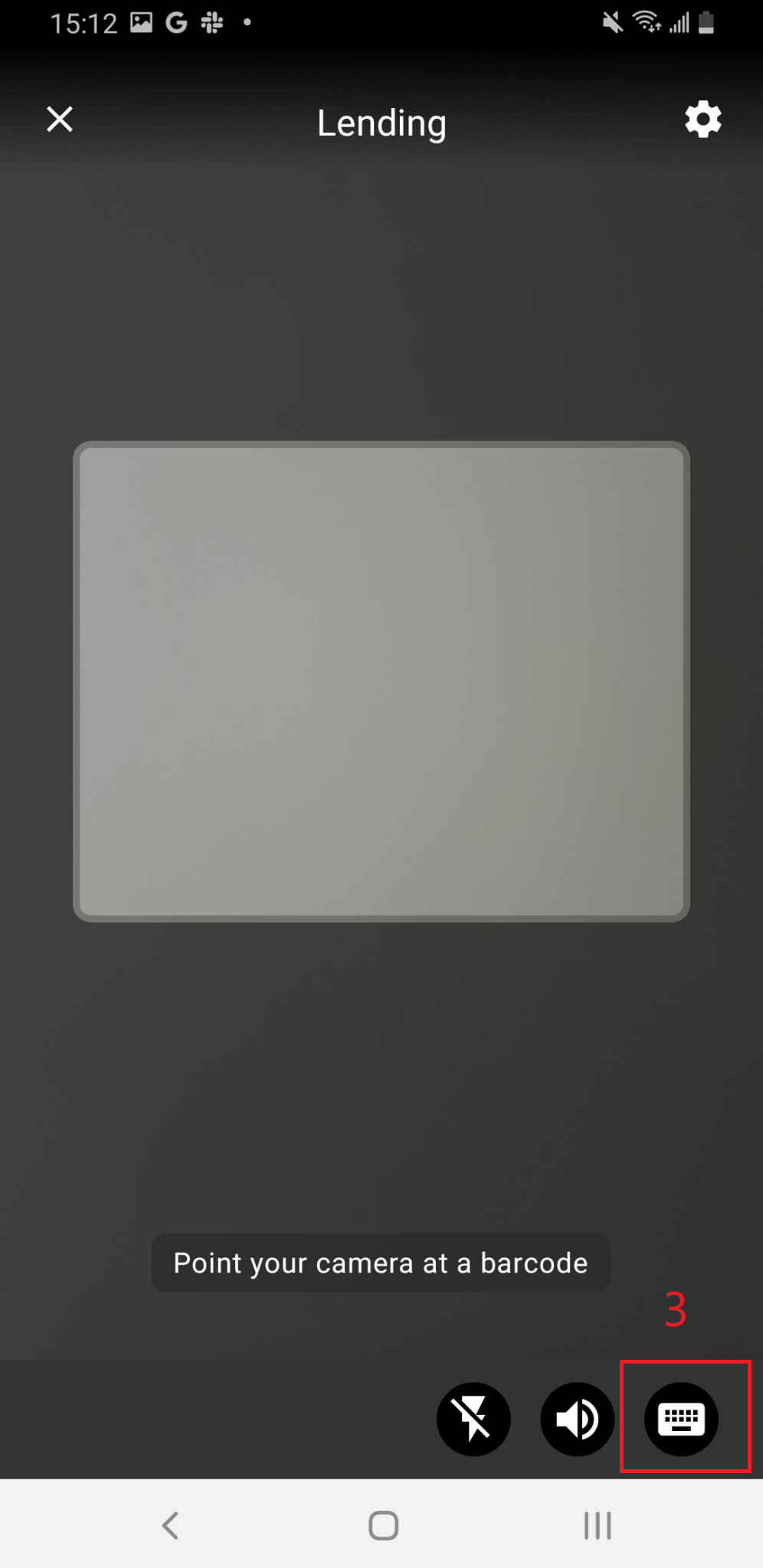
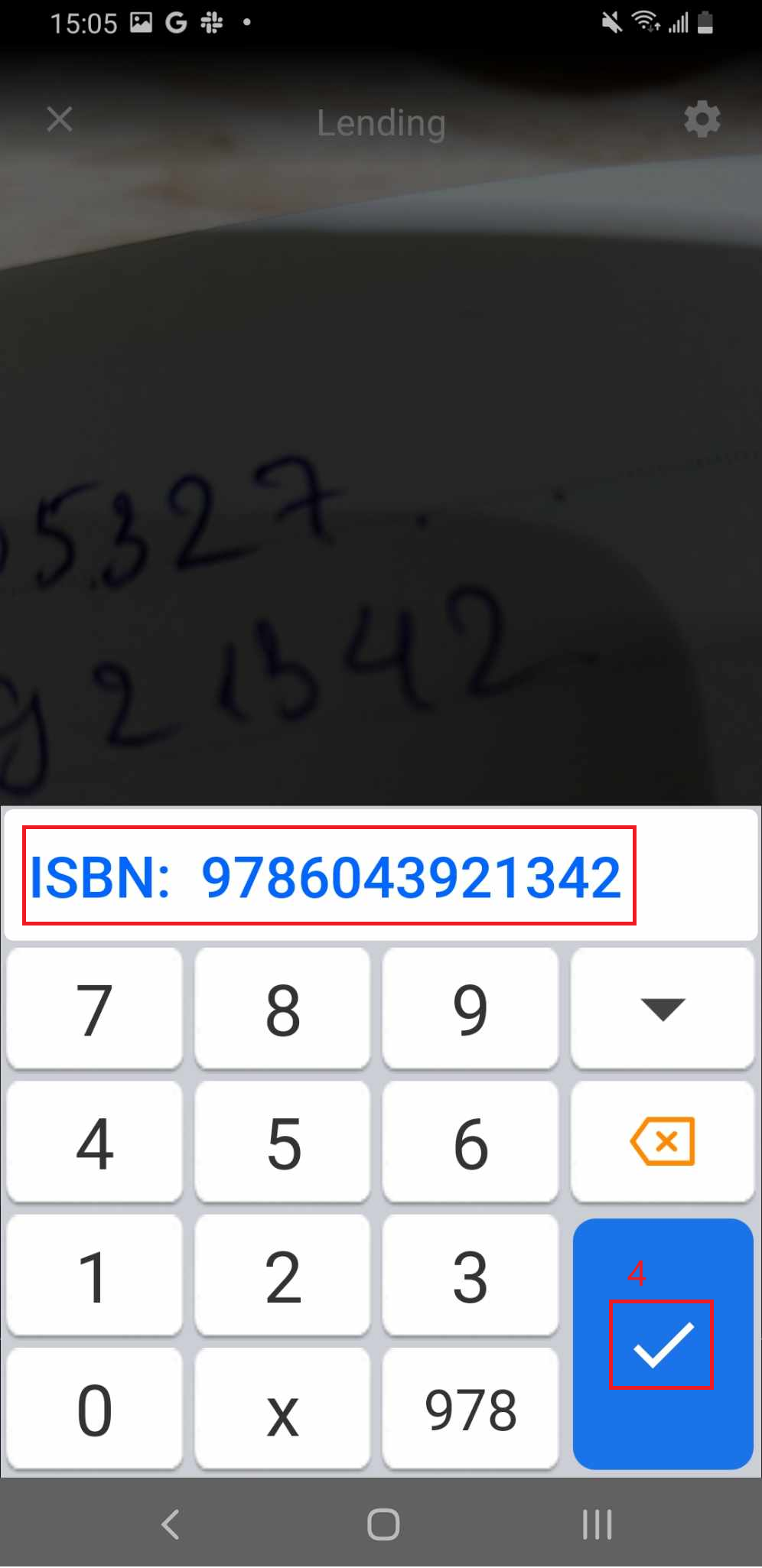
Step 2: Tap on the icon in the bottom right corner, then enter the book’s barcode.
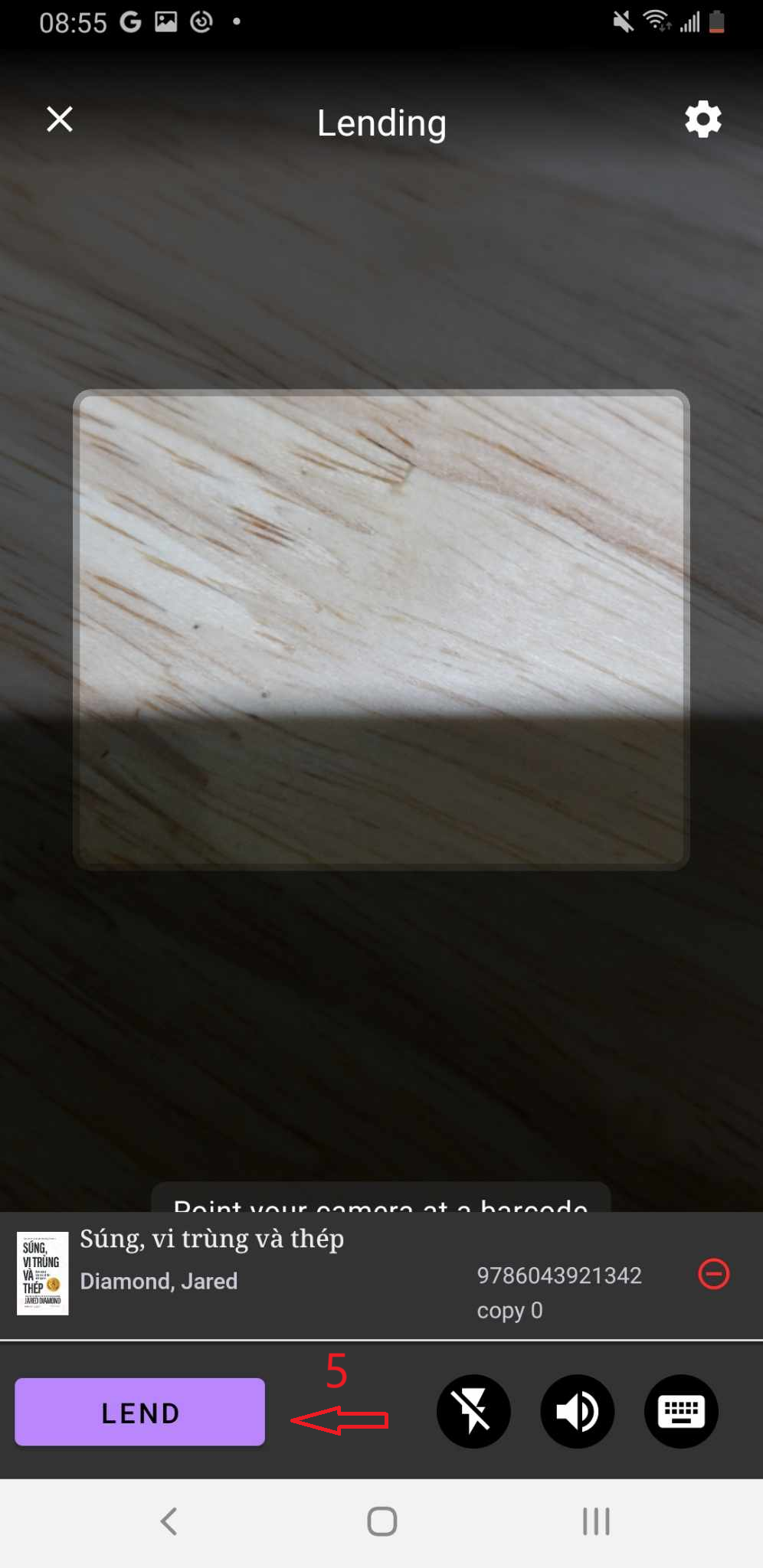
Step 3: The screen displays the list of items in the library. Tap LEND to proceed.
Step 4: The Check Out page will appear. Select a member to lend the book to, enter the loan dates, and tap OK to confirm.
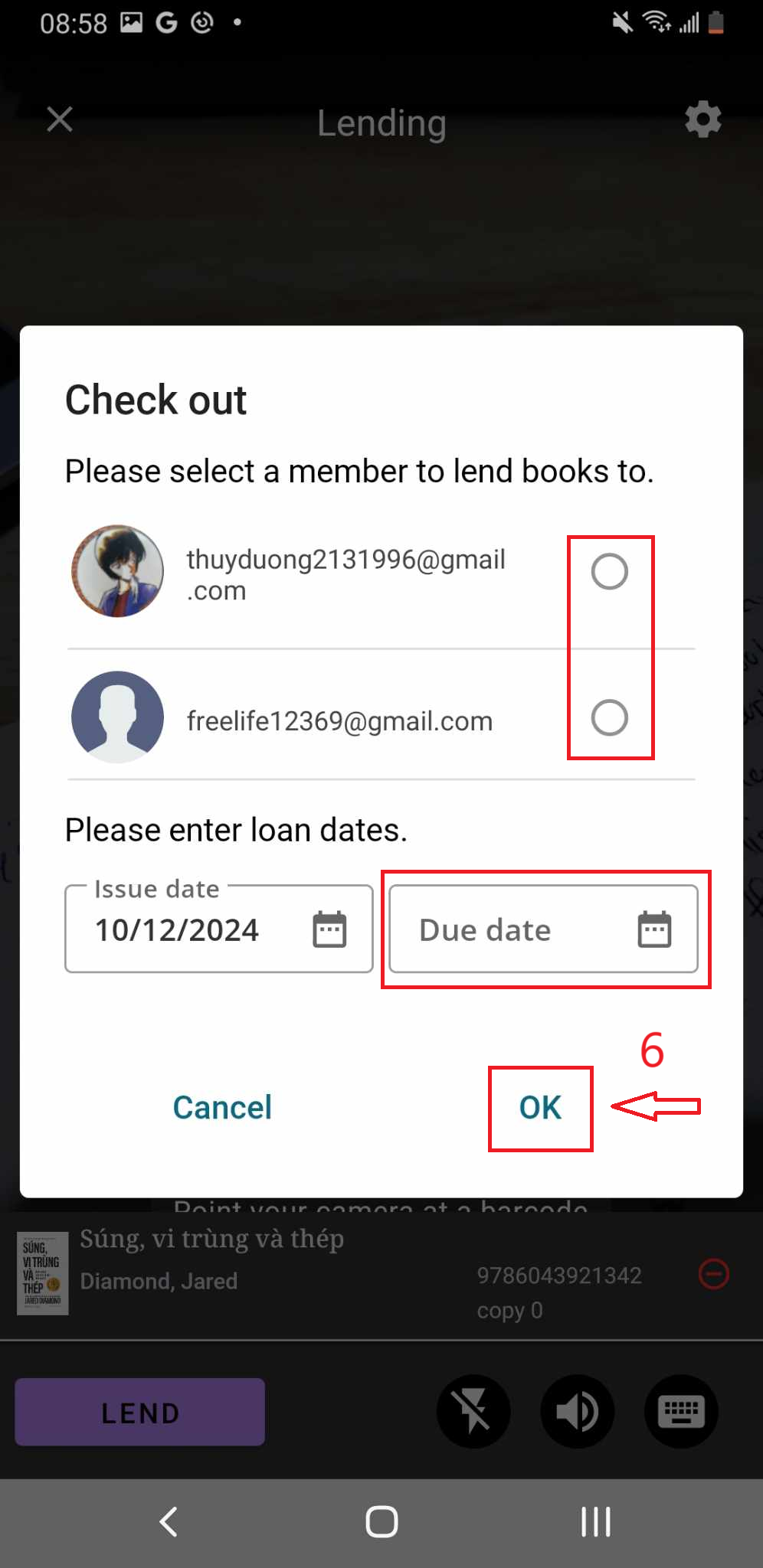
Step 5: The screen shows “Check out” and the member who borrow the book