Delete the loan
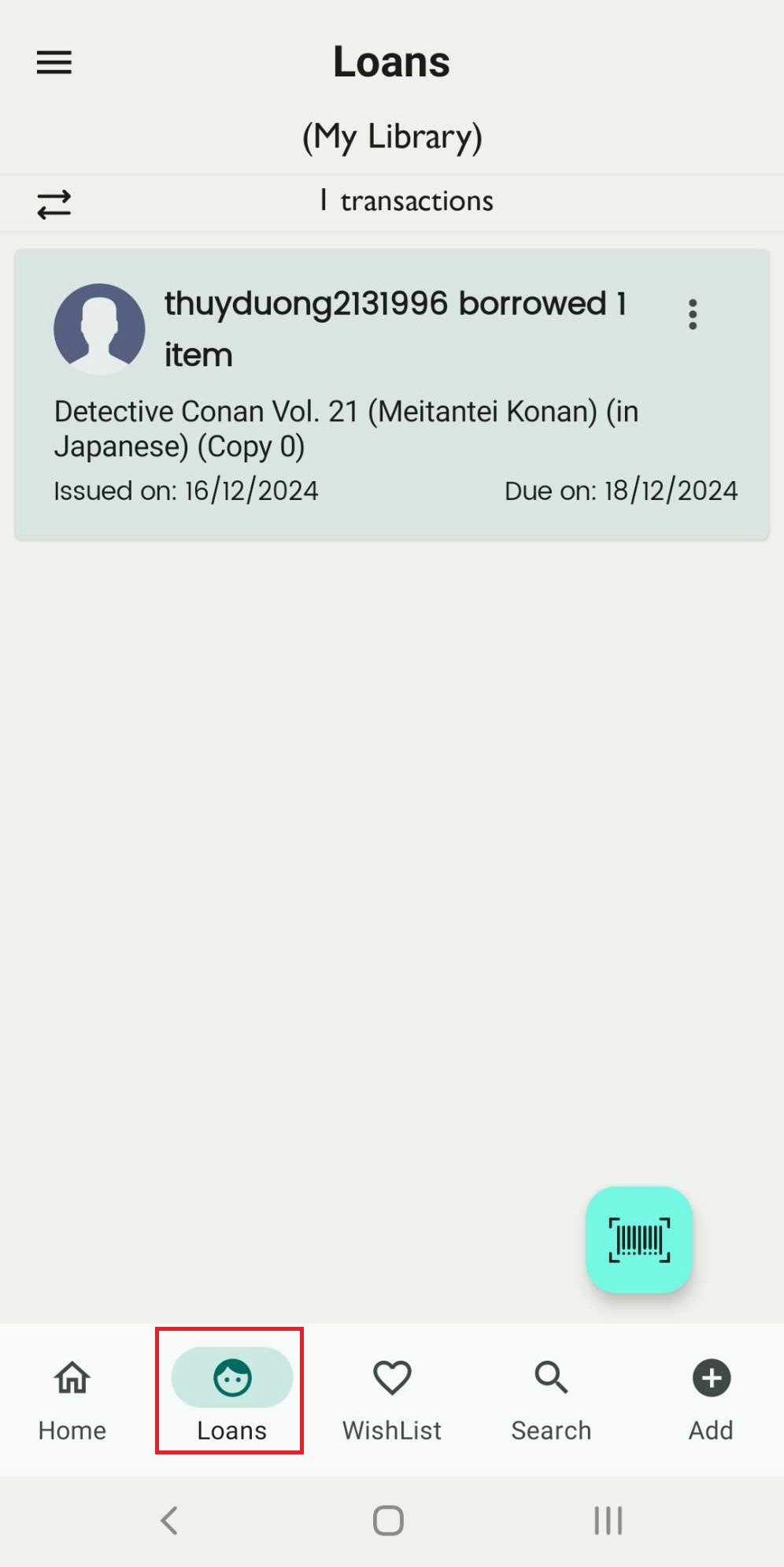
Step 1: Access the Loan field on the main screen.
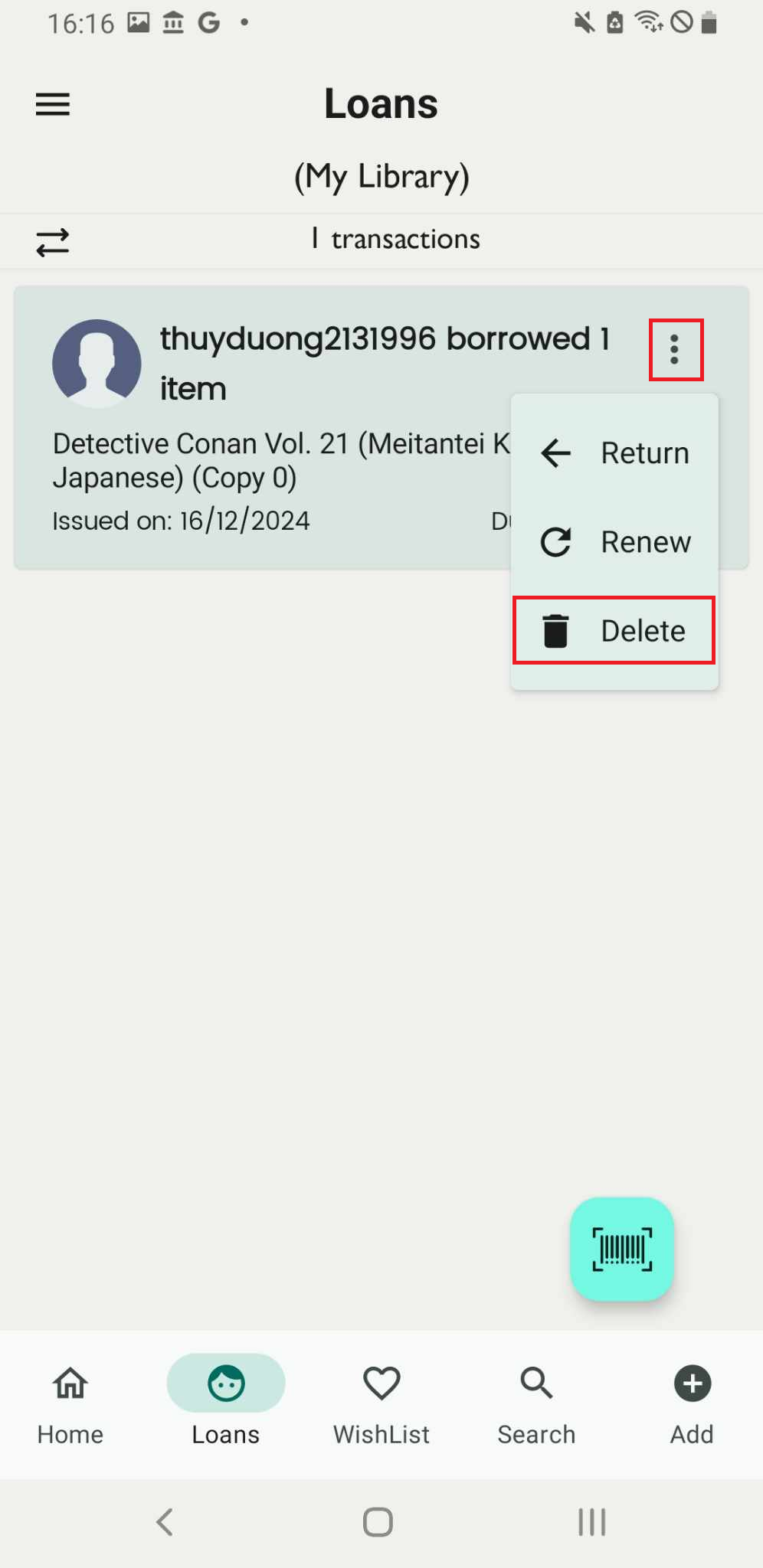
Step 2: Press the three-dot icon beside the member who borrowed books.
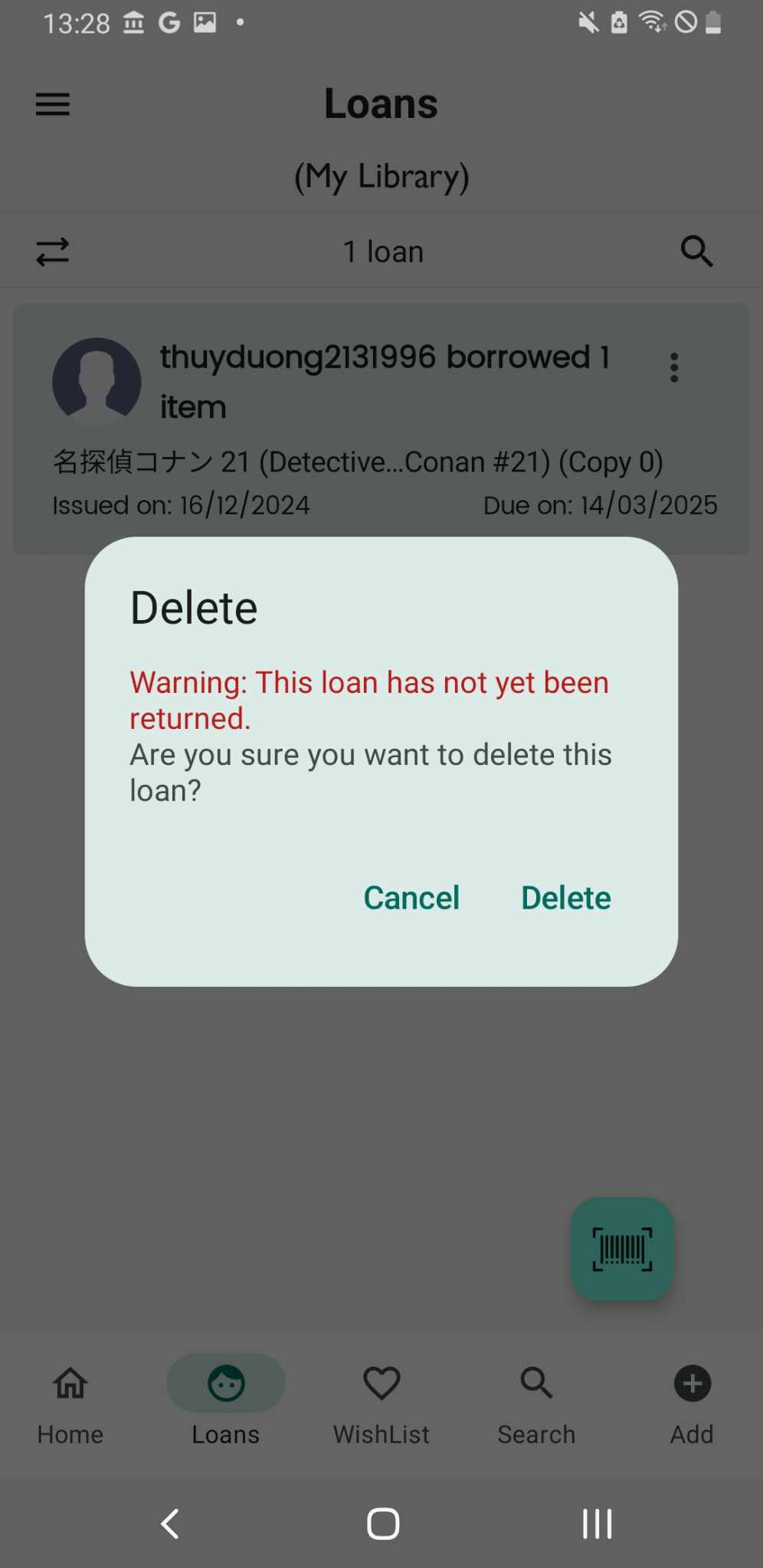
Step 3: If the book has not been returned, a warning message will appear. You can go back to return the loan and try deleting it again or delete it directly.
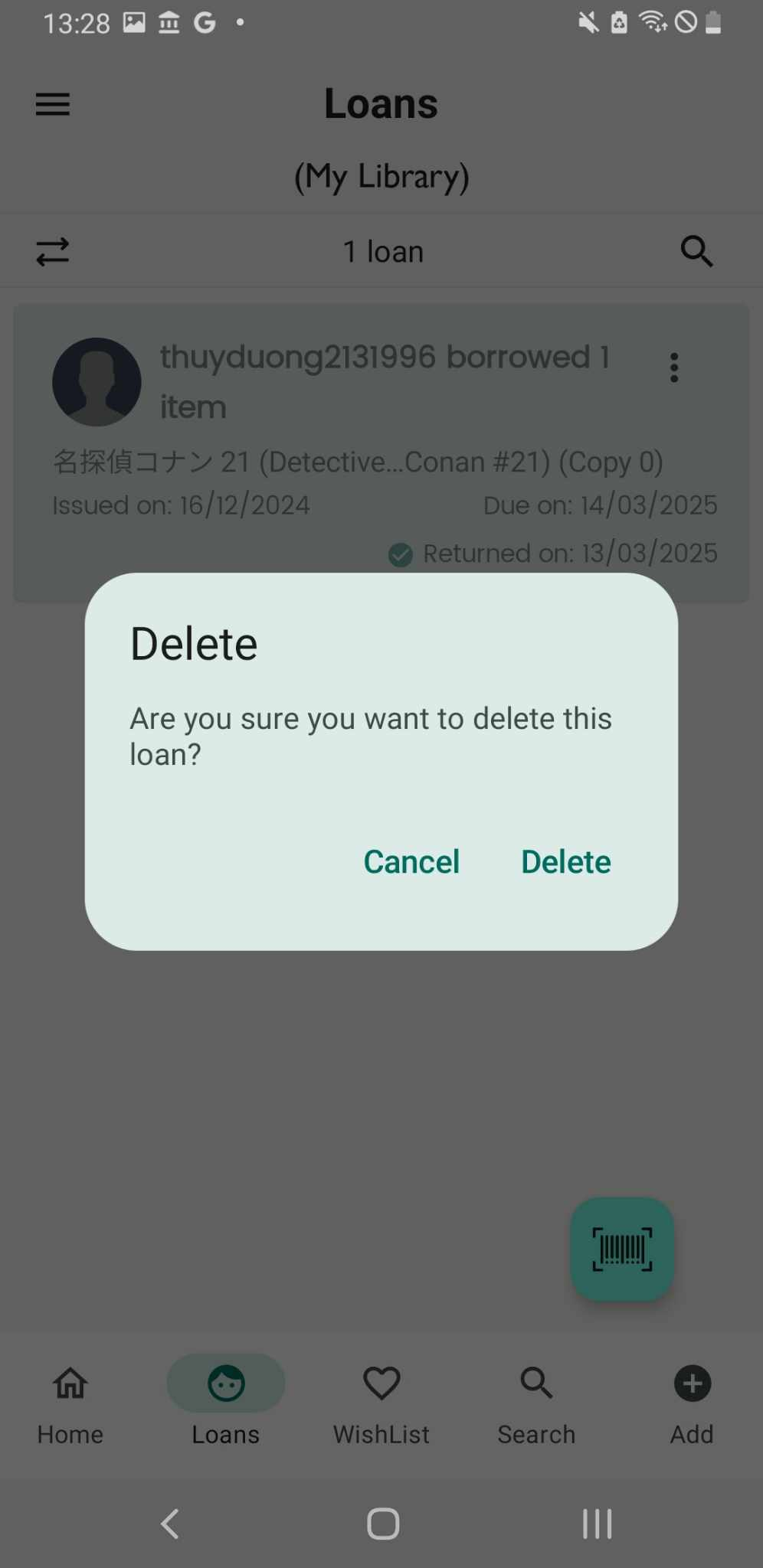
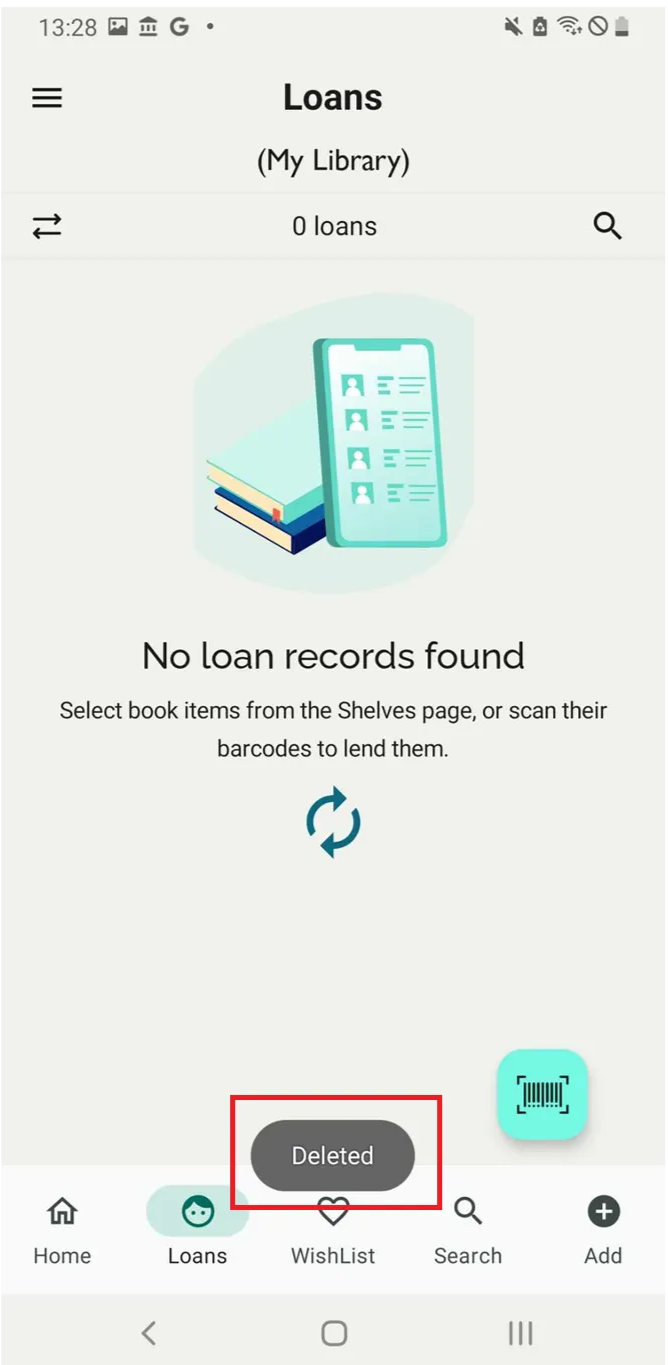
Step 4: The screen shows “Deleted”