
Add a new book
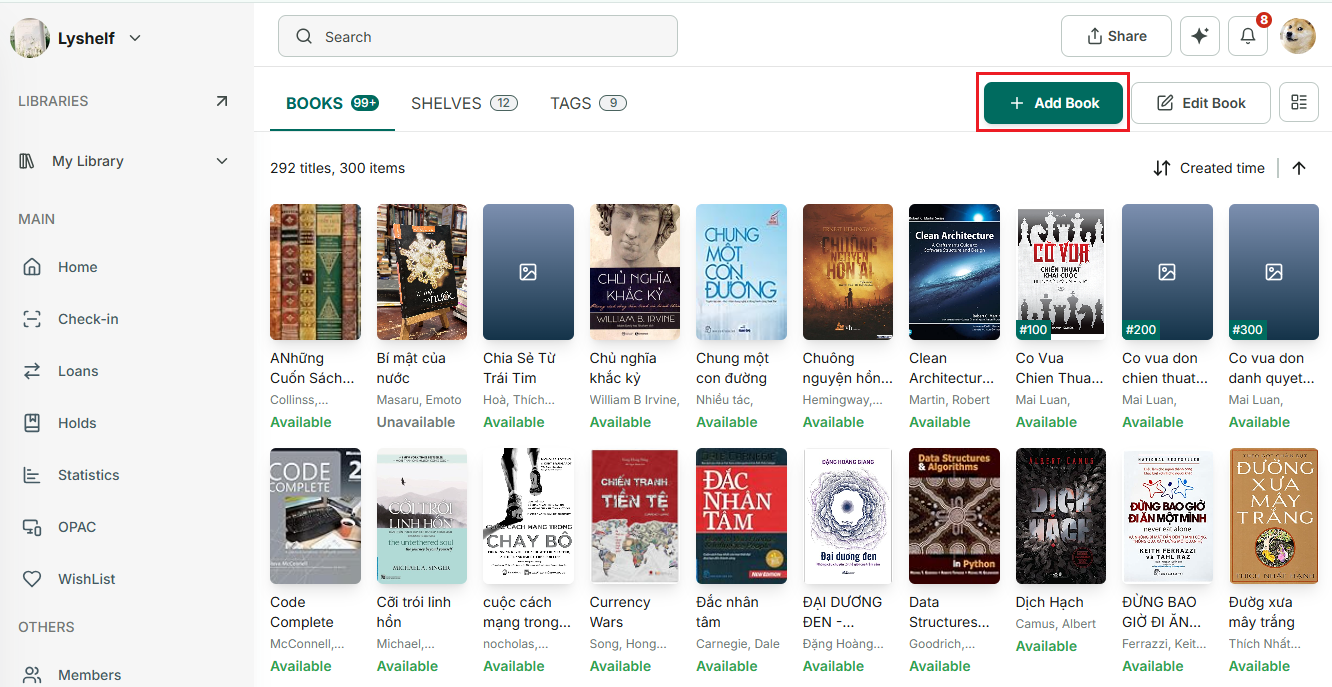
Step 1: Tap on “Add book” button
Step 2: Select option: Search online, manual input, import
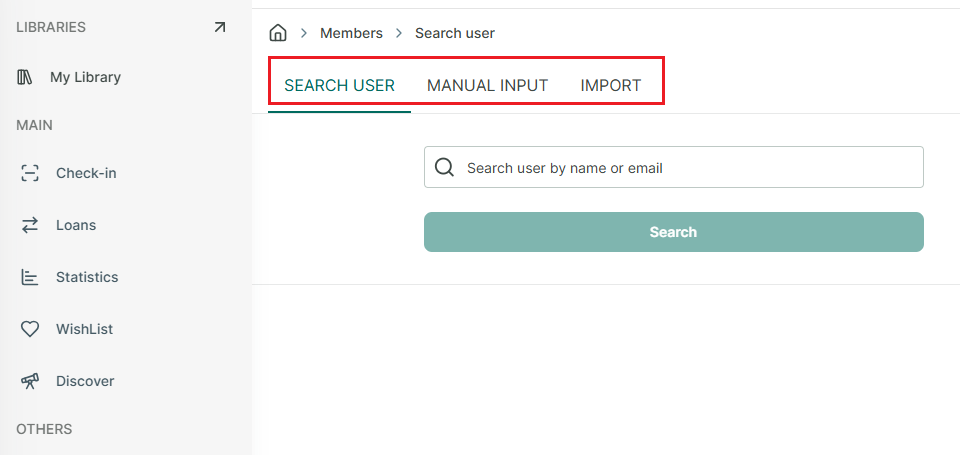
Step 3: Search online → select library → enter book title, author or ISBN → press search
Step 4: Manual input → select library → enter book informations, book cover → press “Add book”
Step 5: Import → Drag and drop or select a file → map data → review → importing → complete
Refer to the template for correct format file.