Barcode generate
Create barcodes for members
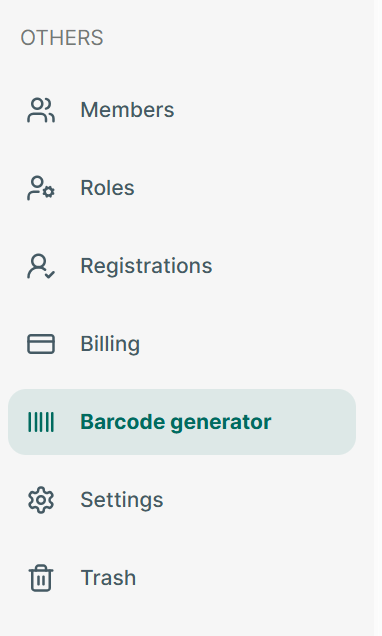
Step 1: Open app and go to Barcode generate section
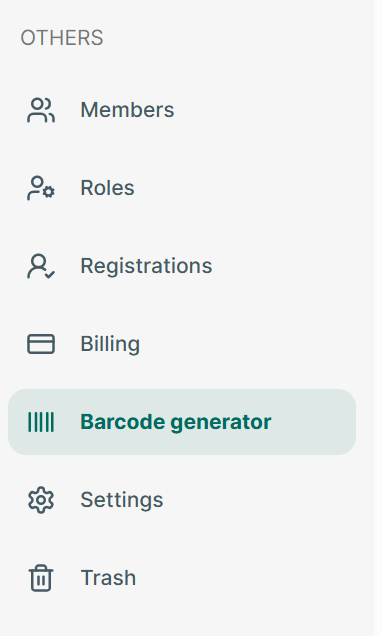
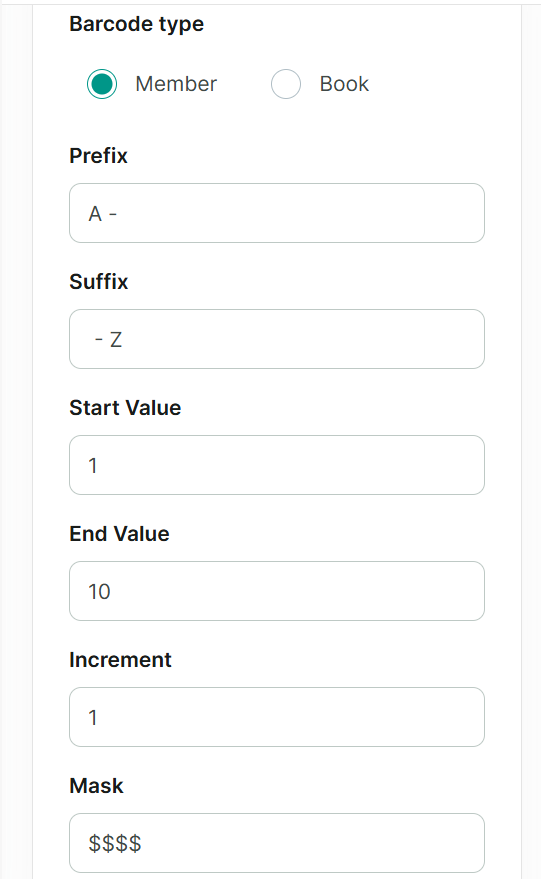
Step 2: Select barcode type: “member”
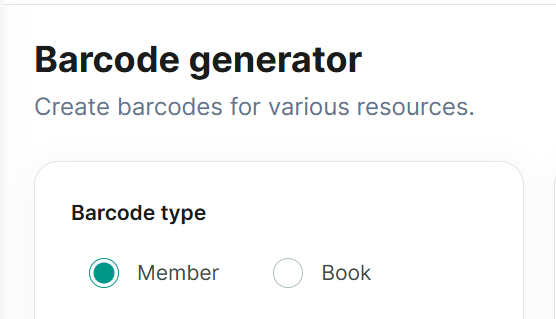
3, Edit barcode then press “Generate”
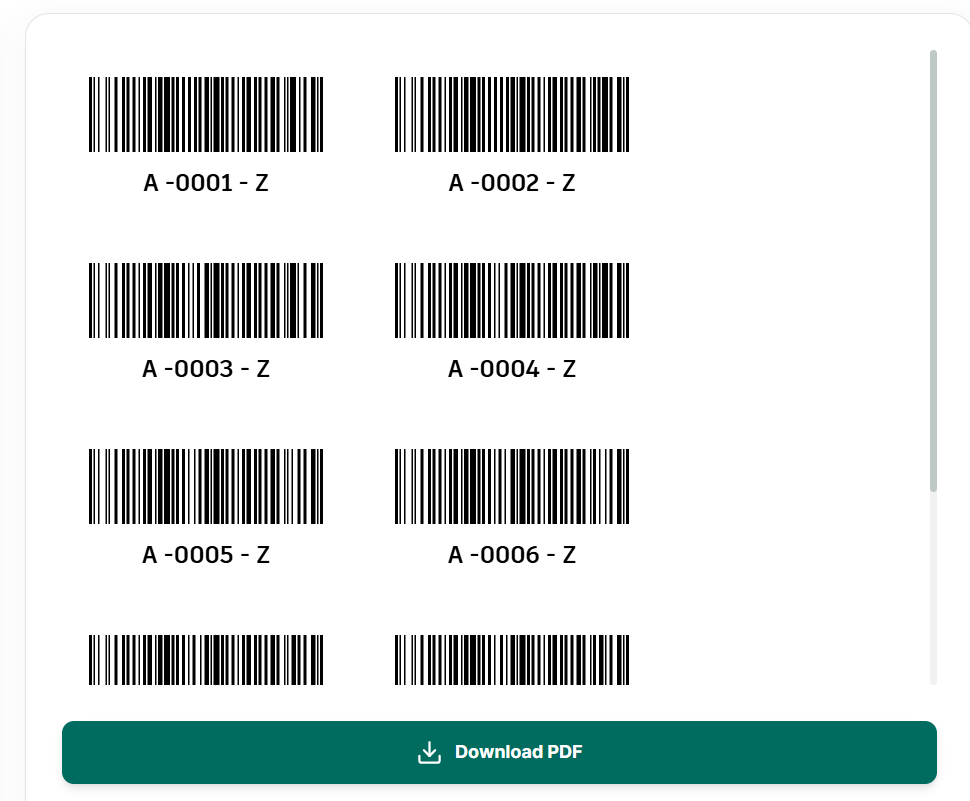
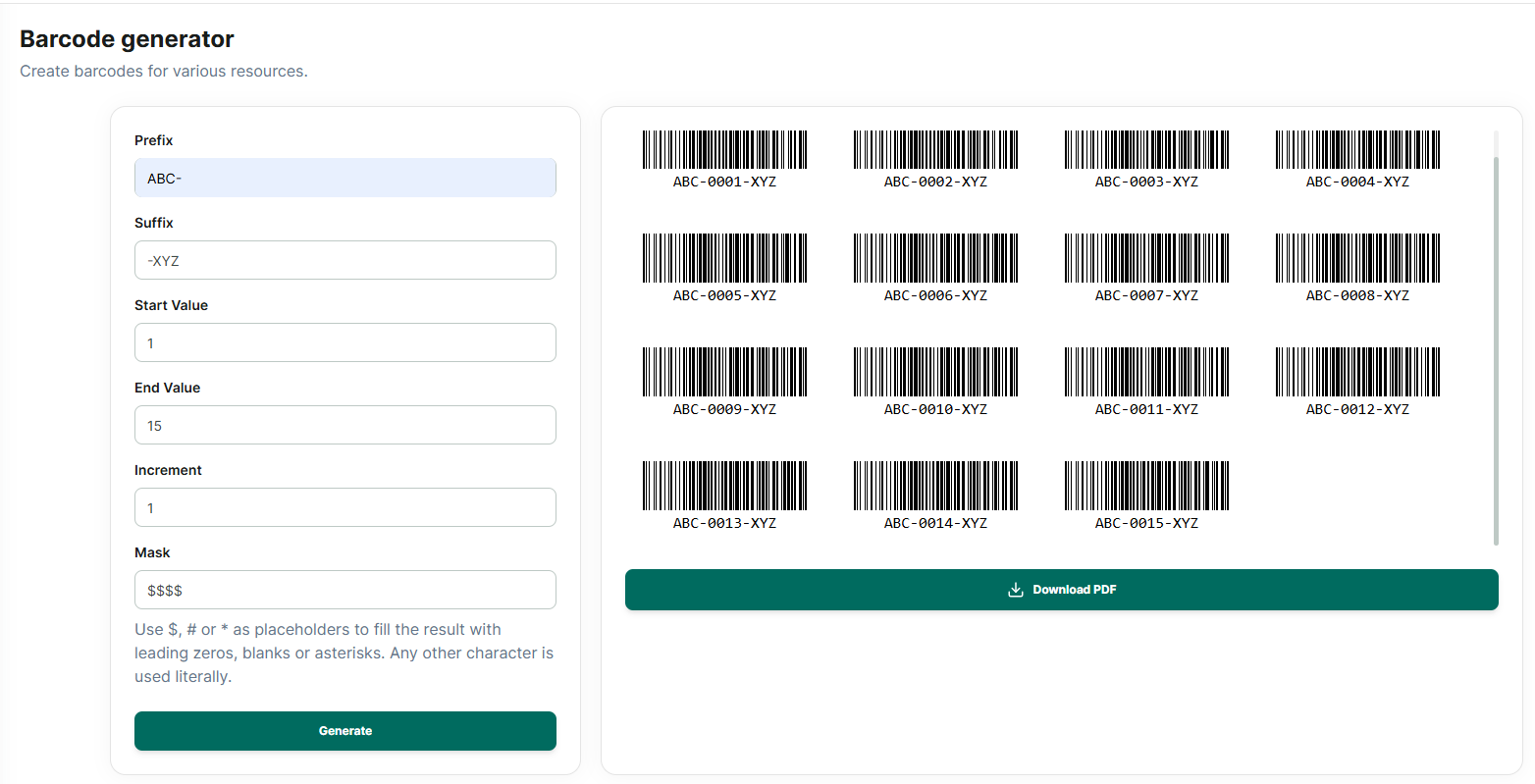
Step 3: The barcode will appear, and you can download it to your device
Create barcode for books
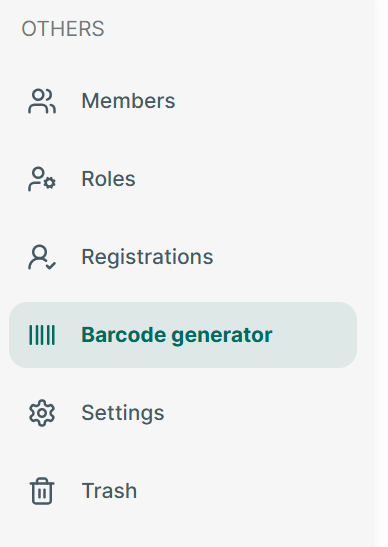
Step 4: Open app and go to Barcode generate section
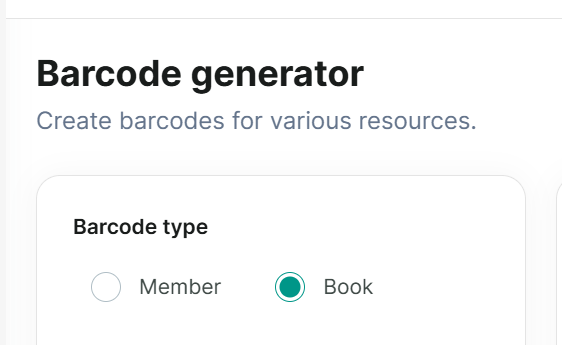
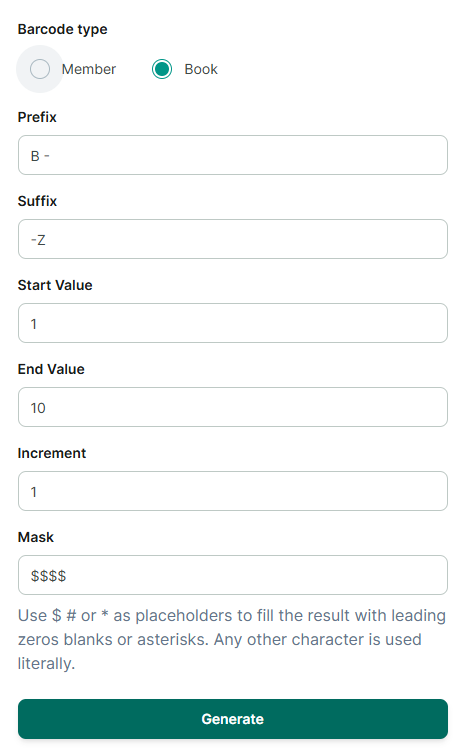
Step 5: Select barcode type: “book”
Step 6: Edit barcode then press “Generate”
Step 7: The barcode will appear, and you can download it to your device
Barcode Settings
Step 8: Open app and go to Barcode generate section
Step 9: Tap on “Setting” icon

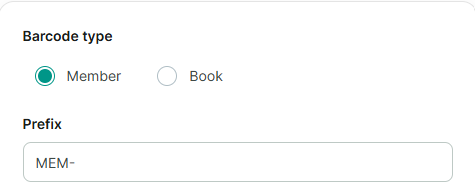
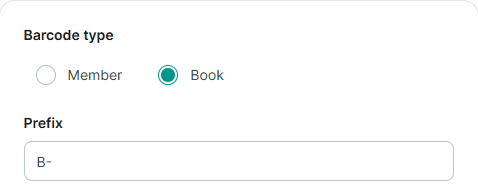
Step 10: Enter prefix of member barcode and internal barcode
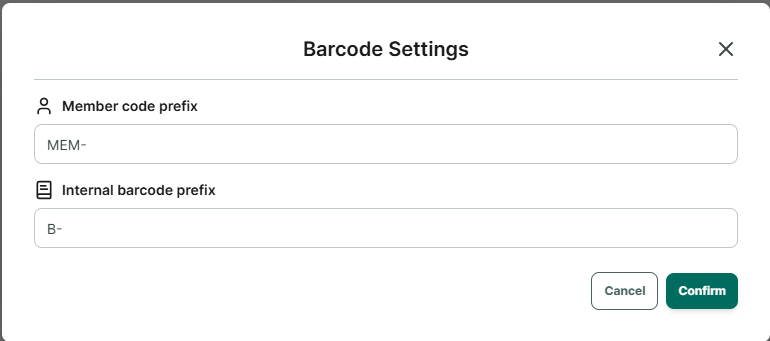
Step 11: Press Confirm to save