
Add a new Tag
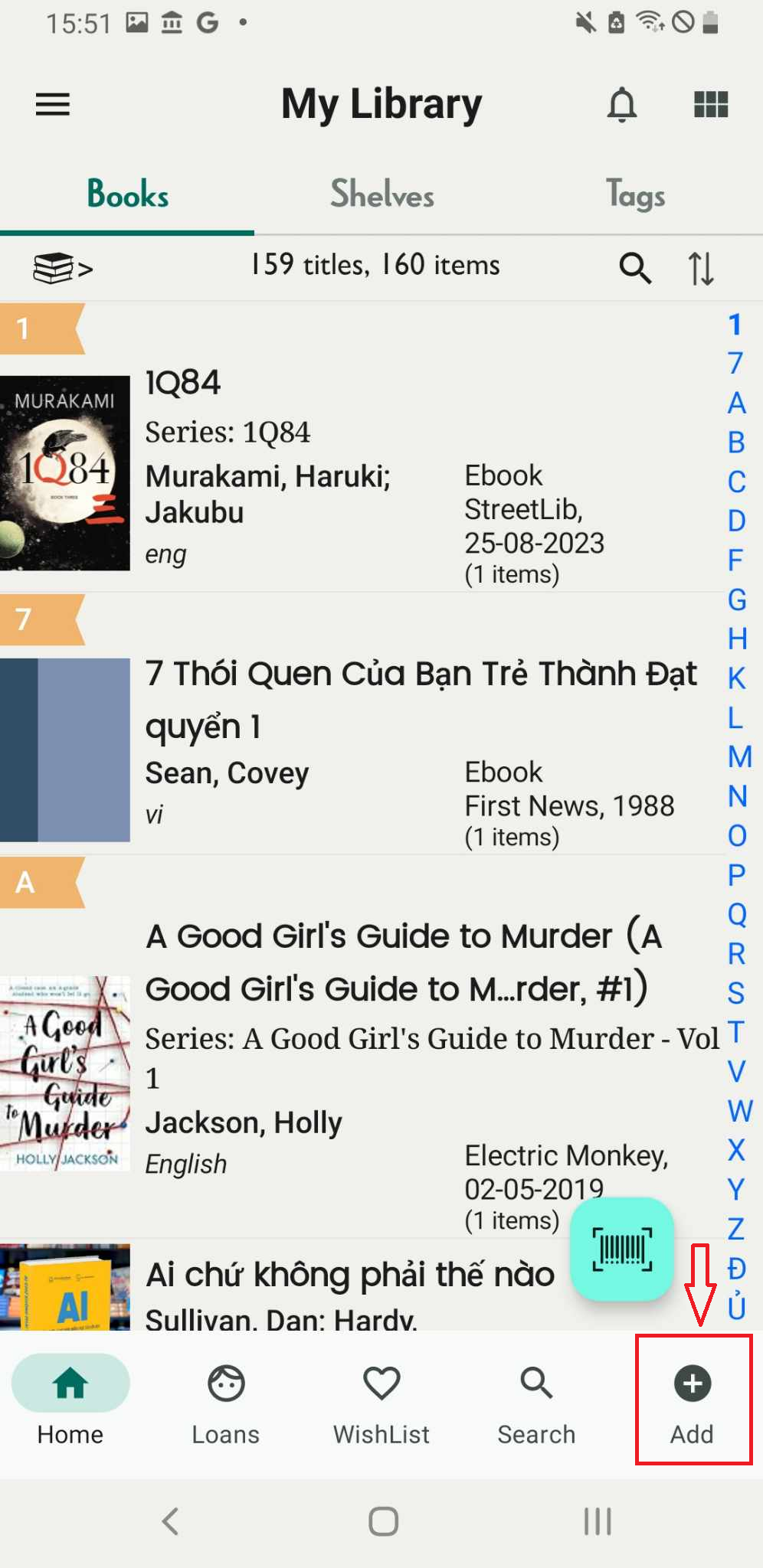
Step 1: Click on the “Add” function, indicated by the plus icon.
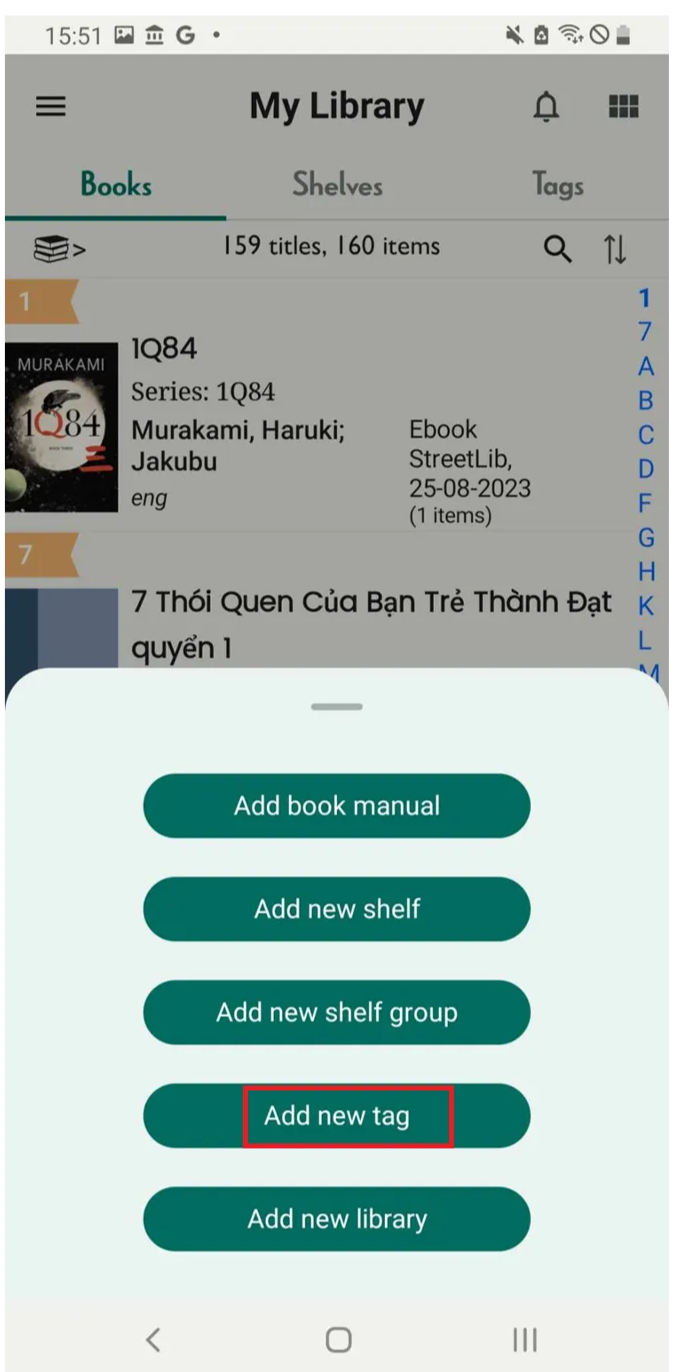
Step 2: Press “Add new tags”
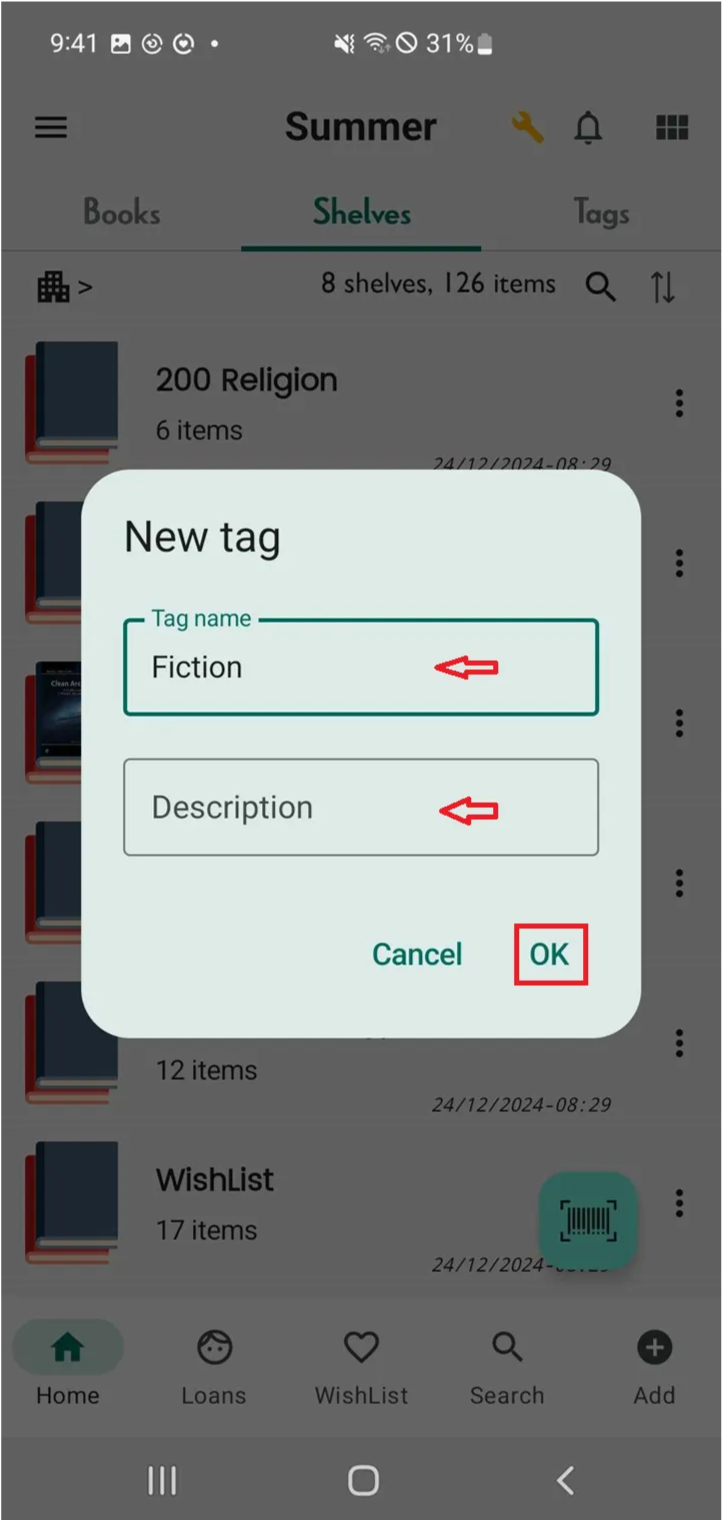
Step 3: Tap “OK” to confirm the name or “Cancel” to cancel.
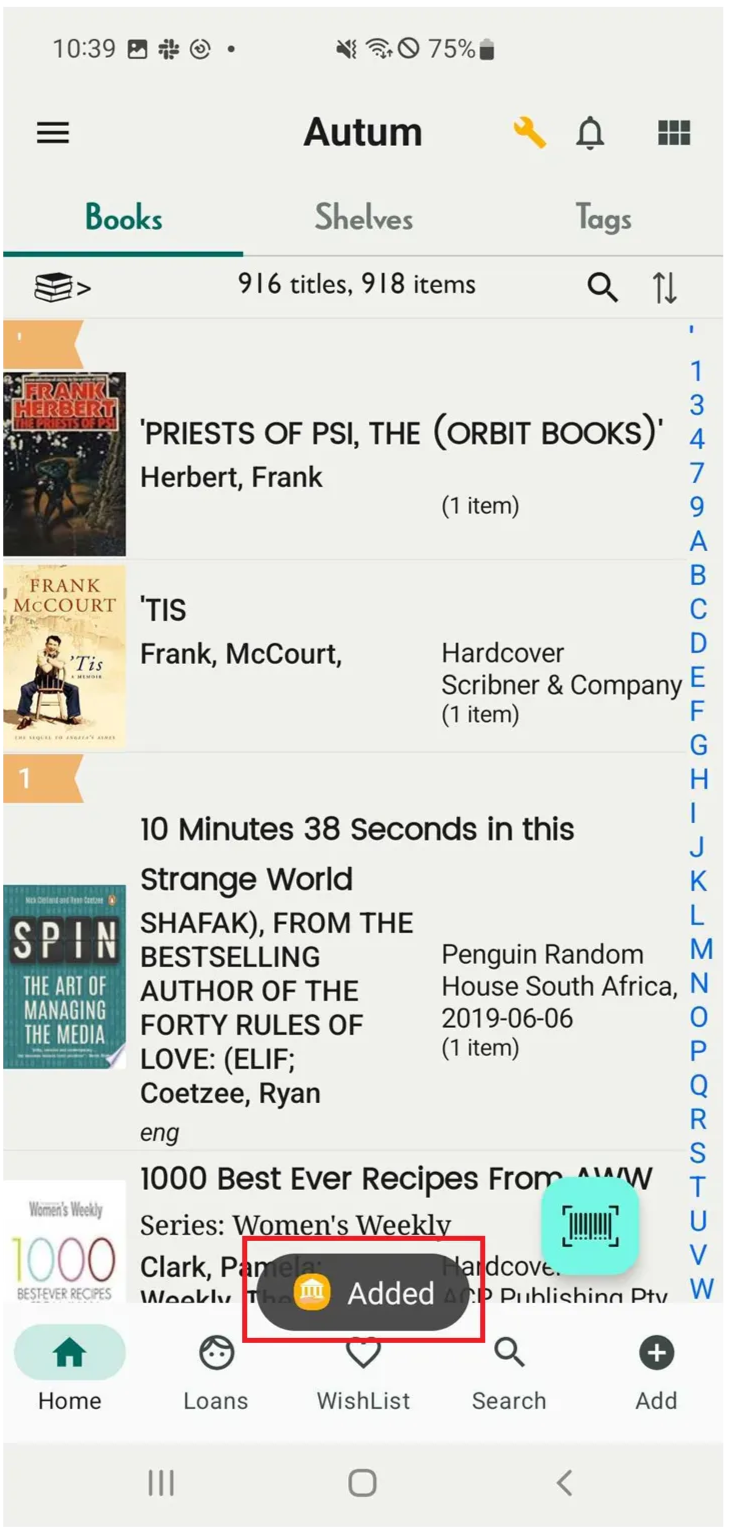
Step 4: The screen shows “Added”
Chat with Skoolib
Answers come from the Help Center guides.