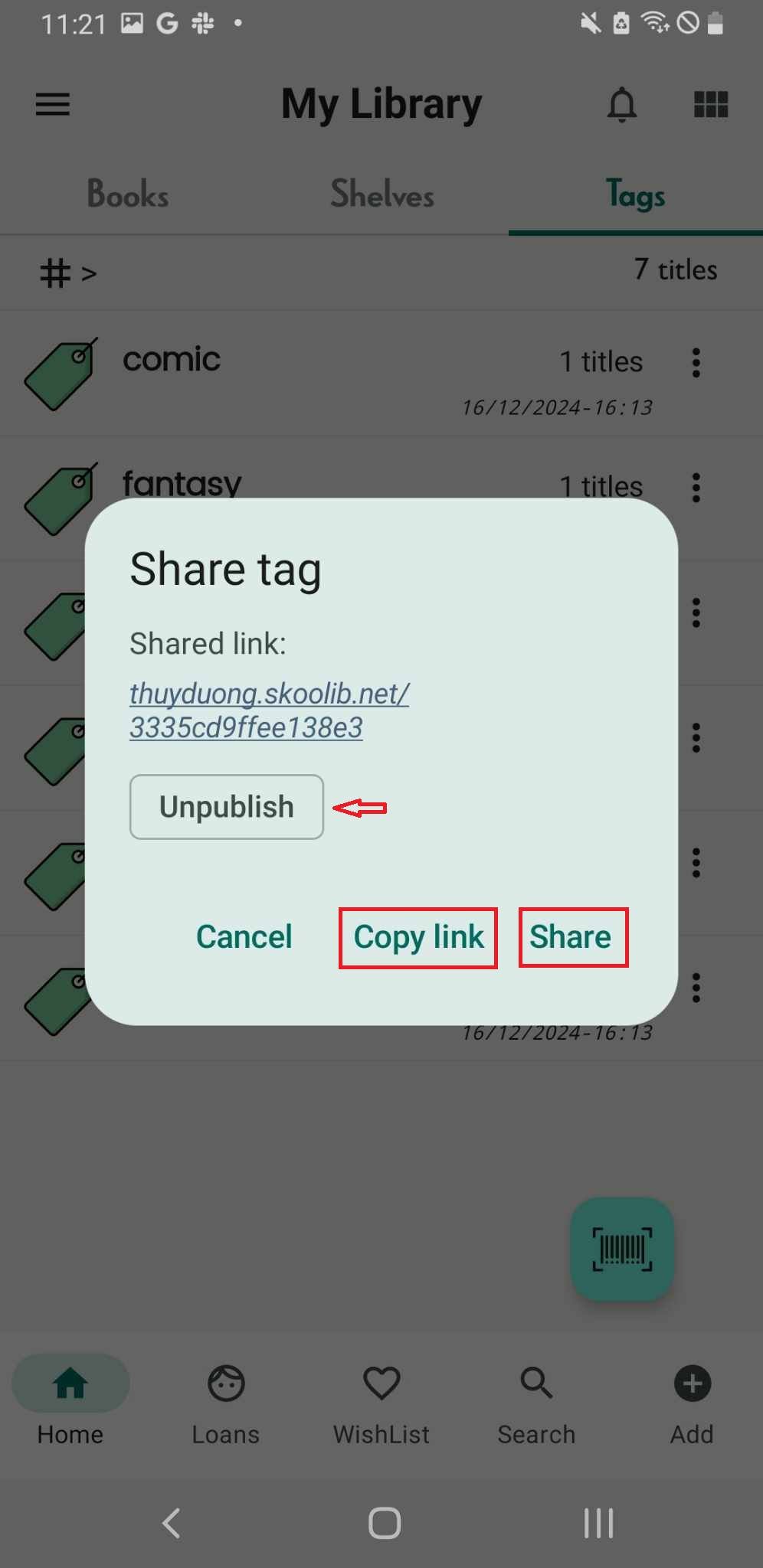
Unpublish a tag link
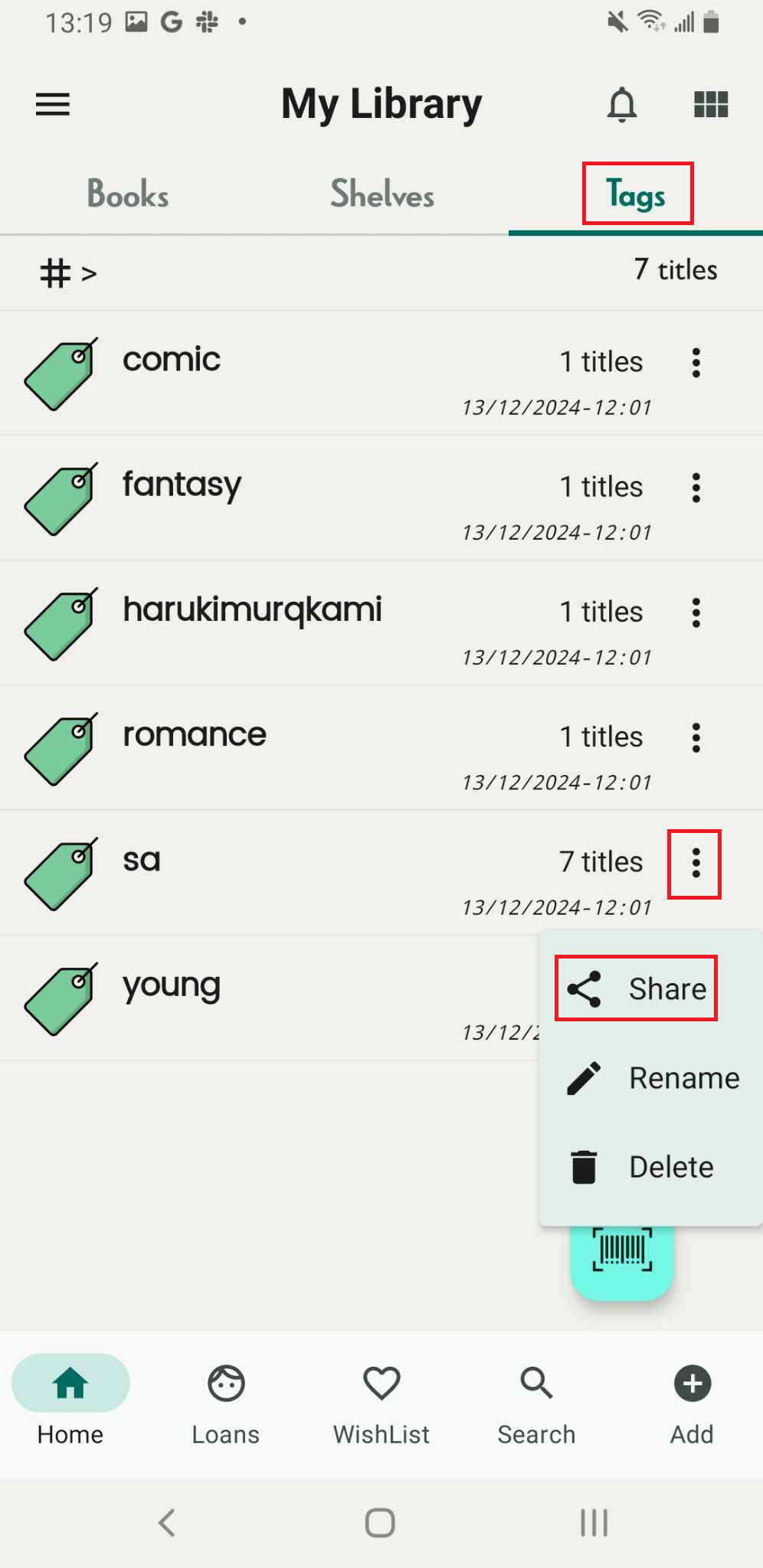
Step 1: Access the Tags Tab on the main screen. All the tags are displayed in a list format.
Step 2: Access the three-dot icon beside the name of the tags.
There are 3 options
- Share
- Rename
- Delete
Tap on “Share”
Step 3: Shared link” name.skoolib.org/
Unpublish:
- Cancel
- Copy link
- Share
Tap on “Unpublish”, the user who was sent the link can no longer access it.