Generate a image by using Template
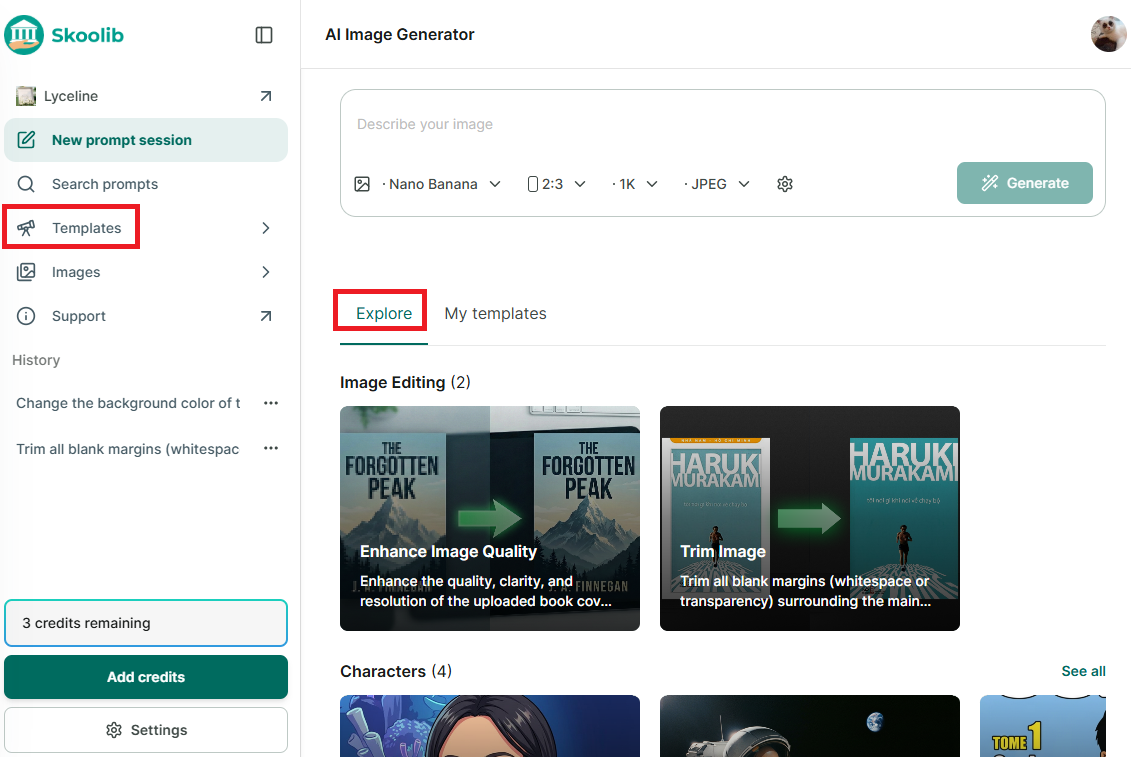
Step 1: Go to “Image Generator” → in the new window, select templates under “Explore” or “Template” in the side menu to view available templates.
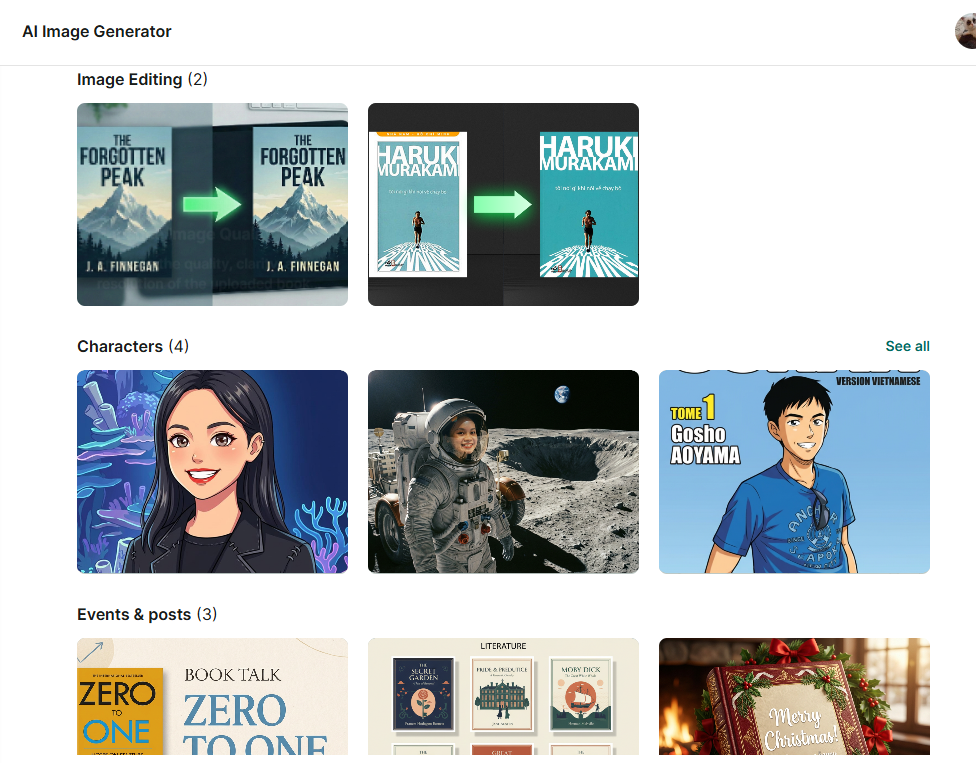
Step 2: Each editing template comes with instructions. Upload images as required (1 or 2 images). The image generation content is pre-filled, and you can edit it to better suit your needs. Upload the image(s) you want to edit → click Generate Image.
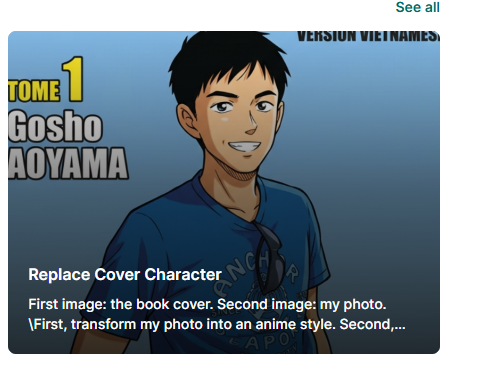
Step 3: For the template “Replace character on cover image,” you need to upload 2 images.
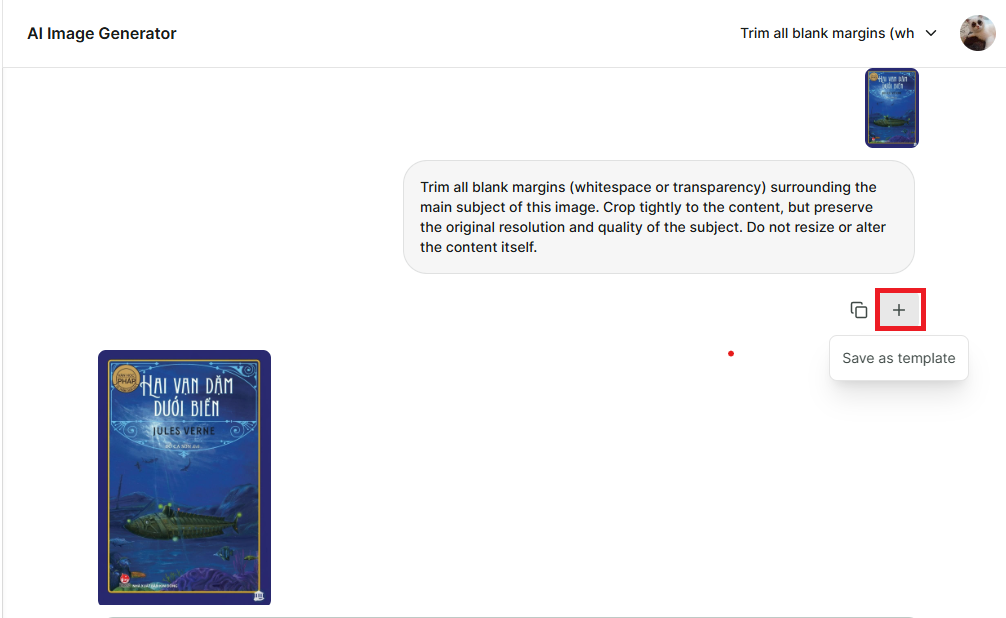
Step 4: After generating the image, you can save the template to use for future images. Templates will be saved in Template → My Templates.
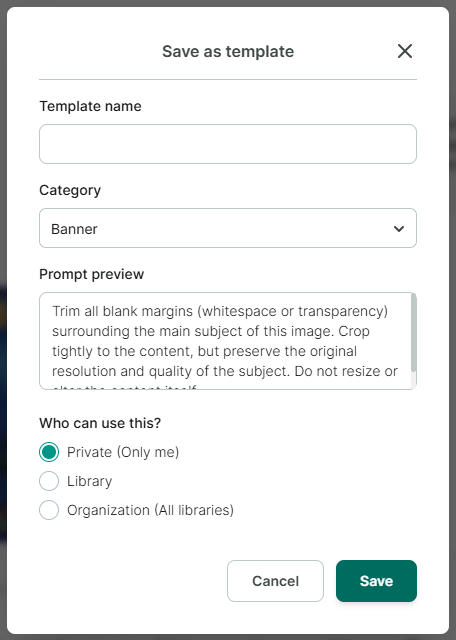
Step 5: Enter and select the information you want to save for the template.
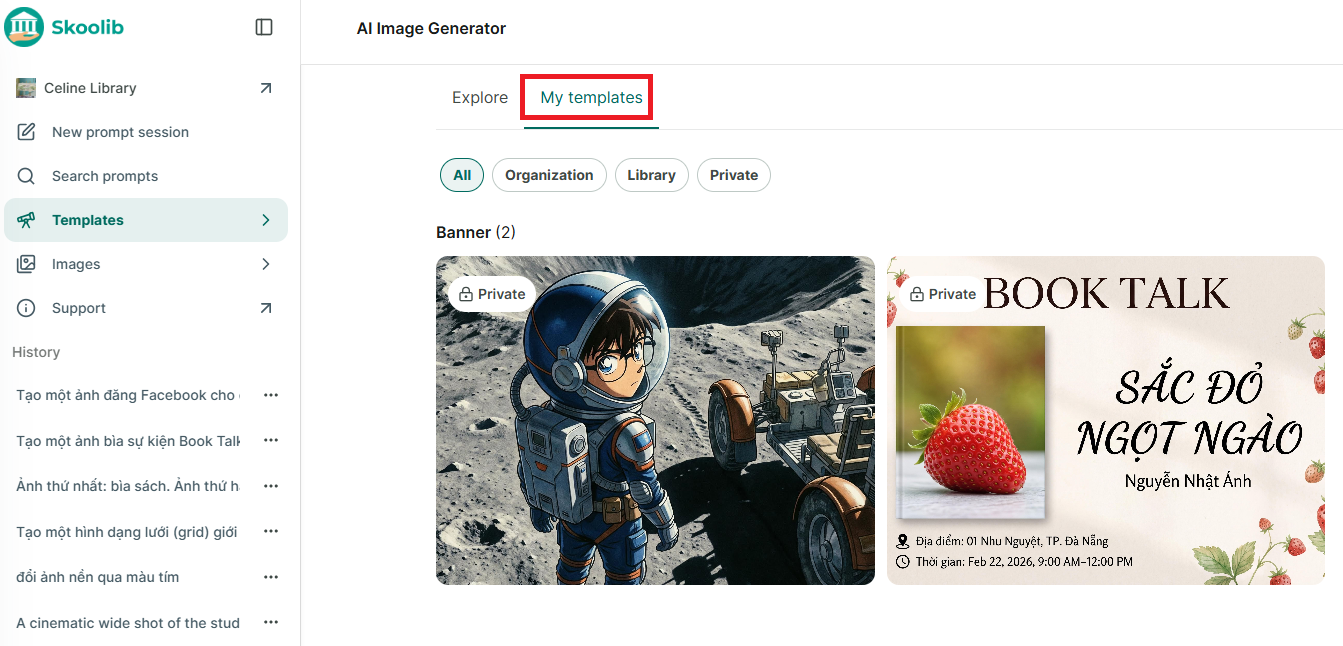
Step 6: Review your saved templates in Templates → My Templates.