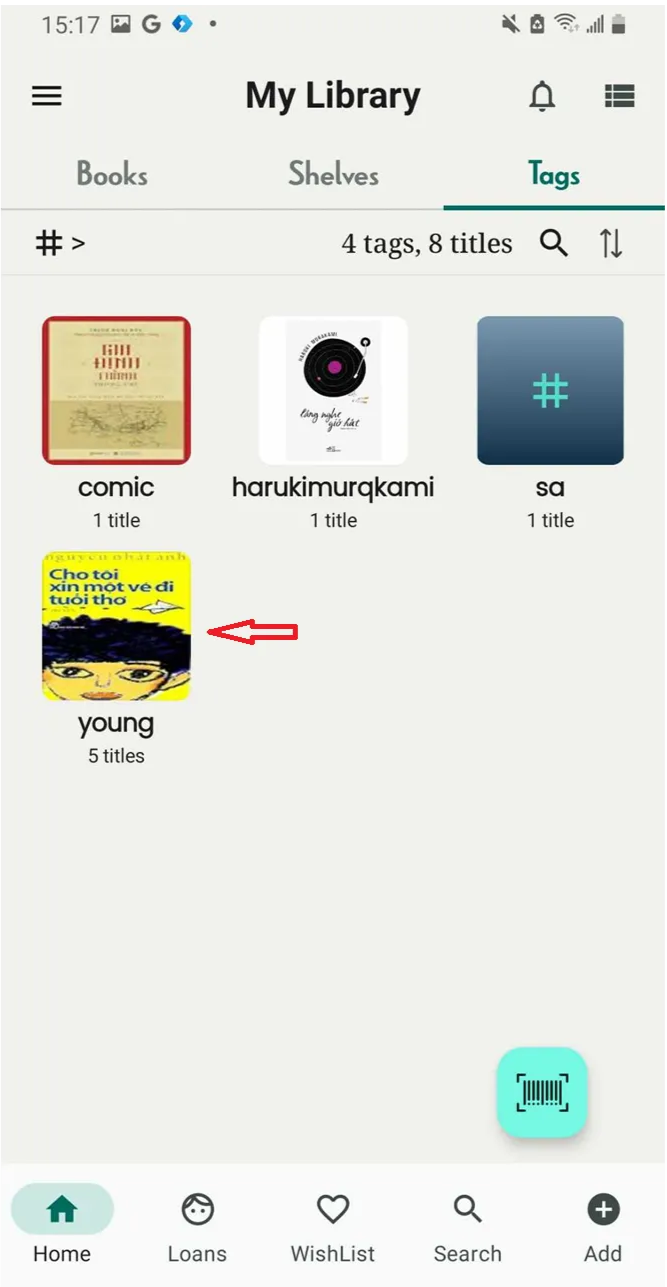
Set/change tag cover
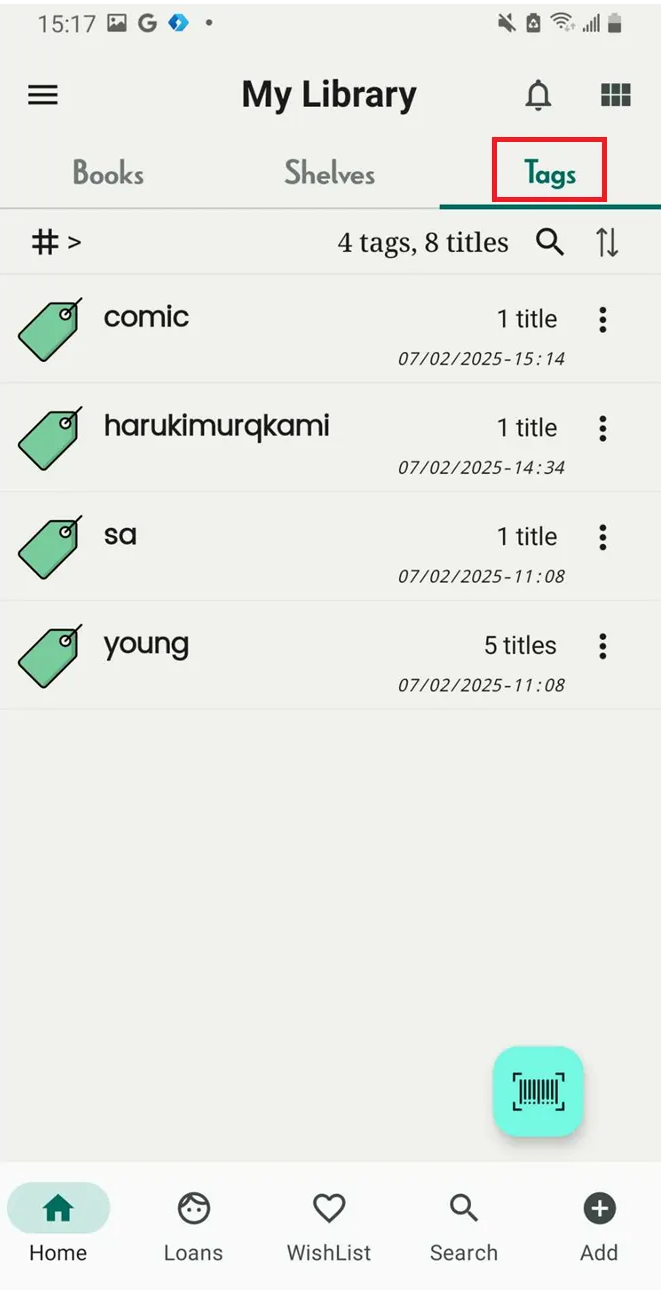
Step 1: Access Tag Tab
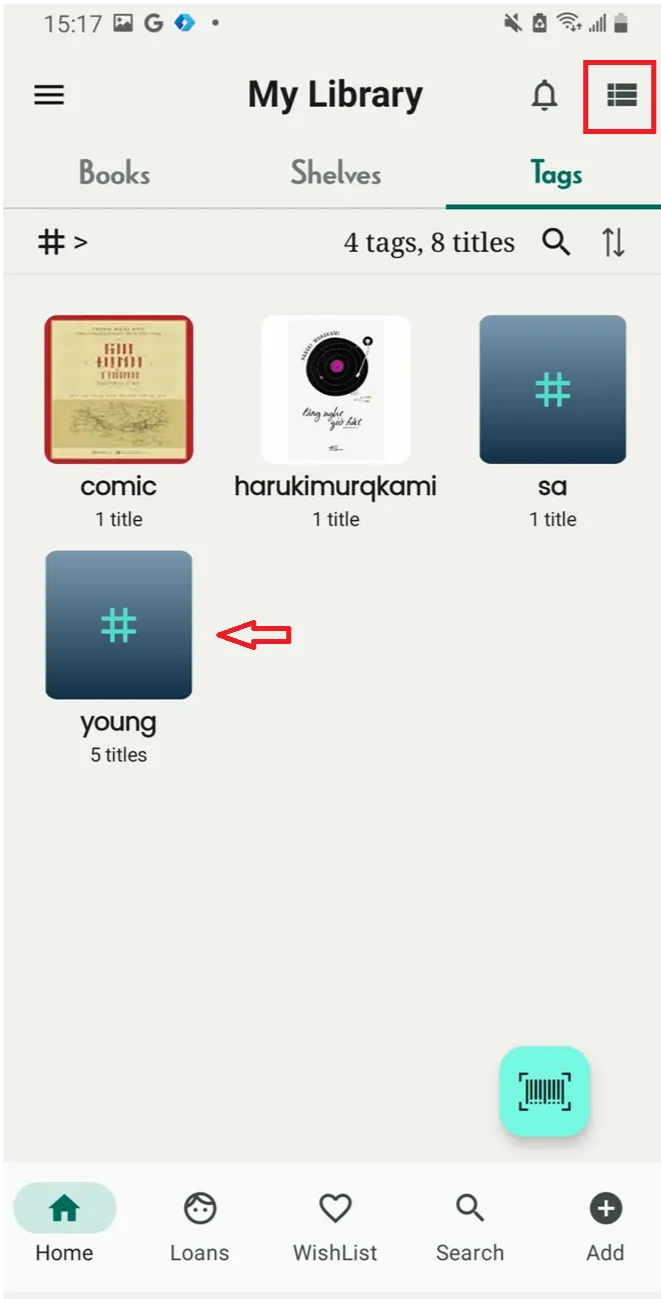
Step 2: Set tags in grid view by tapping the grid icon located at the top right-hand corner.
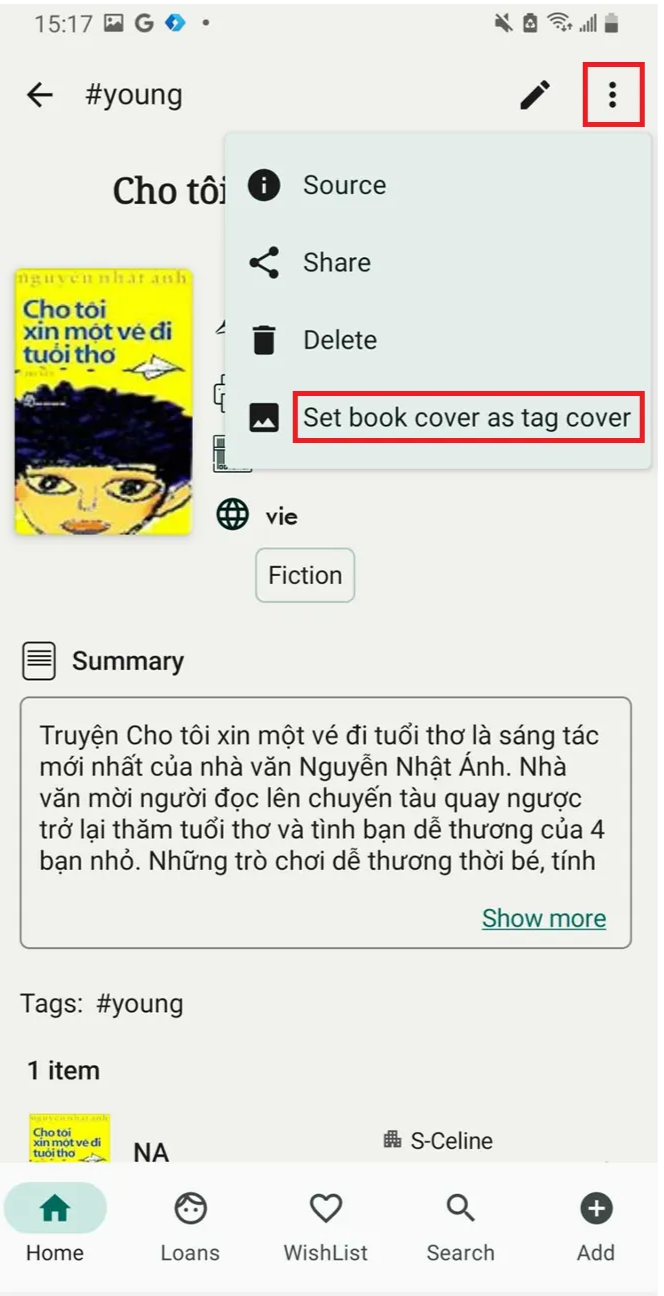
Step 3: Tap on a tag and pick a cover from a title

Step 4: Tap on three-dot icon at the right top of corner and select “Set book ccover as tag cover”
Step 5: Tag cover is updated