Search feature
Search Online
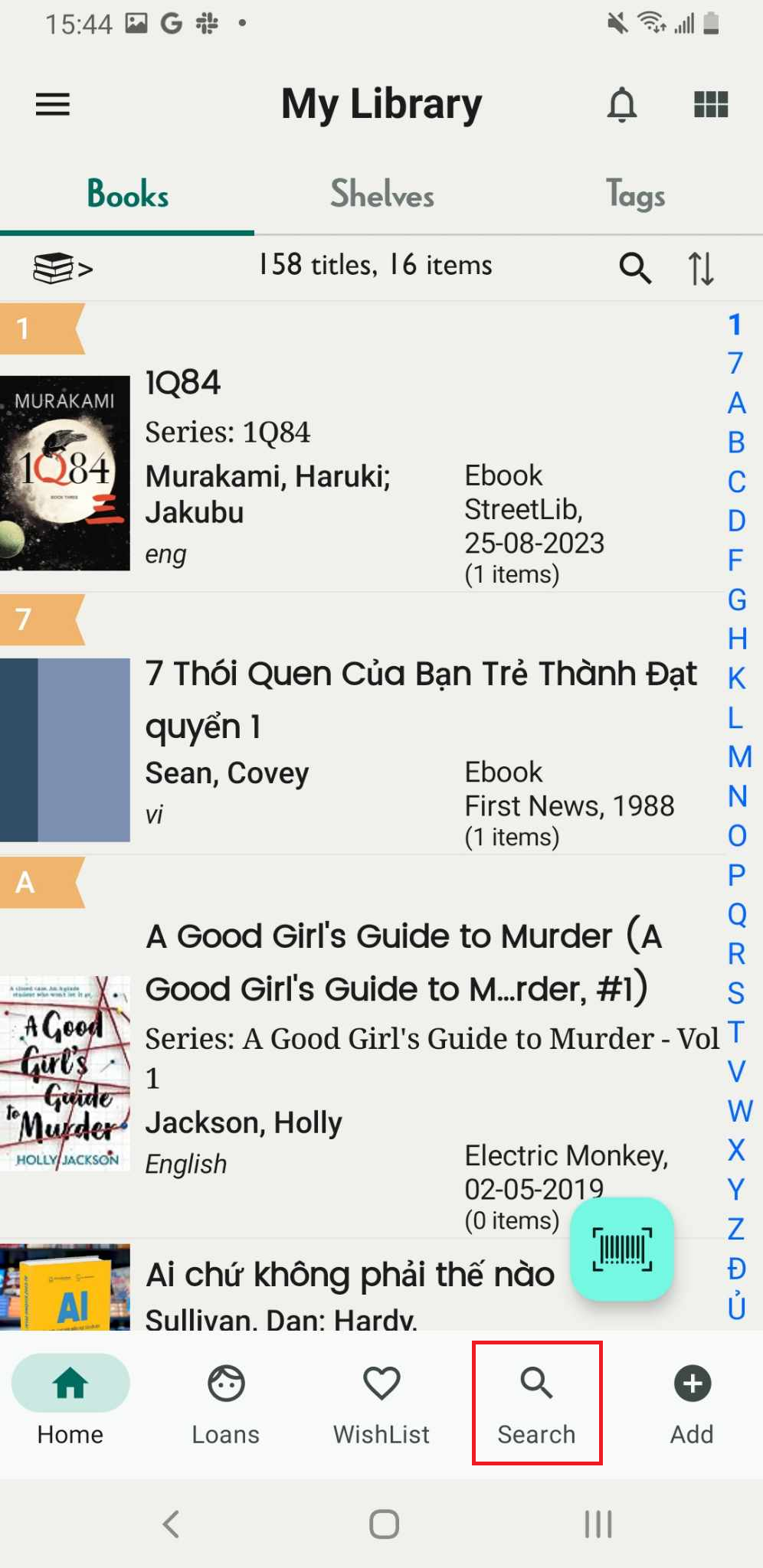
Step 1: Access the Search Online icon
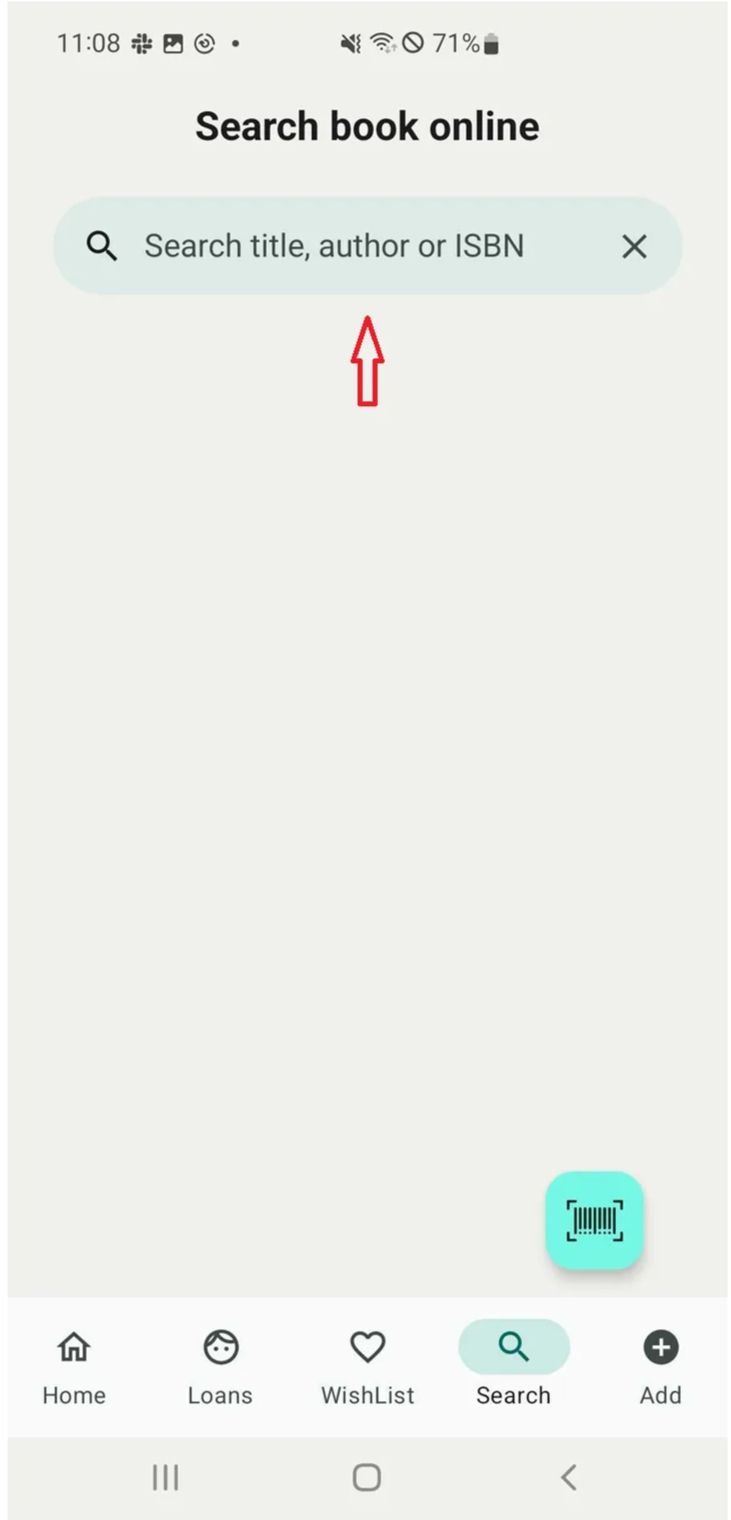
Step 2: The screen displays the search bar. Enter the title, ISBN, or author of the book you want to search for.
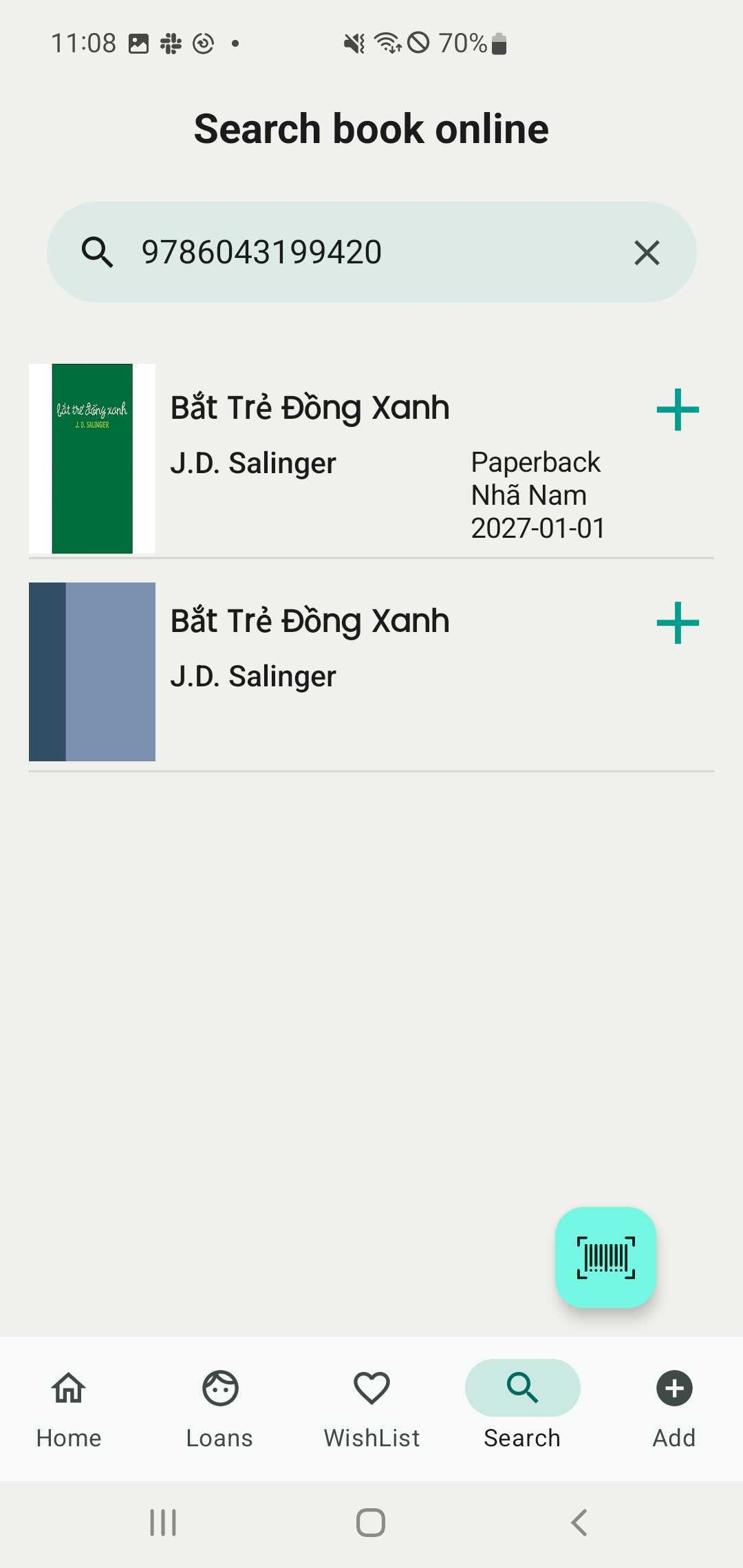
Step 3: The screen displays a list of titles related to the book title entered.
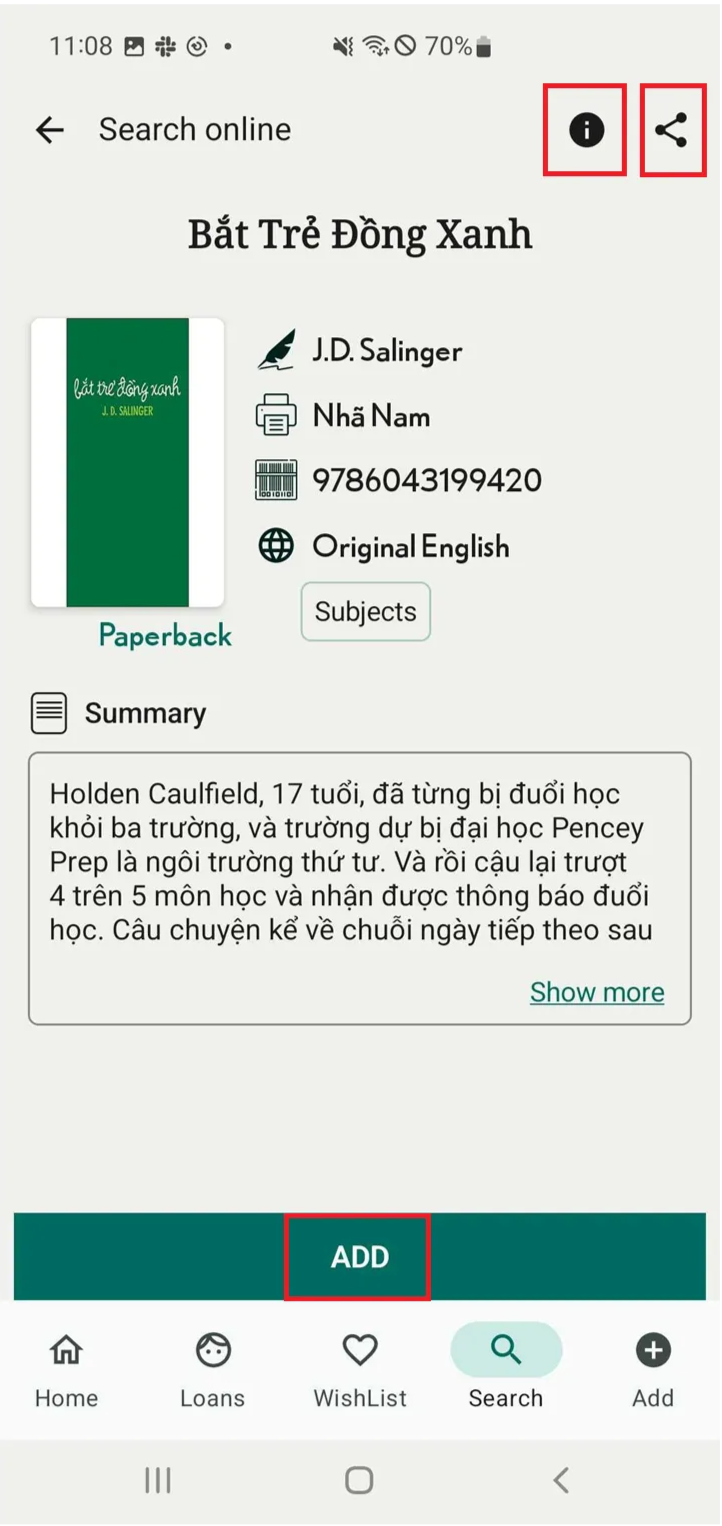
Step 4: Open the book details to review its information, source, and sharing options.
Tap “ADD” to include the book in your library.
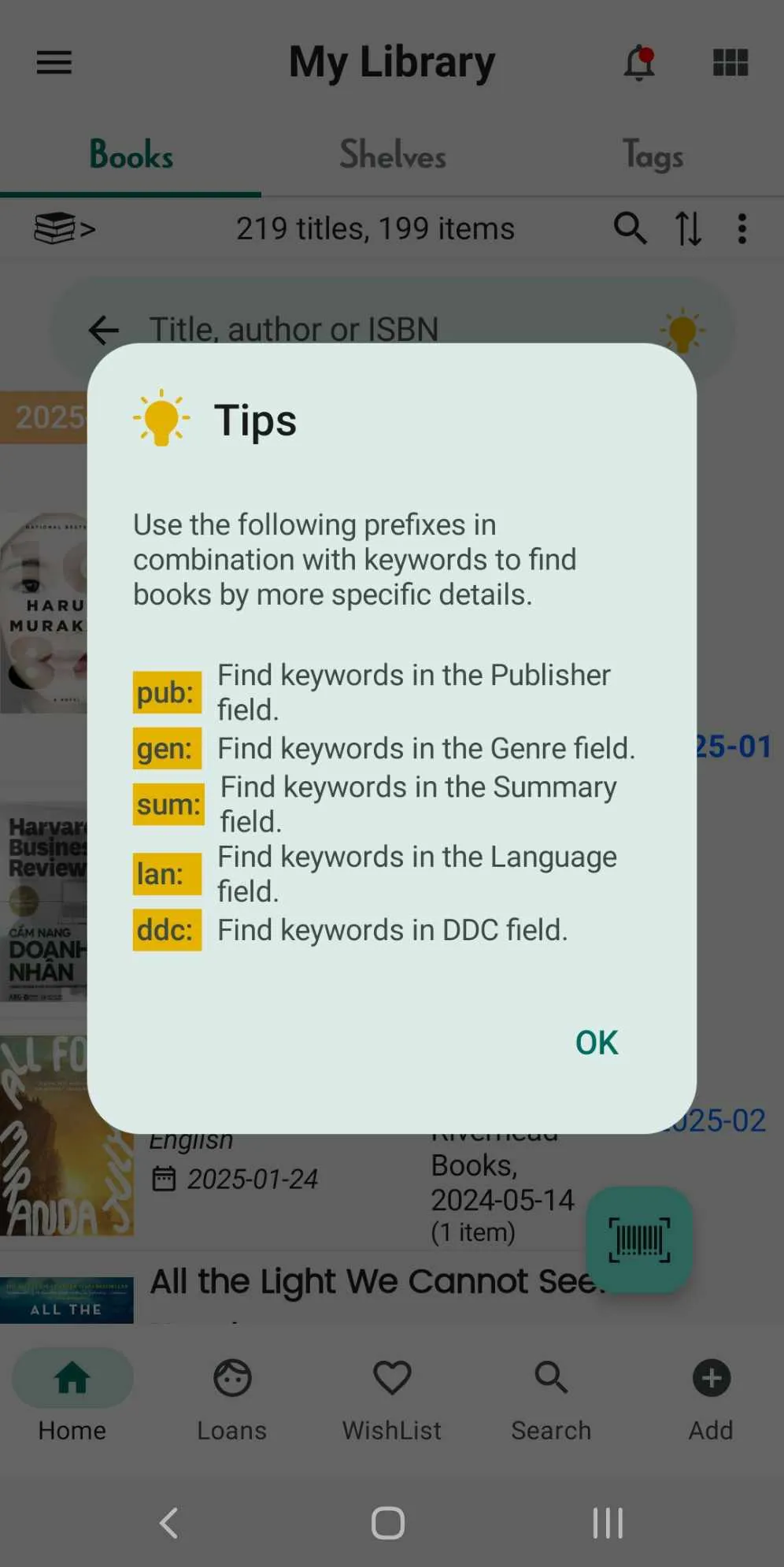
Tips
Step 5: Open app and access Book Tab. Tap on Search icon
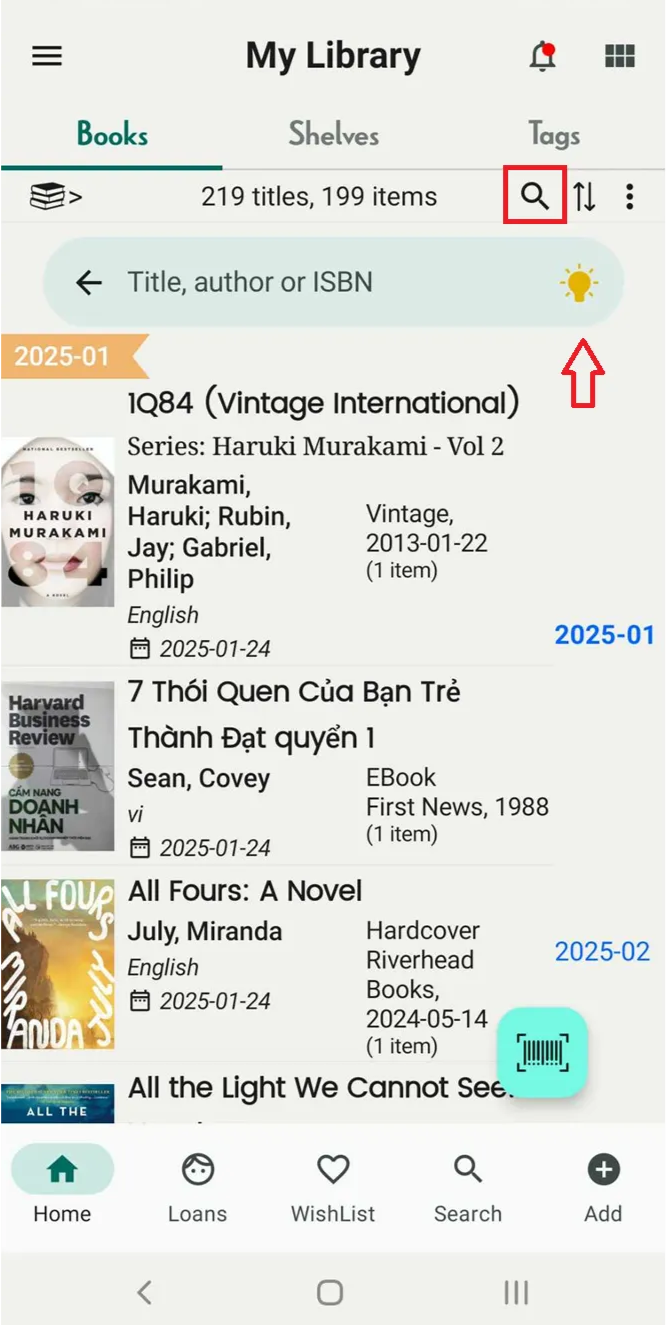
Step 6: Tap on the yellow bulb icon to view search tips