
For Christmas
Upgrade Subscription
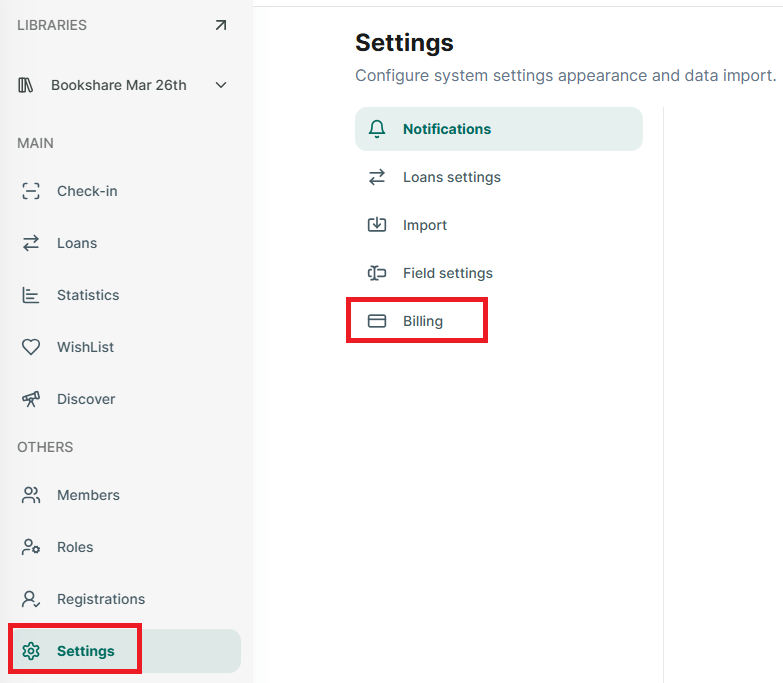
Step 1: Go to Setting section at the side menu
Step 2: Then Tap on “Billing” and it display all subscriptions
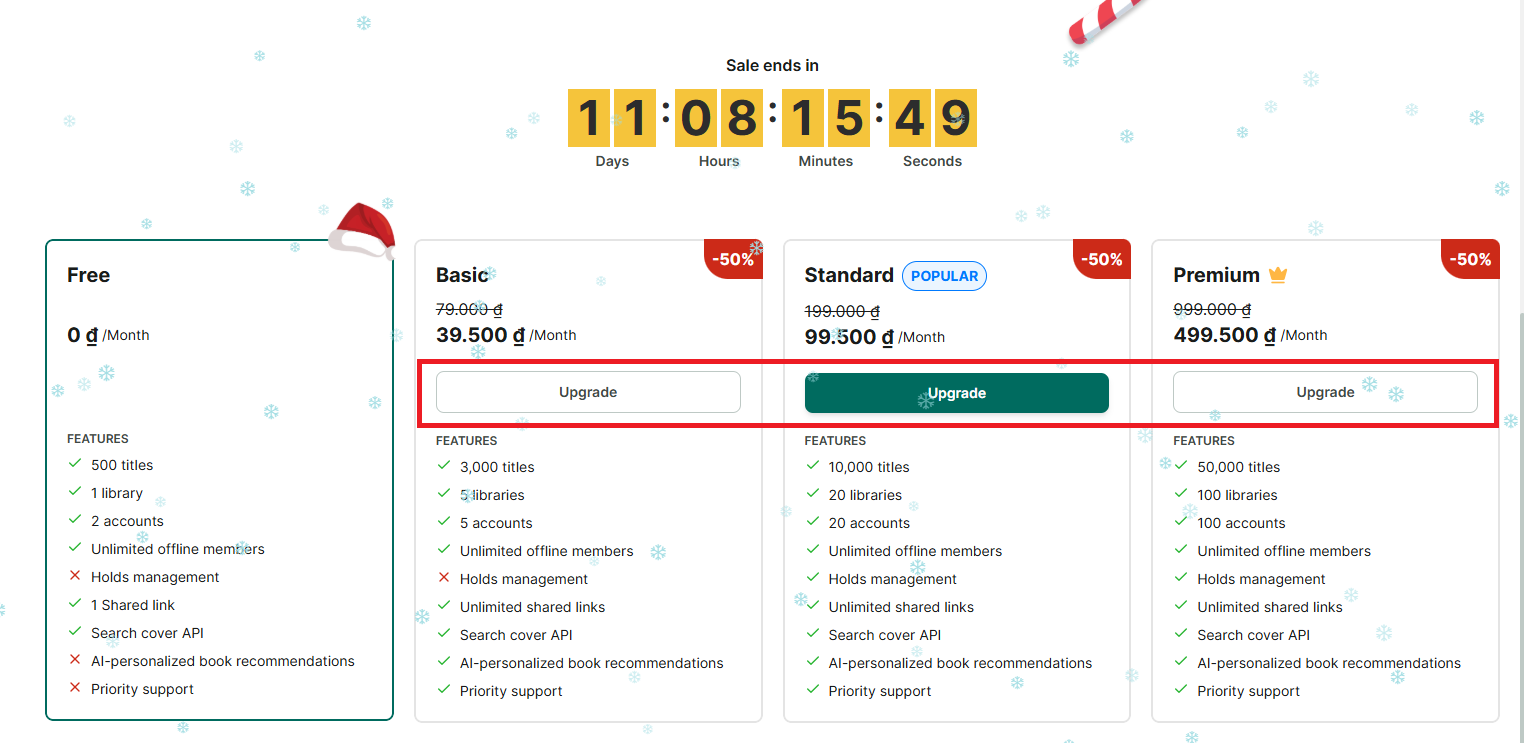
Step 3: Tap on a “Upgrade” button at the subscription you want to updgrade
Step 4: You can choose plan: Montly or Annual and then press “Continue”
Step 5: Redirect to the payment screen. Fill in the form with your payment information. The Christmas discount code has been automatically applied.
Step 6: After successfully purchasing, press
Cancel Subscription
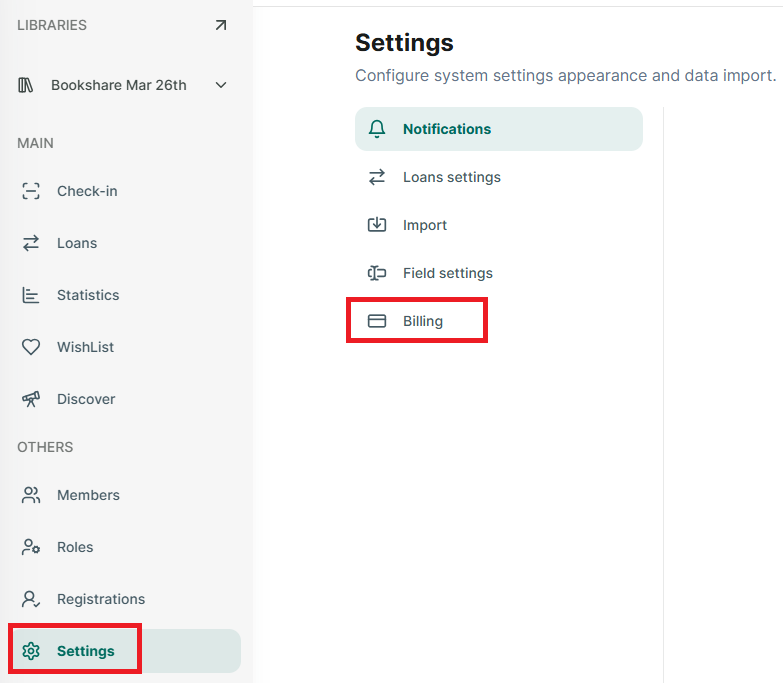
Step 7: Go to Setting section at the side menu
Step 8: Then Tap on “Billing” and it display all subscriptions
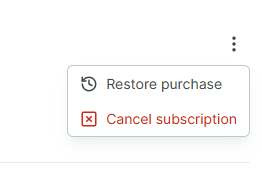
Step 9: Tap on the three-dot icon at the right side of the billing screen

Step 10: Select Cancel subscription
Step 11: Select “Yes, cancel” to cancel subscription
Step 12: Skoolib confirms that the subscription has been canceled.

Change plan
Step 13:
