
Discover
Add news and events
Step 1: Open app and access to “Discover” field at the side menu
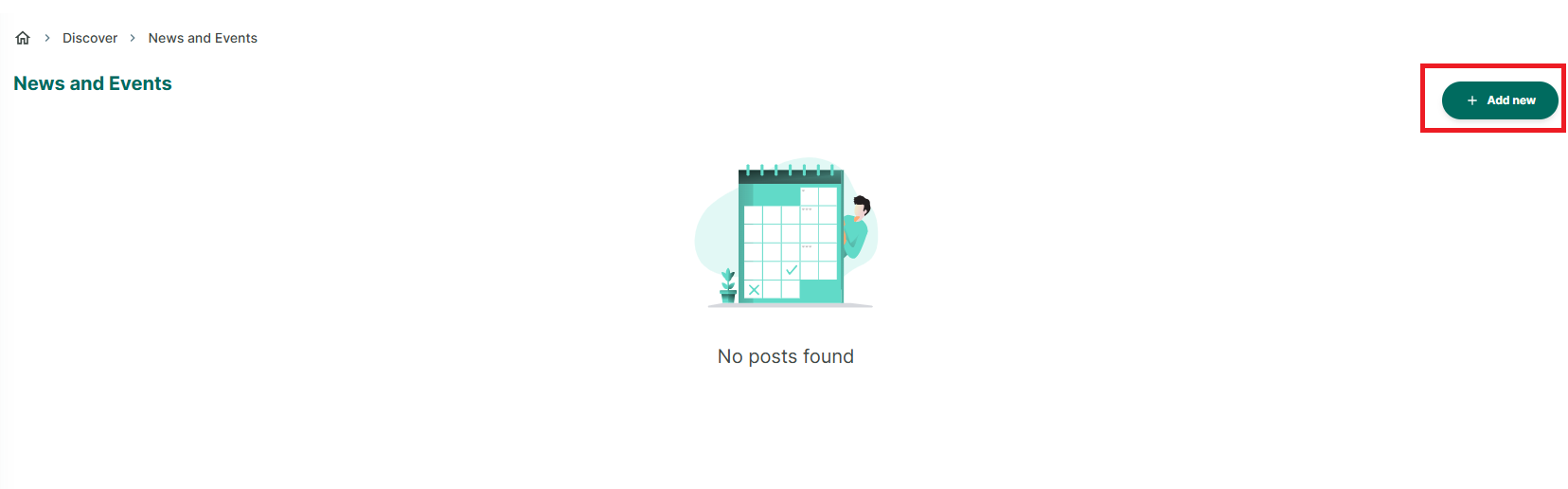
Step 2: Tap on “Add new” button to create a news or review
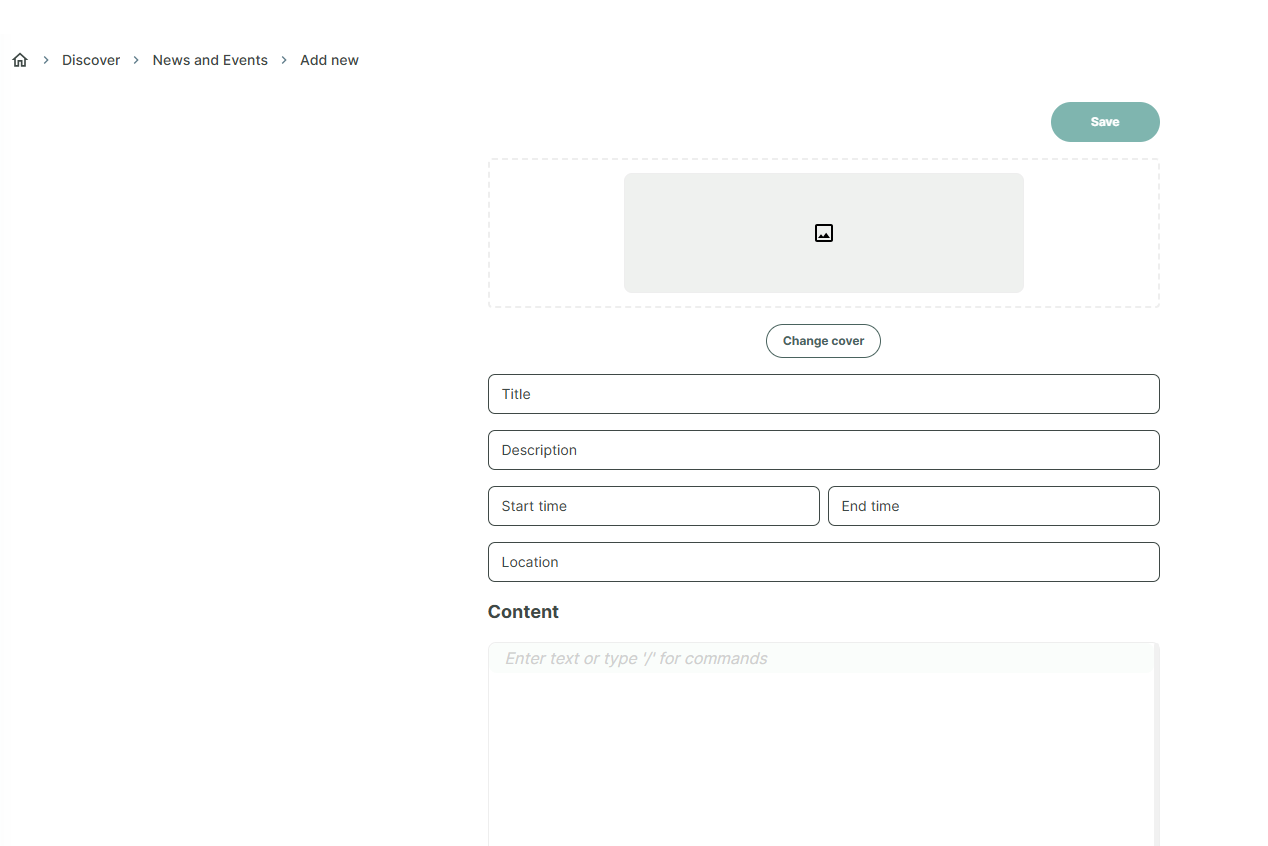
Step 3: Enter all information of new or event. And press “Save”
Chat with Skoolib
Answers come from the Help Center guides.